
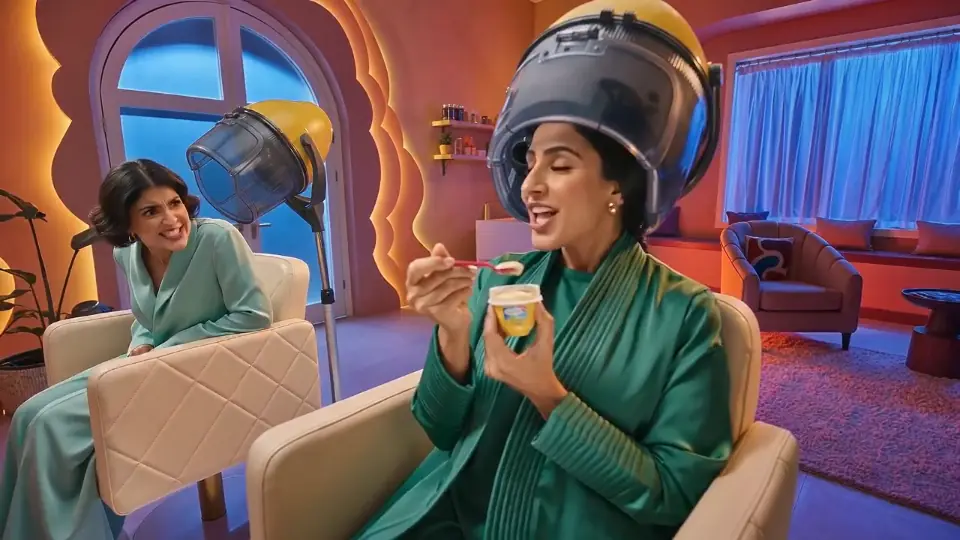
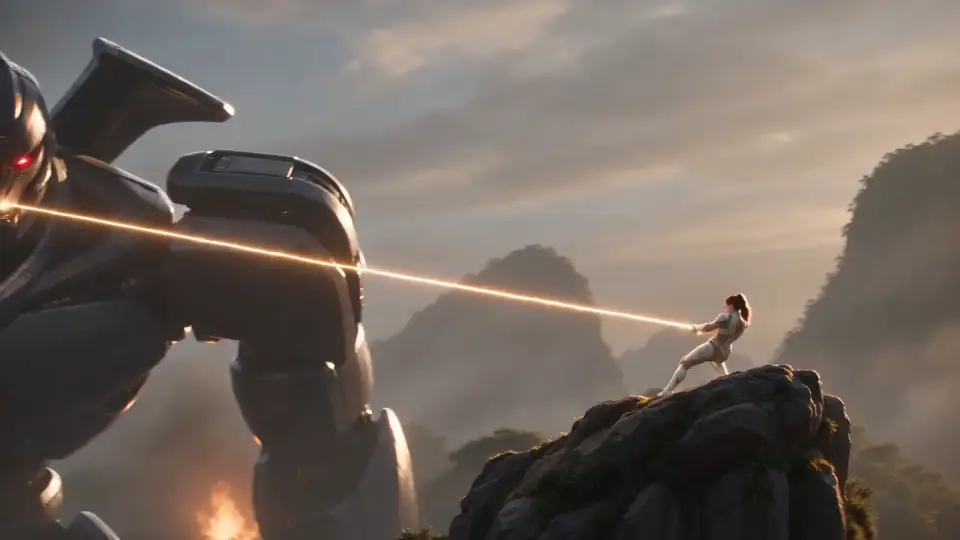
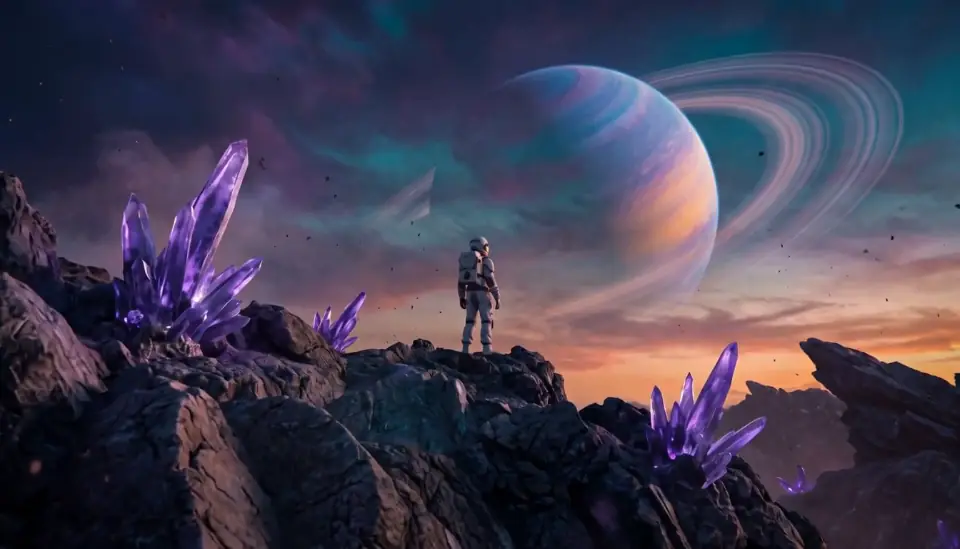
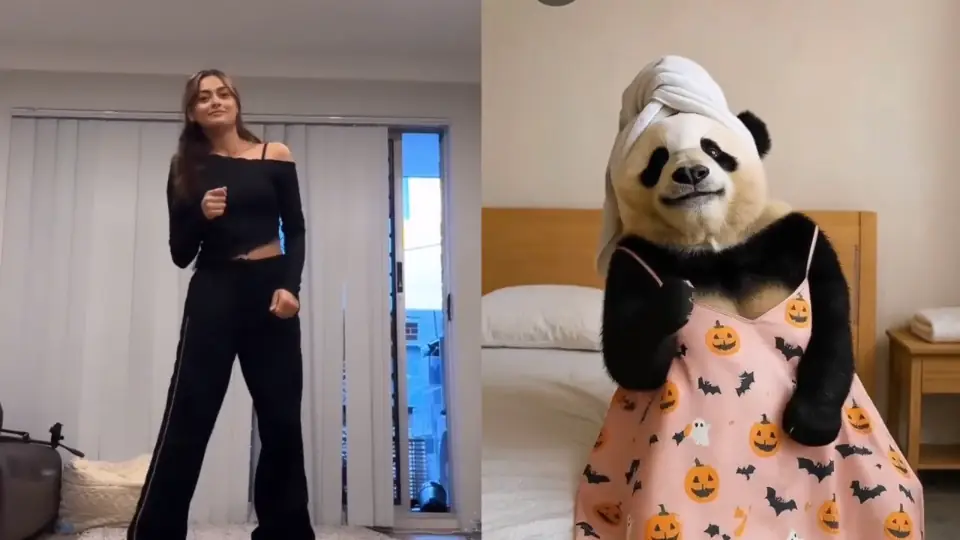
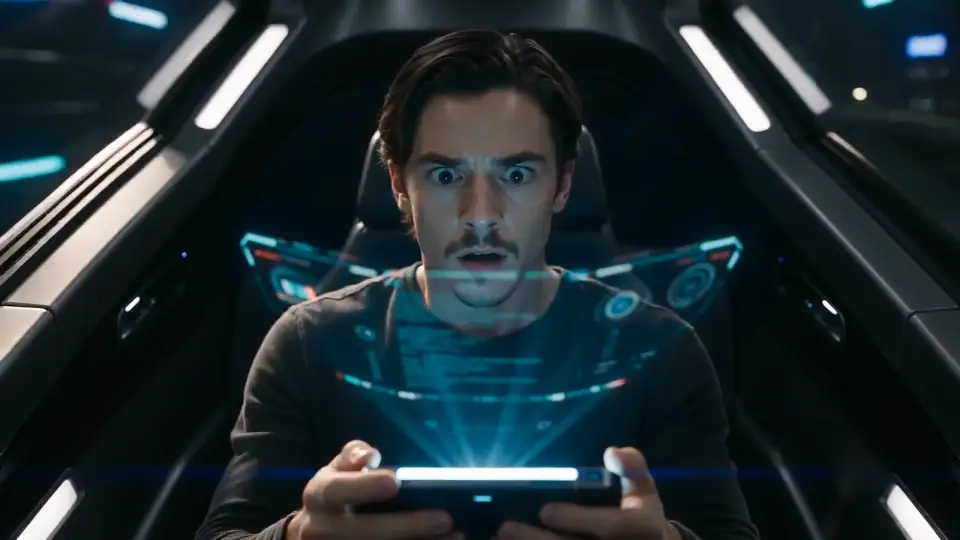
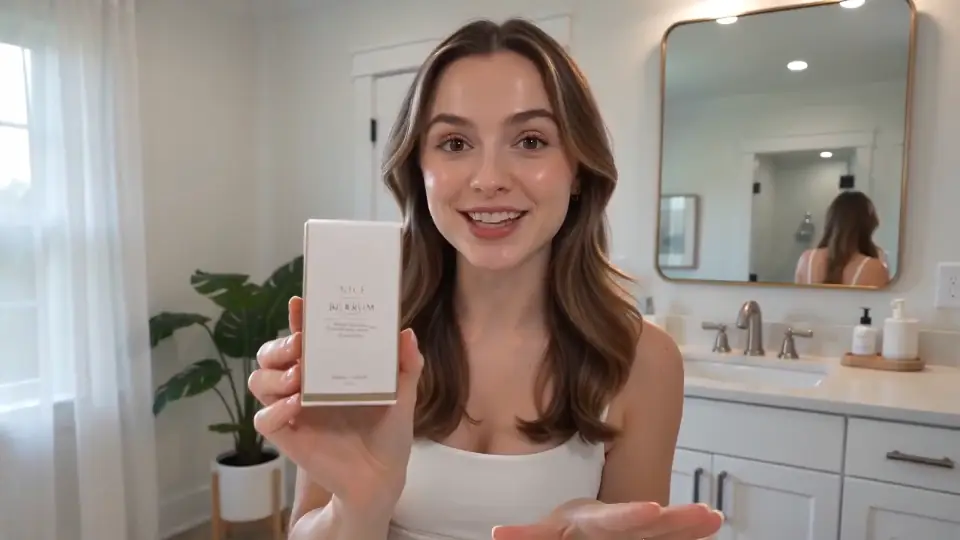
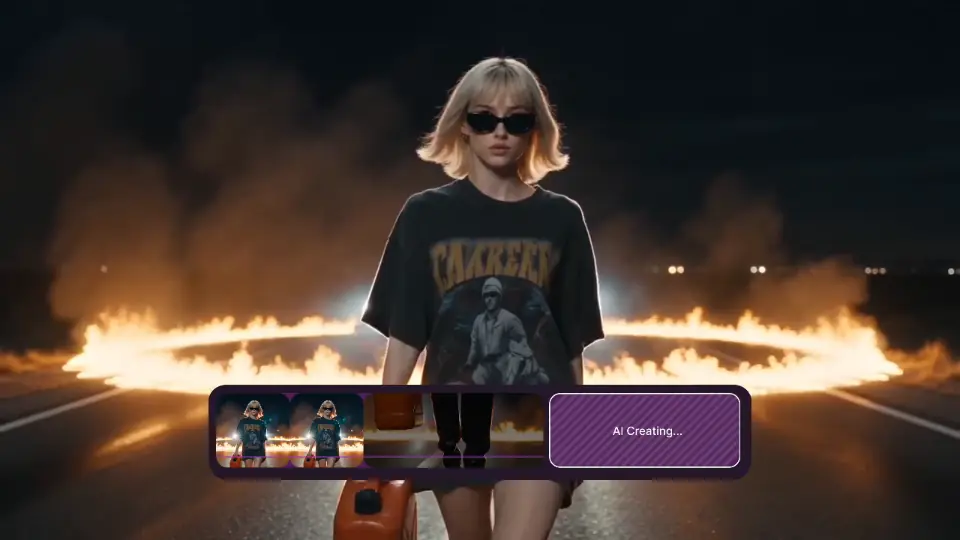
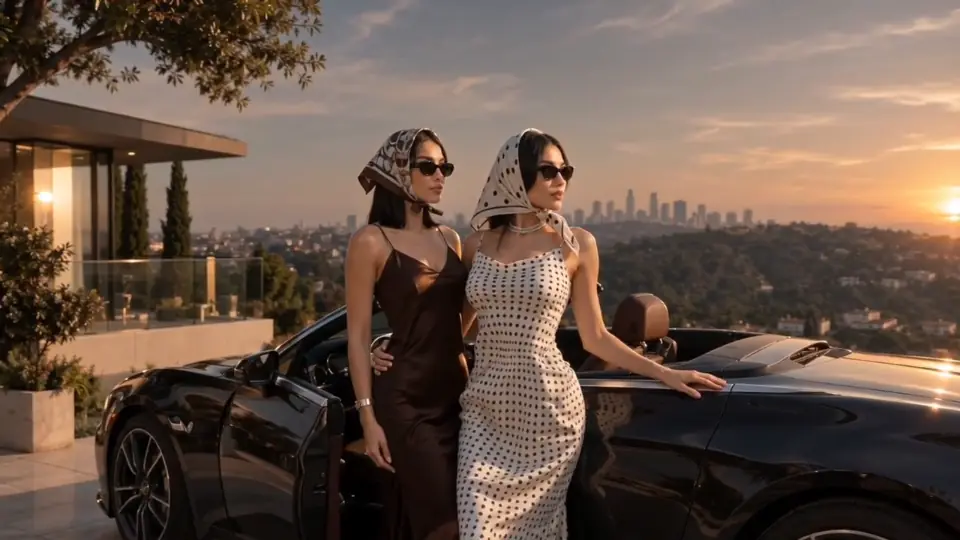

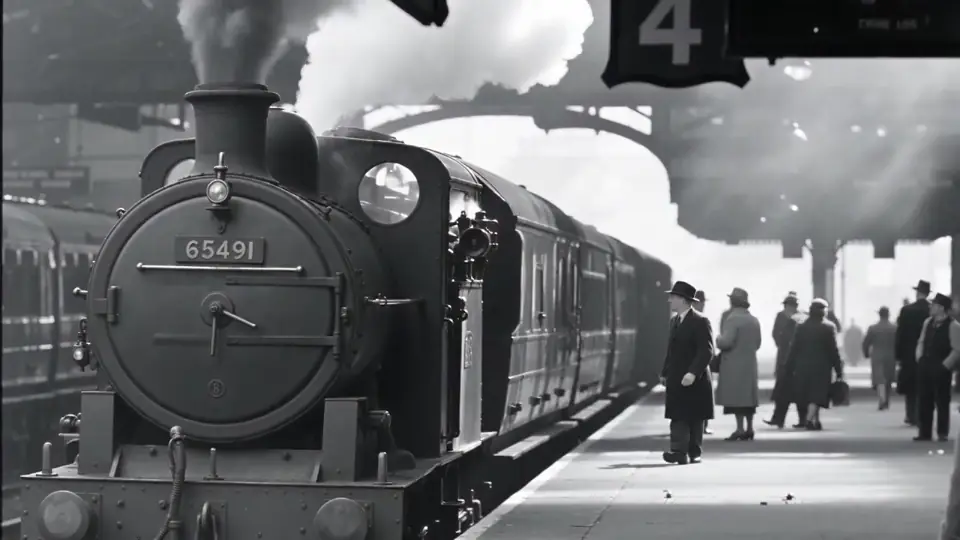
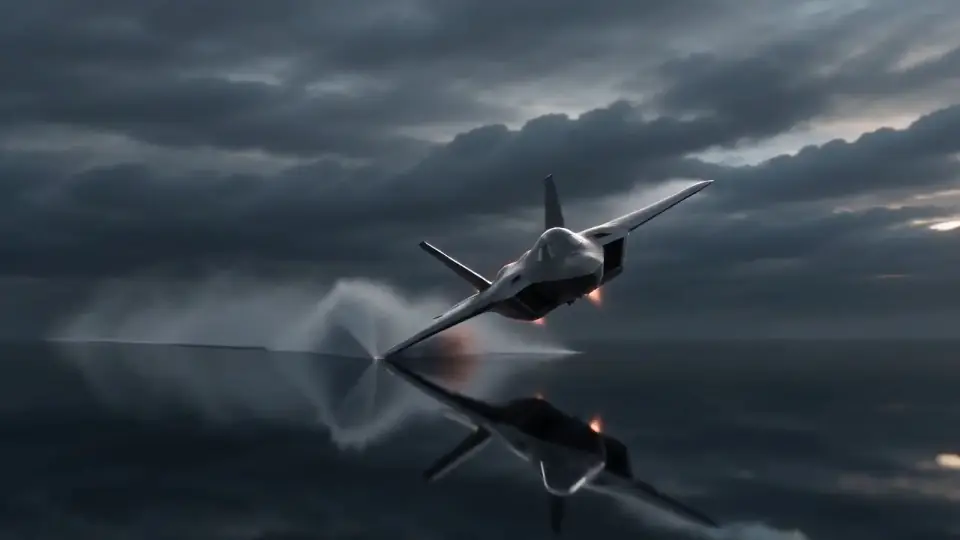
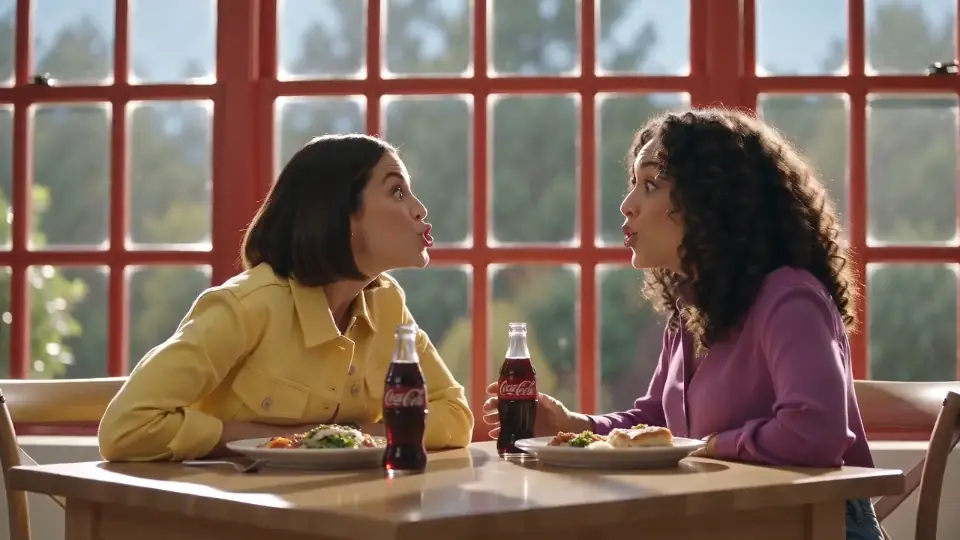
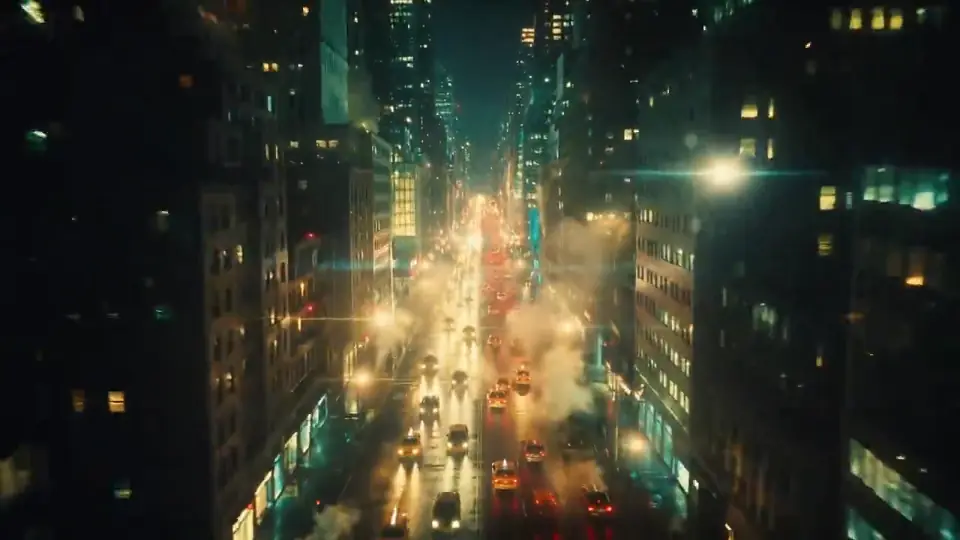
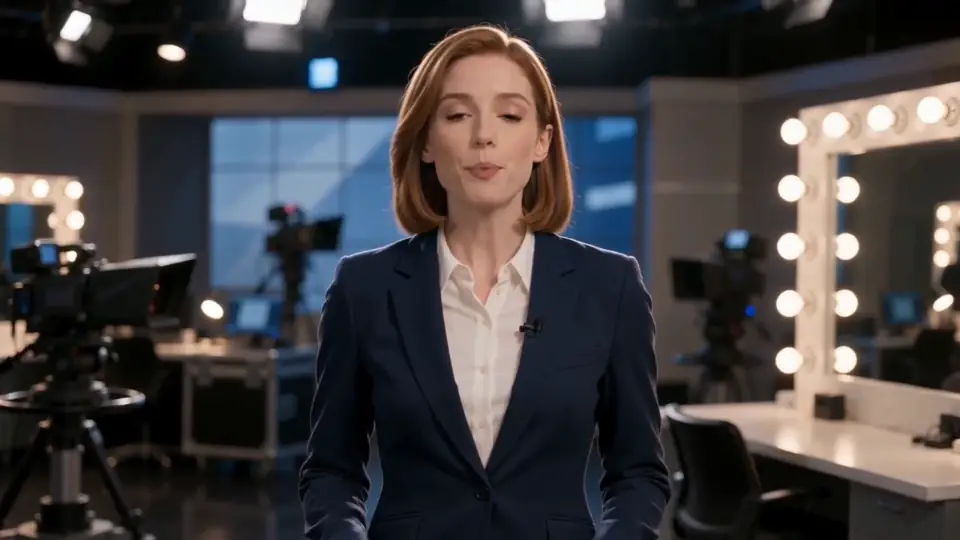
Free AI video generator to start
AI Video Generator: Create Videos from Text and Images
Generate product ads, social clips, talking-avatar videos and cinematic scenes with Pixara's multi-model AI video generator. Start with free sign-up credits, then add voice, sound, lip sync and upscaling as the project grows.
Sign-up required. Free credits available for new accounts. Limits and model availability vary.
Try this prompt in Pixara: "A slow cinematic push-in on a premium skincare bottle with realistic condensation and warm morning light."
Video models available in Pixara


What Pixara's AI video generator does
Pixara turns text prompts and reference images into short video clips using 27 video models (checked October 14, 2026), including Seedance, Kling, Google Veo, Hailuo, Wan, Luma, PixVerse, Runway, Flux, Happy Horse, Pika, Grok Imagine and Gemini Omni. Choose a model for the shot, add an image when you need visual guidance, then refine the result with editing, motion control, audio, lip sync and upscaling tools.
Every model has different limits for duration, resolution, references and sound. Pixara shows the controls for the model you select, so this page does not quote one universal limit.
Image to video
Every model accepts a JPG, PNG or WebP up to 10 MB as the first frame. See the dedicated image to video guide.
Enhance My Idea
Expand a rough concept into a fuller prompt before you generate.
Audio options
About ten of the 27 models generate sound, including Veo 3.1, Seedance and Kling 3.0. Sound effects, voiceover and lip sync are separate tools.
AI lip syncMotion Control
Animate a character image from a 3 to 30 second reference video.
AI character animation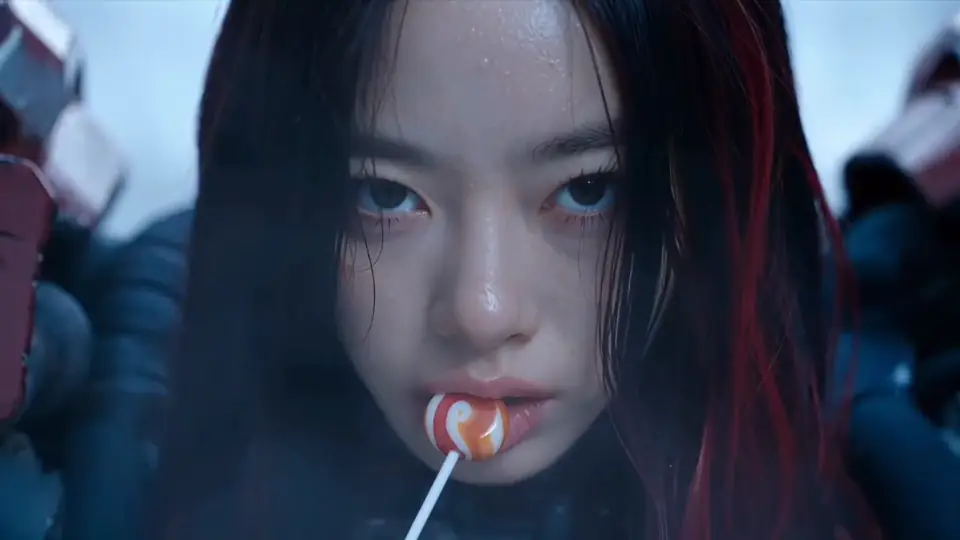
Edit and upscale
Edit a clip with a prompt, or upscale footage of up to 20 seconds to as much as 4K.
AI video upscalerPixara video tools
Every AI video tool in one place
Start from the job: generate a clip, animate an image or a character, extend or upscale footage, sync a voice or build a persona. Each guide covers the inputs, settings and limits.
- Create video
Text to Video
Describe a scene in plain words and get a clip with motion, camera work and sound.
- Create video
Image to Video
Animate product photos, artwork and AI images with a motion prompt.
- Create video
Runway Gen 4 Turbo
Generate image-to-video clips with Runway Gen 4 Turbo inside Pixara.
- Characters and people
Kling Motion Control
Transfer a reference video's movement to your character image.
- Edit and enhance
AI Video Extender
Make a clip longer by generating what happens next.
- Edit and enhance
AI Video Upscaler
Turn soft, low-resolution clips into sharp 1080p, 2K or 4K video.
- Edit and enhance
AI Lip Sync
Match mouth movement to a new audio track or a typed script.
- Characters and people
AI Video Face Swap
Recreate a clip's movement and expression with the person from your photo.
- Characters and people
AI Influencer Generator
Build a fictional persona with consistent images, video and voice.
- Characters and people
AI Character Generator
Create original character art for games, stories, comics and campaigns.
- Ads and images
UGC Ads Generator
Turn a product photo and a script into creator-style video ads.
- Ads and images
AI Clothes Changer
Show garments on AI models in short vertical fashion videos.
Working with stills? Merge photos with the AI Image Combiner or compare every model in the model directory.
Built for teams that need more than one video
Pixara is for ecommerce brands, performance marketers, agencies and small creative teams that need to turn one brief into several video concepts.
1. Product ads
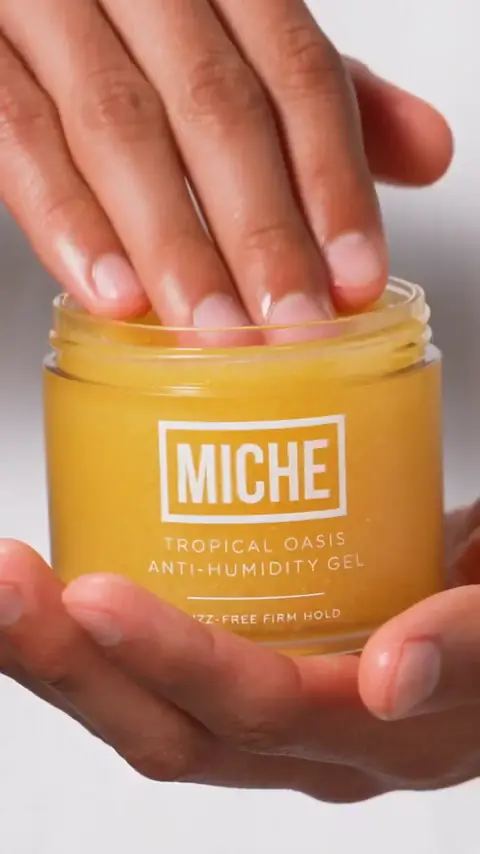
Turn one product into more creative directions
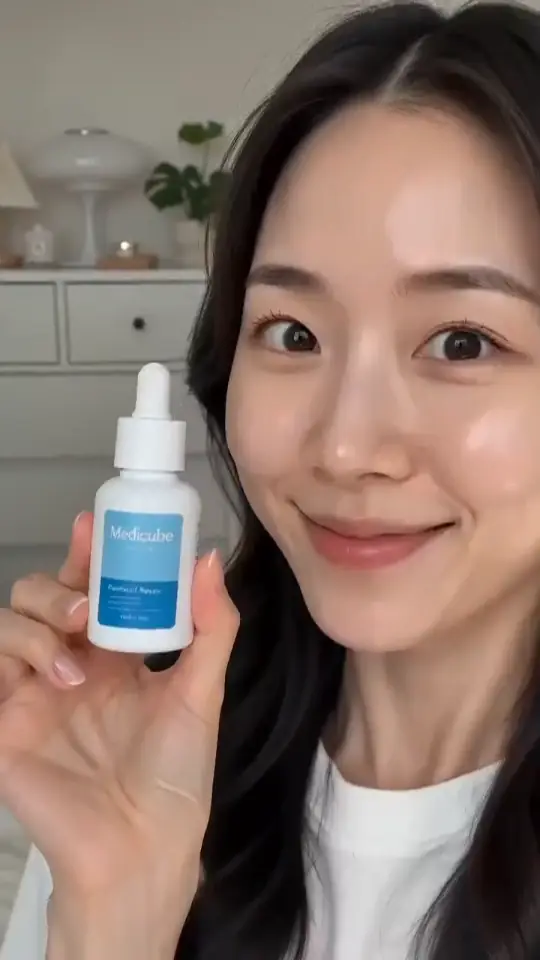
Start from a product image or a concept in Product Ads, then build demonstrations, lifestyle scenes, close-ups and promotional ideas from one brief. Test different hooks, settings and camera moves without planning a new shoot for each variation. Templates are starting points, and a finished ad still needs your review.

2. UGC-style social ads
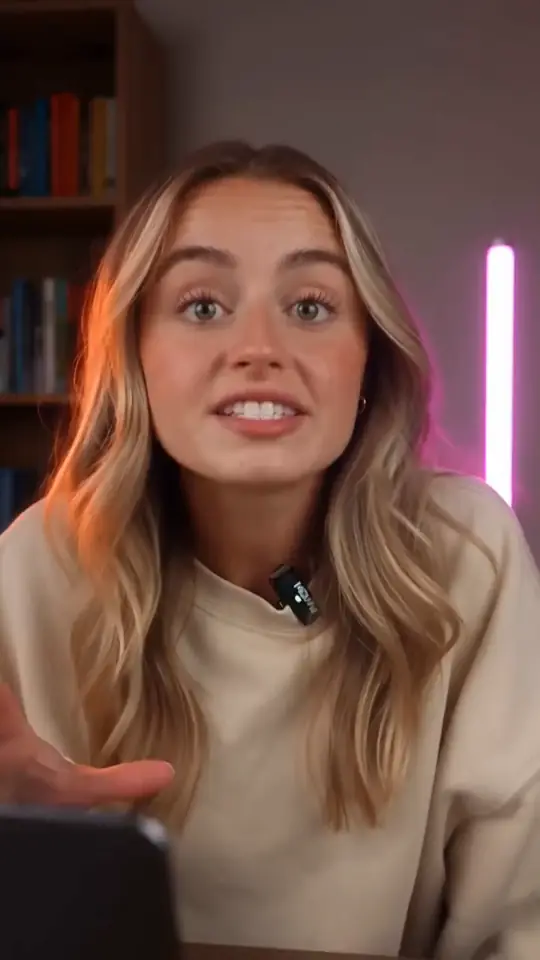
Create more variations for performance creative
Develop different hooks, presenters, product demonstrations, voiceovers and calls to action around the same offer. Combine creator-style video, product visuals and supporting footage. Pixara suits teams that need a campaign library, not a single talking-head clip.
3. Talking avatars
Turn a script into a presenter video
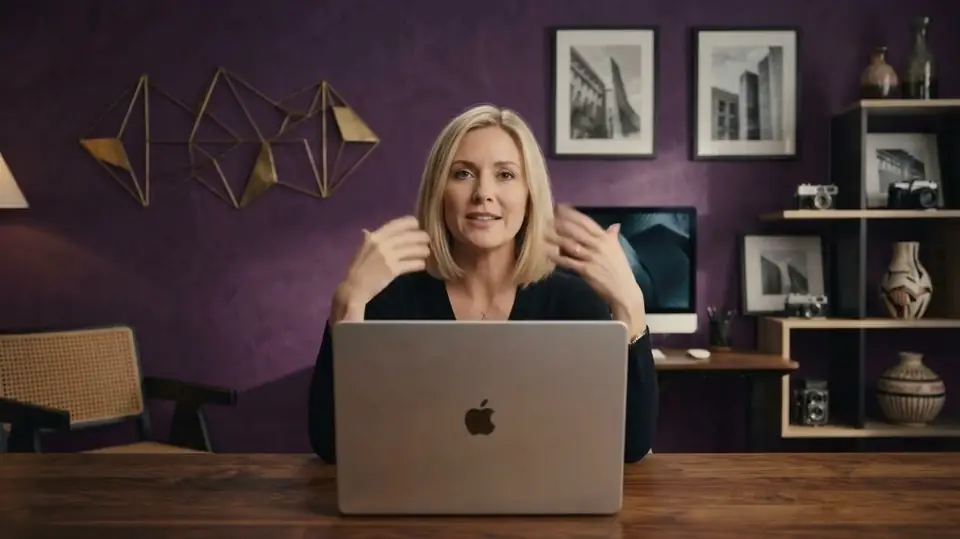
Upload an avatar image, add a script or an audio track, and create a talking video with synchronized speech. The current AI avatar workflow runs from five seconds to five minutes, following the length of your audio. Use it for explainers, product walkthroughs and feature announcements.
4. Repeatable campaigns
Build the process once, reuse it for every campaign
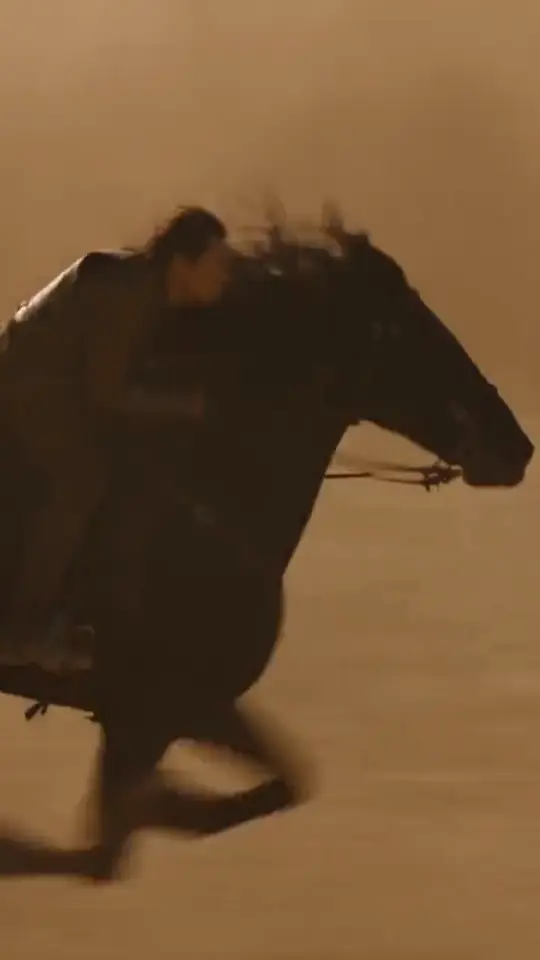
Connect image, video and audio steps in Workflows, a visual builder for desktop. Generate product images, animate the best one, add a voiceover, then rerun the same pipeline for the next product.
More than a video model picker
Most platforms now offer the same leading models. What differs is everything around them.
Ara
Describe the result in plain language and Ara, Pixara's creative co-pilot, helps turn it into a stronger prompt, with suggestions for camera, lighting and motion. It is an assistant, not a quality guarantee.
Workflows
Chain image, video, audio and editing steps into a saved pipeline you can reuse.
MCP
Run Pixara's tools from Claude, ChatGPT, Cursor and other supported assistants through Pixara MCP, using your own account and credits. Other platforms offer MCP too. Pixara's sits alongside product-ad, avatar and voice tools.
Video in seconds
Plans state video capacity in seconds as well as credits: 222, 833, 2,000 and 4,400 a month. Treat these as estimates, because credit use varies by model, length, resolution and audio.
Make a product image, a vertical ad and a voiceover for our travel bottle.
Product image
Vertical video
Voiceover
Model access is becoming easier to find. The harder problem is turning those models into a dependable production process.
Which Pixara video model should you use?
There is no single best model for every shot, so start from the job. This guide is based on each model's published capabilities, not on a Pixara benchmark.
| Model | Start here for | Worth knowing |
|---|---|---|
| Seedance 2 Mini | Quick tests and short concepts | The default in Create Video, with an 8-second setting. |
| Seedance 2.0 | Several references and character continuity | Image, video and audio inputs, plus multi-shot sequences. |
| Seedance 2.5 | Longer cinematic single takes | Documented at 30 seconds in one shot. The picker offers up to 1080p. |
| Kling 3.0 | Camera movement, action and physical motion | 4 to 15 seconds, with Prompt Sequence for multi-beat shots. |
| Google Veo 3.1 | Dialogue, ambient sound and native audio | 720p or 1080p, 4 to 8 seconds. |
| Hailuo 3 | Water, smoke, fire, fabric and hair | Adaptive framing; less suited to detailed facial performance. |
| Wan 3.0 and 2.7 | Longer, coherent clips and multi-reference work | Wan 2.7 also accepts an audio upload. |
| Luma Ray 3.2 | Loops and start-frame animation | 5 or 10 seconds, up to 1080p. |
| Runway Gen 4 Turbo or PixVerse V6 | Fast image-to-video and multi-clip ideas | Check each model's ratios and durations. |
| Pika 2.2 | Social effects, transitions and fast experiments | Not the pick for strict cinematic realism. |
| Grok Imagine Video | Complex, prompt-led visual experiments | Technical limits are not yet documented. |
| Gemini Omni Flash 1.1 | Combined image, video and audio work | Native audio, up to 4K. |
Unsure? Run a short Seedance 2 Mini test, then switch models once you know what the shot is missing. The model directory covers each one in detail.
Seedance 2 Mini
Quick tests
Seedance 2.0
Reference continuity
Kling 3.0
Camera movement
Google Veo 3.1
Dialogue and native audio
Hailuo 3
Water, smoke and fabric
Pika 2.2
Social effects
How to create an AI video in Pixara
- 1
Sign up and open Create Video.
- 2
Choose a model. Seedance 2 Mini is the current default.
- 3
Add a reference image if you need visual continuity.
- 4
Describe the shot, and use Enhance My Idea if you want help.
- 5
Set the duration, add audio where the model supports it, and generate. Results appear in History & Queue.
A prompt formula that works
Subject + one main action + environment + camera movement + lighting + style + what must stay the same.
Three ways to waste fewer credits
- Test short first. Check product shape, logo, hands and motion before a long, high-resolution run.
- Ask for one subject and one action. Several characters, cuts and effects in one short clip rarely hold together.
- Change one thing at a time, so you know what fixed the shot.
When AI video is the wrong tool
Do not rely on generated video for exact on-pack text, legal copy, precise product dimensions or long continuous dialogue. If a customer needs to see the real product being opened, worn or installed, film that, and use Pixara for supporting b-roll, backgrounds and variations.
Test short
Inspect
Change one thing
Regenerate
Four prompts to try
Sample prompts only. Results vary by model, reference image and settings.
Product image to video
Kling 3.0 or Seedance 2.0A stainless-steel travel bottle on dark stone at sunrise. Slow push-in, warm rim light, condensation forming. Keep the bottle shape, logo and color consistent.
Dialogue with native audio
Google Veo 3.1A founder in a bright studio speaks to camera: “Meet the simpler way to organize your work.” Natural gestures, soft room ambience, gentle camera movement.
Environmental motion
HailuoAnimate this mountain lodge: chimney smoke rising, snow drifting, warm light flickering in the windows. Keep the architecture and framing stable.
Social transformation
Pika 2.2The sneaker lifts off a studio surface as neon streaks sweep behind it. Quick camera orbit, background shifts from white to electric blue. End on a clean close-up.
Which is the best AI video generator?
It depends on the job. Here is how Pixara compares with three alternatives, including where each one is the stronger choice.
| Platform | Entry plan | Best fit | Where it leads |
|---|---|---|---|
| Pixara | Starter, $10 a month: 4,000 credits, 222 seconds of video | Brands and agencies that want models, voice, avatars and workflows in one account | Video capacity stated in seconds. Ara, Workflows and MCP on every plan. |
| OpenArt | Starter, $14 per seat a month: 4,000 credits, about 50 videos | Creators who want a mature video-editing suite | Saved characters, storyboards, conversational editing and video extension. |
| Runway | Standard, $12 a month billed annually: 625 credits, about 52 seconds of Gen-4.5 | Professionals who want a dedicated video platform | Its own models, brand kits and 4K upscaling. |
| Magnific (formerly Freepik) | Premium: 240,000 credits a year, billed annually. Price varies by region. | Teams that also need stock assets and design tools | 250M+ stock assets and a stated commercial AI license. |
Pricing checked October 12, 2026. Seconds, credits and video counts are not directly comparable, because usage depends on model, length and settings.
For more detail, see the comparison hub or Seedance 2.0 vs Veo 3.1 vs Kling 3.0.
Before you publish
Check the rights and privacy position before you use a video in a campaign.
Commercial use
Pixara's Terms currently describe use as non-commercial unless explicitly agreed. Confirm the terms that apply to your plan before running a video as a paid ad or delivering client work.
Visibility
Free-credit and Starter generations are public. Hobby offers optional private generations. Pro and Ultimate are private by default.
Model training
Pixara's Terms and Privacy Policy say prompts and generated content may be used to train and improve its AI models. Do not upload confidential or unreleased client assets until you have reviewed them.
Rights
Use only images, voices, logos and likenesses you own or have permission to use.
- ○ Commercial use
- ○ Visibility
- ○ Model training
- ○ Rights
Free credits and pricing
New accounts start with free credits. Pixara does not publish the amount, and it can change. A separate $1 Starter trial is available to eligible new users. It lasts three days, then converts to the monthly Starter plan unless you cancel.
Compare plans| Plan | Price a month | Generative video | Visibility |
|---|---|---|---|
| Starter | $10 | 222 seconds | Public |
| Hobby | $20 | 833 seconds | Optional private |
| Pro | $36 | 2,000 seconds | Private by default |
| Ultimate | $150 | 4,400 seconds | Private by default |
Monthly prices as displayed on October 12, 2026. Hobby, Pro and Ultimate were shown at promotional rates.
222sStarter
833sHobby
2,000sPro
4,400sUltimate
Is Pixara the right fit?
A good fit if you
- need several video concepts from one brief
- want models, voice, avatars and workflows in one account
- prefer to see video capacity in seconds
Look elsewhere if you
- want unlimited free generation or no sign-up
- need a full timeline editor for frame-by-frame work
- expect one prompt to produce a finished commercial
Pixara is a generation and creative-production layer, not a timeline editor. For detailed editing, finish your exported clips in a conventional editor.
Frequently Asked Questions
Is Pixara a free AI video generator?
Can I use the AI video generator free with no sign up?
Which video models can I use?
Which model should a beginner start with?
How long can a video be?
How much does Pixara cost?
Can I use Pixara videos in paid ads?
Are my generations private?
What does “unlimited daily models” mean?
Is Pixara the best AI video generator?
Create your first AI video
Sign up, run a short test, and see which model fits your shot.
Start creating with free creditsSign-up required. Free credits available for new accounts. Limits and model availability vary.