
Creator clips
Put a generated or fictional character through a dance, trend or reaction you recorded yourself.
Give Pixara a character image and a reference video. Kling 3.0 Motion Control transfers the video’s movement to your character, while the image sets the character, background and style.
Sign-up required. Free credits for new accounts. Limits and model availability vary.
Free credits are not the same as private generation: free and Starter generations are public. Use only images and videos you own or have permission to use.
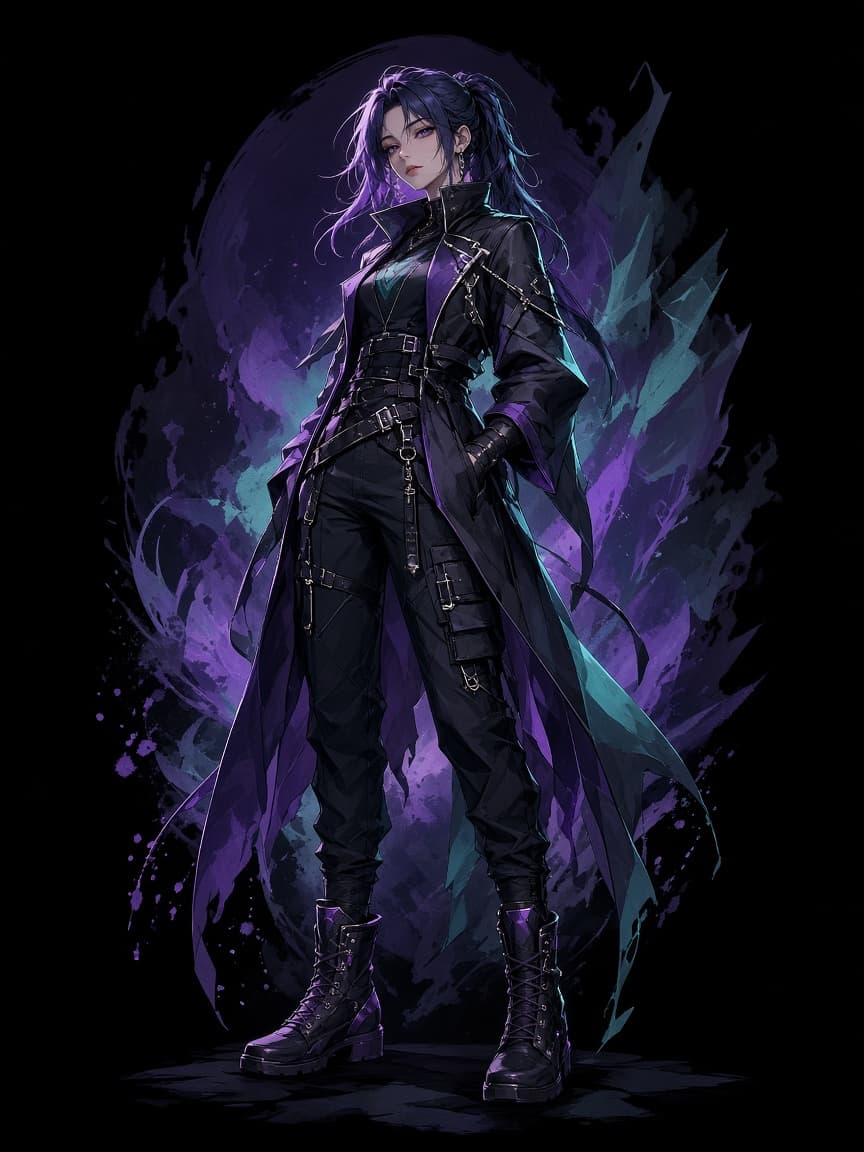
Character image
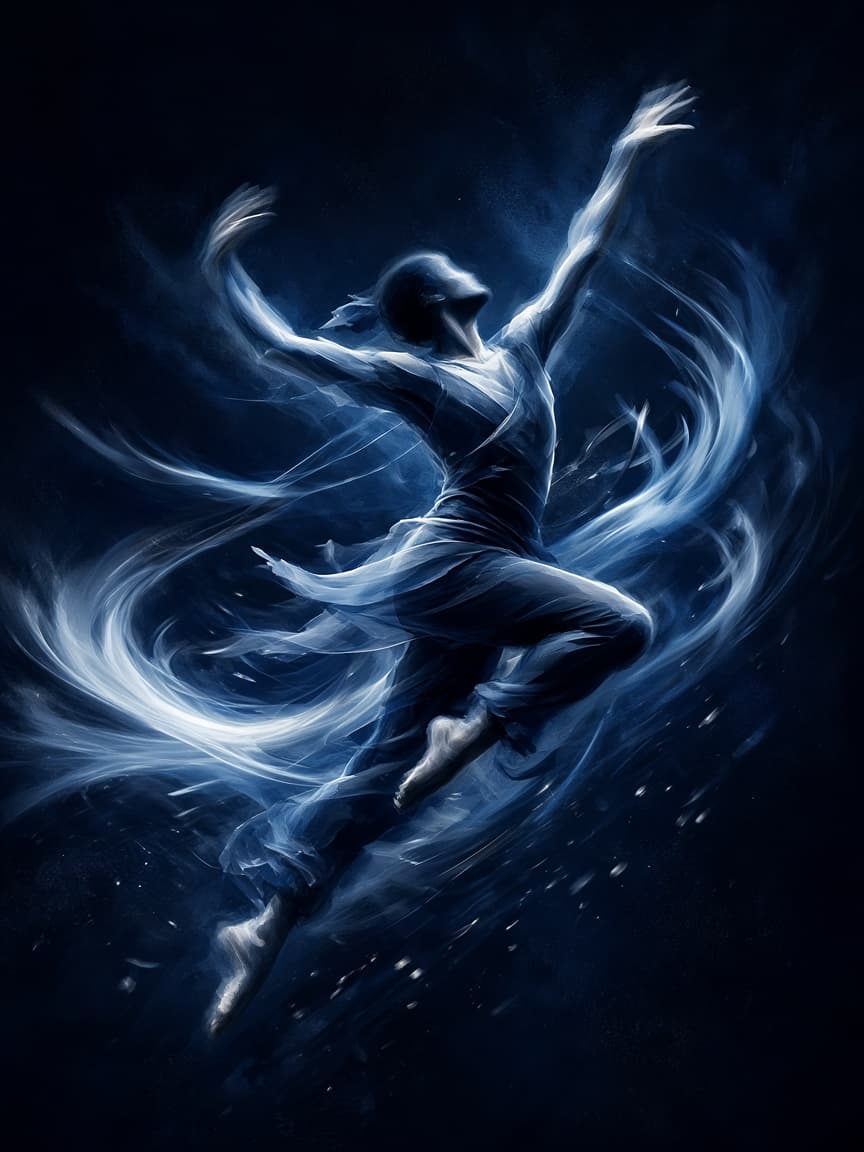
Reference video
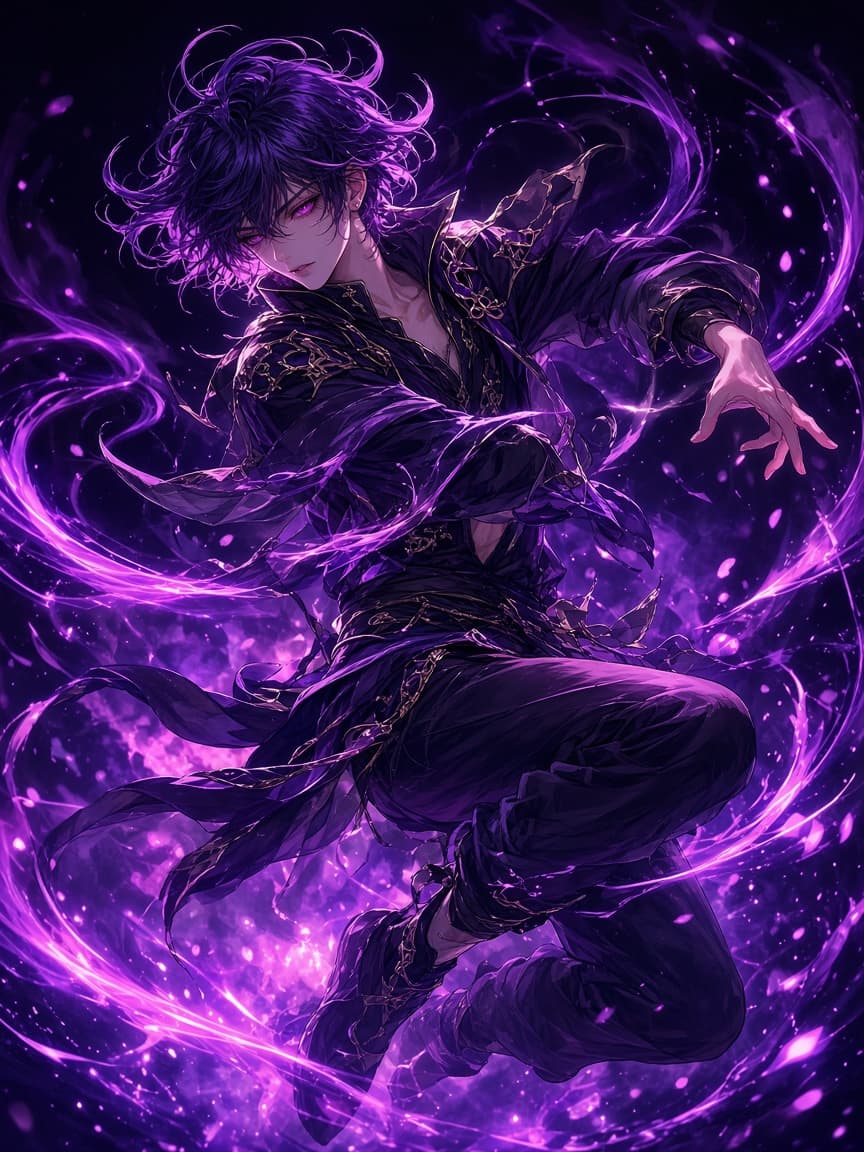
Animated character
Kling Motion Control is AI motion transfer. You supply two things: a still image of a character, and a short video of someone or something moving. The model animates your character so it performs the movement from the video.
The two inputs do different jobs. The image decides who and what appears, along with the background and visual style. The reference video decides the actions and movement. That makes it a practical form of AI character animation for dance clips, gestures, blocking and performance tests, without animating anything by hand.
Upload a character image. JPG, PNG or WebP up to 10 MB. It sets the character, background and style.
Add a reference video. MP4 or WebM up to 50 MB, between 3 and 30 seconds. It sets the actions and movement.
Describe anything extra. Use the prompt, or Enhance My Idea, for details the inputs don’t cover.
Choose quality and sound. Standard or Pro, and Keep Video Sound under Advanced Settings if you want the reference audio.
Generate and review. Check limbs, hands and the character’s look against your image before you use it.
| Input or setting | What it does | Limits |
|---|---|---|
| Model | Kling 3.0 Motion Control | — |
| Character image | Sets the characters, background and style | JPG, PNG or WebP, up to 10 MB |
| Reference video | Defines the character’s actions and movement | MP4 or WebM, up to 50 MB, 3 to 30 seconds |
| Prompt | Adds detail; Enhance My Idea can expand it | — |
| Quality | Standard or Pro | — |
| Keep Video Sound | Keeps the reference video’s audio | In Advanced Settings |
As shown on Pixara’s Motion Control screen on October 14, 2026. Settings can change, so check the live screen.
| Kling Motion Control | A face swap tool |
|---|---|
| Animates a character image | Replaces a face inside existing footage |
| Takes movement from a reference video | Keeps the original footage and swaps the identity |
| The image sets the character, background and style | The original video sets the scene |
| Suits character animation and previsualisation | Suits direct face replacement |
Kling Motion Control
Animates a character with reference movement.
Face swap · Not offered
Replaces a face inside existing footage.
Pixara doesn’t currently offer a dedicated face swap tool. If direct face replacement is the job, a dedicated face swap service may suit you better; check its consent, moderation and privacy terms before uploading anyone’s face.
Put a generated or fictional character through a dance, trend or reaction you recorded yourself.
Test blocking and movement for a scene with stand-in characters before a shoot.
Animate a mascot or illustrated character you own, using a reference performance.
Act out a movement on camera and transfer it to an illustrated or 3D-style character.
General guidance for motion-guided animation, not Pixara test results.
Hands or limbs distort
Use slower, simpler movement and avoid hands crossing the body.
The character drifts from the image
Match the pose and framing of the image to the video’s first moments.
Fast motion breaks up
Pick a reference with smoother movement, or a shorter clip.
Only upload faces, footage, voices and other likeness-related material you own or have permission to use. If the person would reasonably believe you had no permission to use their likeness, don’t upload it.
| Choose Pixara Motion Control if you | Choose a dedicated face swap tool if you |
|---|---|
| Want to animate an approved character with reference movement | Need direct face replacement in existing footage |
| Want motion transfer inside a wider video workspace | Need face-specific controls and a specialist interface |
| Work with fictional, generated or consented assets | Need provider-documented consent checks or likeness moderation |
| Want to combine it with image-to-video, voice and avatars | Need documented private processing or non-training terms |
Features, privacy terms and moderation vary by provider. Review current product and policy pages before uploading any face or likeness-related material.
Free and Starter generations are public on Explore. Under Pixara’s current Terms and Privacy Policy, uploads and outputs may also be used for model training. Don’t upload private or identifying material you aren’t comfortable with on those terms.
The Terms describe use as non-commercial unless explicitly agreed, and model-provider terms may also apply.
Platforms may require labels for realistic AI-generated or AI-edited content. Check the current rules on Instagram, TikTok and YouTube.
Laws in many places restrict non-consensual intimate imagery, impersonation, election deception and misleading endorsements. Rules vary and change, and you’re responsible for complying.
This page provides general product and safety information, not legal advice. Laws, platform rules and provider policies vary by location and may change.
Image to video adds motion from a prompt, without a reference video.
Image to video →AI Avatars pairs an image with a script or audio file.
AI Avatars →The AI video generator covers text-to-video and every model.
AI video generator →Pick a character image, record or choose a reference move, and let Kling Motion Control do the rest.
Start creating with free creditsSign-up required. Free credits for new accounts. Limits and model availability vary.
Free credits are not the same as private generation: free and Starter generations are public. Use only images and videos you own or have permission to use.
Only upload faces, footage, voices and other likeness-related material you own or have permission to use. If the person would reasonably believe you had no permission to use their likeness, don’t upload it.