Upload a photo of yourself or your character and a reference video. Pixara recreates the clip’s movement, expression and timing with the person from your photo, so it’s your face in the performance.
Sample preview. Only use faces you own or have permission to use. Sign-up required; free credits for new accounts.
 Your photo
Classic face swap pastes one face over another frame by frame. Pixara takes a different route: Kling 3.0 Motion Control reads the movement in a reference clip and generates a new video in which the person from your image performs it. You get your face, outfit and look, driven by someone else’s performance.
A clear photo of the person or character who should appear.
A 3 to 30 second clip whose movement you want to copy.
A new video of your character performing that motion.
Good to know: this is motion transfer, not pixel-level face replacement on the original footage. The background, lighting and details are regenerated, so results won’t match the source video exactly.
How it works
 1
Use a sharp, well-lit image. Match the framing of the video: a portrait for talking clips, full body for dances.
Pick a clip with clear, steady movement and one main person. The motion is what carries over.
Kling 3.0 Motion Control recreates the performance with your character. Review it and try again with a tweak if needed.
Recast any performance with a face you have the rights to use.
Your own selfie, a team member who said yes, or an original character.

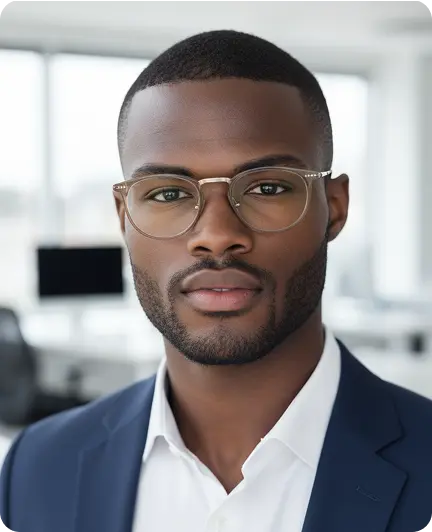


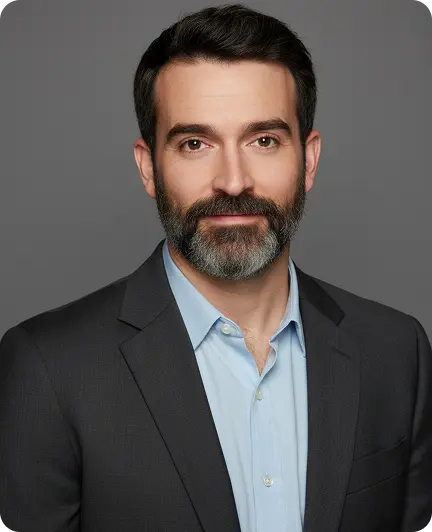
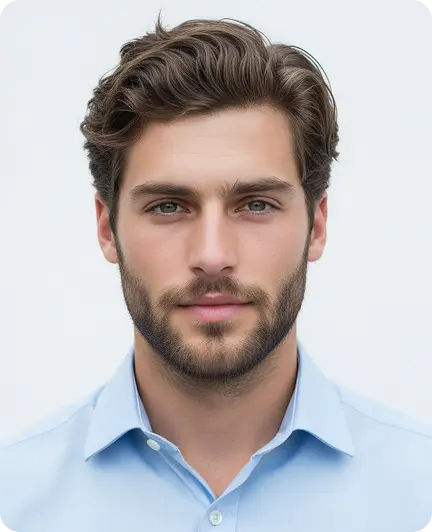
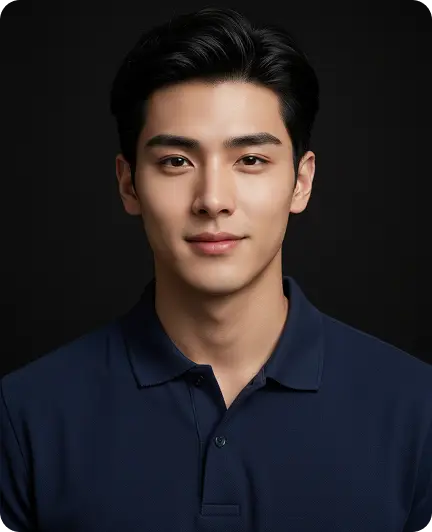
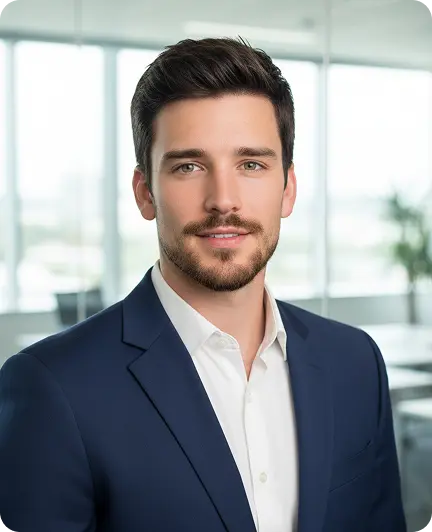
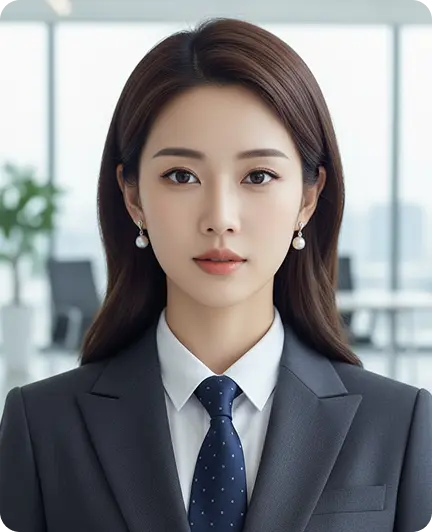
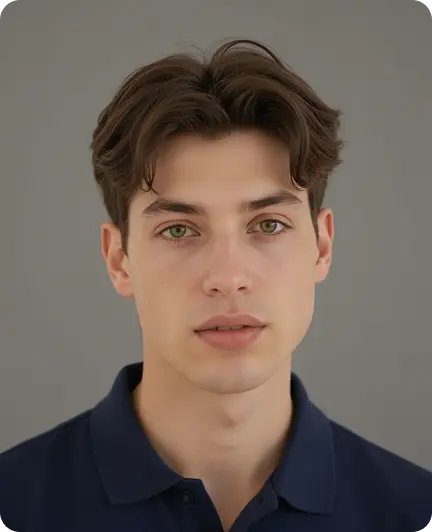
Your photo
Reference video
Face swapping is powerful, so the rules are simple: only use your own face, a character you created, or someone who has given you permission.
Free and Starter generations are public on Explore, and uploads and outputs may be used for model training under Pixara’s current Terms. See the Terms.
Upload a photo and a reference clip, and see yourself in the scene in minutes.
Start swapping for freeOnly use faces you have permission to use. Sign-up required; free credits for new accounts.
