Now Live

Pixara MCP – generate images, video and voice from Claude, Cursor and more.

Funny AI Image Generator and Funny AI Image to Image Editor

Upload a photo and turn it into something funny with image to image AI, or type a silly idea and get funny AI pictures from scratch. Pixara's funny AI image generator handles goofy pet edits, meme images with captions and random funny pictures when you have no idea yet.

Funny AI Image Generator and Funny AI Image to Image Editor

Funny pictures made with these image models

Google Nano Banana Pro logo
Google Nano Banana Pro
ByteDance Seedream 4.5 logo
ByteDance Seedream 4.5
Ideogram V3 Quality logo
Ideogram V3 Quality
Midjourney logo
Midjourney
Kling O1 Image logo
Kling O1 Image
Grok Imagine logo
Grok Imagine
Google Nano Banana Pro logo
Google Nano Banana Pro
ByteDance Seedream 4.5 logo
ByteDance Seedream 4.5
Ideogram V3 Quality logo
Ideogram V3 Quality
Midjourney logo
Midjourney
Kling O1 Image logo
Kling O1 Image
Grok Imagine logo
Grok Imagine
Google Nano Banana Pro logo
Google Nano Banana Pro
ByteDance Seedream 4.5 logo
ByteDance Seedream 4.5
Ideogram V3 Quality logo
Ideogram V3 Quality
Midjourney logo
Midjourney
Kling O1 Image logo
Kling O1 Image
Grok Imagine logo
Grok Imagine

Viral Comedy Created by Users Like You

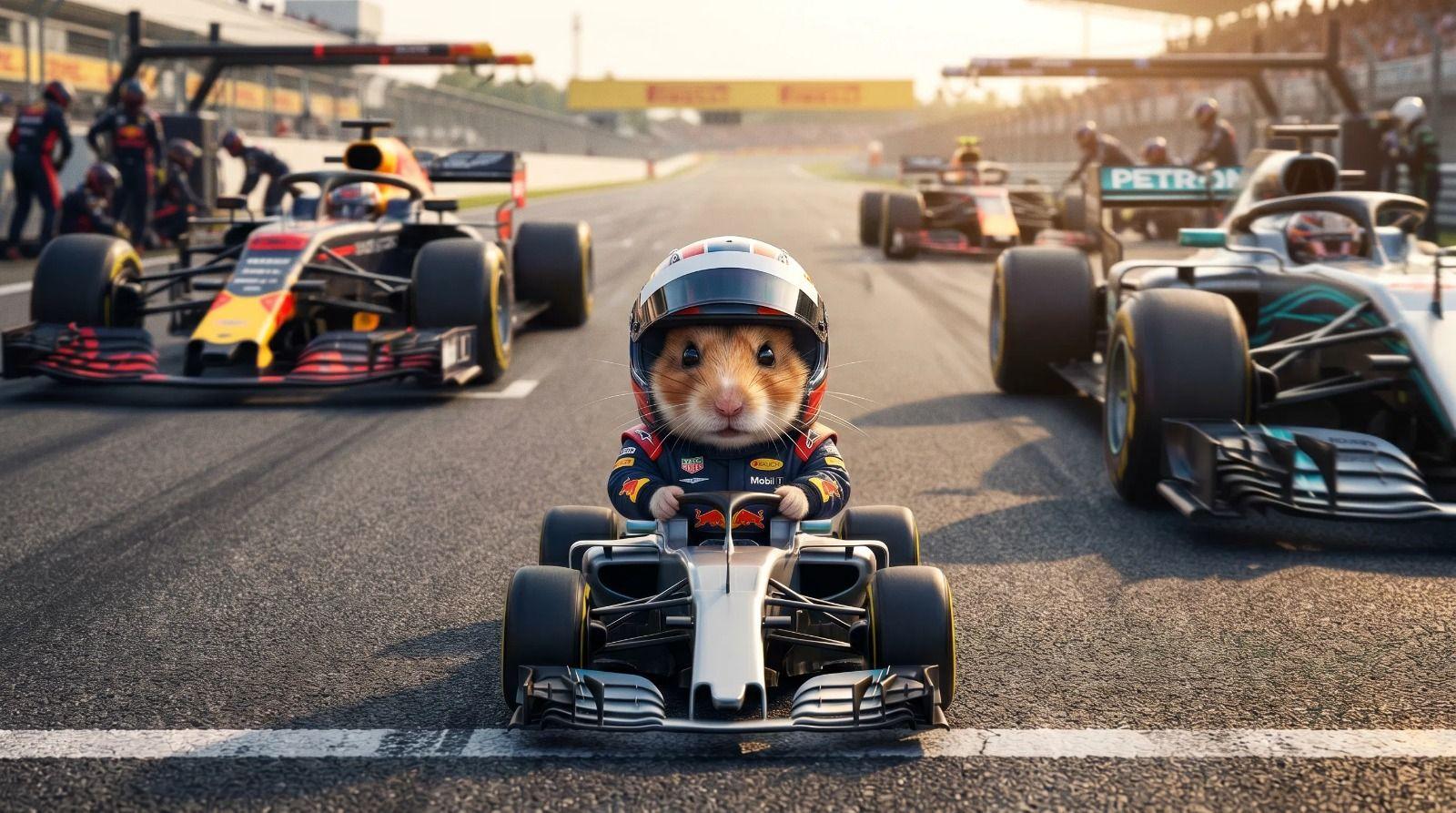
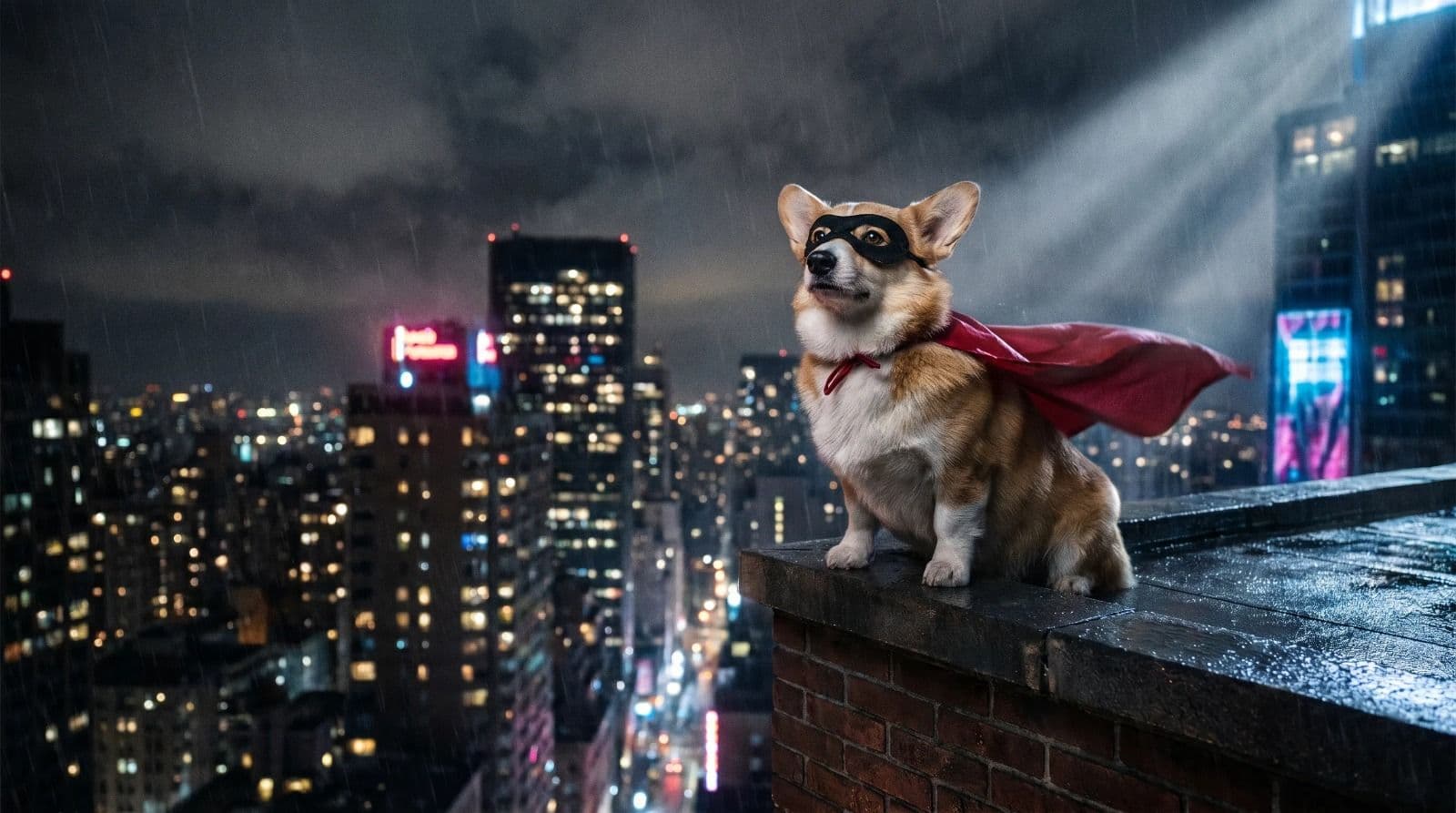
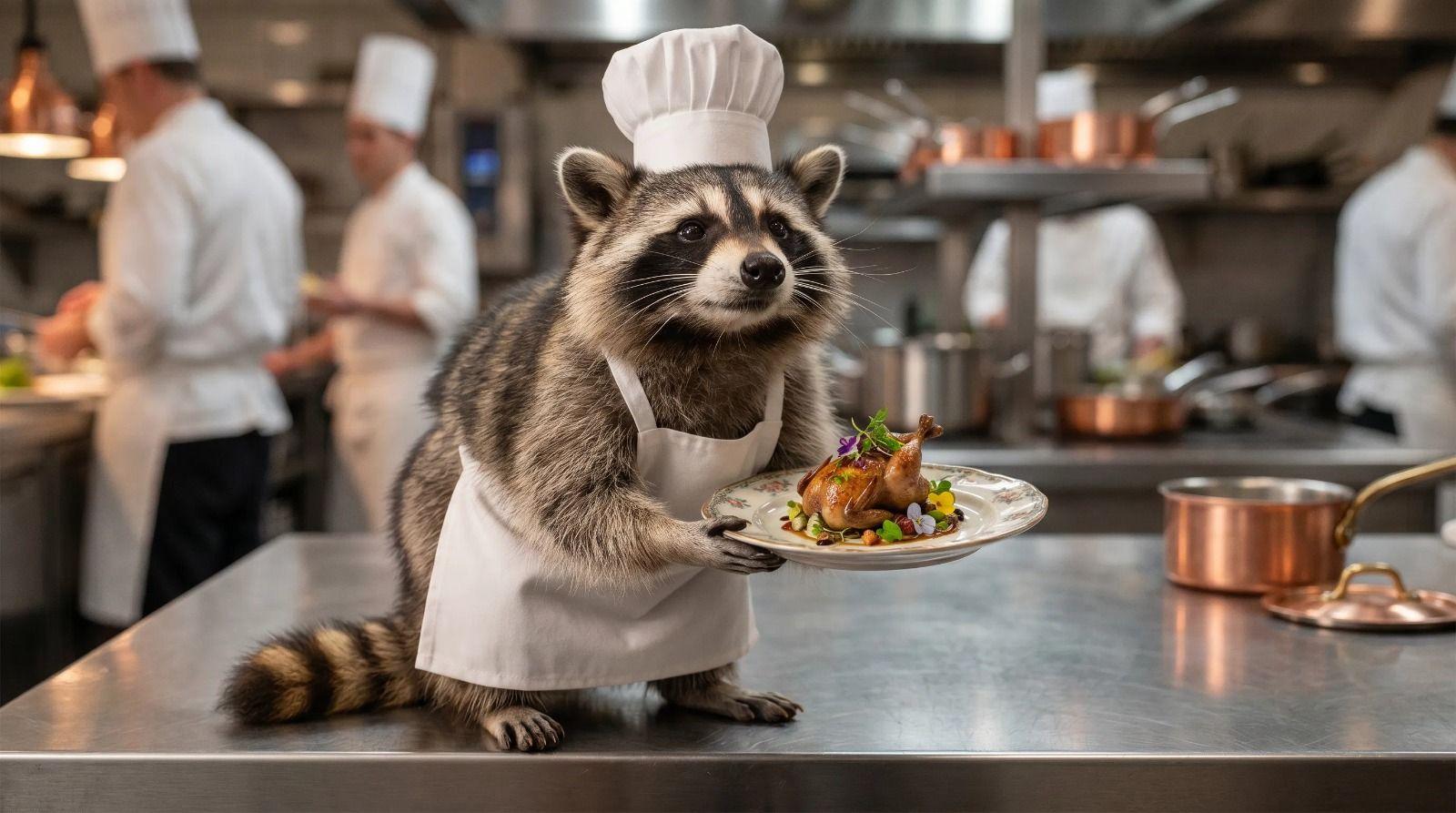
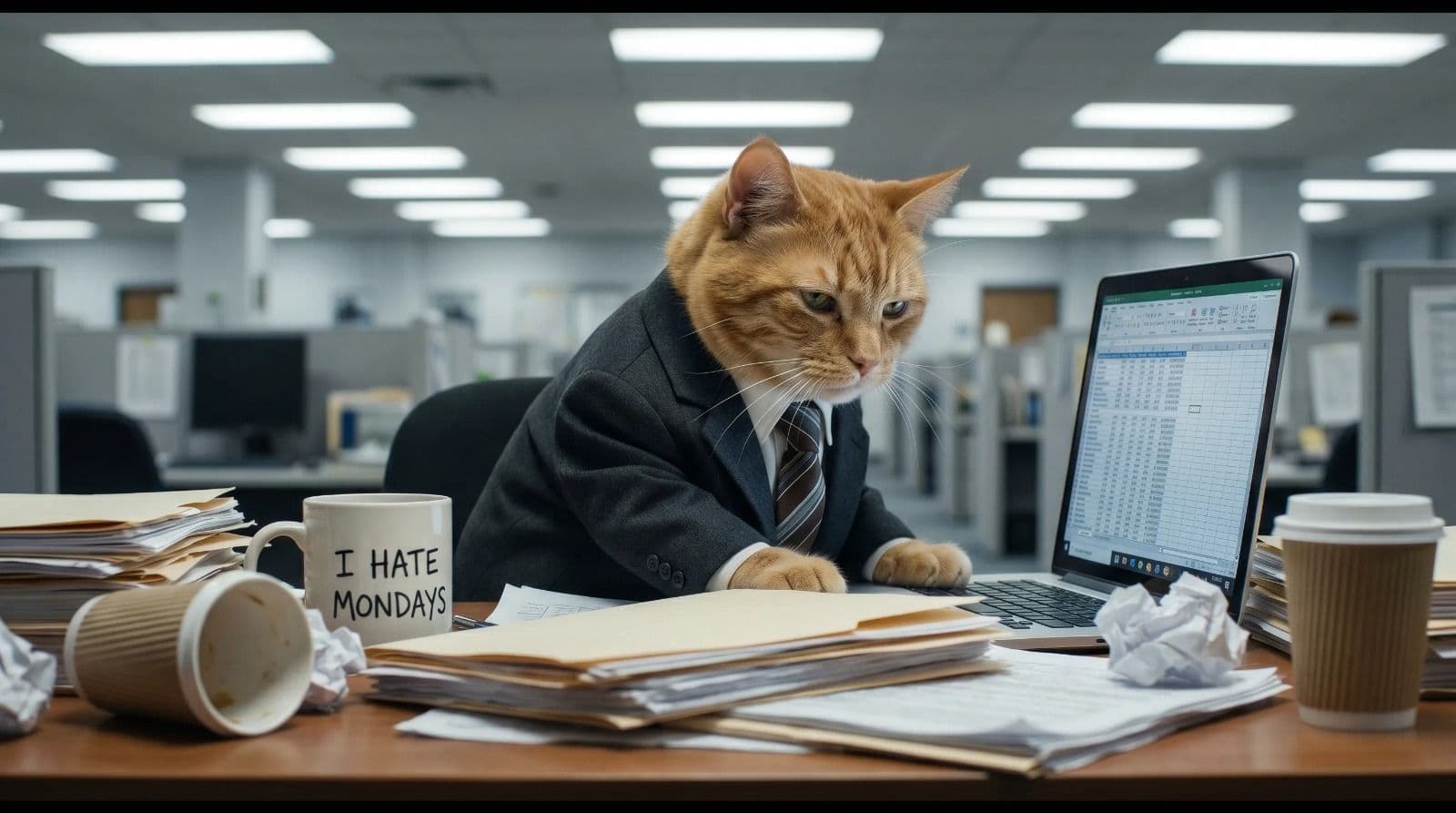
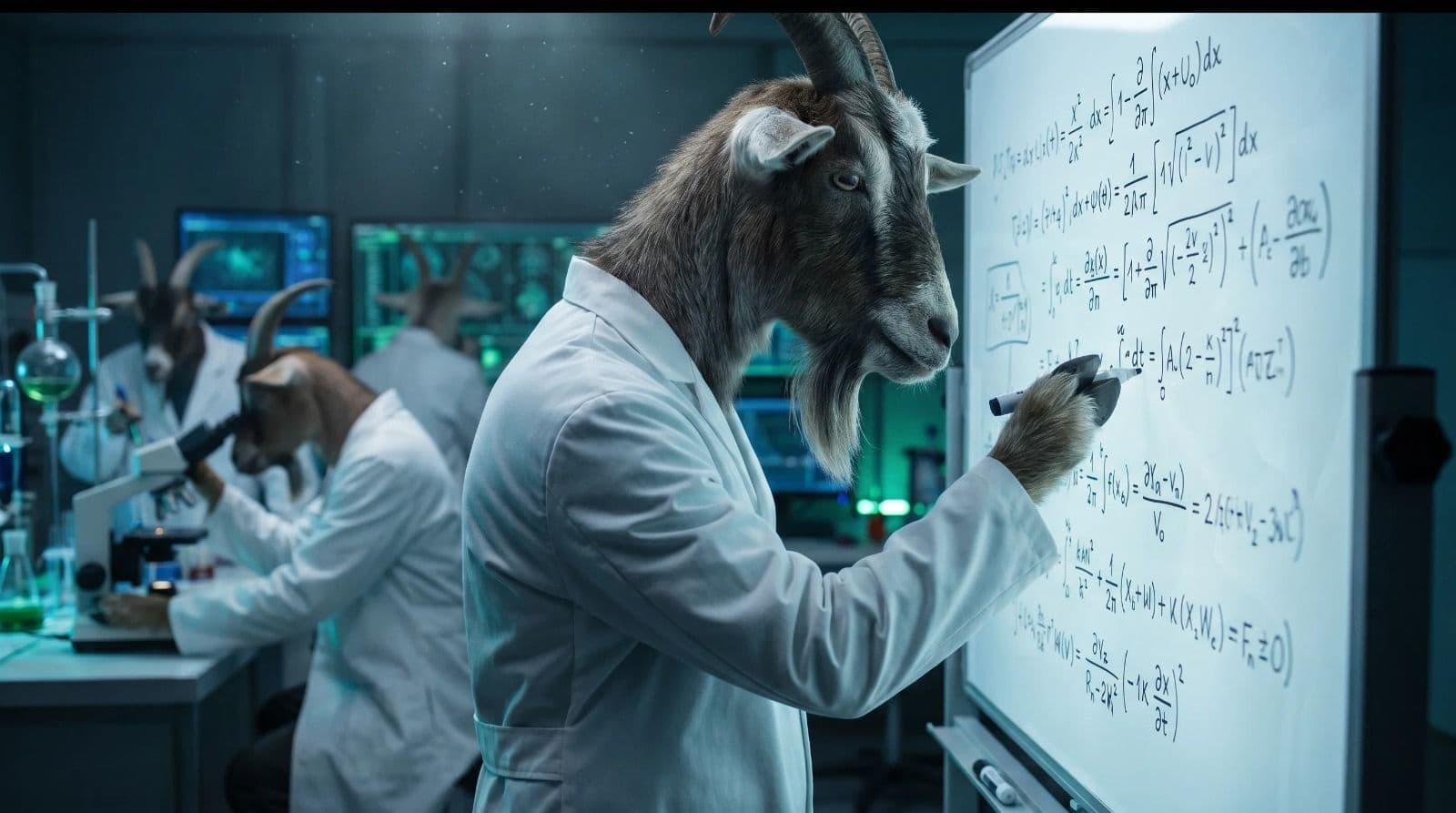
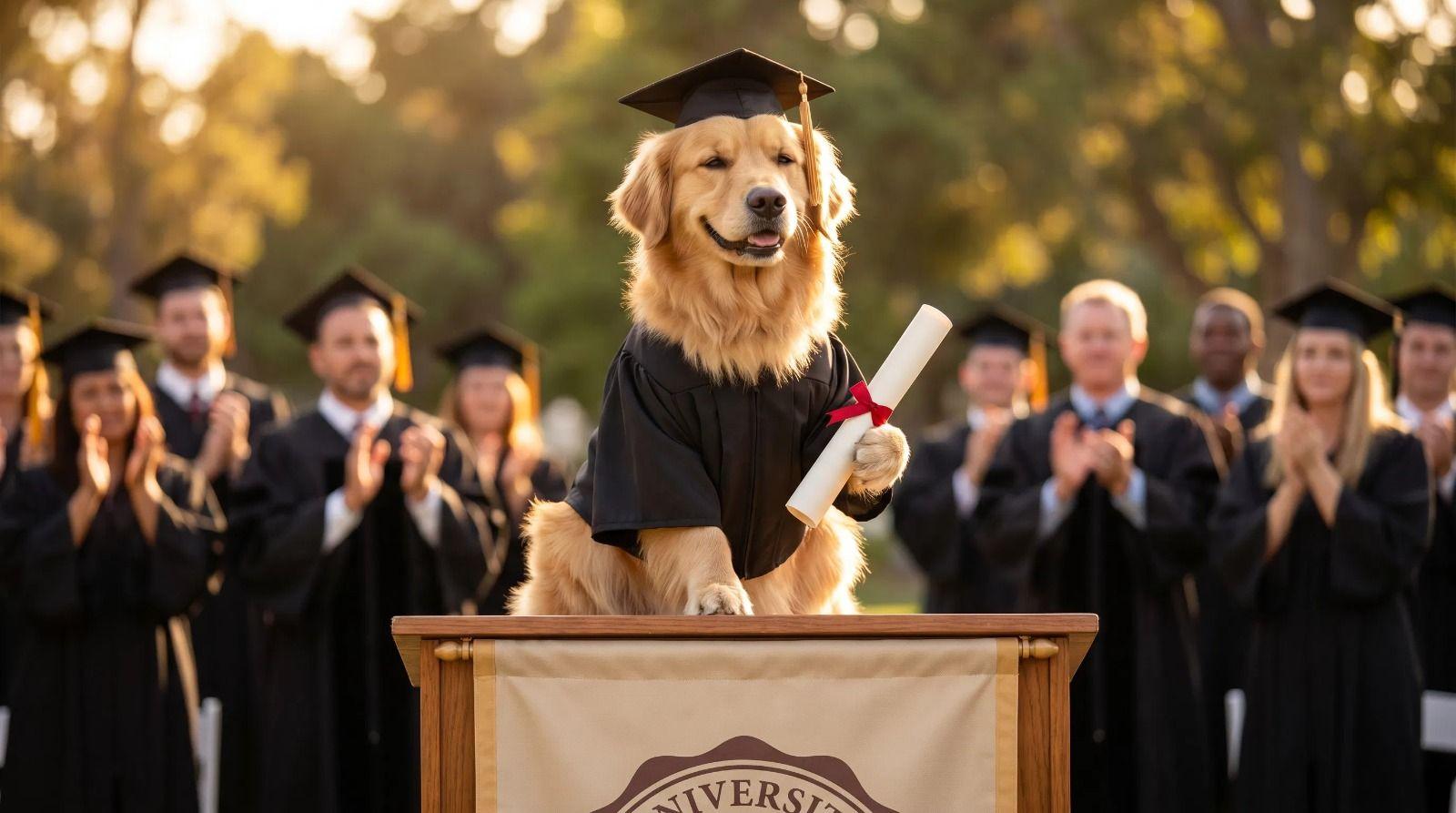
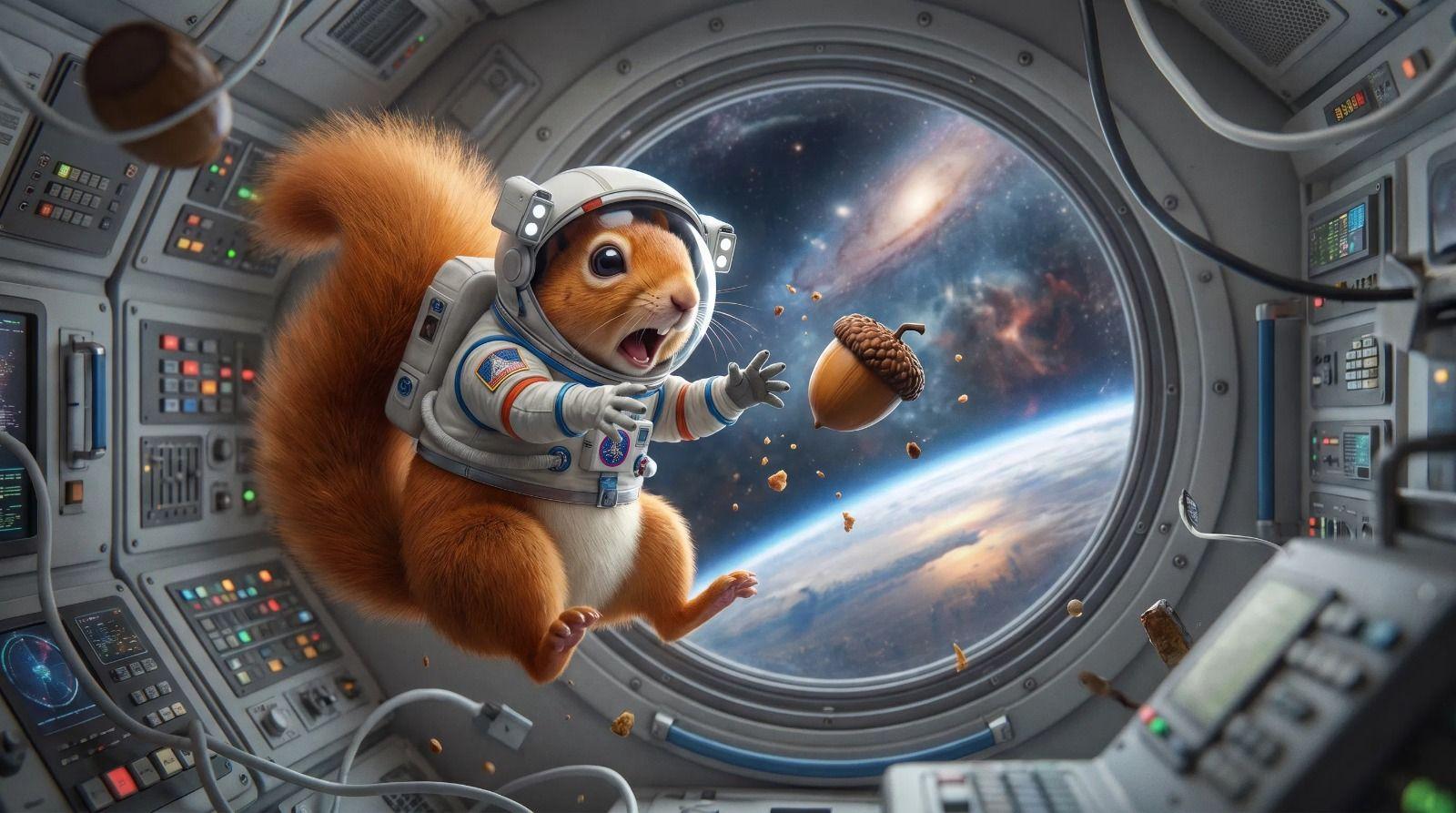
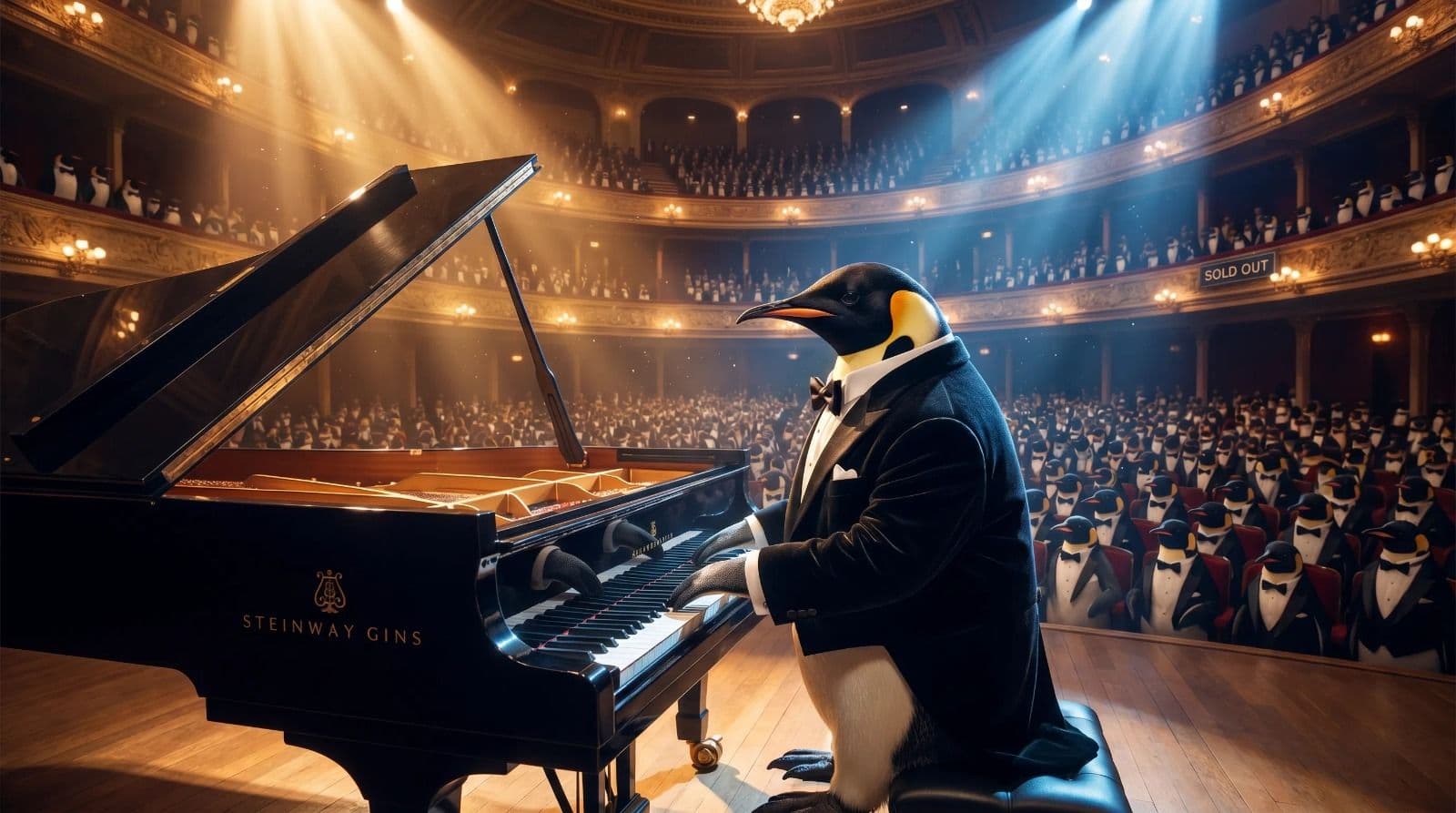
Funny pictures made with Pixara image models: pets in tiny suits, friends turned into bobbleheads, absurd memes and random scenes nobody asked for.

Gallery item
Gallery item
Gallery item
Gallery item
Gallery item
Gallery item
Gallery item
Gallery item
Gallery item
Gallery item
Gallery item
Gallery item
Gallery item
Gallery item
Gallery item
Gallery item
Gallery item
Gallery item
Gallery item
Gallery item
Gallery item
Gallery item
Gallery item
Gallery item
Gallery item
Gallery item
Gallery item
Funny AI Image to Image

Funny AI Image to Image: Upload a Photo and Make It Funny

Open Create Image, upload a photo as a reference image and describe the joke: "same dog, wearing a tiny business suit, sitting at an office desk, serious face". Nano Banana Pro and Seedream 4.5 keep the subject recognisable while changing everything around it. Short, specific instructions work best. If the first result is too subtle, push it further with words like "exaggerated" or "absurdly large".

Funny AI Image to Image: Upload a Photo and Make It Funny
Random Funny Images

Random Funny Image Generator With One Click

Out of ideas? Press Surprise and Pixara writes a random prompt for you, then add the word "funny" or a twist like "but everyone is a pigeon". You can also type a rough idea such as "cat judge in court" and press Enhance My Idea to turn it into a detailed prompt.

Random Funny Image Generator With One Click
Memes With Text

Funny Picture Generator for Memes With Readable Captions

For a meme made from scratch with words in the image, choose an Ideogram model, which is built for readable text. Put the caption in quotes: "a tired office worker surrounded by 40 coffee cups, caption at the top reads MONDAY AGAIN". Use 1:1 for most feeds and 9:16 for stories. Keep captions short, since a few words read better than a full sentence.

Funny Picture Generator for Memes With Readable Captions
Goofy Edits

Goofy AI Image Generator for Pets, Friends and Yourself

Try classic goofy edits: give a friend a giant head, turn your cat into a Renaissance painting, or put yourself on the cover of a fake cereal box. Upload several reference photos with models like Nano Banana Pro to combine people and pets in one scene. Only upload photos of yourself or of people who agreed to be in the joke.

Goofy AI Image Generator for Pets, Friends and Yourself

Everything You Need to Make Funny AI Images

Versatile

Works great with photos, graphics, and artwork

Art Styles

Generate in various art styles from realistic to cartoon

Facial Expressions

Create different emotions while keeping identity intact

Different Scenes

Place characters in various backgrounds and settings

Outfit Changes

Change clothing and accessories while maintaining character

Iterative Creation

Refine and improve your images with progressive generation

Detail Preservation

Maintains fine details and textures perfectly

Format Support

Works with PNG, JPG, WebP and other formats

Create Professional Videos in 3 Simple Steps

Pixara AI video generation preview

Upload a text prompt, reference image, or existing video clip. Add multiple frames to guide the story.

AI Models Showcase

Best AI Models for Funny Image to Image Edits

Nano Banana Pro and Seedream 4.5 for funny edits of your own photos, Kling O1 Image for small local changes, Ideogram for memes with readable captions and Midjourney for absurd, stylised scenes.

01
Google Nano Banana Pro logo

Google Nano Banana Pro

Hyper-realistic motion

02
ByteDance Seedream 4.5 logo

ByteDance Seedream 4.5

Cinematic camera control

03
Kling O1 Image logo

Kling O1 Image

Lightning-fast generation

04
Ideogram V3 Quality logo

Ideogram V3 Quality

Industry-leading quality

05
Midjourney logo

Midjourney

Smooth physics simulation

06
Google Nano Banana 2 logo

Google Nano Banana 2

Award-winning realism

07
Qwen Image Edit logo

Qwen Image Edit

Crisp 4K detail

08
Grok Imagine logo

Grok Imagine

Best-in-class consistency

Funny Videos

Make Your Funny AI Pictures Move

Send a finished image to Create Video, where every model accepts an image as the first frame. Describe the punchline as motion: "the dog in the suit slams the desk and the papers fly". Kling 3.0 and Veo 3.1 can add generated audio, and Add Sound Effects drops in synced sounds after the fact.

Make Your Funny AI Pictures Move
Loved by Creators

Real Results from Real Creators

See what our community is saying.

“I used to spend way too much time looking for the right template or trying to edit a meme myself. Now I can just describe the joke I have in mind and get something usable almost immediately. Pixara is especially useful when I have a weird idea that would be impossible to find as a stock image.”

JM
Jake M.
Meme Creator

“We manage several social accounts, so we need fresh content constantly. Pixara makes it easy to turn trending topics and random ideas into funny visuals without waiting for a designer. We can experiment with several concepts quickly and choose the ones that fit the post.”

LP
Lauren P.
Social Media Manager

“Some of my favorite images started as completely ridiculous prompts. I’ll describe something like a medieval knight ordering fast food or a cat running a corporate meeting, and Pixara turns the idea into an actual image. It’s incredibly easy to experiment because there’s no complicated editing process.”

CR
Chris R.
Comedy Content Creator

Plans for every kind of creator

Start free. Scale as you grow.
Special offerLimited time

Start with $1 — get 4,000 credits

3-day Starter trial with every model, workflows, Ara and MCP. Cancel anytime.

One-time offer for new members — pick Starter monthly to claim it.

Starter

$1 TRIAL
$10$1for 3 days
+ 4,000 credits
WorkflowsAraMCP
Start for $1 →

then $10/month

Unlimited access

Daily free generations are not included. Unlock them from Hobby.

  • 1,000 AI Image Generations
  • 222 seconds of Generative AI Videos
  • 666 minutes of AI Voiceovers
  • 33 minutes of Video Rendering
  • 2 GB storage
  • 2 Concurrent Generations
  • Public generations shared with the community
Hobby

20% OFF
$25$20/month
+ 15,000 credits
WorkflowsAraMCP
Choose Hobby →

Unlimited access

365 days
  • Nano Banana
  • Nano Banana 2
  • GPT Image 2
  • Seedream 5 Lite
  • Reve 2.1
  • Midjourney
  • 3,750 AI Image Generations
  • 833 seconds of Generative AI Videos
  • 2,500 minutes of AI Voiceovers
  • 125 minutes of Video Rendering
  • 25 GB storage
  • 4 Concurrent Generations
  • Optional private & copy-protected generations

Pro

Most popular40% OFF
$60$36/month
+ 36,000 credits
WorkflowsAraMCP
Choose Pro →

Unlimited access

365 days
  • Nano Banana
  • Nano Banana 2
  • GPT Image 2
  • Seedream 5 Lite
  • Reve 2.1
  • Midjourney
  • 9,000 AI Image Generations
  • 2,000 seconds of Generative AI Videos
  • 6,000 minutes of AI Voiceovers
  • 300 minutes of Video Rendering
  • 50 GB storage
  • 8 Concurrent Generations
  • Private & copy-protected generations by default

Ultimate

Limited time40% OFF
$250$150/month
+ 150,000 credits
WorkflowsAraMCP
Choose Ultimate →

Unlimited access

365 days
  • Nano Banana
  • Nano Banana 2
  • GPT Image 2
  • Seedream 5 Lite
  • Reve 2.1
  • Midjourney
  • 37,500 AI Image Generations
  • 4,400 seconds of Generative AI Videos
  • 25,000 minutes of AI Voiceovers
  • 1,250 minutes of Video Rendering
  • 100 GB storage
  • 16 Concurrent Generations
  • Private & copy-protected generations by default

Compare plans

Every plan includes every model, workflows, Ara and MCP. Higher plans add volume, speed and privacy.

Starter$10/monthGet started
Hobby$20/monthGet started
Most popularPro$36/monthGet started
Limited timeUltimate$150/monthGet started
Credits per month4,00015,00036,000150,000
AI Image generations1,0003,7509,00037,500
Generative video222 seconds833 seconds2,000 seconds4,400 seconds
AI voiceovers666 minutes2,500 minutes6,000 minutes25,000 minutes
Video rendering33 minutes125 minutes300 minutes1,250 minutes
Storage2 GB25 GB50 GB100 GB
Concurrent generations24816
Unlimited daily models—2 modelsAll 6 modelsAll 6 models
Generation visibilityPublicOptional privatePrivate by defaultPrivate by default

Latest from Our Blog

Discover tips, tutorials, and insights about AI-powered creativity

Frequently Asked Questions

It means uploading a photo and asking AI to change it in a funny way, while keeping the person, pet or object recognisable. On Pixara you add the photo as a reference image in Create Image, describe the edit, such as "same cat, wearing a wizard hat, casting a spell on a pizza", and generate.

Pick one clear subject, then change one big thing: the outfit, the setting, the size of something or the art style. Upload the photo, describe that change in one sentence and generate. If it is not funny enough, add "exaggerated" or a strange detail and run it again.

Nano Banana Pro keeps faces and pets recognisable and accepts up to 15 reference images. Seedream 4.5 takes up to 10 and gives crisp results. Kling O1 Image is good for mask-free local edits, like swapping only a hat. Qwen Image Edit works for quick single-photo edits.

Yes. Describe the scene and put the caption in quotes. Ideogram models are the best choice when the text has to be readable, but they create images from text only, so use them for memes made from scratch rather than edits of your own photo.

Yes. Press Surprise in Create Image to get a random prompt, add "funny" or an odd twist, and generate. Run it a few times and keep the best one. You can also type a two-word idea and press Enhance My Idea.

Try "a hamster giving a TED talk", "grandma as a heavy metal drummer, cartoon style", "a golden retriever filing taxes at a messy desk" or "a pigeon in a tiny suit at a job interview". Absurd jobs, tiny outfits and serious faces in silly settings tend to work well.

Yes, if they agree. Upload their photos as reference images and describe the scene. Models like Nano Banana Pro accept several photos at once, so you can put a few people in one picture. Don't create edits that could embarrass or mislead people about someone real.

Yes. Upload the photo and ask for a style, like "caricature, giant head, tiny body, bright cartoon colours" or "3D animated movie character". Keep the request short and name the features to exaggerate, such as a big smile or wild hair.

Yes. Open the image in Create Video and describe the motion, for example "the cat sneezes and the wizard hat flies off". Every video model accepts an image as the first frame, and Kling 3.0 and Veo 3.1 can add audio.

New accounts get free credits when they sign up, and new members can try every model, workflows and Ara for 3 days for $1. Paid plans start at $10 a month. Images made with free credits can appear publicly on Pixara's Explore page.