Now Live

Pixara MCP – generate images, video and voice from Claude, Cursor and more.

Free AI Story Generator With Pictures

Use Pixara as a free AI story generator with pictures: ask Ara to draft your story, then illustrate each scene with the same characters. Turn bedtime stories, kids' picture books and short adventures into illustrated stories you can read aloud or animate.

Free AI Story Generator With Pictures

Story pictures made with these image models

Google Nano Banana Pro logo
Google Nano Banana Pro
Google Nano Banana 2 logo
Google Nano Banana 2
Midjourney logo
Midjourney
ByteDance Seedream 4.5 logo
ByteDance Seedream 4.5
Ideogram V3 Quality logo
Ideogram V3 Quality
Kling O1 Image logo
Kling O1 Image
Google Nano Banana Pro logo
Google Nano Banana Pro
Google Nano Banana 2 logo
Google Nano Banana 2
Midjourney logo
Midjourney
ByteDance Seedream 4.5 logo
ByteDance Seedream 4.5
Ideogram V3 Quality logo
Ideogram V3 Quality
Kling O1 Image logo
Kling O1 Image
Google Nano Banana Pro logo
Google Nano Banana Pro
Google Nano Banana 2 logo
Google Nano Banana 2
Midjourney logo
Midjourney
ByteDance Seedream 4.5 logo
ByteDance Seedream 4.5
Ideogram V3 Quality logo
Ideogram V3 Quality
Kling O1 Image logo
Kling O1 Image

See What Enthusiasts Are Building with Pixara

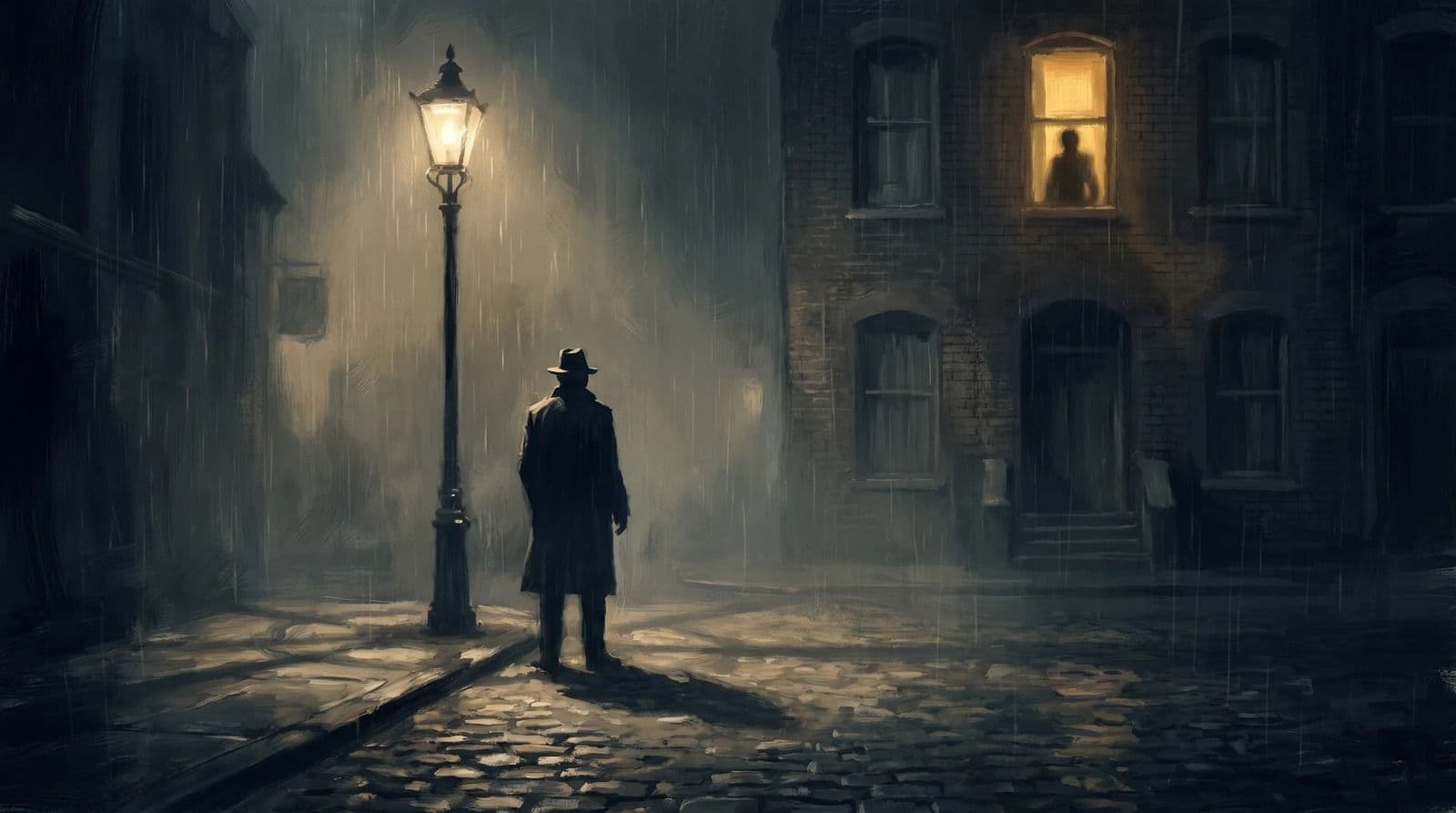
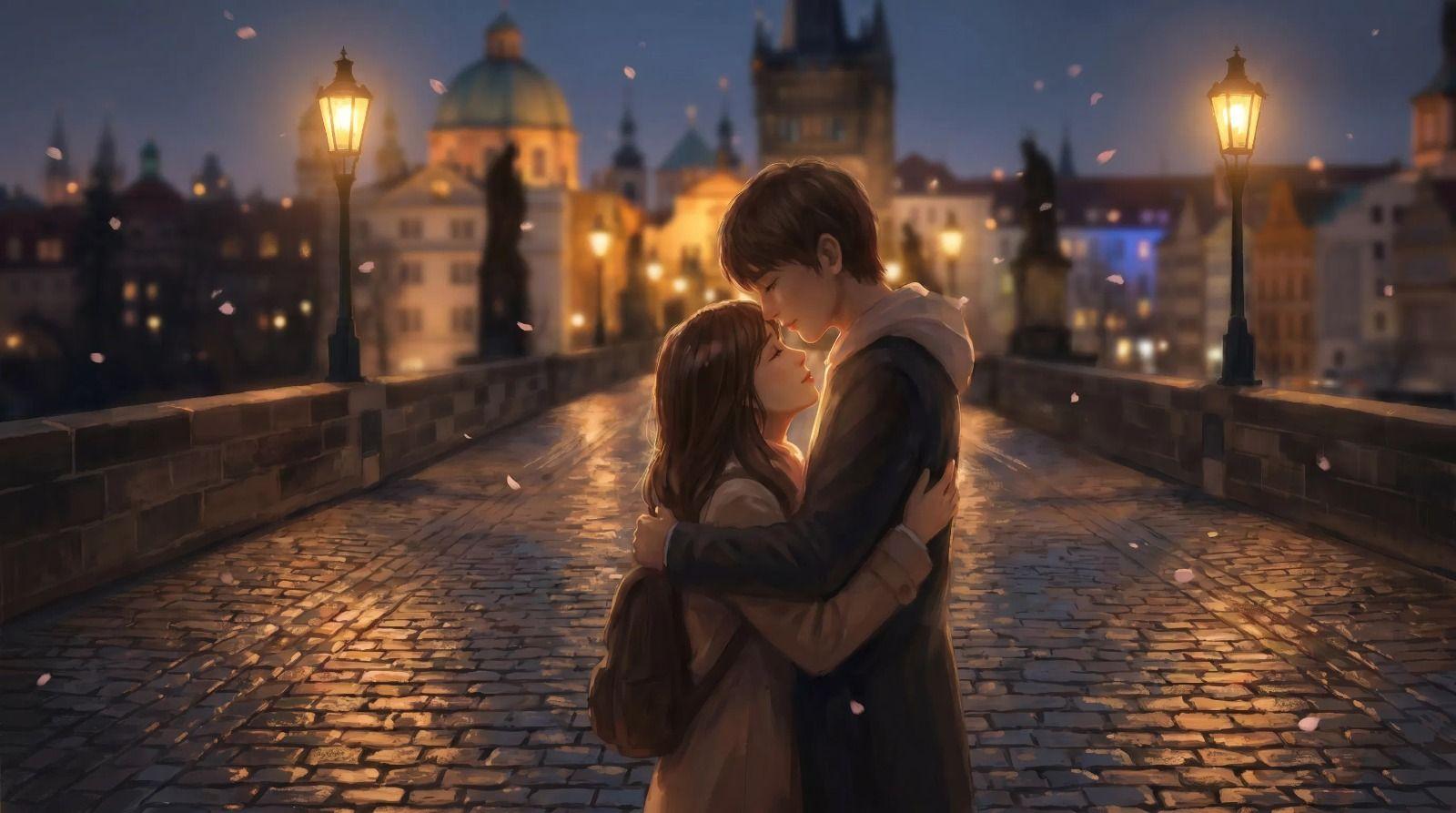
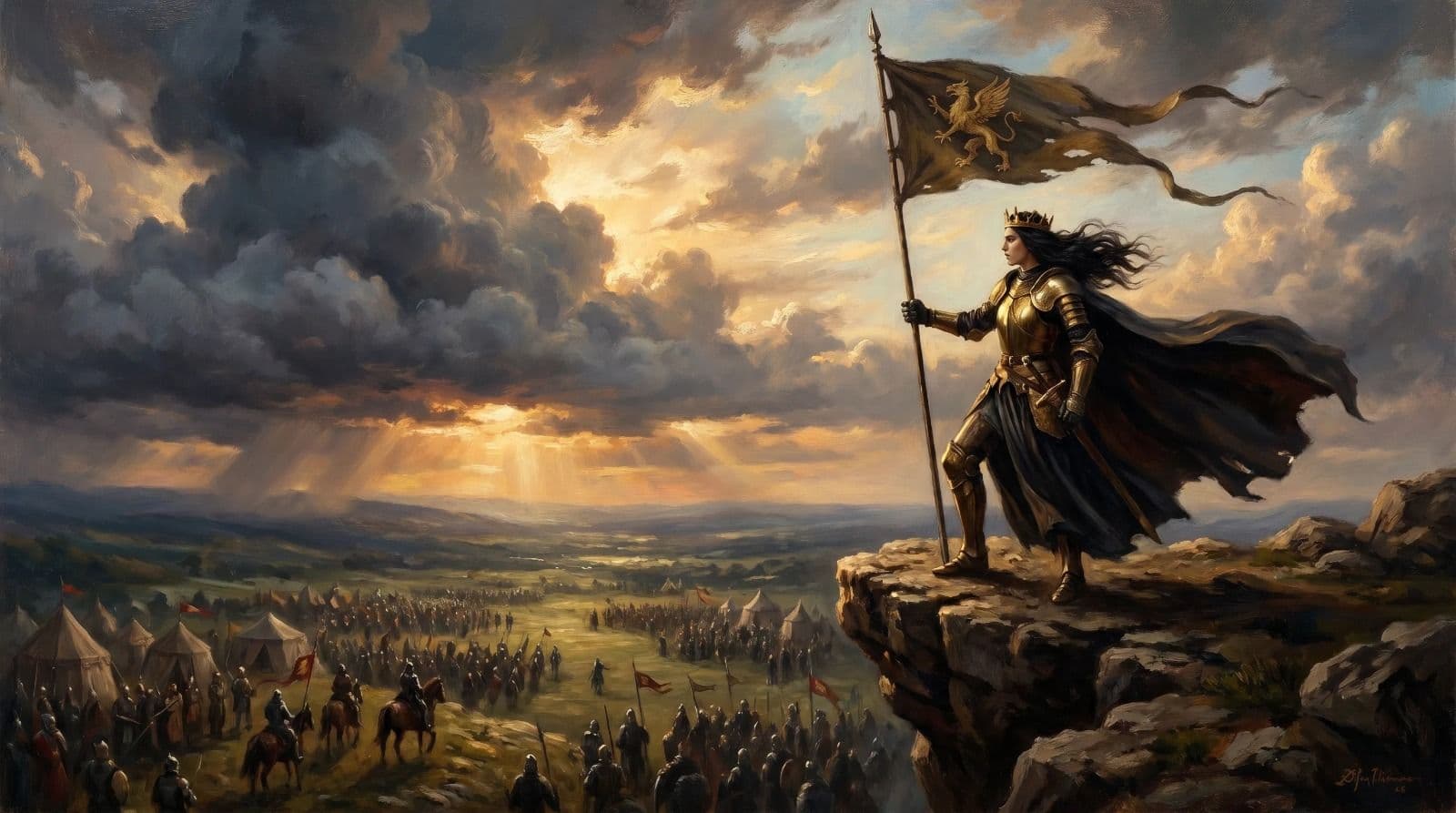
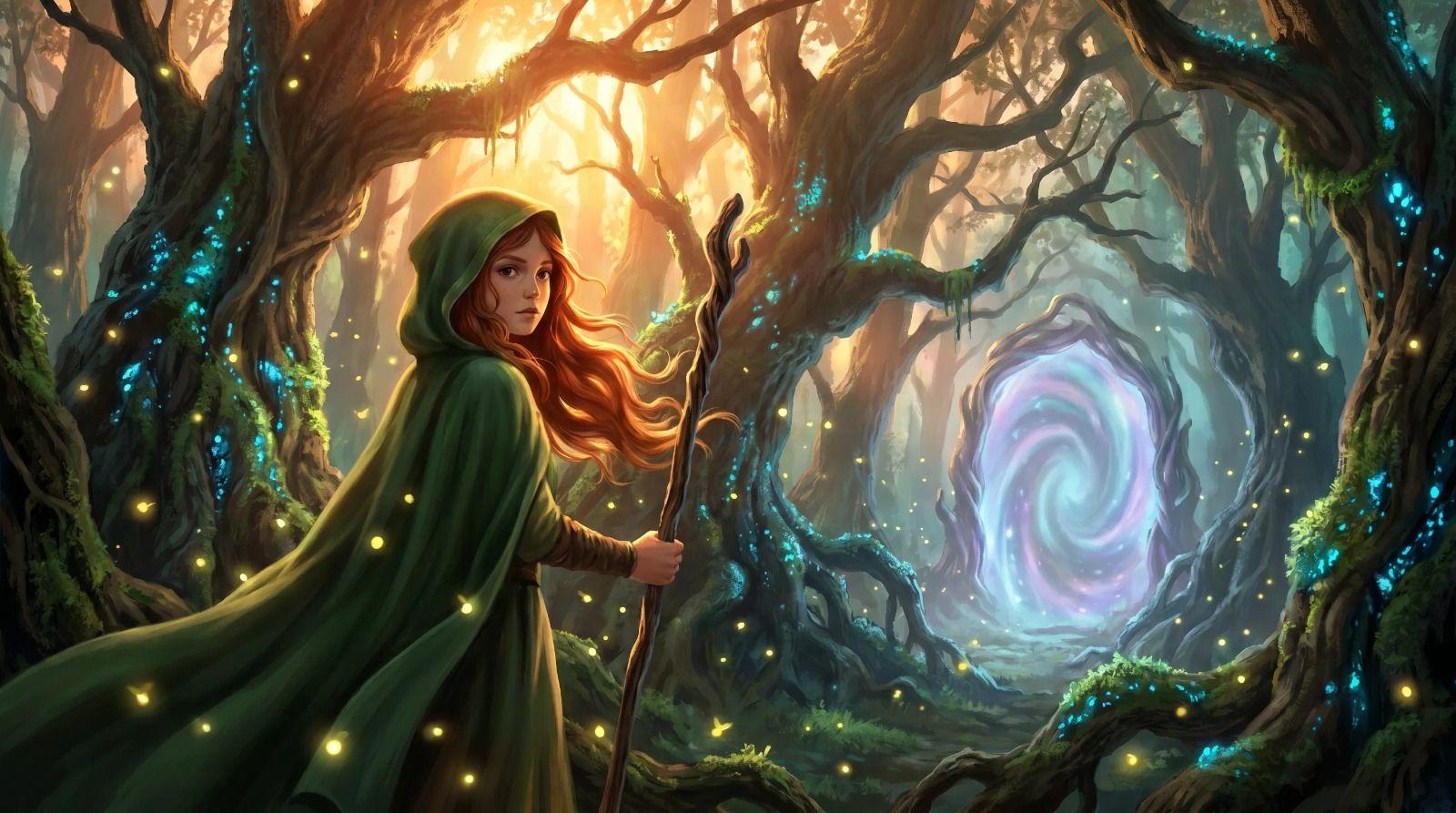
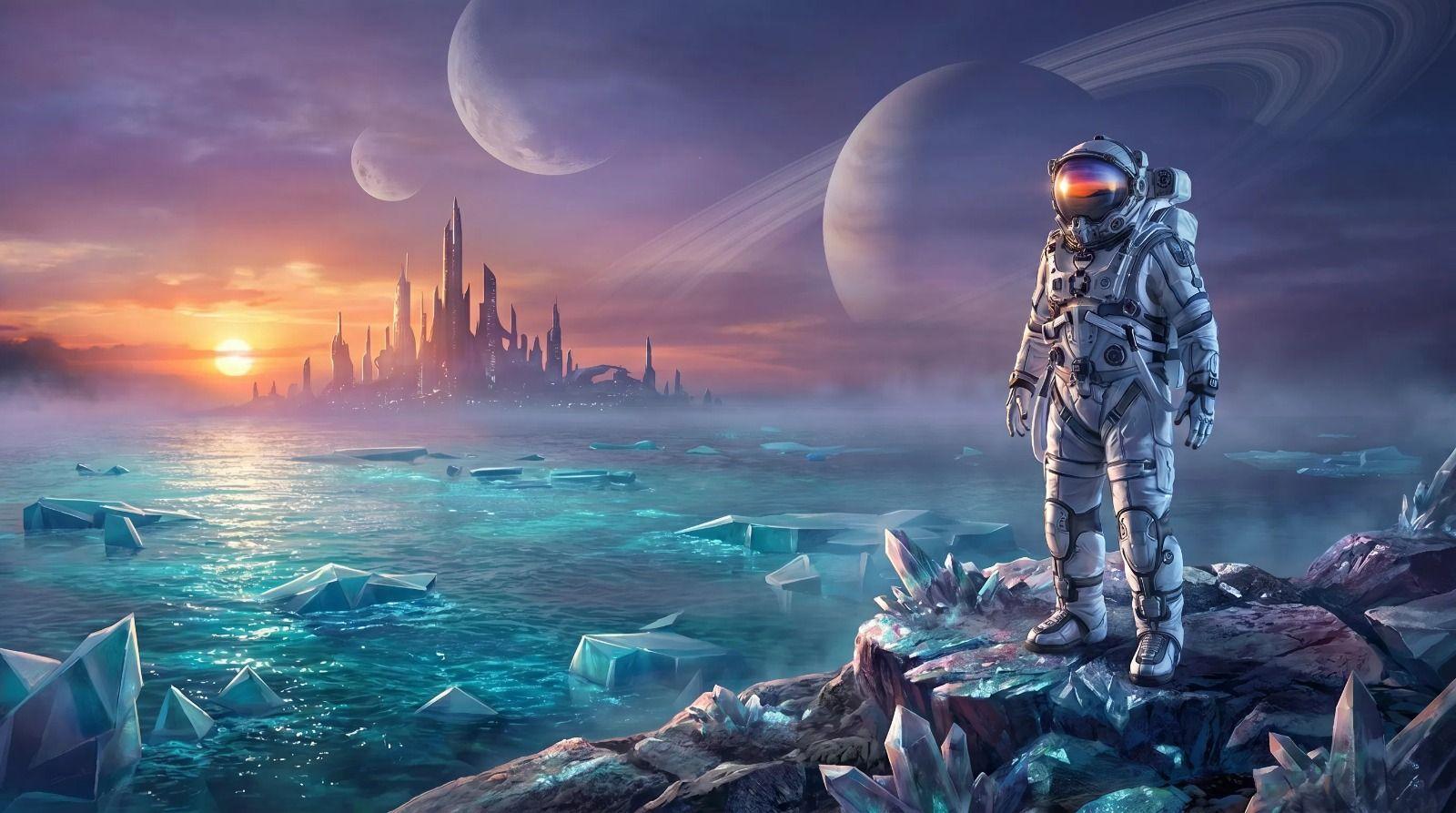
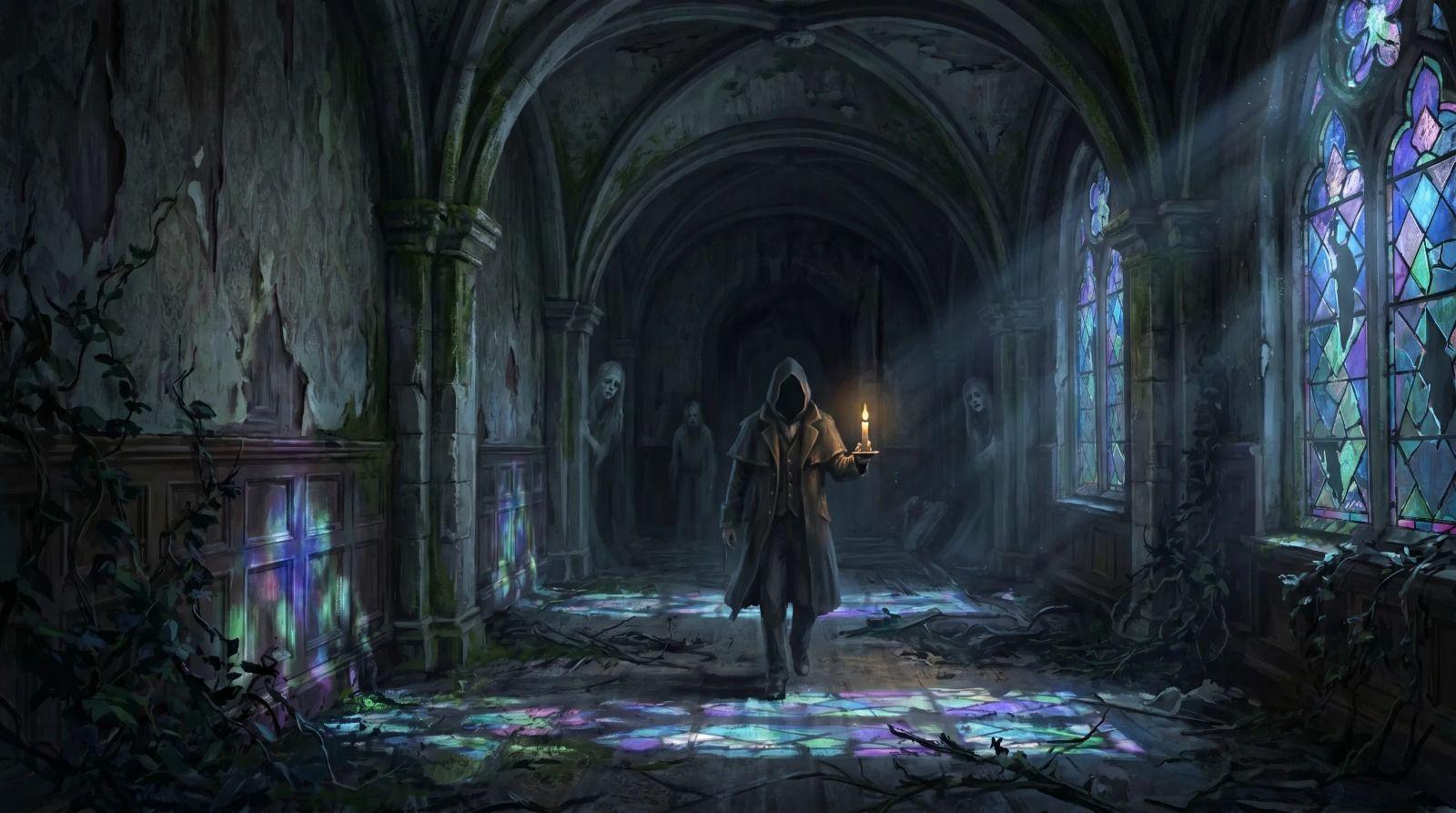
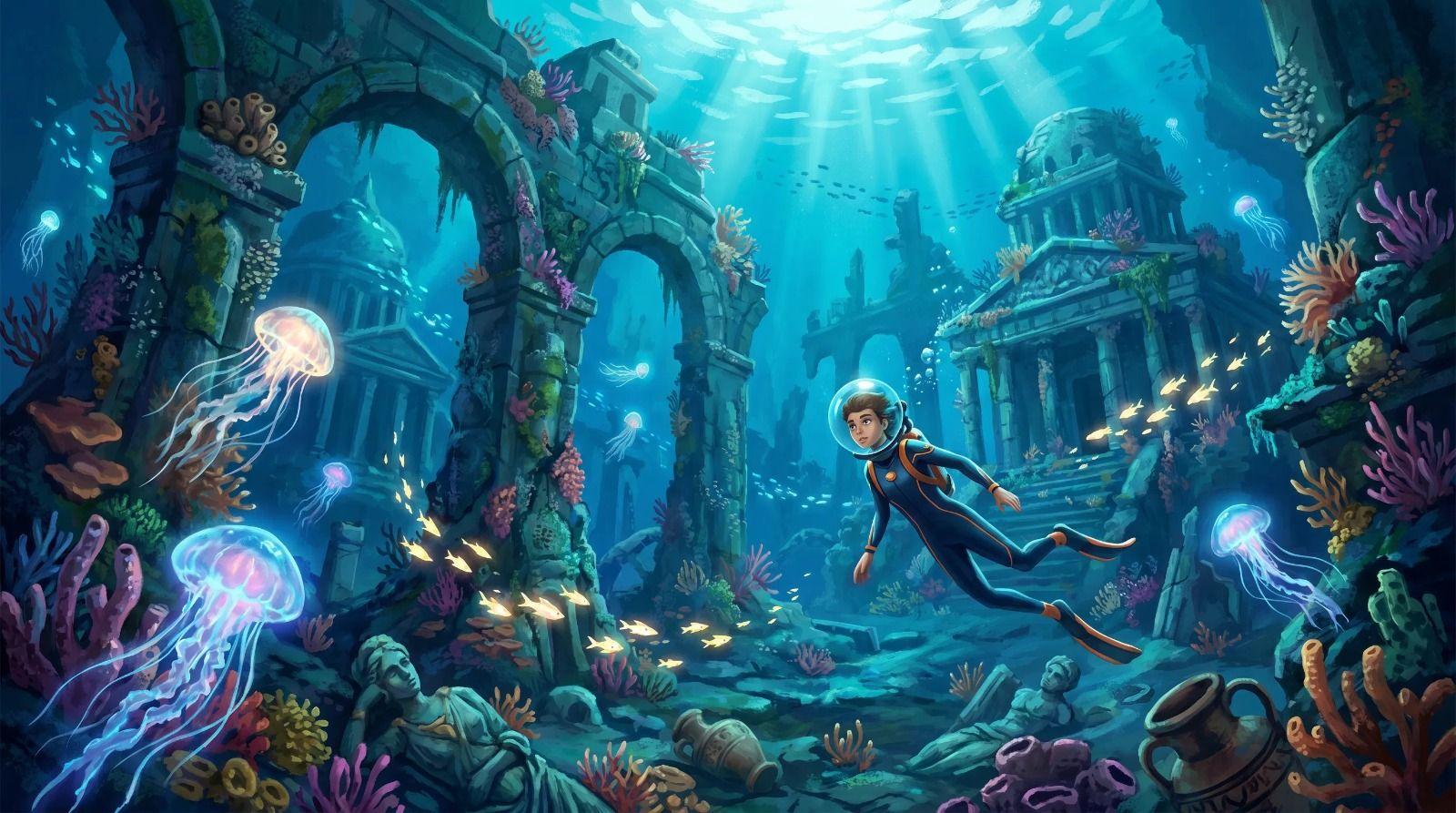
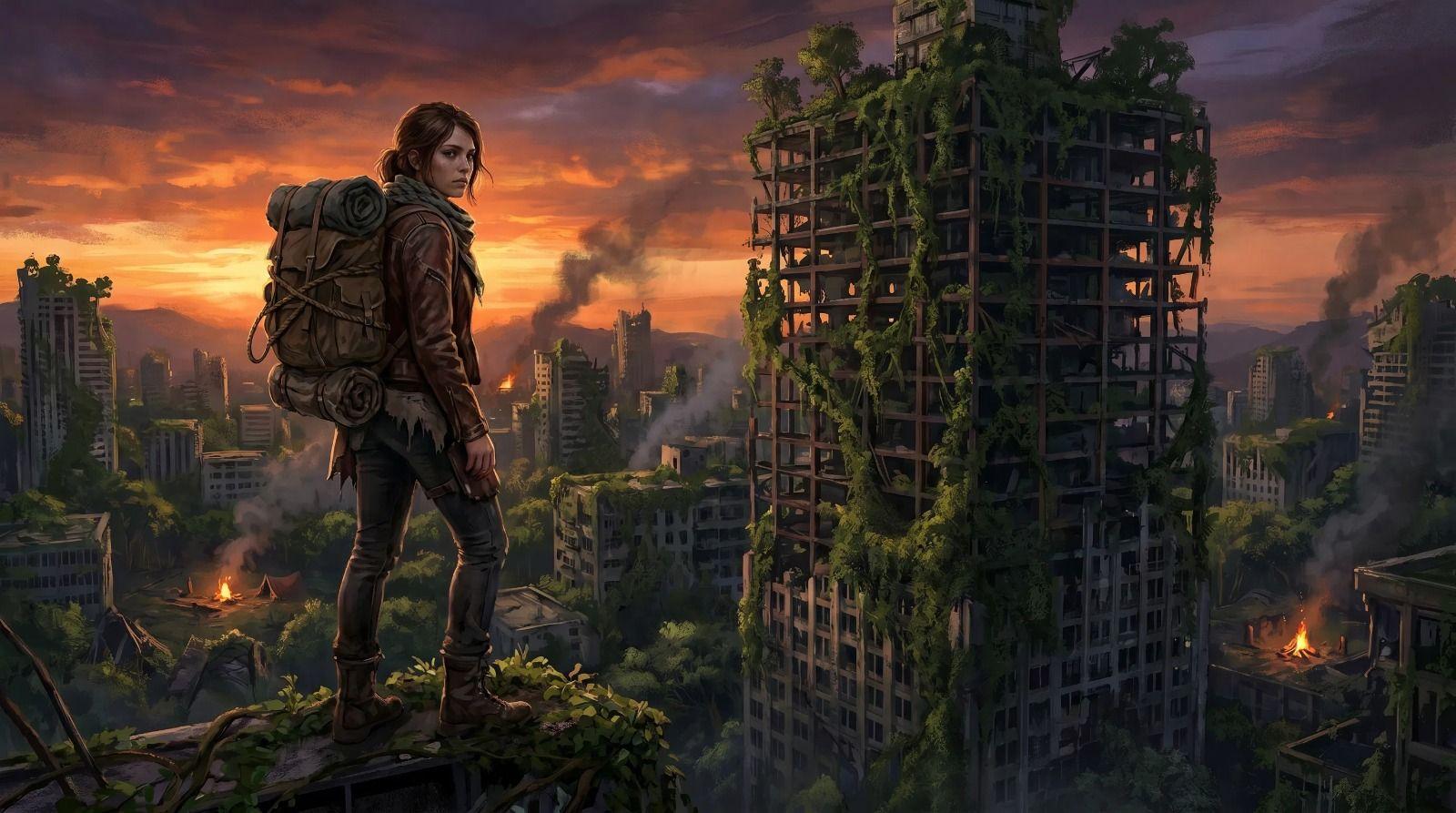
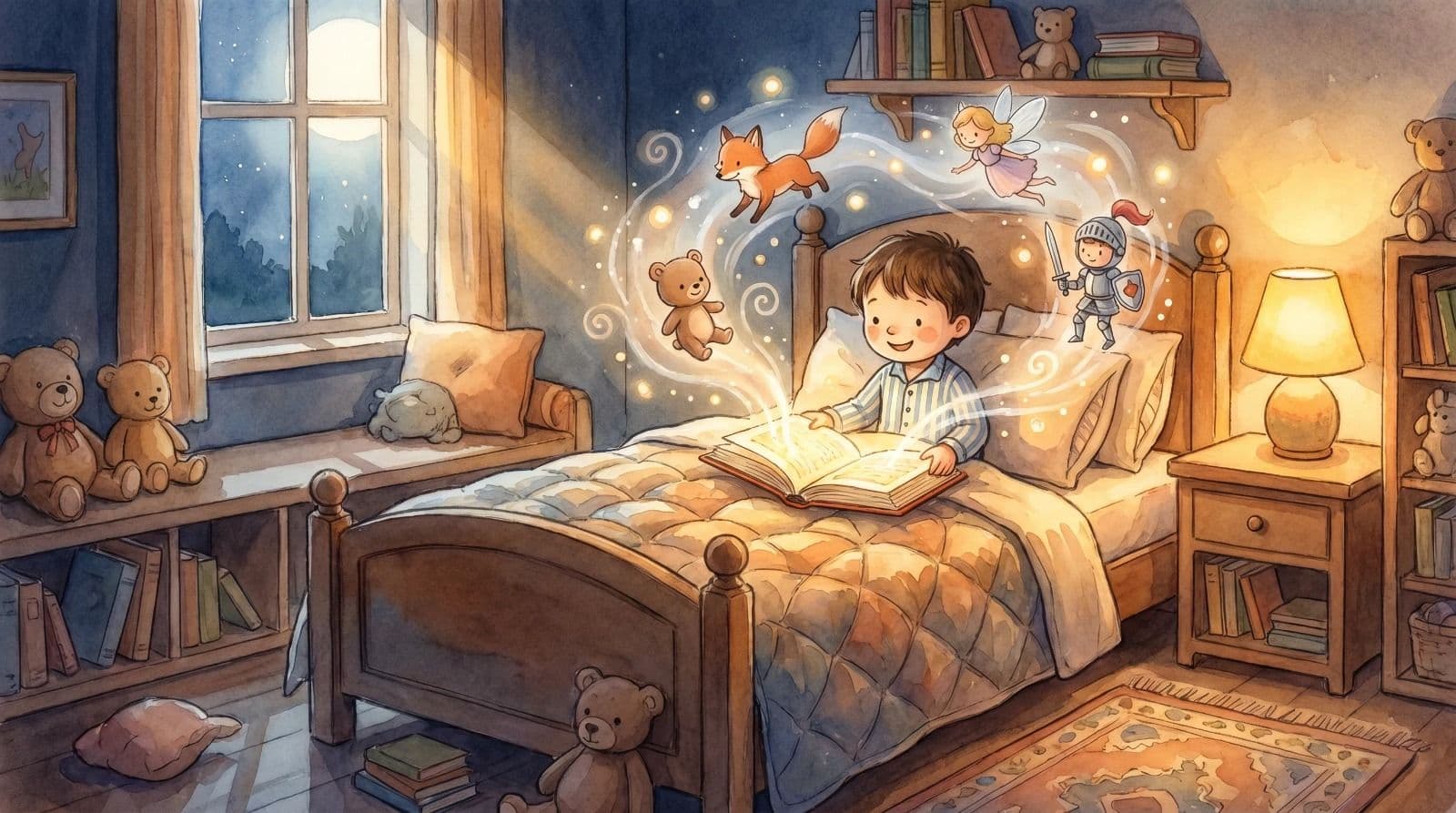
Story illustrations made with Pixara image models: storybook forests, brave little foxes, space adventures and watercolor fairy tales, scene by scene.

Gallery item
Gallery item
Gallery item
Gallery item
Gallery item
Gallery item
Gallery item
Gallery item
Gallery item
Gallery item
Gallery item
Gallery item
Gallery item
Gallery item
Gallery item
Gallery item
Gallery item
Gallery item
Gallery item
Gallery item
Gallery item
Gallery item
Gallery item
Gallery item
Gallery item
Gallery item
Gallery item
Story and Pictures Together

Write a Story and Get Pictures in One Chat

Open Ara, Pixara's chat assistant, and describe what you want: "a short bedtime story about a shy dragon who learns to fly, five scenes, with a picture for each". Ara drafts the story and generates images in the same conversation. Ask for changes in plain words, like "make scene three funnier" or "redraw the dragon in watercolor".

Write a Story and Get Pictures in One Chat
Consistent Characters

Keep Your Story Characters Looking the Same

A picture book needs the same hero on every page. Make one clear image of your main character first, then upload it as a reference in Create Image for each new scene. Nano Banana Pro and Nano Banana 2 accept up to 15 reference images, so you can add the hero, a sidekick and a style example at once.

Keep Your Story Characters Looking the Same
Kids' Picture Books

Make an Illustrated Children's Story in Any Style

Pick one style line and keep it in every prompt, such as "soft watercolor, pastel colors, picture book" or "bold 3D cartoon". Use 3:4 for portrait book pages or 16:9 for wide spreads. When a page needs a title or a sign in the scene, choose Ideogram, which is built for readable text in images.

Make an Illustrated Children's Story in Any Style
Read Aloud

Add a Voiceover to Read Your Story Aloud

Paste the finished text into AI Voiceover and choose ElevenLabs V4, ElevenLabs V3 or Minimax Speech 2.8 for narration. Pick a warm, calm voice for bedtime or a lively one for adventures. You can also add background music from AI Music so the story feels complete when you play it for a child or a class.

Add a Voiceover to Read Your Story Aloud

Everything You Need for an Illustrated Story

Art Styles

Generate in various art styles from realistic to cartoon

Perfect Consistency

AI maintains character appearance across all generations

Iterative Creation

Refine and improve your images with progressive generation

Fine Control

Adjust composition, lighting, colors, and details with precision

Facial Expressions

Create different emotions while keeping identity intact

Different Scenes

Place characters in various backgrounds and settings

Multiple Poses

Generate your character in any pose or action

Sharp Details

Maintains crisp edges and fine details perfectly

Create Professional Videos in 3 Simple Steps

Pixara AI video generation preview

Upload a text prompt, reference image, or existing video clip. Add multiple frames to guide the story.

AI Models Showcase

Best AI Models for Story Illustrations

Nano Banana Pro and Nano Banana 2 for consistent characters from reference images, Midjourney for painterly storybook art, Seedream 4.5 for detailed scenes and Ideogram for pages with titles or readable text.

01
Google Nano Banana Pro logo

Google Nano Banana Pro

Hyper-realistic motion

02
Google Nano Banana 2 logo

Google Nano Banana 2

Cinematic camera control

03
Midjourney logo

Midjourney

Lightning-fast generation

04
ByteDance Seedream 4.5 logo

ByteDance Seedream 4.5

Industry-leading quality

05
Ideogram V3 Quality logo

Ideogram V3 Quality

Smooth physics simulation

06
Kling O1 Image logo

Kling O1 Image

Award-winning realism

07
Google Nano Banana logo

Google Nano Banana

Crisp 4K detail

Animated Scenes

Turn Story Pictures Into Animated Scenes

Want the story to move? Open any illustration in Create Video, choose a model such as Kling 3.0 or Veo 3.1 and describe the action: "the dragon flaps its wings and rises above the trees". Assemble the clips with your voiceover in the Pixara video editor to build a short animated story.

Turn Story Pictures Into Animated Scenes
Loved by Creators

Real Results from Real Creators

See what our community is saying.

“My children used to come up with amazing story ideas but lost interest when it was time to write everything down. Pixara changed that. They can describe a story idea and see the characters and scenes come to life alongside the text. It has turned story time into something they actively participate in.”

SM
Sarah M
Parent & Homeschooling Mom

“I use illustrated stories in my classroom to make lessons more engaging, but creating the visuals myself was always the time consuming part. With Pixara, I can start with a simple idea and build a complete story with matching illustrations. It gives me a much easier way to create custom material around what my students are learning.”

DR
Daniel R.
Elementary School Teacher

“I love that the illustrations don't feel randomly generated. A whimsical children's story can have a completely different visual style from a dark fantasy or sci-fi story. The ability to create images that fit the genre and atmosphere makes a huge difference to the finished story.”

LP
Laura P.
Writer & Storytelling Creator

Plans for every kind of creator

Start free. Scale as you grow.
Special offerLimited time

Start with $1 — get 4,000 credits

3-day Starter trial with every model, workflows, Ara and MCP. Cancel anytime.

One-time offer for new members — pick Starter monthly to claim it.

Starter

$1 TRIAL
$10$1for 3 days
+ 4,000 credits
WorkflowsAraMCP
Start for $1 →

then $10/month

Unlimited access

Daily free generations are not included. Unlock them from Hobby.

  • 1,000 AI Image Generations
  • 222 seconds of Generative AI Videos
  • 666 minutes of AI Voiceovers
  • 33 minutes of Video Rendering
  • 2 GB storage
  • 2 Concurrent Generations
  • Public generations shared with the community
Hobby

20% OFF
$25$20/month
+ 15,000 credits
WorkflowsAraMCP
Choose Hobby →

Unlimited access

365 days
  • Nano Banana
  • Nano Banana 2
  • GPT Image 2
  • Seedream 5 Lite
  • Reve 2.1
  • Midjourney
  • 3,750 AI Image Generations
  • 833 seconds of Generative AI Videos
  • 2,500 minutes of AI Voiceovers
  • 125 minutes of Video Rendering
  • 25 GB storage
  • 4 Concurrent Generations
  • Optional private & copy-protected generations

Pro

Most popular40% OFF
$60$36/month
+ 36,000 credits
WorkflowsAraMCP
Choose Pro →

Unlimited access

365 days
  • Nano Banana
  • Nano Banana 2
  • GPT Image 2
  • Seedream 5 Lite
  • Reve 2.1
  • Midjourney
  • 9,000 AI Image Generations
  • 2,000 seconds of Generative AI Videos
  • 6,000 minutes of AI Voiceovers
  • 300 minutes of Video Rendering
  • 50 GB storage
  • 8 Concurrent Generations
  • Private & copy-protected generations by default

Ultimate

Limited time40% OFF
$250$150/month
+ 150,000 credits
WorkflowsAraMCP
Choose Ultimate →

Unlimited access

365 days
  • Nano Banana
  • Nano Banana 2
  • GPT Image 2
  • Seedream 5 Lite
  • Reve 2.1
  • Midjourney
  • 37,500 AI Image Generations
  • 4,400 seconds of Generative AI Videos
  • 25,000 minutes of AI Voiceovers
  • 1,250 minutes of Video Rendering
  • 100 GB storage
  • 16 Concurrent Generations
  • Private & copy-protected generations by default

Compare plans

Every plan includes every model, workflows, Ara and MCP. Higher plans add volume, speed and privacy.

Starter$10/monthGet started
Hobby$20/monthGet started
Most popularPro$36/monthGet started
Limited timeUltimate$150/monthGet started
Credits per month4,00015,00036,000150,000
AI Image generations1,0003,7509,00037,500
Generative video222 seconds833 seconds2,000 seconds4,400 seconds
AI voiceovers666 minutes2,500 minutes6,000 minutes25,000 minutes
Video rendering33 minutes125 minutes300 minutes1,250 minutes
Storage2 GB25 GB50 GB100 GB
Concurrent generations24816
Unlimited daily models—2 modelsAll 6 modelsAll 6 models
Generation visibilityPublicOptional privatePrivate by defaultPrivate by default

Latest from Our Blog

Discover tips, tutorials, and insights about AI-powered creativity

Frequently Asked Questions

It is a tool that writes a story and creates matching illustrations for it. On Pixara you can ask Ara, the chat assistant, to draft a story and generate a picture for each scene in the same conversation, then refine the text or images by asking for changes.

Start with a one-line idea, the number of scenes and an art style, for example "a six-scene story about a robot who plants a garden, soft watercolor". Ask Ara to write it and illustrate each scene. Then fix any scene you do not like by describing the change.

Pixara runs in your browser and new accounts get free credits, which you can spend on story text with Ara and on illustrations. Paid plans start at $10 a month if you need more. Images made with free credits can appear publicly on Pixara's Explore page.

They can. Make one image of each main character, then upload those images as references for every new scene. Nano Banana Pro and Nano Banana 2 take up to 15 reference images. Keeping the same style words in each prompt also helps the pages match.

Yes. Ask Ara for a short story written for the age you have in mind, then illustrate each page in one consistent style. Use a 3:4 ratio for portrait pages. Read the text yourself before sharing it with kids, and edit anything that does not fit.

Yes. Ask Ara to rewrite a paragraph, change the ending or make the tone simpler. For images, upload the picture as a reference and describe the fix, like "same scene, but at night". Kling O1 Image is good for small, mask-free local edits.

Yes. Paste your story into AI Voiceover and choose a voice with ElevenLabs V4, ElevenLabs V3 or Minimax Speech 2.8. You can also clone your own voice with Voice Clone from up to 3 samples of 30 seconds, so the story sounds like you reading it.

Yes. Open each illustration in Create Video, describe a short action and generate a clip. Add your voiceover and music, then assemble the pieces in the Pixara video editor. Kling 3.0 and Veo 3.1 can also generate audio with the clip.

You can upload a photo as a reference and ask for a cartoon version of that person in the scenes. Only upload photos of yourself or people who agreed, and for a child, get the parent's okay. Free-credit images can appear publicly on Pixara's Explore page.

New accounts get free credits when they sign up, and new members can try every model, workflows and Ara for 3 days for $1. Paid plans start at $10 a month. Images made with free credits can appear publicly on Pixara's Explore page.