Now Live

Pixara MCP – generate images, video and voice from Claude, Cursor and more.

Best AI Influencer Generator for Instagram and TikTok

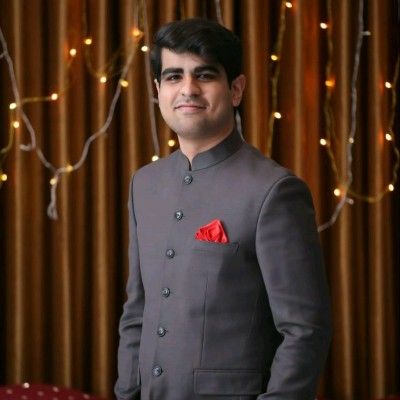
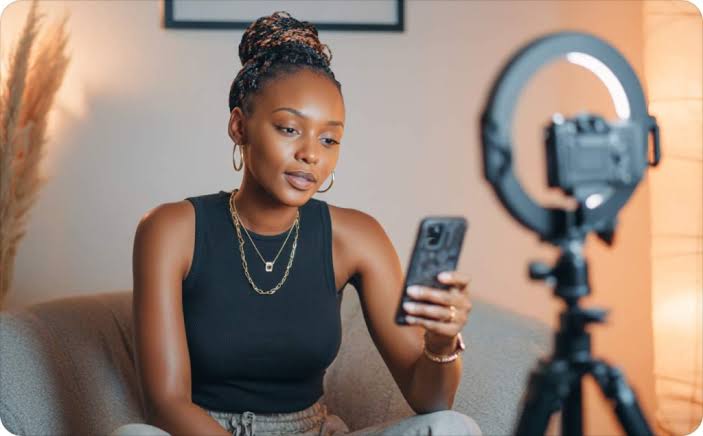
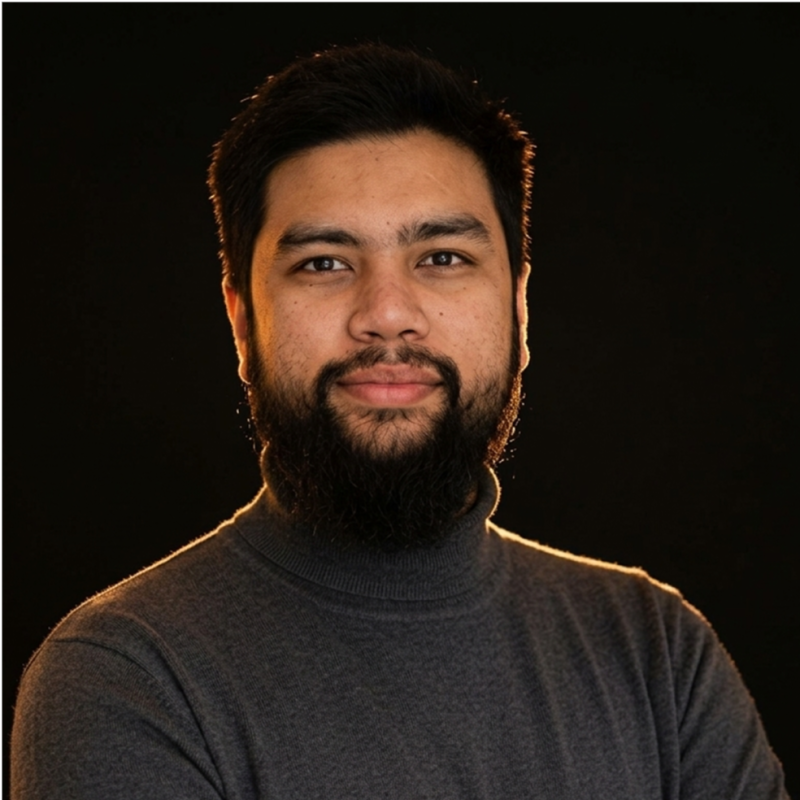
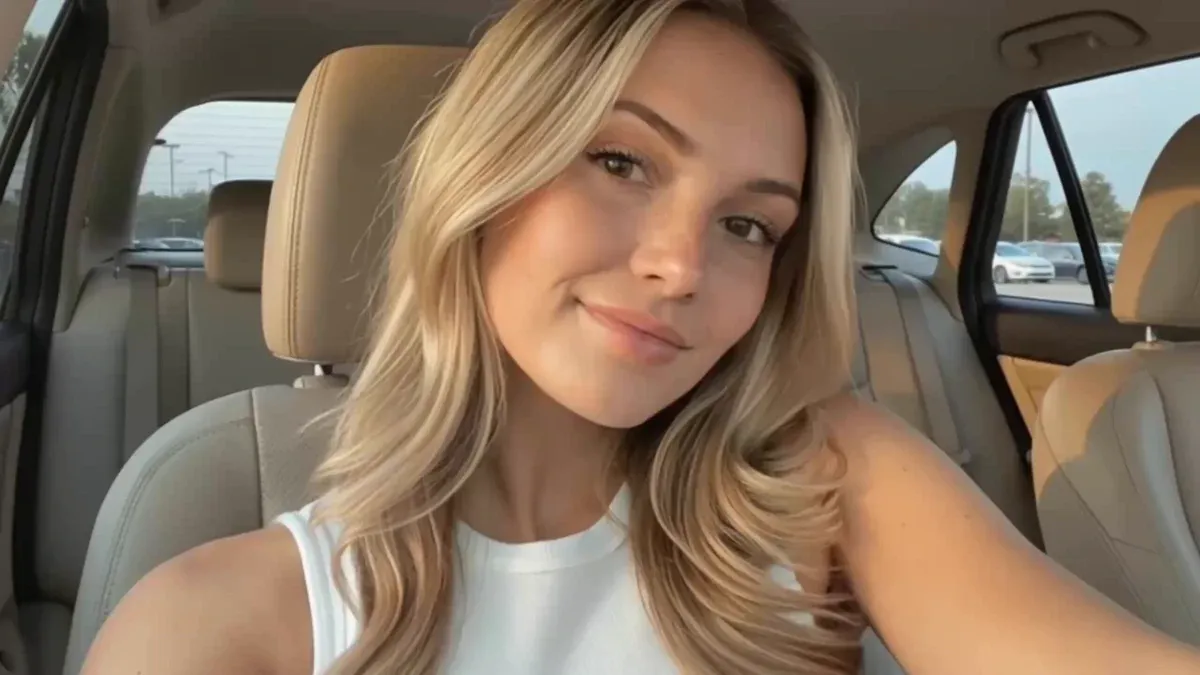
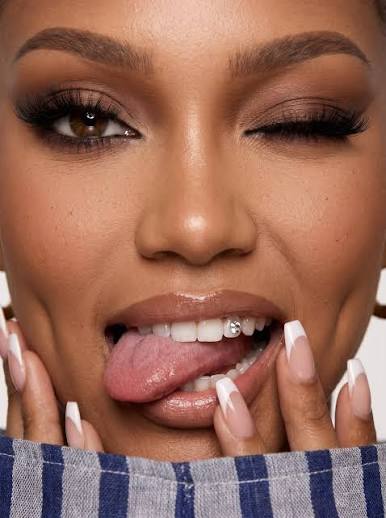
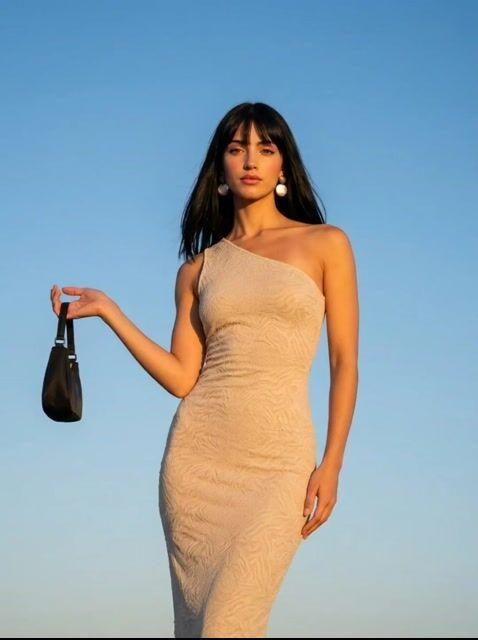
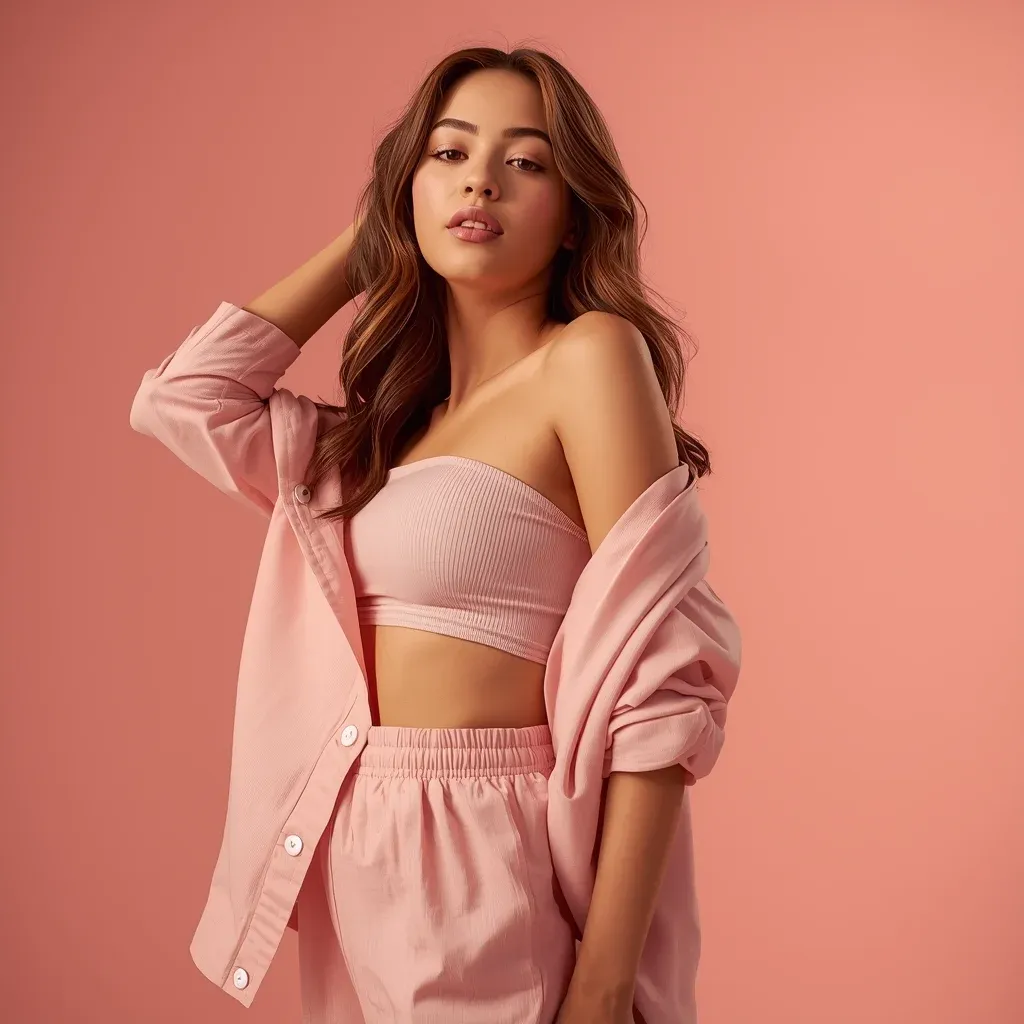
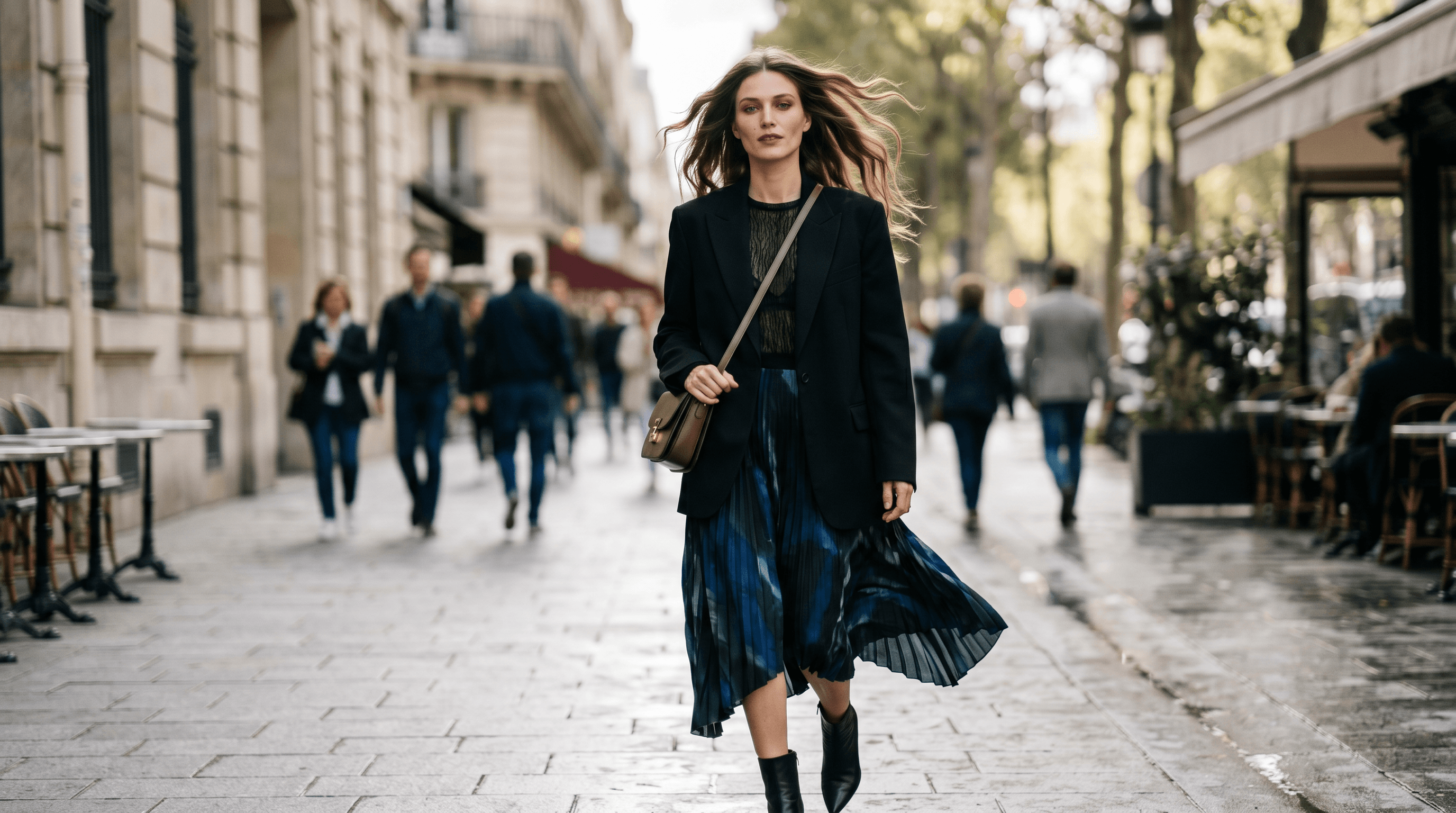
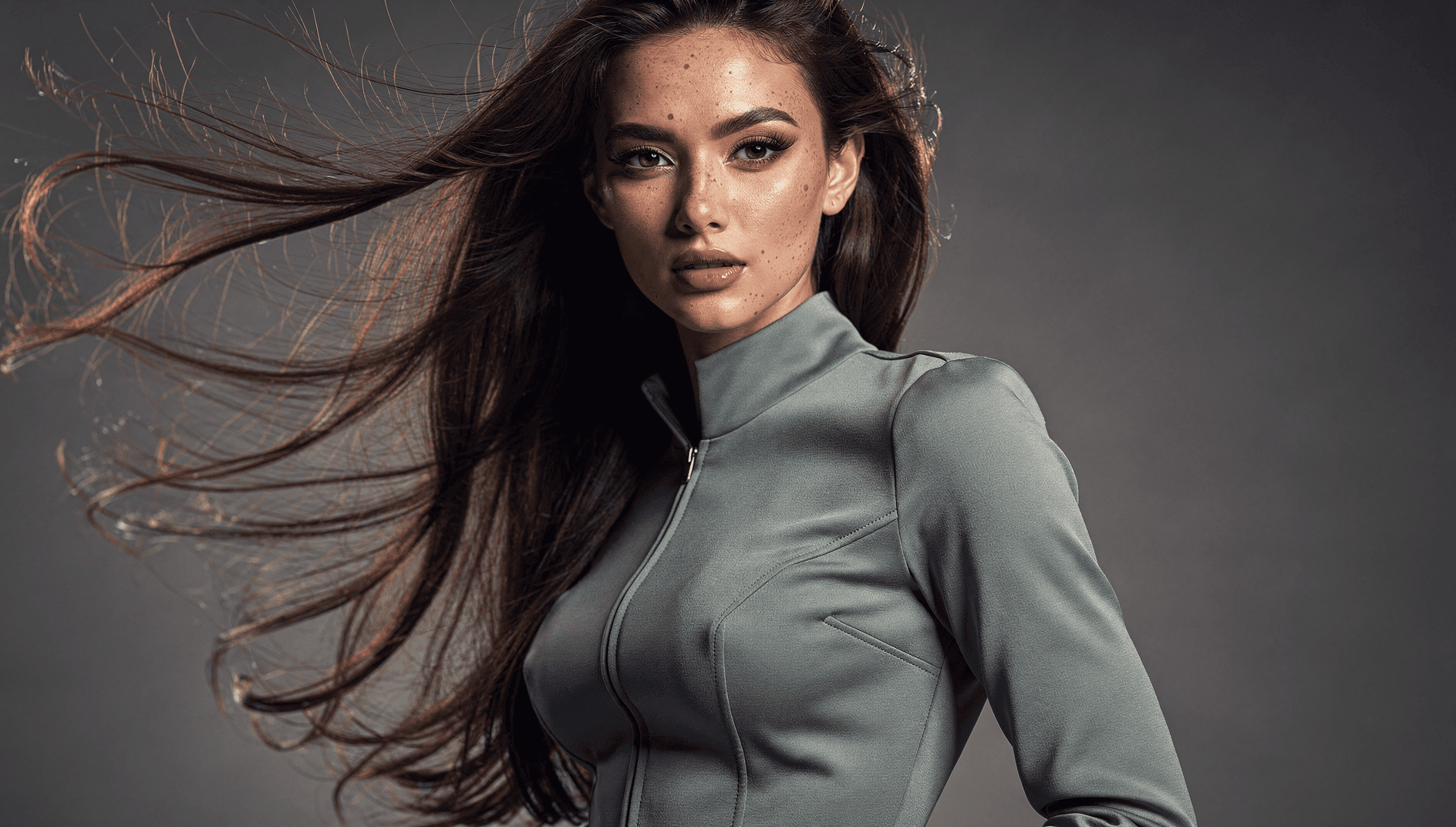
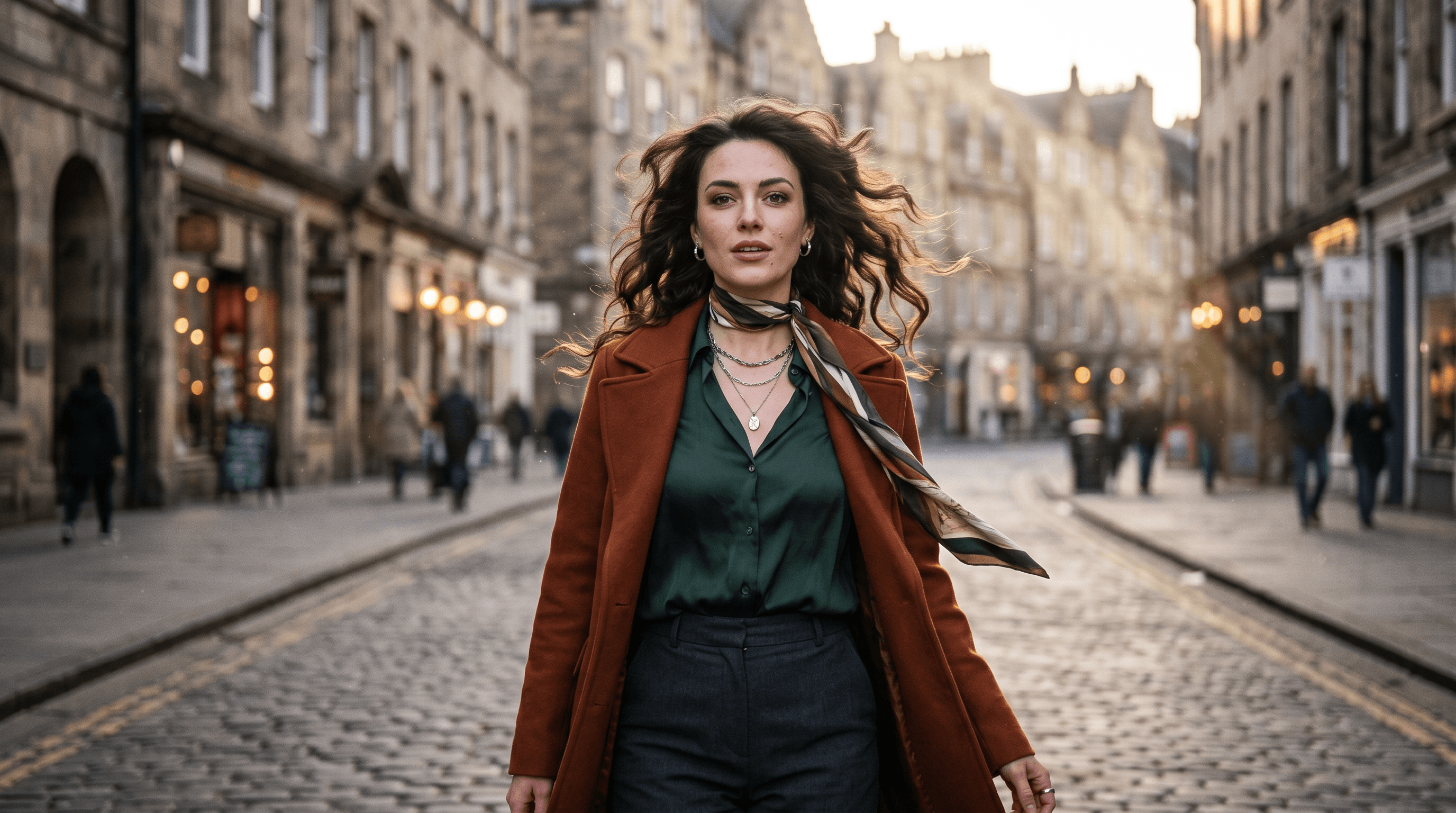
Pixara gives you a full AI influencer generator workflow: design a virtual influencer's face in Create Image, then reuse it as a reference image to keep the same look across posts. Turn the best photos into short videos and talking clips for Instagram, TikTok and YouTube.

Best AI Influencer Generator for Instagram and TikTok

AI influencer images made with these models

Google Nano Banana Pro logo
Google Nano Banana Pro
ByteDance Seedream 4.5 logo
ByteDance Seedream 4.5
Google Nano Banana 2 logo
Google Nano Banana 2
Kling O1 Image logo
Kling O1 Image
Midjourney logo
Midjourney
Google Nano Banana Pro logo
Google Nano Banana Pro
ByteDance Seedream 4.5 logo
ByteDance Seedream 4.5
Google Nano Banana 2 logo
Google Nano Banana 2
Kling O1 Image logo
Kling O1 Image
Midjourney logo
Midjourney
Google Nano Banana Pro logo
Google Nano Banana Pro
ByteDance Seedream 4.5 logo
ByteDance Seedream 4.5
Google Nano Banana 2 logo
Google Nano Banana 2
Kling O1 Image logo
Kling O1 Image
Midjourney logo
Midjourney

Viral AI Influencers Created by Our Community

Virtual influencer images and clips made with Pixara image and video models: portraits, outfit changes, travel scenes and short talking videos.

Gallery item
Gallery item
Gallery item
Gallery item
Gallery item
Gallery item
Gallery item
Gallery item
Gallery item
Gallery item
Gallery item
Gallery item
Gallery item
Gallery item
Gallery item
Gallery item
Gallery item
Gallery item
Gallery item
Gallery item
Gallery item
Gallery item
Gallery item
Gallery item
Gallery item
Gallery item
Gallery item
Gallery item
Gallery item
Gallery item
Design the Face

Create Your AI Influencer's Anchor Image

Open Create Image and describe your character in detail: age, face shape, hair, skin tone, style and setting, for example "25 year old woman, short copper hair, freckles, denim jacket, natural light, close up portrait". Generate a few options, pick one and keep it as your anchor image. Every later post starts from this picture, so choose a clear, front facing shot.

Create Your AI Influencer's Anchor Image
Consistent Character

Keep a Consistent AI Influencer Across Posts

Pixara has no saved character feature, so consistency comes from reference images. Upload your anchor image to a model like Nano Banana Pro, which takes up to 15 references, or Seedream 4.5, which takes up to 10, and describe only the new scene: "same woman, sitting in a Paris cafe, morning light". Add more good results as references over time.

Keep a Consistent AI Influencer Across Posts
Outfits and Scenes

Change Outfits, Poses and Locations

Keep the anchor image as a reference and change one thing per prompt: the outfit, the pose or the location. For a feed, plan a set such as gym, beach, city street and home office, and use the 3:4 ratio for feed posts and 9:16 for Reels. Kling O1 Image is useful for small, mask-free local edits like swapping a jacket.

Change Outfits, Poses and Locations
Video and Voice

Turn AI Influencer Photos Into Talking Videos

Send a finished image to Create Video and use it as the first frame, for example with Kling 3.0 in 9:16 for Reels and TikTok. To make the character speak, write a script in AI Voiceover, then match the mouth with AI Lip Sync. You can also try AI Avatars (Easel) with your anchor image.

Turn AI Influencer Photos Into Talking Videos

Everything You Need to Build an AI Influencer

Perfect Consistency

AI maintains character appearance across all generations

Facial Expressions

Create different emotions while keeping identity intact

Multiple Poses

Generate your character in any pose or action

Outfit Changes

Change clothing and accessories while maintaining character

Different Scenes

Place characters in various backgrounds and settings

Art Styles

Generate in various art styles from realistic to cartoon

Sharp Details

Maintains crisp edges and fine details perfectly

Iterative Creation

Refine and improve your images with progressive generation

Create Professional Videos in 3 Simple Steps

Pixara AI video generation preview

Upload a text prompt, reference image, or existing video clip. Add multiple frames to guide the story.

AI Models Showcase

Best AI Models for AI Influencer Images

Nano Banana Pro and Seedream 4.5 keep a face consistent from many reference images, Kling O1 Image handles local edits, and Midjourney suits stylised looks.

01
Google Nano Banana Pro logo

Google Nano Banana Pro

Hyper-realistic motion

02
ByteDance Seedream 4.5 logo

ByteDance Seedream 4.5

Cinematic camera control

03
Google Nano Banana 2 logo

Google Nano Banana 2

Lightning-fast generation

04
Kling O1 Image logo

Kling O1 Image

Industry-leading quality

05
Midjourney logo

Midjourney

Smooth physics simulation

06
Runway Gen 4 Image logo

Runway Gen 4 Image

Award-winning realism

07
Grok Imagine logo

Grok Imagine

Crisp 4K detail

Be Transparent

Run a Virtual Influencer Honestly

Create an original person rather than copying a real one, and only upload photos of yourself or of people who agreed. Label the account as AI generated where the platform asks you to, and check Instagram and TikTok rules on AI content and sponsored posts before you post. Images made with free credits can appear on Pixara's Explore page.

Run a Virtual Influencer Honestly
Loved by Creators

Real Results from Real Creators

See what our community is saying.

“I used to spend hours trying to get consistent AI influencer images and then even more time turning them into videos. Pixara gives me everything in one workflow. I can create the character, generate different looks, and turn the best images into short videos without jumping between five different tools. It has made creating content for Instagram much faster”

MR
Maya R.
AI Creator & Lifestyle Influencer

“As a solo creator, I don’t have a production team behind me. Pixara lets me create professional looking influencer content without hiring photographers, models, editors, or a video crew. I can test several concepts in an afternoon and quickly turn the ones that work into more content. That freedom has completely changed my workflow.”

DK
Daniel K.
Digital Creator & Content Entrepreneur

“The biggest difference for me is speed. I can start with an idea, generate the visuals, animate them, and create something ready for social media without needing advanced editing skills. I’ve been able to experiment with far more concepts than I could when I was creating everything manually.”

JT
Jordan T.
Short Form Video Creator

Plans for every kind of creator

Start free. Scale as you grow.
Special offerLimited time

Start with $1 — get 4,000 credits

3-day Starter trial with every model, workflows, Ara and MCP. Cancel anytime.

One-time offer for new members — pick Starter monthly to claim it.

Starter

$1 TRIAL
$10$1for 3 days
+ 4,000 credits
WorkflowsAraMCP
Start for $1 →

then $10/month

Unlimited access

Daily free generations are not included. Unlock them from Hobby.

  • 1,000 AI Image Generations
  • 222 seconds of Generative AI Videos
  • 666 minutes of AI Voiceovers
  • 33 minutes of Video Rendering
  • 2 GB storage
  • 2 Concurrent Generations
  • Public generations shared with the community
Hobby

20% OFF
$25$20/month
+ 15,000 credits
WorkflowsAraMCP
Choose Hobby →

Unlimited access

365 days
  • Nano Banana
  • Nano Banana 2
  • GPT Image 2
  • Seedream 5 Lite
  • Reve 2.1
  • Midjourney
  • 3,750 AI Image Generations
  • 833 seconds of Generative AI Videos
  • 2,500 minutes of AI Voiceovers
  • 125 minutes of Video Rendering
  • 25 GB storage
  • 4 Concurrent Generations
  • Optional private & copy-protected generations

Pro

Most popular40% OFF
$60$36/month
+ 36,000 credits
WorkflowsAraMCP
Choose Pro →

Unlimited access

365 days
  • Nano Banana
  • Nano Banana 2
  • GPT Image 2
  • Seedream 5 Lite
  • Reve 2.1
  • Midjourney
  • 9,000 AI Image Generations
  • 2,000 seconds of Generative AI Videos
  • 6,000 minutes of AI Voiceovers
  • 300 minutes of Video Rendering
  • 50 GB storage
  • 8 Concurrent Generations
  • Private & copy-protected generations by default

Ultimate

Limited time40% OFF
$250$150/month
+ 150,000 credits
WorkflowsAraMCP
Choose Ultimate →

Unlimited access

365 days
  • Nano Banana
  • Nano Banana 2
  • GPT Image 2
  • Seedream 5 Lite
  • Reve 2.1
  • Midjourney
  • 37,500 AI Image Generations
  • 4,400 seconds of Generative AI Videos
  • 25,000 minutes of AI Voiceovers
  • 1,250 minutes of Video Rendering
  • 100 GB storage
  • 16 Concurrent Generations
  • Private & copy-protected generations by default

Compare plans

Every plan includes every model, workflows, Ara and MCP. Higher plans add volume, speed and privacy.

Starter$10/monthGet started
Hobby$20/monthGet started
Most popularPro$36/monthGet started
Limited timeUltimate$150/monthGet started
Credits per month4,00015,00036,000150,000
AI Image generations1,0003,7509,00037,500
Generative video222 seconds833 seconds2,000 seconds4,400 seconds
AI voiceovers666 minutes2,500 minutes6,000 minutes25,000 minutes
Video rendering33 minutes125 minutes300 minutes1,250 minutes
Storage2 GB25 GB50 GB100 GB
Concurrent generations24816
Unlimited daily models—2 modelsAll 6 modelsAll 6 models
Generation visibilityPublicOptional privatePrivate by defaultPrivate by default

Latest from Our Blog

Discover tips, tutorials, and insights about AI-powered creativity

Frequently Asked Questions

The best AI influencer generator is one that keeps the same face across many images and can turn them into video. On Pixara you create an anchor image in Create Image, reuse it as a reference on models like Nano Banana Pro, and animate posts in Create Video.

Describe your character in Create Image, generate several options and pick one clear portrait as your anchor image. Then upload that image as a reference for every new post and describe only the scene, outfit or pose. Save your best results to use as extra references.

Pixara has no saved character feature, so use reference images. Upload your anchor image, plus a few of your best later results, to Nano Banana Pro (up to 15 references) or Seedream 4.5 (up to 10). Repeat the key traits in every prompt, like hair colour and freckles.

Yes. Use the 3:4 ratio for feed posts and 9:16 for Stories and Reels. Plan a set of scenes, generate them from your anchor image and keep the lighting style similar so the grid looks like one person. Check Instagram's rules on labelling AI content.

Yes. Use a finished image as the first frame in Create Video with a model such as Kling 3.0. For speech, write the script in AI Voiceover, then sync the mouth with AI Lip Sync. Keep lines short and the face clearly visible.

Yes, if it is your photo or you have the person's consent. Upload it as a reference image and describe the new style or setting. Do not upload photos of other people without their permission, and do not imitate a real public figure.

Nano Banana Pro is a strong choice for realistic portraits from reference images, with 1K, 2K or 4K output. Seedream 4.5 gives crisp 2K or 4K renders. Kling O1 Image is good for small local edits, and Midjourney suits more stylised looks.

Keep the anchor image as a reference and change one detail per prompt, for example "same man, black suit, rooftop at night". Changing many things at once makes the face drift. For small changes like a different jacket, Kling O1 Image can edit just that area.

Many platforms ask you to label realistic AI content, and some regions have disclosure rules for ads and sponsored posts. Check the current rules for Instagram, TikTok and YouTube and your country before you post, and be open with your audience.

New accounts get free credits when they sign up, and new members can try every model, workflows and Ara for 3 days for $1. Paid plans start at $10 a month. Images made with free credits can appear publicly on Pixara's Explore page.