Now Live

Pixara MCP – generate images, video and voice from Claude, Cursor and more.

AI Selfie Generator for Realistic Selfie Portraits

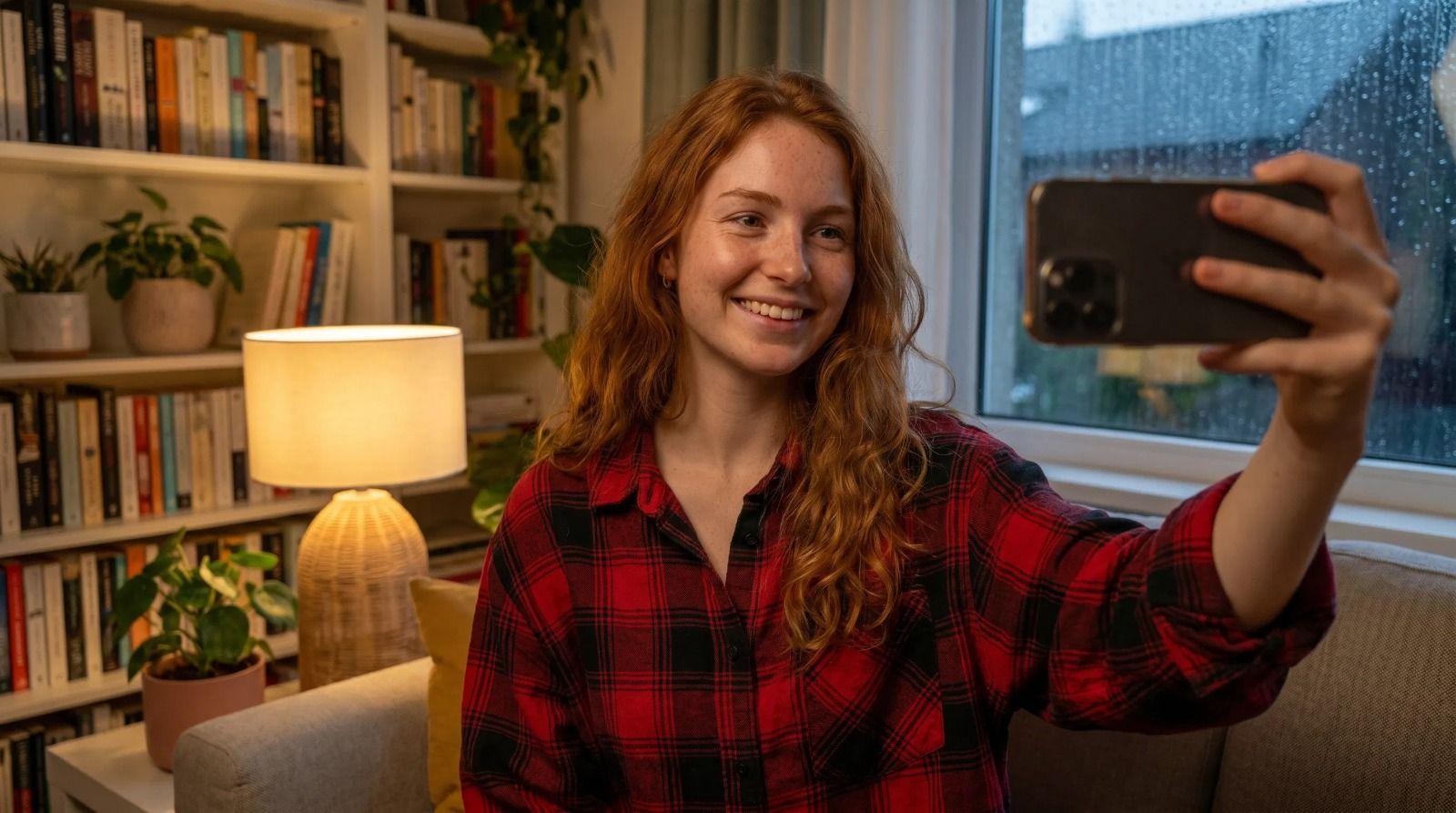
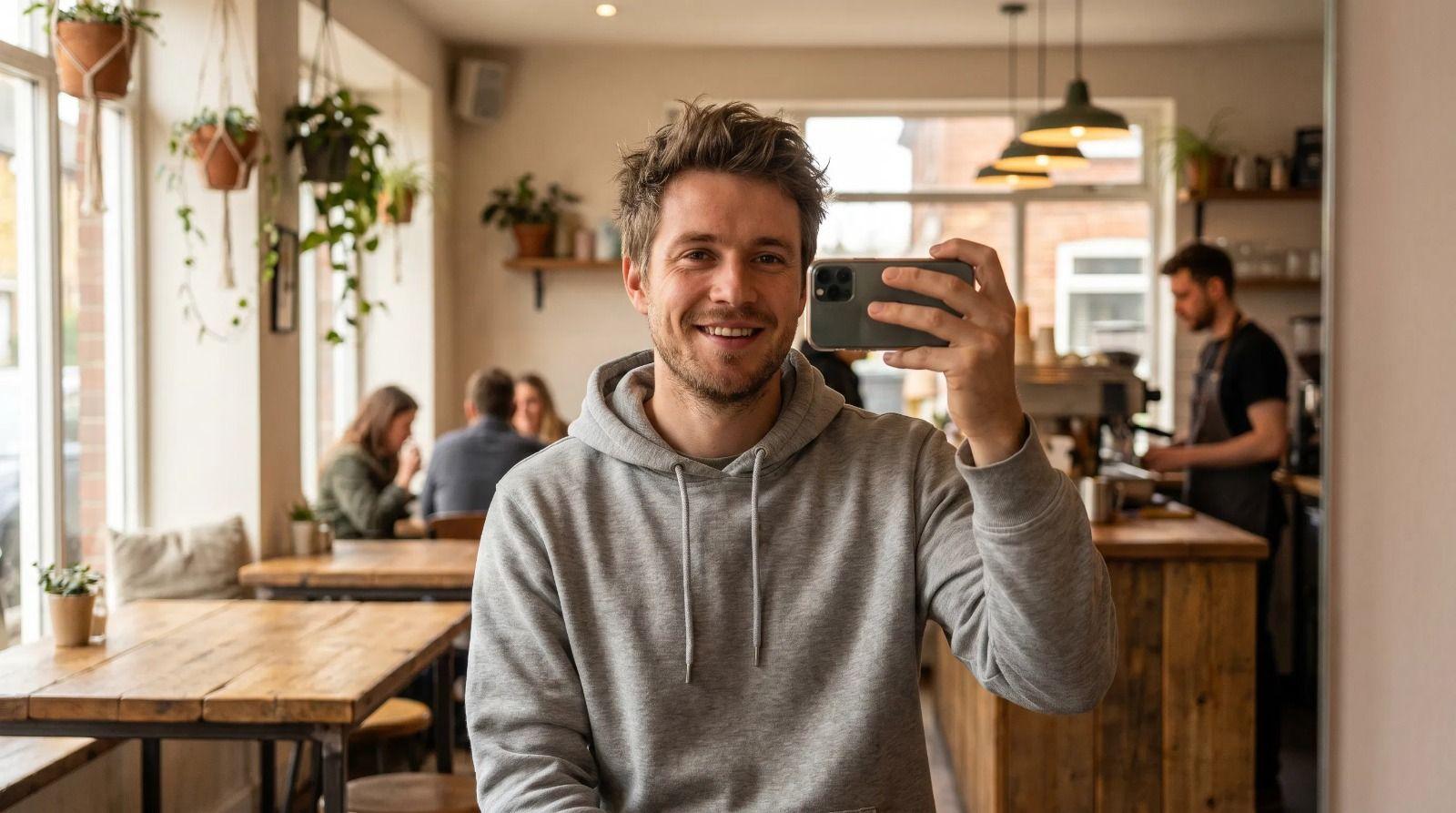
Create a realistic selfie portrait from a short text prompt, or upload your own photo and restyle it with the AI selfie generator on Pixara. Get casual phone selfies, mirror shots and close-up portraits with natural light, real skin texture and the framing of a front camera.

AI Selfie Generator for Realistic Selfie Portraits

Selfies made with these image models

Google Nano Banana Pro logo
Google Nano Banana Pro
ByteDance Seedream 4.5 logo
ByteDance Seedream 4.5
Google Nano Banana 2 logo
Google Nano Banana 2
Kling O1 Image logo
Kling O1 Image
Grok Imagine logo
Grok Imagine
Google Nano Banana Pro logo
Google Nano Banana Pro
ByteDance Seedream 4.5 logo
ByteDance Seedream 4.5
Google Nano Banana 2 logo
Google Nano Banana 2
Kling O1 Image logo
Kling O1 Image
Grok Imagine logo
Grok Imagine
Google Nano Banana Pro logo
Google Nano Banana Pro
ByteDance Seedream 4.5 logo
ByteDance Seedream 4.5
Google Nano Banana 2 logo
Google Nano Banana 2
Kling O1 Image logo
Kling O1 Image
Grok Imagine logo
Grok Imagine

Stunning Portraits & Creative Styles Generated by our Users

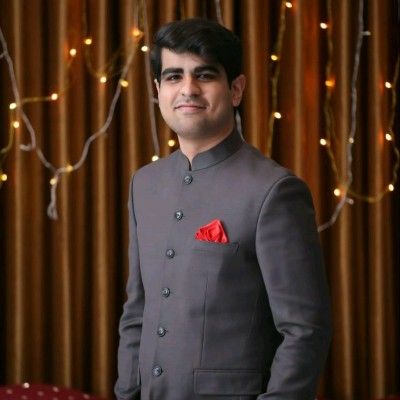
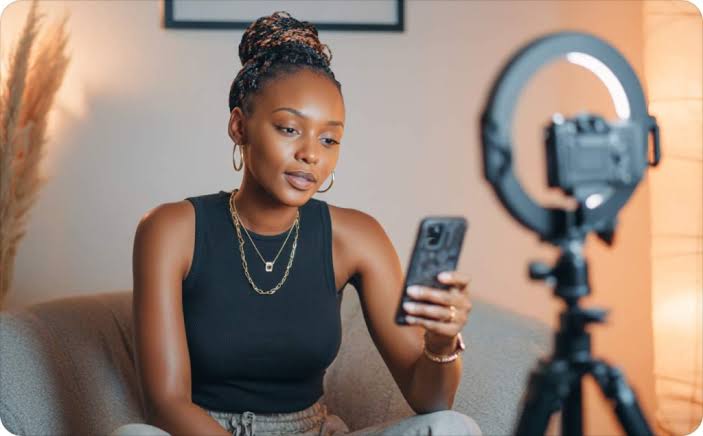
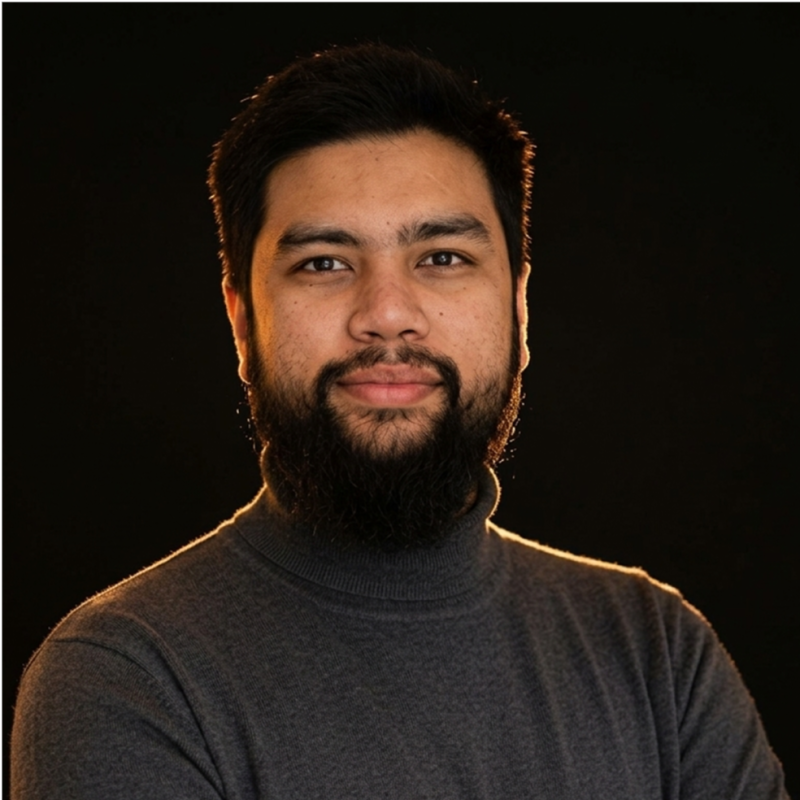
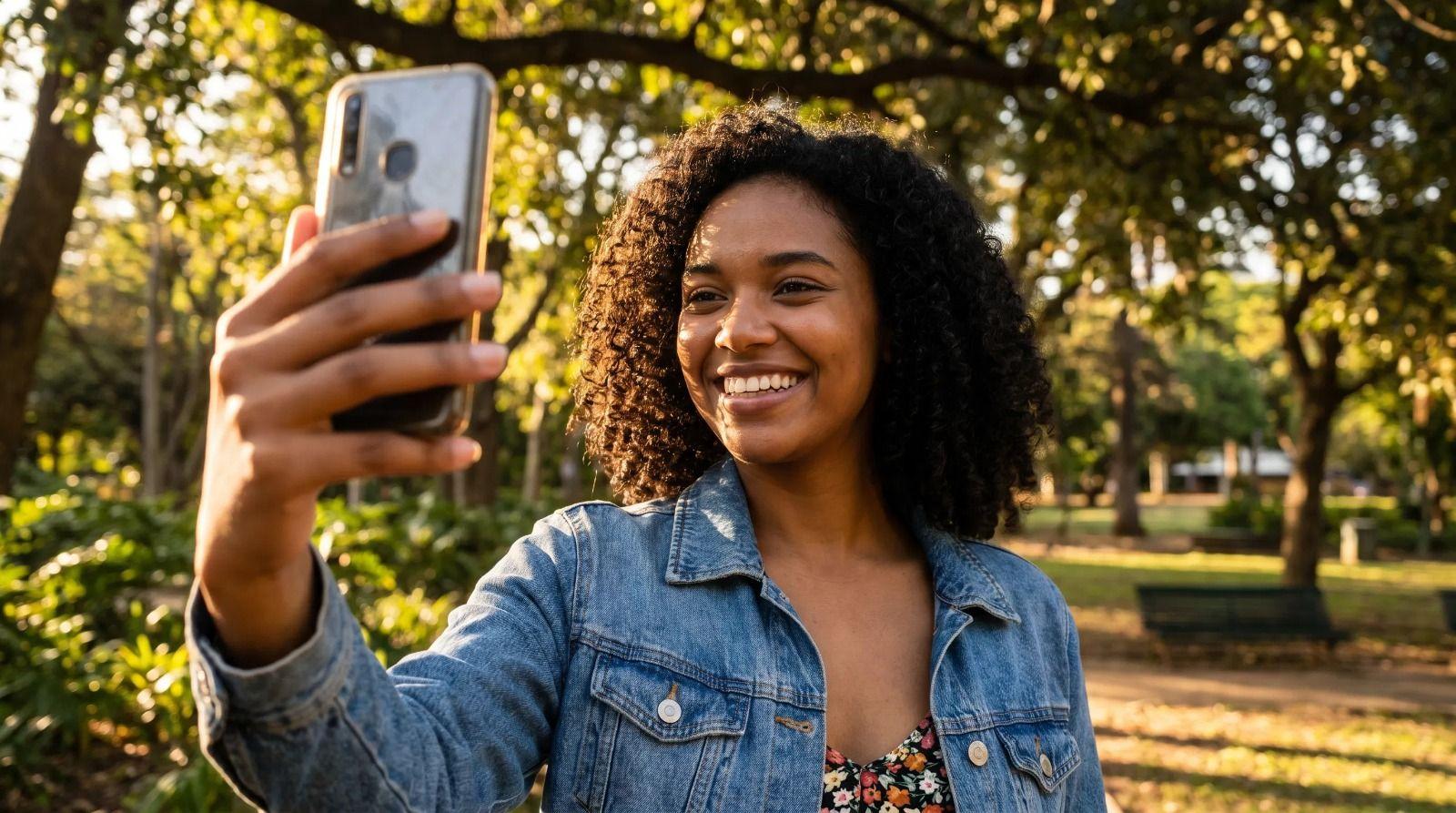
Selfies made with Pixara image models: casual phone shots, golden hour portraits, mirror selfies and restyled photos with natural skin and light.

Gallery item
Gallery item
Gallery item
Gallery item
Gallery item
Gallery item
Gallery item
Gallery item
Gallery item
Gallery item
Gallery item
Gallery item
Gallery item
Gallery item
Gallery item
Gallery item
Gallery item
Gallery item
Gallery item
Gallery item
Gallery item
Gallery item
Gallery item
Gallery item
Realistic Selfie From Text

Create a Realistic Selfie Portrait With an AI Image Generator

Open Create Image, choose a realistic model such as Nano Banana Pro or Seedream 4.5 and describe the shot like a photo, not a painting: "casual selfie, woman in her 20s, front phone camera, window light, slight smile, messy hair, cafe background". Set the ratio to 3:4 or 9:16 so it frames like a phone picture, then generate a few versions.

Create a Realistic Selfie Portrait With an AI Image Generator
Selfie From Your Photo

AI Selfie Generator From Your Own Photo

Upload a clear photo of your face as a reference image (JPG, PNG or WebP, up to 10 MB), then say what should change: "same person, beach at sunset, white linen shirt, selfie angle". Nano Banana Pro accepts up to 15 reference images, so adding two or three photos from different angles helps keep your features consistent. Only upload photos of yourself or of people who agreed.

AI Selfie Generator From Your Own Photo
Make It Look Real

How to Create an AI Selfie That Looks Like a Real Phone Shot

Real selfies are a little imperfect, so ask for that. Add words like "arm's length", "slight wide-angle distortion", "natural skin texture", "soft shadows" and "no makeup". Avoid "studio lighting" and "perfect skin" unless you want a polished portrait. If your prompt is short, press Enhance My Idea and Pixara rewrites it into a detailed photo prompt you can edit.

How to Create an AI Selfie That Looks Like a Real Phone Shot
Selfie AI Maker

Use the AI Selfie Maker for a Full Set of Shots

Keep one base prompt and change one thing per run, such as the location, outfit or time of day, to build a set of selfies that look like the same person on different days. Save your favourite result and add it as a reference image for the next run. Kling O1 Image can make mask-free local edits, like changing only the jacket or the background.

Use the AI Selfie Maker for a Full Set of Shots

Everything You Need for Realistic AI Selfies

Perfect Consistency

AI maintains character appearance across all generations

Facial Expressions

Create different emotions while keeping identity intact

Different Scenes

Place characters in various backgrounds and settings

Outfit Changes

Change clothing and accessories while maintaining character

Multiple Poses

Generate your character in any pose or action

Detail Preservation

Maintains fine details and textures perfectly

Sharp Details

Maintains crisp edges and fine details perfectly

Format Support

Works with PNG, JPG, WebP and other formats

Create Professional Videos in 3 Simple Steps

Pixara AI video generation preview

Upload a text prompt, reference image, or existing video clip. Add multiple frames to guide the story.

AI Models Showcase

Best AI Models for Realistic Selfie Portraits

Nano Banana Pro for photo-real selfies from up to 15 reference photos, Seedream 4.5 for crisp 2K and 4K portraits, Kling O1 Image for small local edits and Reve for restyling a photo you already have.

01
Google Nano Banana Pro logo

Google Nano Banana Pro

Hyper-realistic motion

02
ByteDance Seedream 4.5 logo

ByteDance Seedream 4.5

Cinematic camera control

03
Google Nano Banana 2 logo

Google Nano Banana 2

Lightning-fast generation

04
Kling O1 Image logo

Kling O1 Image

Industry-leading quality

05
Runway Gen 4 Image logo

Runway Gen 4 Image

Smooth physics simulation

06
Grok Imagine logo

Grok Imagine

Award-winning realism

07
Qwen Image Edit logo

Qwen Image Edit

Crisp 4K detail

Selfie to Video

Turn Your AI Selfie Into a Short Video

Send a finished selfie to Create Video and use it as the first frame. Pick a model such as Kling 3.0 or Veo 3.1 and describe a small, natural movement: "she laughs, looks away, then back at the camera, hair moves in the breeze". Short, simple motion keeps the face closest to the original image.

Turn Your AI Selfie Into a Short Video
Loved by Creators

Real Results from Real Creators

See what our community is saying.

“I’ve tried a few AI portrait tools before, but the biggest problem was always the same: the result looked like a better looking version of a completely different person. Pixara was different. My facial features and expressions stayed recognizable, while the lighting and overall quality looked like I had gone to a professional studio”

ER
Emily R.
Content Creator

“I needed a new headshot for LinkedIn and my website but didn’t want to spend hundreds of dollars on a photoshoot. I uploaded a few photos to Pixara and was honestly surprised by the results. I got several professional looking portraits with different backgrounds and styles in just a few minutes.”

MT
Marcus T.
Freelance Consultant

“I’m constantly updating my Instagram and social profiles, so having to arrange new photos every time gets expensive and repetitive. Pixara gives me so many different looks from the photos I already have. I can create something casual, polished, cinematic, or more creative without needing a camera or photographer.”

SL
Sophie L.
Lifestyle Creator

Plans for every kind of creator

Start free. Scale as you grow.
Special offerLimited time

Start with $1 — get 4,000 credits

3-day Starter trial with every model, workflows, Ara and MCP. Cancel anytime.

One-time offer for new members — pick Starter monthly to claim it.

Starter

$1 TRIAL
$10$1for 3 days
+ 4,000 credits
WorkflowsAraMCP
Start for $1 →

then $10/month

Unlimited access

Daily free generations are not included. Unlock them from Hobby.

  • 1,000 AI Image Generations
  • 222 seconds of Generative AI Videos
  • 666 minutes of AI Voiceovers
  • 33 minutes of Video Rendering
  • 2 GB storage
  • 2 Concurrent Generations
  • Public generations shared with the community
Hobby

20% OFF
$25$20/month
+ 15,000 credits
WorkflowsAraMCP
Choose Hobby →

Unlimited access

365 days
  • Nano Banana
  • Nano Banana 2
  • GPT Image 2
  • Seedream 5 Lite
  • Reve 2.1
  • Midjourney
  • 3,750 AI Image Generations
  • 833 seconds of Generative AI Videos
  • 2,500 minutes of AI Voiceovers
  • 125 minutes of Video Rendering
  • 25 GB storage
  • 4 Concurrent Generations
  • Optional private & copy-protected generations

Pro

Most popular40% OFF
$60$36/month
+ 36,000 credits
WorkflowsAraMCP
Choose Pro →

Unlimited access

365 days
  • Nano Banana
  • Nano Banana 2
  • GPT Image 2
  • Seedream 5 Lite
  • Reve 2.1
  • Midjourney
  • 9,000 AI Image Generations
  • 2,000 seconds of Generative AI Videos
  • 6,000 minutes of AI Voiceovers
  • 300 minutes of Video Rendering
  • 50 GB storage
  • 8 Concurrent Generations
  • Private & copy-protected generations by default

Ultimate

Limited time40% OFF
$250$150/month
+ 150,000 credits
WorkflowsAraMCP
Choose Ultimate →

Unlimited access

365 days
  • Nano Banana
  • Nano Banana 2
  • GPT Image 2
  • Seedream 5 Lite
  • Reve 2.1
  • Midjourney
  • 37,500 AI Image Generations
  • 4,400 seconds of Generative AI Videos
  • 25,000 minutes of AI Voiceovers
  • 1,250 minutes of Video Rendering
  • 100 GB storage
  • 16 Concurrent Generations
  • Private & copy-protected generations by default

Compare plans

Every plan includes every model, workflows, Ara and MCP. Higher plans add volume, speed and privacy.

Starter$10/monthGet started
Hobby$20/monthGet started
Most popularPro$36/monthGet started
Limited timeUltimate$150/monthGet started
Credits per month4,00015,00036,000150,000
AI Image generations1,0003,7509,00037,500
Generative video222 seconds833 seconds2,000 seconds4,400 seconds
AI voiceovers666 minutes2,500 minutes6,000 minutes25,000 minutes
Video rendering33 minutes125 minutes300 minutes1,250 minutes
Storage2 GB25 GB50 GB100 GB
Concurrent generations24816
Unlimited daily models—2 modelsAll 6 modelsAll 6 models
Generation visibilityPublicOptional privatePrivate by defaultPrivate by default

Latest from Our Blog

Discover tips, tutorials, and insights about AI-powered creativity

Frequently Asked Questions

It is a tool that creates selfie-style photos with AI, either from a text description or from a photo you upload. On Pixara you open Create Image, pick a realistic model, describe the selfie or add a reference photo, choose a portrait ratio and generate.

Nano Banana Pro and Seedream 4.5 give the most photo-real results for selfies on Pixara. Describe the camera angle, light and setting in plain words, for example "front camera selfie, overcast daylight, park bench", and pick a 3:4 or 9:16 ratio so it looks like a phone photo.

Upload one or more clear photos of your face as reference images, then describe the new scene, outfit or style. Models like Nano Banana Pro (up to 15 references) and Seedream 4.5 (up to 10) keep features more consistent when you give them several angles. Use only photos of yourself or of people who agreed.

Ask for small flaws that real phone photos have: arm's-length framing, slight lens distortion, natural skin texture, uneven light and a busy background. Skip words like "flawless" or "studio". If a face looks too smooth, add "visible pores, no retouching" to the prompt and run it again.

Yes. For a mirror selfie, describe the mirror, the phone in hand and the room, for example "mirror selfie in a bathroom, phone covering part of the face". For a group selfie, say how many people are in the shot and where each one stands.

Use 9:16 for stories and reels, 3:4 for a classic phone photo and 1:1 for a profile picture. Pixara also has a Match option that copies the ratio of your uploaded reference image. Pick the ratio before you generate, since cropping later can cut off part of the face.

Yes. Upload the selfie and describe only the change, such as "same photo, replace the background with a city street at night". Kling O1 Image is good for mask-free local edits, and Qwen Image Edit works well for a single-image edit.

Yes. Open the image in Create Video, where every video model accepts an image as the first frame. Describe a small movement like a smile, a head turn or wind in the hair. Kling 3.0 and Veo 3.1 can also generate audio with the clip.

Yes. Ara is Pixara's chat assistant. Describe the selfie you want in a normal sentence, and Ara generates images from the conversation. You can ask it for changes in follow-up messages instead of rewriting the prompt.

New accounts get free credits when they sign up, and new members can try every model, workflows and Ara for 3 days for $1. Paid plans start at $10 a month. Images made with free credits can appear publicly on Pixara's Explore page.