Now Live

Pixara MCP – generate images, video and voice from Claude, Cursor and more.

AI Monster Generator for Creatures, Beasts and Cute Monsters

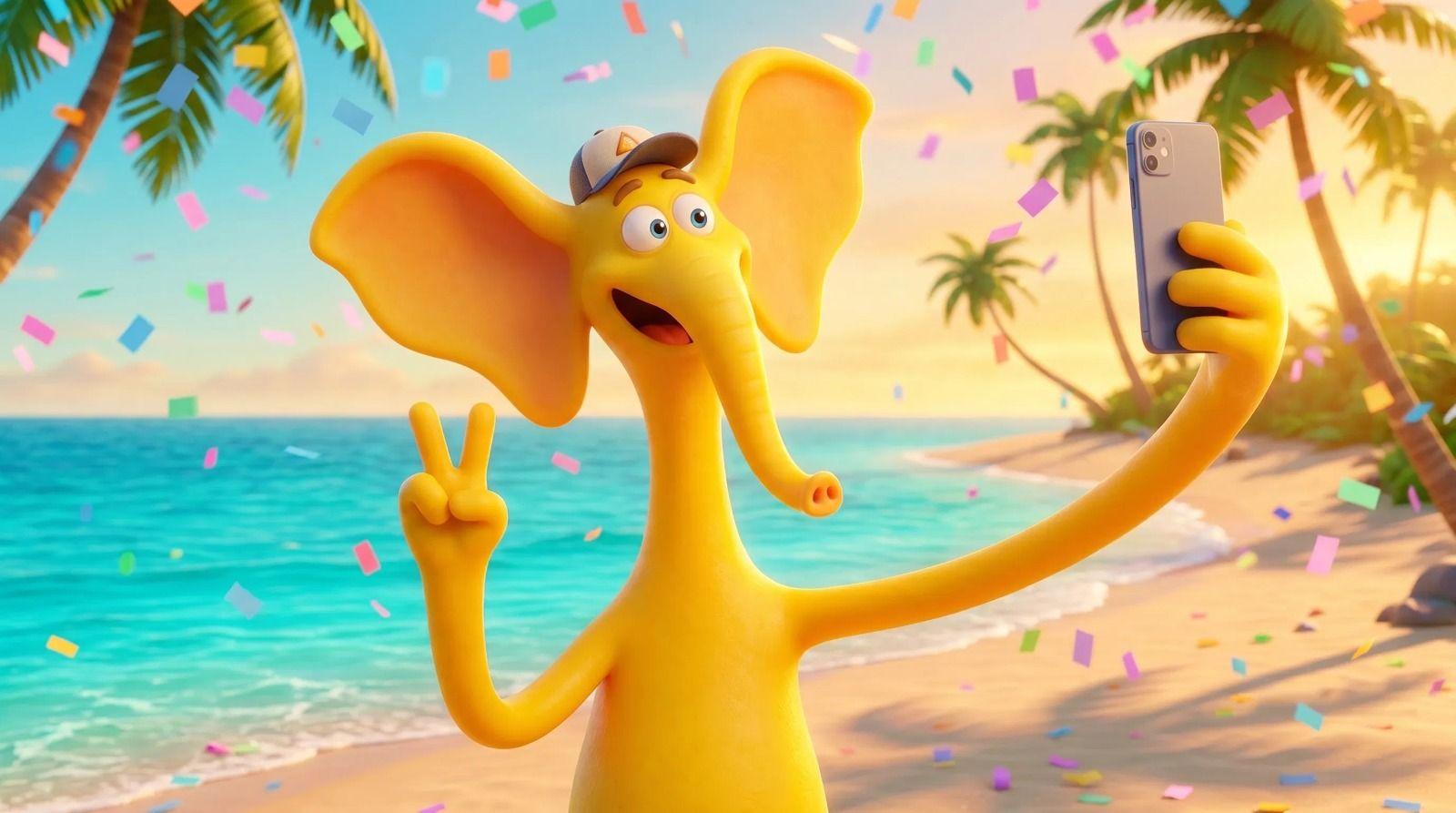
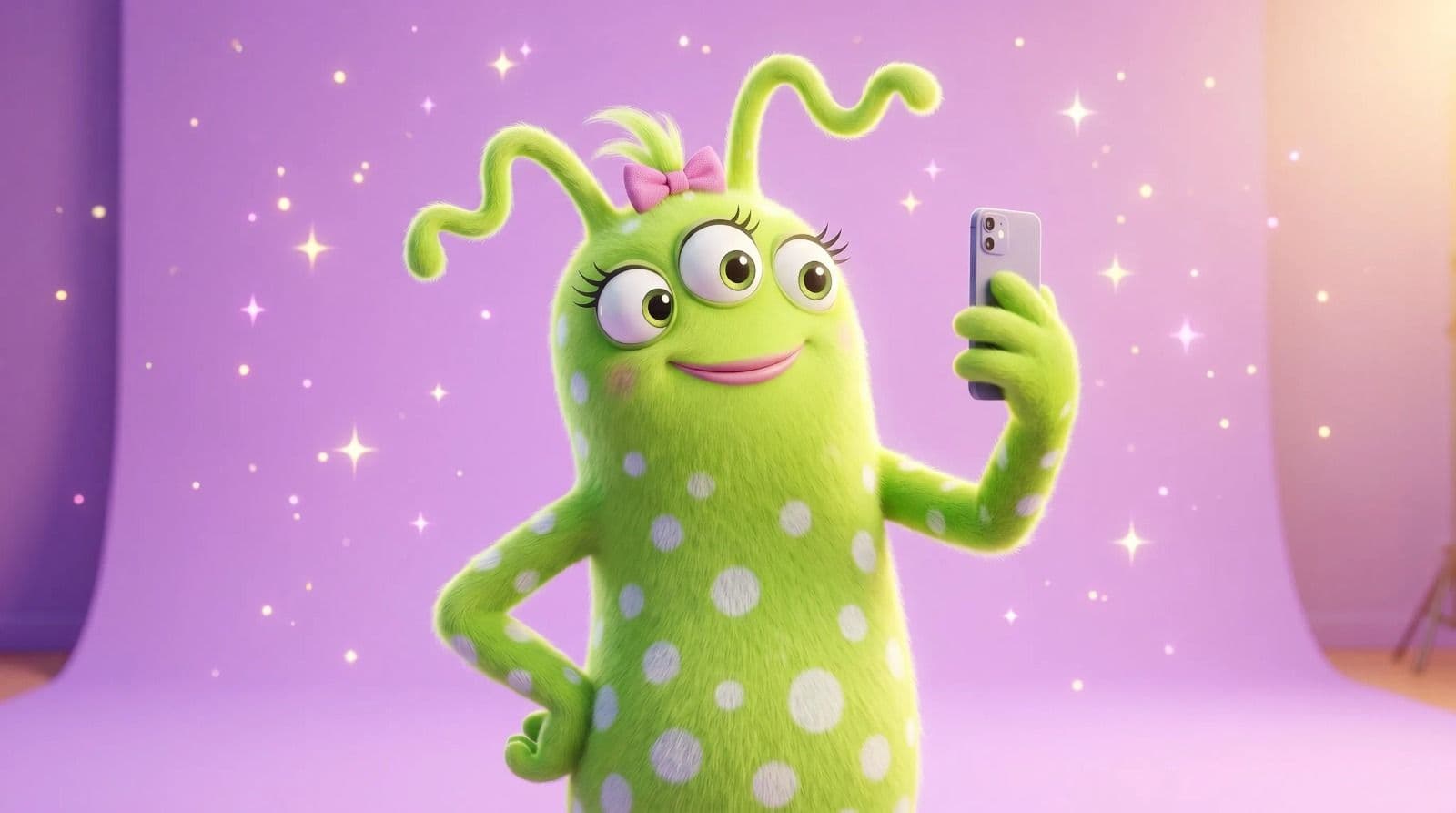
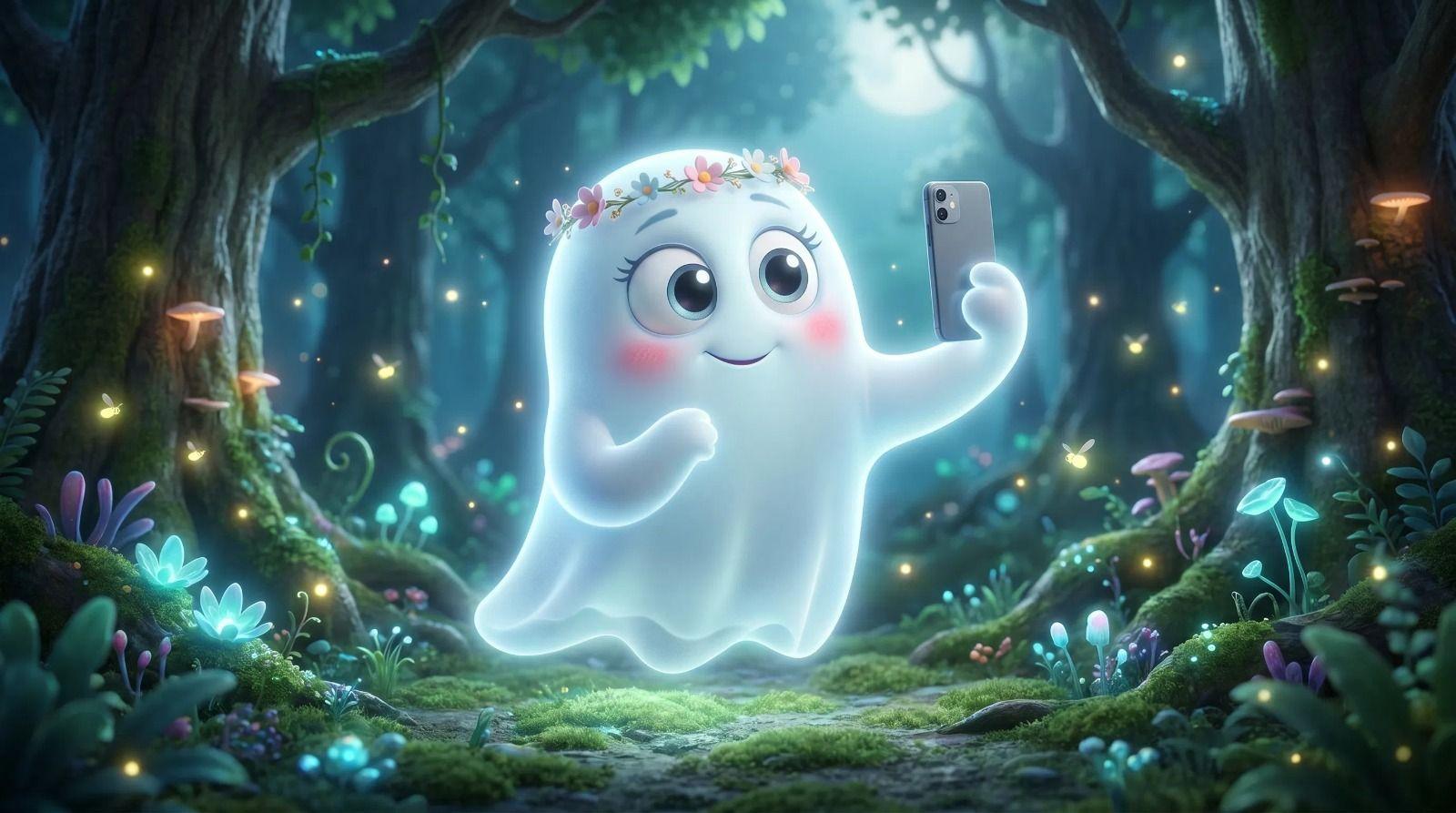
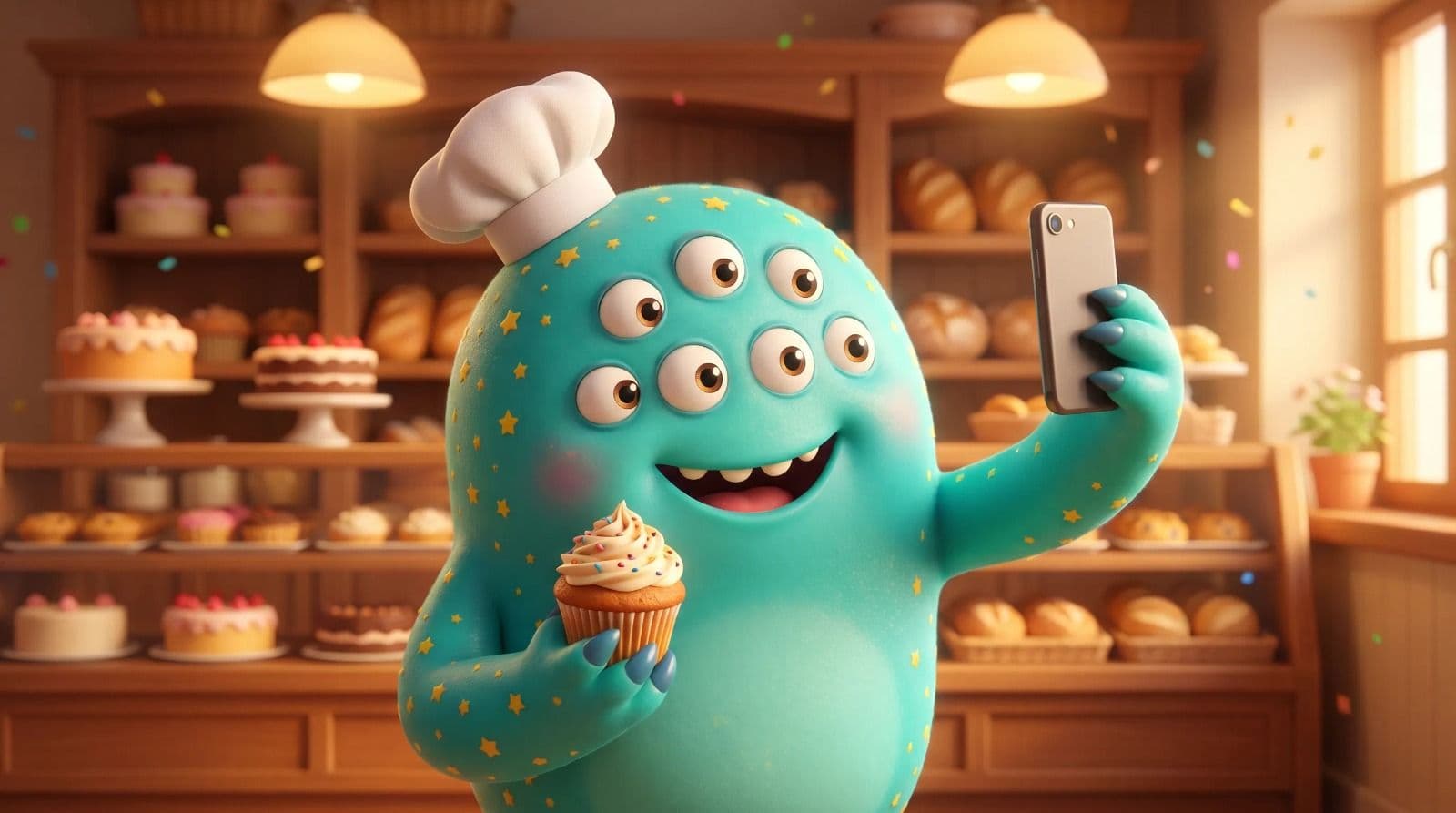
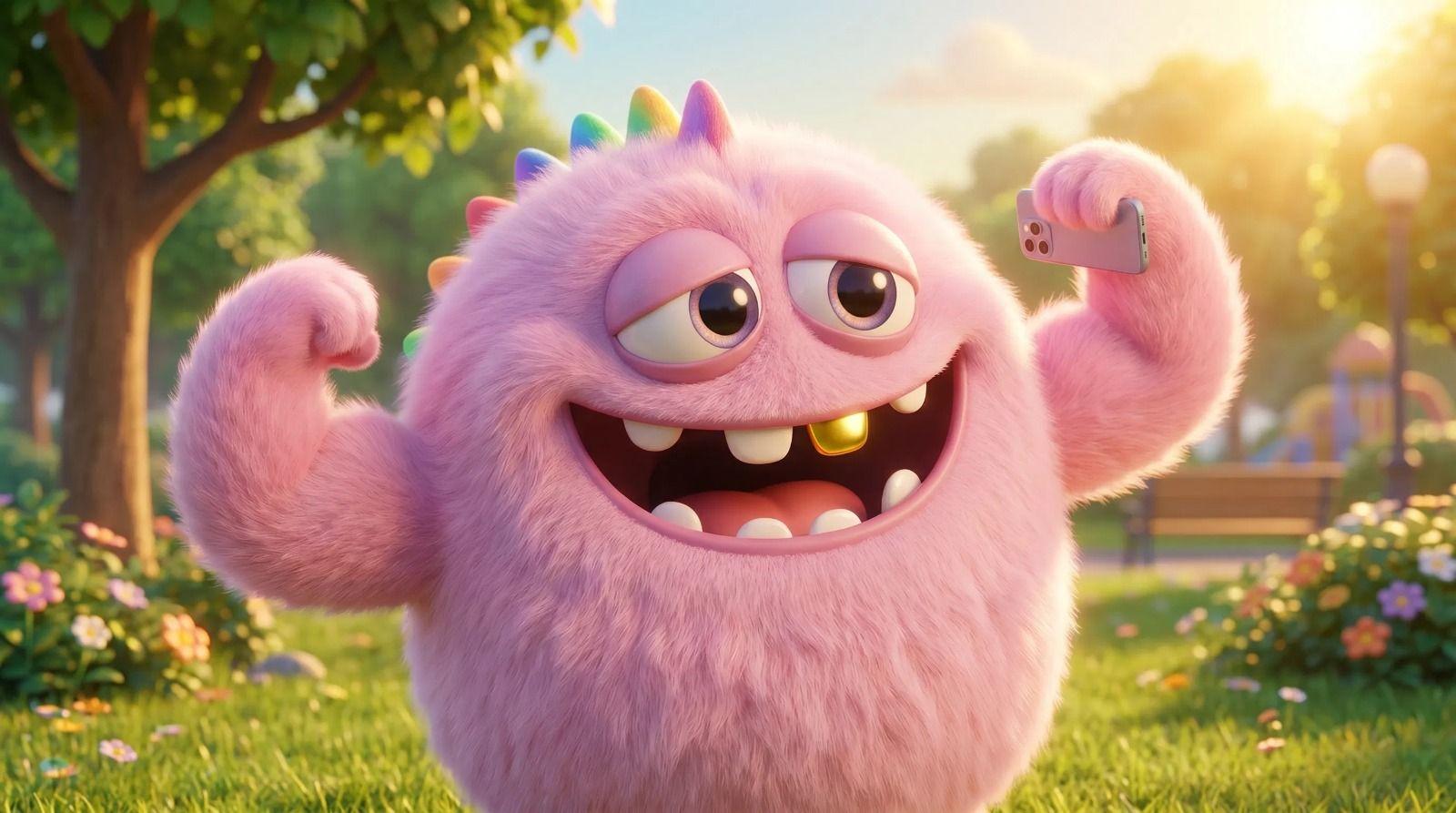
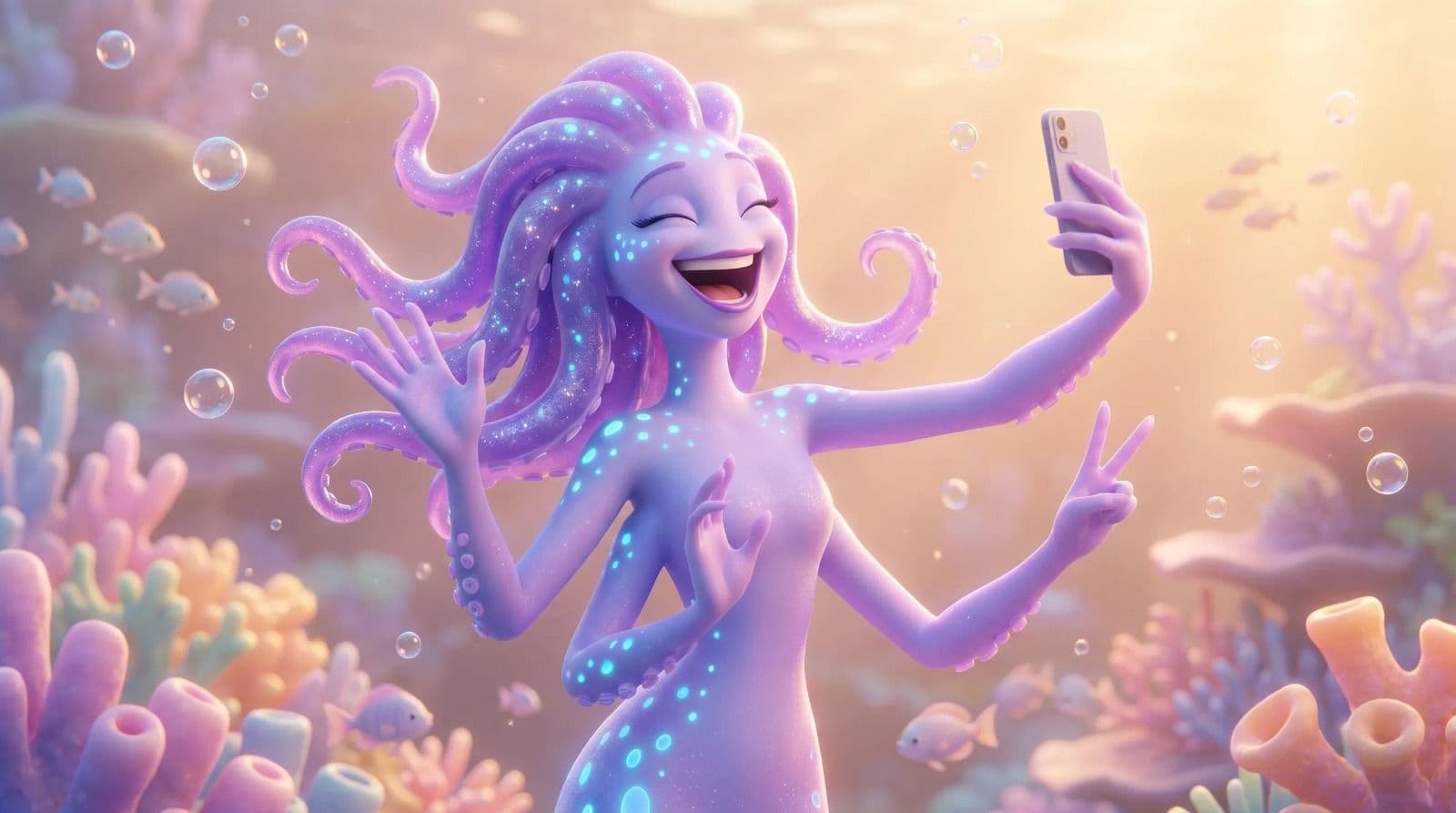
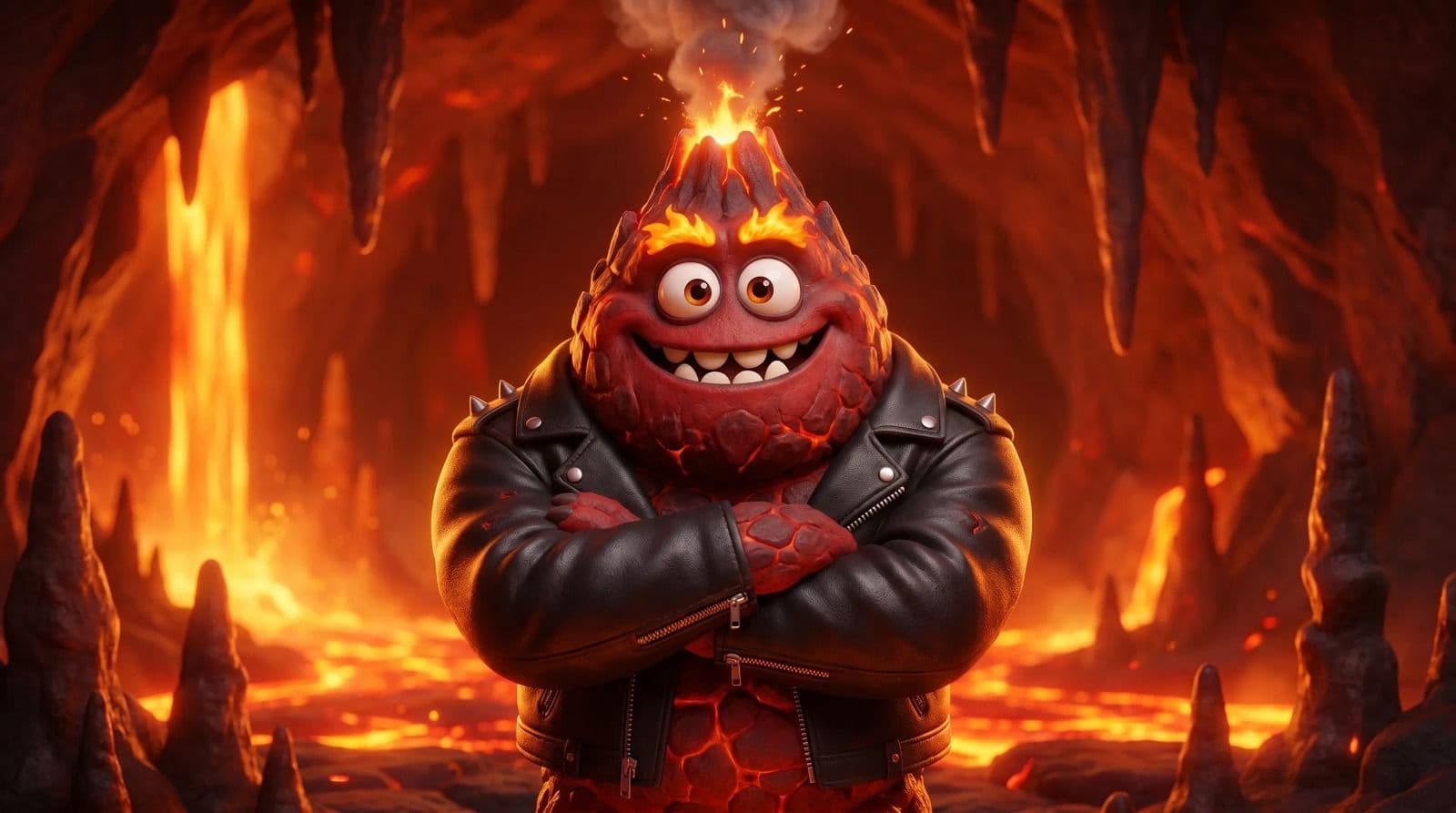
Describe any creature and Pixara's AI monster generator turns it into finished art in seconds, from cute blob monsters to giant horror beasts. Use it as a creature generator for games, D&D campaigns, stories, kids' drawings and concept art.

AI Monster Generator for Creatures, Beasts and Cute Monsters

Monsters made with these image models

Midjourney logo
Midjourney
Google Nano Banana Pro logo
Google Nano Banana Pro
ByteDance Seedream 4.5 logo
ByteDance Seedream 4.5
Ideogram V3 Quality logo
Ideogram V3 Quality
Google Nano Banana 2 logo
Google Nano Banana 2
Grok Imagine logo
Grok Imagine
Midjourney logo
Midjourney
Google Nano Banana Pro logo
Google Nano Banana Pro
ByteDance Seedream 4.5 logo
ByteDance Seedream 4.5
Ideogram V3 Quality logo
Ideogram V3 Quality
Google Nano Banana 2 logo
Google Nano Banana 2
Grok Imagine logo
Grok Imagine
Midjourney logo
Midjourney
Google Nano Banana Pro logo
Google Nano Banana Pro
ByteDance Seedream 4.5 logo
ByteDance Seedream 4.5
Ideogram V3 Quality logo
Ideogram V3 Quality
Google Nano Banana 2 logo
Google Nano Banana 2
Grok Imagine logo
Grok Imagine

See What Creators Are Building with Pixara

Monsters made with Pixara image models: swamp trolls, crystal dragons, cute fluffy critters, deep sea horrors and boss creatures for games and tabletop campaigns.

Gallery item
Gallery item
Gallery item
Gallery item
Gallery item
Gallery item
Gallery item
Gallery item
Gallery item
Gallery item
Gallery item
Gallery item
Gallery item
Gallery item
Gallery item
Gallery item
Gallery item
Gallery item
Gallery item
Gallery item
Gallery item
Gallery item
Gallery item
Gallery item
Monster Generator

Describe Your Monster and Generate It

Open Create Image and write the body, the skin and the mood in one line, for example "six-legged swamp beast, mossy hide, glowing green eyes, foggy marsh at night". No idea yet? Press Surprise for a random prompt, or type three words and let Enhance My Idea add the detail. Most image models make up to four monsters per run, so you can pick the best one.

Describe Your Monster and Generate It
Creature Generator

A Creature Generator for Games and D&D

Build a bestiary for your campaign or game by keeping one base prompt and changing a single part each time: the habitat, the size, the element or the number of eyes. Add "full body, neutral background, character sheet" when you want a clean token or concept reference. Save your first creature as a reference image so the next ones stay in the same art style.

A Creature Generator for Games and D&D
Cute Monsters

Make Cute Monsters, Funny Critters or Pure Horror

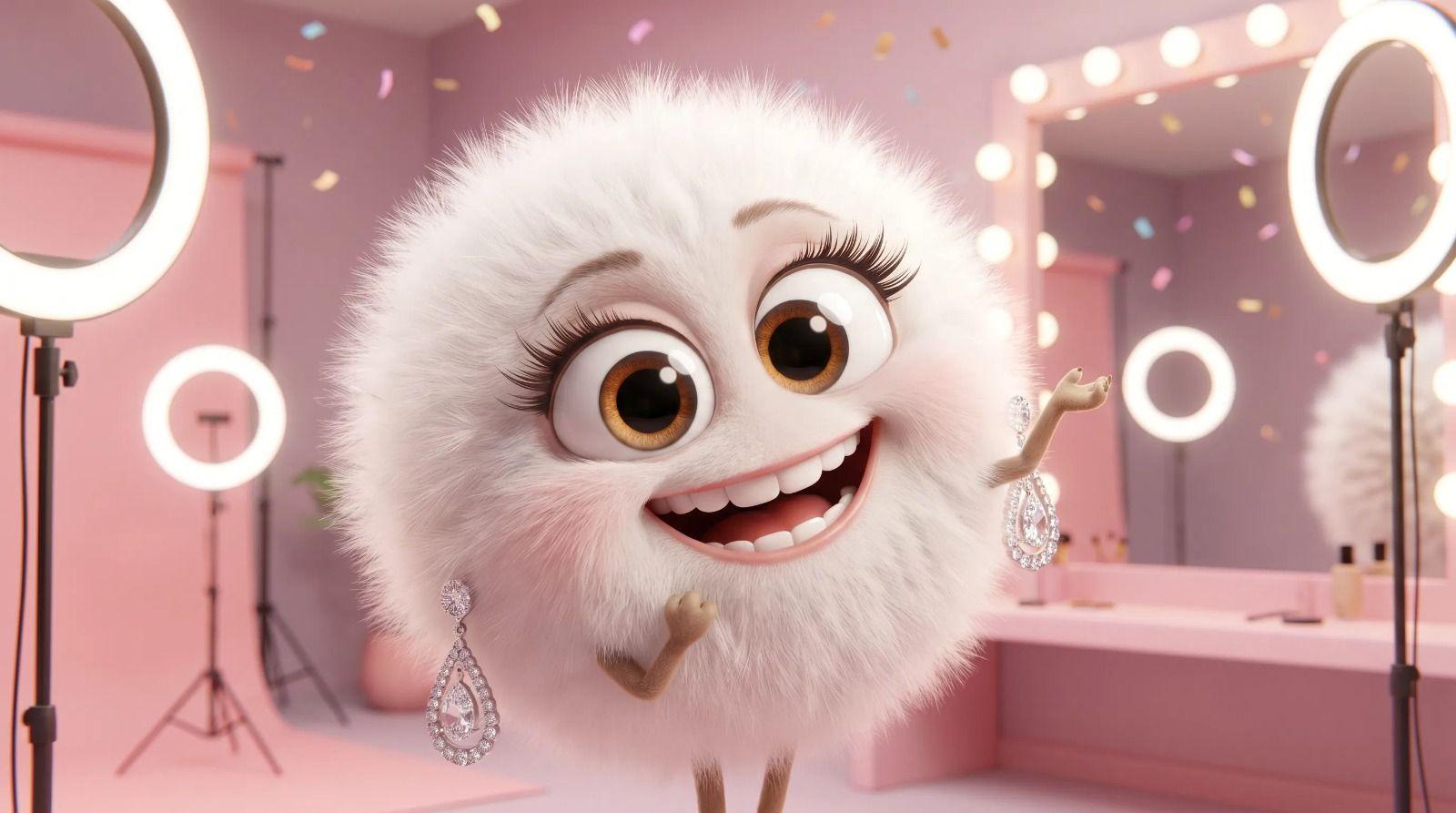
The style words decide the tone. Try "round fluffy monster, tiny horns, big eyes, pastel colors, sticker style" for something friendly, or "towering bone creature, cracked skin, red mist, dark fantasy painting" for a horror boss. Midjourney suits painterly fantasy art, while Seedream 4.5 and Nano Banana Pro give sharp, detailed textures like scales and fur.

Make Cute Monsters, Funny Critters or Pure Horror
From a Drawing

Turn a Kid's Drawing Into a Monster

Upload a photo of a doodle or sketch as a reference image and describe how it should look, for example "same monster, 3D cartoon render, soft lighting, keep the colors". Nano Banana Pro and Seedream 4.5 accept several reference images, so you can add a style example too. Kids love seeing their own creature come to life, and it is a fun way to start a story.

Turn a Kid's Drawing Into a Monster

Everything You Need to Design Your Own Monster

Art Styles

Generate in various art styles from realistic to cartoon

Perfect Consistency

AI maintains character appearance across all generations

Iterative Creation

Refine and improve your images with progressive generation

Fine Control

Adjust composition, lighting, colors, and details with precision

Multiple Poses

Generate your character in any pose or action

Different Scenes

Place characters in various backgrounds and settings

Sharp Details

Maintains crisp edges and fine details perfectly

Versatile

Works great with photos, graphics, and artwork

Create Professional Videos in 3 Simple Steps

Pixara AI video generation preview

Upload a text prompt, reference image, or existing video clip. Add multiple frames to guide the story.

AI Models Showcase

Best AI Models for Monster and Creature Art

Pick the image model that fits your creature: Midjourney for painterly fantasy beasts, Nano Banana Pro for monsters built from your sketches, Seedream 4.5 for detailed 4K textures and Ideogram when the monster needs a name or title in the image.

01
Midjourney logo

Midjourney

Hyper-realistic motion

02
Google Nano Banana Pro logo

Google Nano Banana Pro

Cinematic camera control

03
ByteDance Seedream 4.5 logo

ByteDance Seedream 4.5

Lightning-fast generation

04
Ideogram V3 Quality logo

Ideogram V3 Quality

Industry-leading quality

05
Google Nano Banana 2 logo

Google Nano Banana 2

Smooth physics simulation

06
Kling O1 Image logo

Kling O1 Image

Award-winning realism

07
Grok Imagine logo

Grok Imagine

Crisp 4K detail

08
Runway Gen 4 Image logo

Runway Gen 4 Image

Best-in-class consistency

Animate and Add Sound

Bring Your AI Monster Art to Life With Motion and Sound

Send a finished monster to Create Video and describe the action, like "the creature lifts its head and roars, dust falls from the rocks". Kling 3.0 and Veo 3.1 can generate audio with the clip, and Add Sound Effects lays scene-aware growls and footsteps onto any video. It works well for game trailers, book teasers and Halloween posts.

Bring Your AI Monster Art to Life With Motion and Sound
Loved by Creators

Real Results from Real Creators

See what our community is saying.

“I’m a game designer, so I’m constantly sketching out creatures that exist only in my head. Pixara lets me describe those ideas and get surprisingly detailed concepts back almost immediately. The ability to refine the creature and keep its appearance consistent has made world-building much faster.”

EW
Ethan W.
Indie Game Designer

“I use Pixara for my tabletop campaigns, and it has completely changed how I prepare encounters. Instead of searching through stock art and settling for something that is almost right, I can create the exact creature I imagined for a particular scene. I’ve even created different versions with the same character design.”

RD
Rachel D.
Game Master & Fantasy Writer

“I wanted to create a creature that could appear across multiple scenes, but keeping the character recognizable was always difficult with AI image generators. Pixara does a much better job of maintaining the core appearance while changing poses, outfits, and environments. It makes the character feel like the same creature rather than a collection of unrelated images.”

NP
Noah P.
Fantasy Illustrator & World Builder

Plans for every kind of creator

Start free. Scale as you grow.
Special offerLimited time

Start with $1 — get 4,000 credits

3-day Starter trial with every model, workflows, Ara and MCP. Cancel anytime.

One-time offer for new members — pick Starter monthly to claim it.

Starter

$1 TRIAL
$10$1for 3 days
+ 4,000 credits
WorkflowsAraMCP
Start for $1 →

then $10/month

Unlimited access

Daily free generations are not included. Unlock them from Hobby.

  • 1,000 AI Image Generations
  • 222 seconds of Generative AI Videos
  • 666 minutes of AI Voiceovers
  • 33 minutes of Video Rendering
  • 2 GB storage
  • 2 Concurrent Generations
  • Public generations shared with the community
Hobby

20% OFF
$25$20/month
+ 15,000 credits
WorkflowsAraMCP
Choose Hobby →

Unlimited access

365 days
  • Nano Banana
  • Nano Banana 2
  • GPT Image 2
  • Seedream 5 Lite
  • Reve 2.1
  • Midjourney
  • 3,750 AI Image Generations
  • 833 seconds of Generative AI Videos
  • 2,500 minutes of AI Voiceovers
  • 125 minutes of Video Rendering
  • 25 GB storage
  • 4 Concurrent Generations
  • Optional private & copy-protected generations

Pro

Most popular40% OFF
$60$36/month
+ 36,000 credits
WorkflowsAraMCP
Choose Pro →

Unlimited access

365 days
  • Nano Banana
  • Nano Banana 2
  • GPT Image 2
  • Seedream 5 Lite
  • Reve 2.1
  • Midjourney
  • 9,000 AI Image Generations
  • 2,000 seconds of Generative AI Videos
  • 6,000 minutes of AI Voiceovers
  • 300 minutes of Video Rendering
  • 50 GB storage
  • 8 Concurrent Generations
  • Private & copy-protected generations by default

Ultimate

Limited time40% OFF
$250$150/month
+ 150,000 credits
WorkflowsAraMCP
Choose Ultimate →

Unlimited access

365 days
  • Nano Banana
  • Nano Banana 2
  • GPT Image 2
  • Seedream 5 Lite
  • Reve 2.1
  • Midjourney
  • 37,500 AI Image Generations
  • 4,400 seconds of Generative AI Videos
  • 25,000 minutes of AI Voiceovers
  • 1,250 minutes of Video Rendering
  • 100 GB storage
  • 16 Concurrent Generations
  • Private & copy-protected generations by default

Compare plans

Every plan includes every model, workflows, Ara and MCP. Higher plans add volume, speed and privacy.

Starter$10/monthGet started
Hobby$20/monthGet started
Most popularPro$36/monthGet started
Limited timeUltimate$150/monthGet started
Credits per month4,00015,00036,000150,000
AI Image generations1,0003,7509,00037,500
Generative video222 seconds833 seconds2,000 seconds4,400 seconds
AI voiceovers666 minutes2,500 minutes6,000 minutes25,000 minutes
Video rendering33 minutes125 minutes300 minutes1,250 minutes
Storage2 GB25 GB50 GB100 GB
Concurrent generations24816
Unlimited daily models—2 modelsAll 6 modelsAll 6 models
Generation visibilityPublicOptional privatePrivate by defaultPrivate by default

Latest from Our Blog

Discover tips, tutorials, and insights about AI-powered creativity

Frequently Asked Questions

It is a tool that turns a written description into a picture of a monster or creature. On Pixara you open Create Image, describe the creature's body, skin, colors and setting, pick an image model and generate. You can regenerate or change one detail at a time until the monster matches the one in your head.

Write one line covering the shape, the texture, the colors and the mood, for example "armoured lava lizard, cracked black scales, orange glow, volcanic cave". Choose a model such as Midjourney or Seedream 4.5 and generate. If the result is close, keep the prompt and change only the part that is wrong.

Yes. Many players use it for homebrew monsters, boss art and tokens. Add "full body, plain background" for a clean token, or "in a dungeon, torchlight" for a scene to show players. Keep the same prompt structure across creatures so your whole bestiary shares one art style.

Specific ones. Name the body type, the number of limbs or eyes, the skin or fur, the colors, the size and the art style. "Monster" alone gives generic results, while "tall moth creature, tattered grey wings, lantern eyes, gothic painting" gives a clear, original design.

Yes. Use soft words like round, fluffy, chubby, big eyes, pastel and sticker style, and avoid words like teeth or blood. Cute monsters work well for kids' books, stickers, classroom posters and plush toy concepts.

Yes. Take a clear photo of the drawing, upload it as a reference image and ask for a style, such as "same creature, 3D cartoon, keep the colors". Nano Banana Pro and Seedream 4.5 follow reference images closely. Images made with free credits can appear publicly on Pixara's Explore page.

Yes. Generate concept art, boss designs, enemy variations and creature sheets for your game. Ask for "side view" or "front view" to get matching angles, and reuse your first design as a reference image so later variations stay on model.

Yes. Open the image in Create Video, pick a model such as Kling 3.0 or Veo 3.1 and describe the movement. Both can generate audio with the clip, and Add Sound Effects can lay growls, roars and footsteps onto a finished video.

The best one is the one that matches your style. Pixara gives you around 30 image models in one place, so you can run the same monster prompt through Midjourney, Seedream 4.5 and Nano Banana Pro and keep the version you like without switching apps.

New accounts get free credits when they sign up, and new members can try every model, workflows and Ara for 3 days for $1. Paid plans start at $10 a month. Images made with free credits can appear publicly on Pixara's Explore page.