Now Live

Pixara MCP – generate images, video and voice from Claude, Cursor and more.

AI Graffiti Generator for Names, Tags and Wall Art

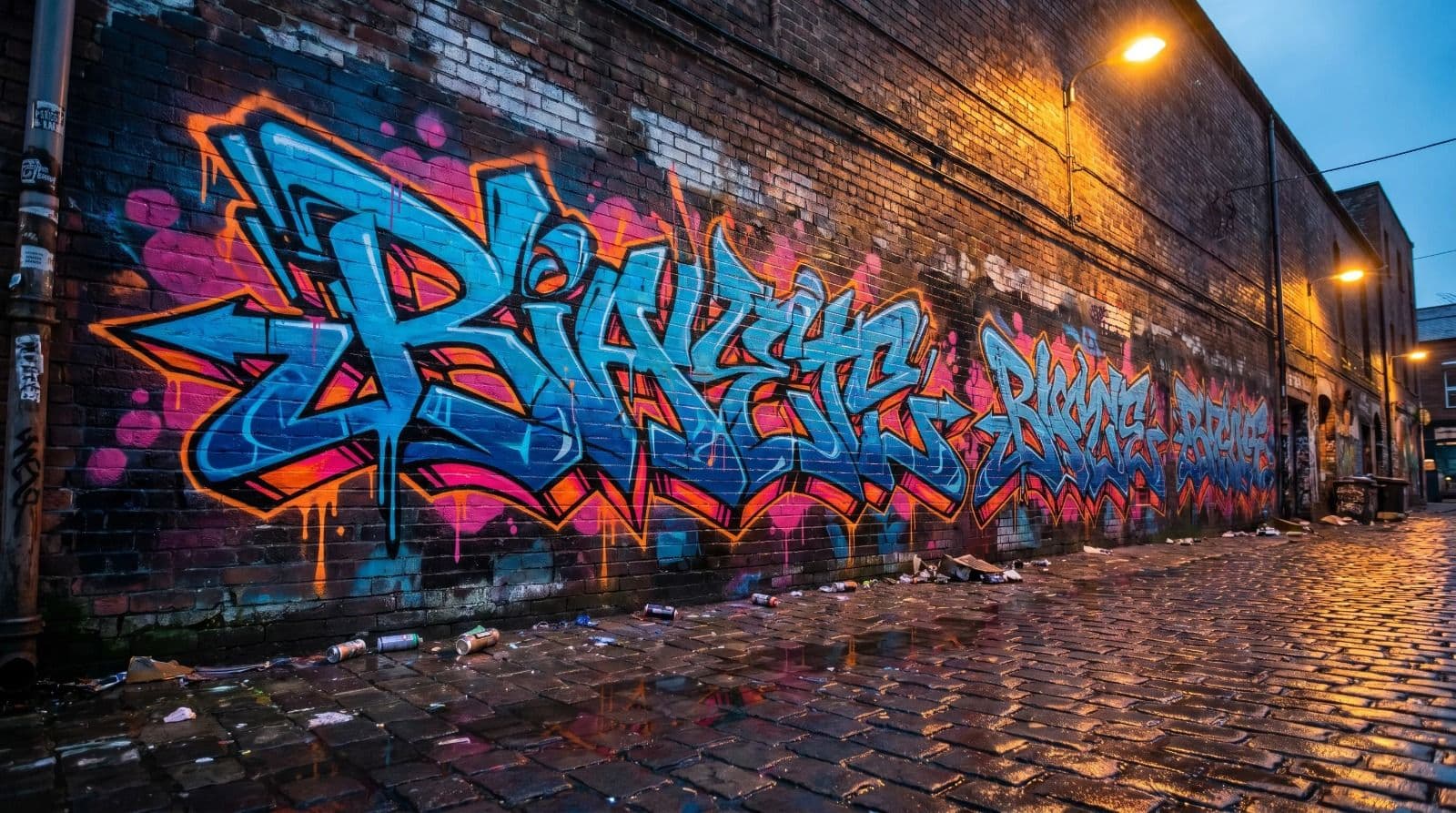
Write your name in graffiti letters, design a tag or mock up a full mural on a wall with Pixara's AI graffiti generator. Describe the lettering, colours and wall, and get graffiti art in bubble, wildstyle, stencil or throwup style.

AI Graffiti Generator for Names, Tags and Wall Art

Graffiti art made with these image models

Ideogram V3 Quality logo
Ideogram V3 Quality
Google Nano Banana Pro logo
Google Nano Banana Pro
ByteDance Seedream 4.5 logo
ByteDance Seedream 4.5
Midjourney logo
Midjourney
Kling O1 Image logo
Kling O1 Image
Grok Imagine logo
Grok Imagine
Ideogram V3 Quality logo
Ideogram V3 Quality
Google Nano Banana Pro logo
Google Nano Banana Pro
ByteDance Seedream 4.5 logo
ByteDance Seedream 4.5
Midjourney logo
Midjourney
Kling O1 Image logo
Kling O1 Image
Grok Imagine logo
Grok Imagine
Ideogram V3 Quality logo
Ideogram V3 Quality
Google Nano Banana Pro logo
Google Nano Banana Pro
ByteDance Seedream 4.5 logo
ByteDance Seedream 4.5
Midjourney logo
Midjourney
Kling O1 Image logo
Kling O1 Image
Grok Imagine logo
Grok Imagine

The Preferred AI Graffiti Tool for 50,000+ Streetwear Labels

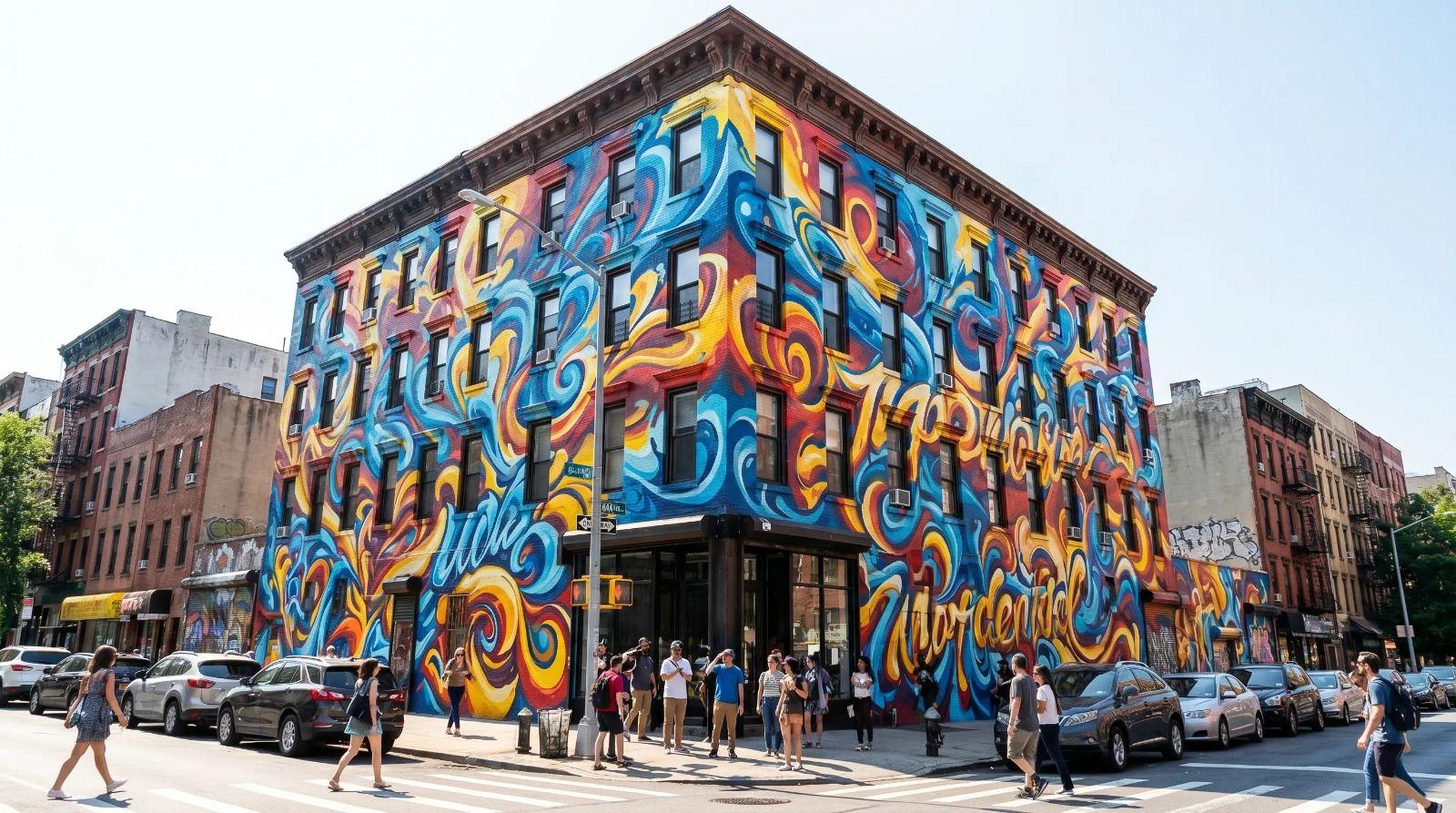
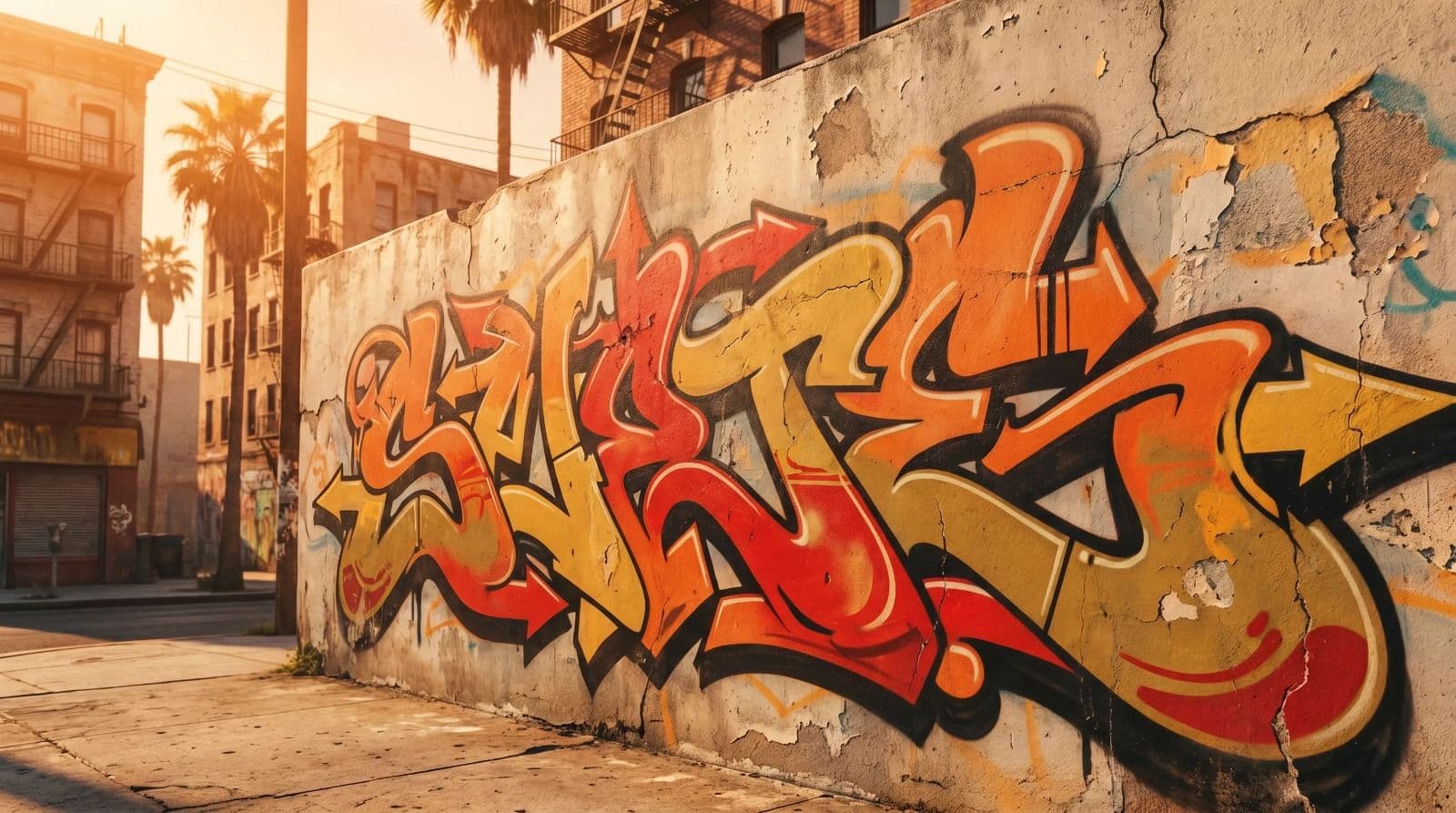
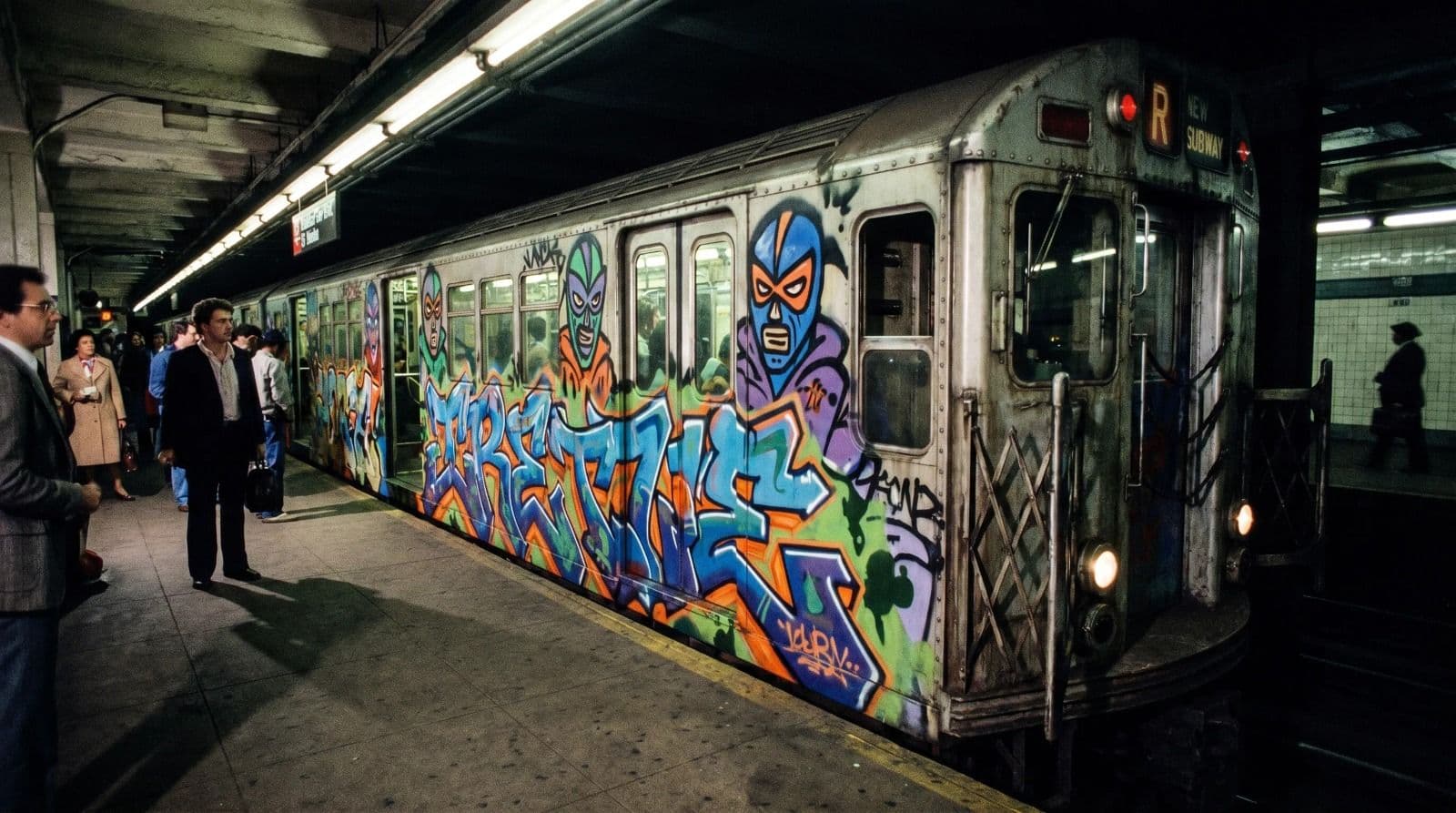
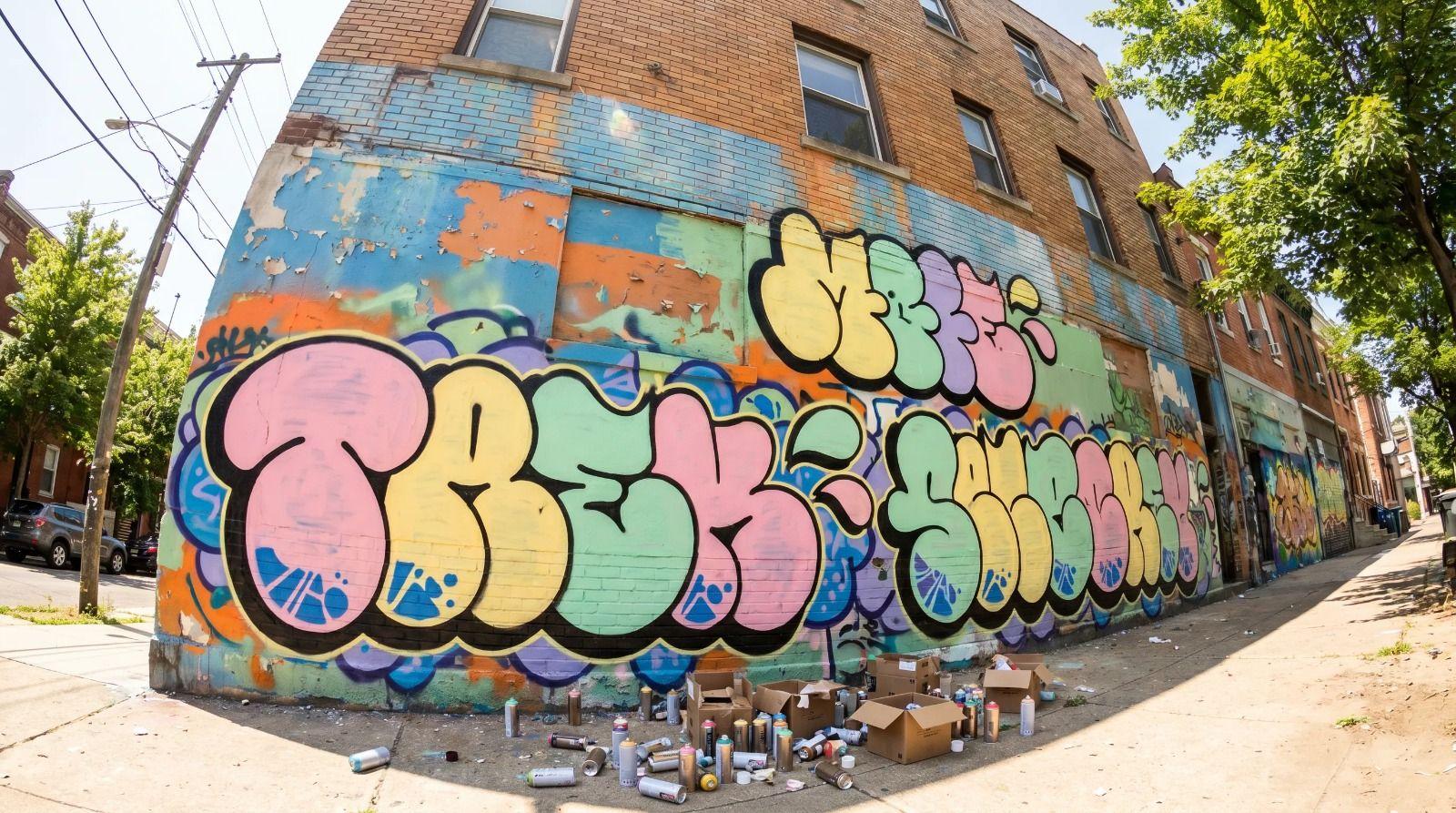
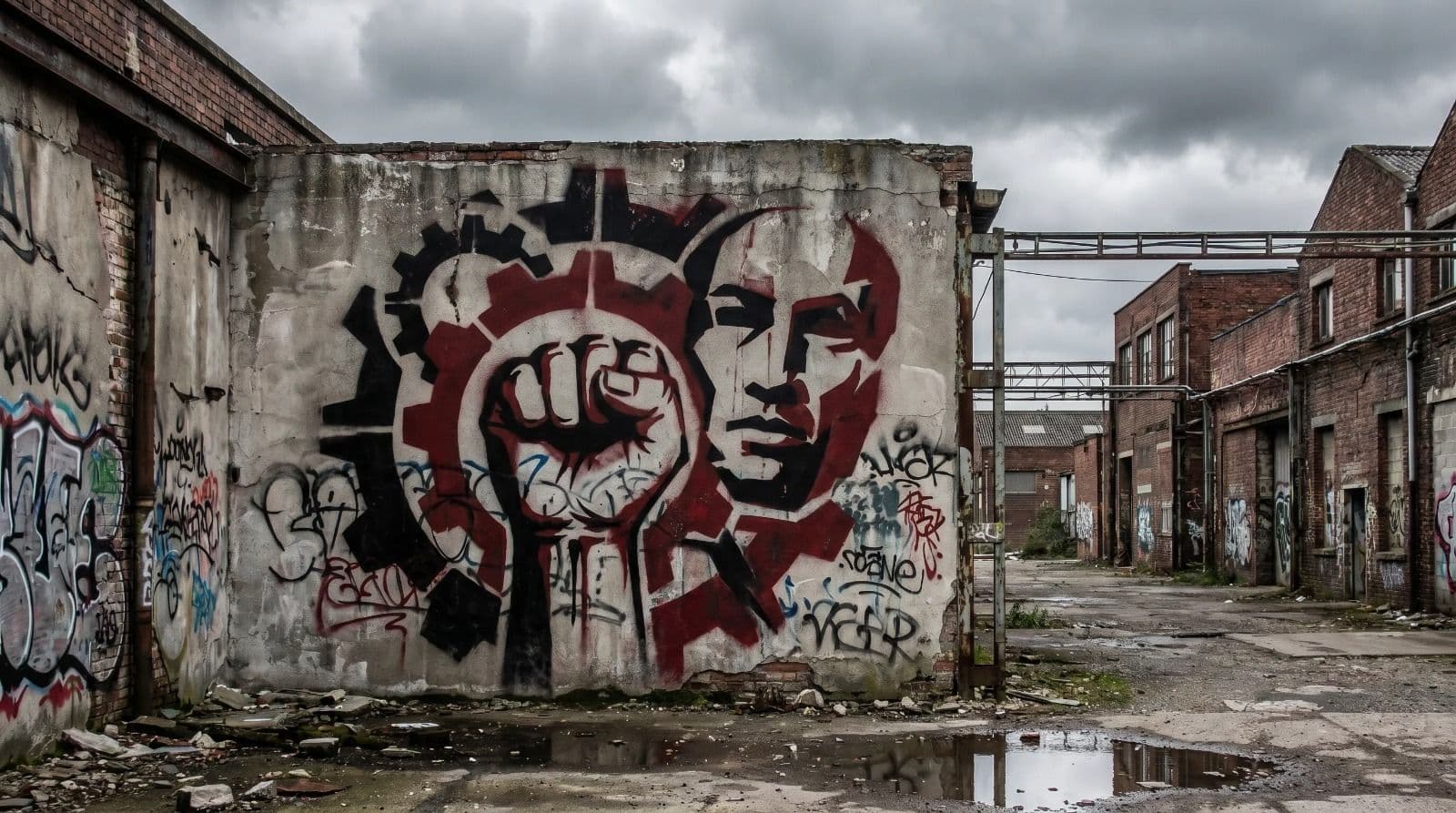
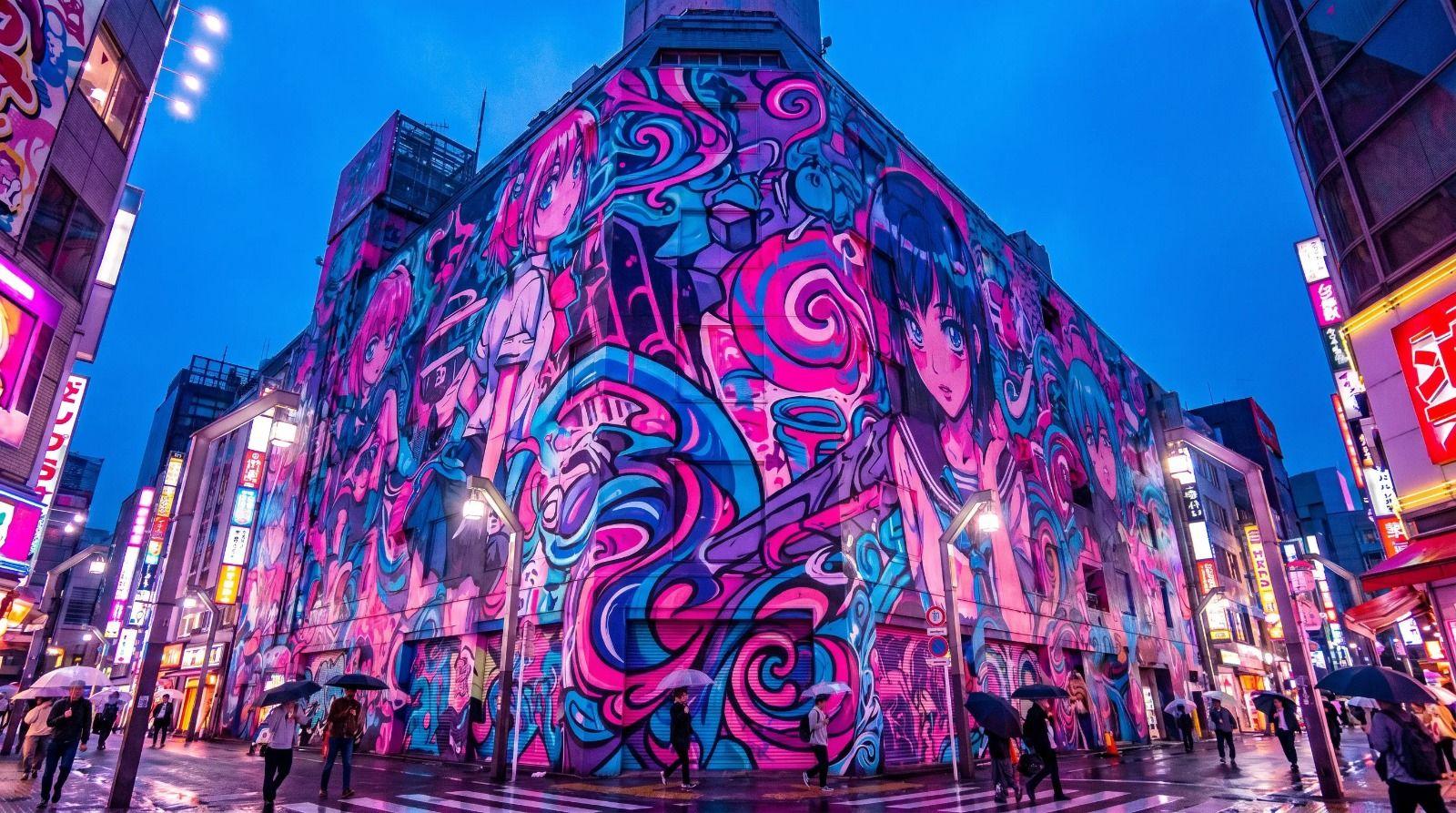
Graffiti made with Pixara image models: bubble-letter names, wildstyle pieces, spray-paint characters and murals on brick, concrete and shutters.

Gallery item
Gallery item
Gallery item
Gallery item
Gallery item
Gallery item
Gallery item
Gallery item
Gallery item
Gallery item
Gallery item
Gallery item
Gallery item
Gallery item
Gallery item
Gallery item
Gallery item
Gallery item
Gallery item
Gallery item
Gallery item
Graffiti Names

Write Your Name in Graffiti Letters

There is no separate graffiti tool in Pixara: open Create Image and choose an Ideogram model, which is built for readable text in images. Put the exact word in quotes: "the name 'MAYA' in chunky bubble graffiti letters, pink and teal, black outline, white highlights, drips, brick wall". Short names of four to eight letters come out cleanest. Generate a few versions and keep the one with the best lettering.

Write Your Name in Graffiti Letters
Graffiti Tags

Graffiti Tag Generator for a Signature Tag

A tag is a fast, one-colour signature, so describe it that way: "graffiti tag of the word 'ZEKE', single black marker line, fast handstyle, slight drips, on a white subway tile wall". For a logo-style tag you can resize, try Recraft V4.1 SVG, which outputs vector files. Ask for "plain background" if you want to place the tag on a shirt, sticker or poster later.

Graffiti Tag Generator for a Signature Tag
Wall Art

Mock Up Graffiti Wall Art on a Real Wall Photo

Take a photo of a wall you own or have permission to paint, upload it as a reference image and choose Nano Banana Pro or Seedream 4.5. Describe the piece: "add a colourful graffiti mural of a tiger across this wall, spray-paint texture, keep the door and windows". This is a quick way to preview a mural for a shop front, garage or bedroom before anyone picks up a can.

Mock Up Graffiti Wall Art on a Real Wall Photo
Graffiti Art Styles

Graffiti Generator Art in Every Style

Name the style you want and the AI follows it. Bubble letters are round and soft. Wildstyle has interlocking, arrowed letters that are hard to read. Throwups are quick two-colour outlines. Stencil art uses sharp cut-out shapes. Add the surface and light too, such as "rusty metal shutter at night, street lamp glow", because the wall sells the look as much as the letters do.

Graffiti Generator Art in Every Style

Everything You Need to Make AI Graffiti Art

Art Styles

Generate in various art styles from realistic to cartoon

Fine Control

Adjust composition, lighting, colors, and details with precision

Iterative Creation

Refine and improve your images with progressive generation

Different Scenes

Place characters in various backgrounds and settings

Versatile

Works great with photos, graphics, and artwork

Sharp Details

Maintains crisp edges and fine details perfectly

Detail Preservation

Maintains fine details and textures perfectly

Format Support

Works with PNG, JPG, WebP and other formats

Create Professional Videos in 3 Simple Steps

Pixara AI video generation preview

Upload a text prompt, reference image, or existing video clip. Add multiple frames to guide the story.

AI Models Showcase

Best AI Models for Graffiti Names and Murals

Ideogram for graffiti names and words you can read, Nano Banana Pro and Seedream 4.5 for murals on your own wall photos, Midjourney for expressive spray-paint art and Kling O1 Image for local edits.

01
Ideogram V3 Quality logo

Ideogram V3 Quality

Hyper-realistic motion

02
Google Nano Banana Pro logo

Google Nano Banana Pro

Cinematic camera control

03
ByteDance Seedream 4.5 logo

ByteDance Seedream 4.5

Lightning-fast generation

04
Midjourney logo

Midjourney

Industry-leading quality

05
Kling O1 Image logo

Kling O1 Image

Smooth physics simulation

06
Google Nano Banana 2 logo

Google Nano Banana 2

Award-winning realism

07
Grok Imagine logo

Grok Imagine

Crisp 4K detail

Characters and Video

Graffiti Characters and Spray-Paint Animations

Graffiti is not only letters. Ask for a character next to your name, like "cartoon robot holding a spray can, graffiti style, next to the word 'BOLT'". Then send the image to Create Video and describe the motion, for example "camera slowly pans along the wall at dusk", to make a short clip for social posts.

Graffiti Characters and Spray-Paint Animations
Loved by Creators

Real Results from Real Creators

See what our community is saying.

“The level of detail is what surprised me. I can create everything from clean graffiti lettering to much more chaotic wildstyle pieces, and the spray paint textures, drips, and wall surfaces make the results feel much more believable than a simple graffiti font effect.”

MT
Marcus T.
Creative Director

“Creating custom brand marks and campaign visuals used to mean going back and forth with designers for every variation. Now I can quickly explore different treatments for names, initials, and lettering and bring the strongest ideas into our creative process.”

SL
Sofia L.
Streetwear Marketing Manager

“What I like most is that it goes beyond basic graffiti lettering. I can build entire urban scenes, add characters, experiment with cyberpunk aesthetics, and push the artwork in completely different directions while keeping that underground street art feel.”

EP
Ethan P.
Digital Artist

Plans for every kind of creator

Start free. Scale as you grow.
Special offerLimited time

Start with $1 — get 4,000 credits

3-day Starter trial with every model, workflows, Ara and MCP. Cancel anytime.

One-time offer for new members — pick Starter monthly to claim it.

Starter

$1 TRIAL
$10$1for 3 days
+ 4,000 credits
WorkflowsAraMCP
Start for $1 →

then $10/month

Unlimited access

Daily free generations are not included. Unlock them from Hobby.

  • 1,000 AI Image Generations
  • 222 seconds of Generative AI Videos
  • 666 minutes of AI Voiceovers
  • 33 minutes of Video Rendering
  • 2 GB storage
  • 2 Concurrent Generations
  • Public generations shared with the community
Hobby

20% OFF
$25$20/month
+ 15,000 credits
WorkflowsAraMCP
Choose Hobby →

Unlimited access

365 days
  • Nano Banana
  • Nano Banana 2
  • GPT Image 2
  • Seedream 5 Lite
  • Reve 2.1
  • Midjourney
  • 3,750 AI Image Generations
  • 833 seconds of Generative AI Videos
  • 2,500 minutes of AI Voiceovers
  • 125 minutes of Video Rendering
  • 25 GB storage
  • 4 Concurrent Generations
  • Optional private & copy-protected generations

Pro

Most popular40% OFF
$60$36/month
+ 36,000 credits
WorkflowsAraMCP
Choose Pro →

Unlimited access

365 days
  • Nano Banana
  • Nano Banana 2
  • GPT Image 2
  • Seedream 5 Lite
  • Reve 2.1
  • Midjourney
  • 9,000 AI Image Generations
  • 2,000 seconds of Generative AI Videos
  • 6,000 minutes of AI Voiceovers
  • 300 minutes of Video Rendering
  • 50 GB storage
  • 8 Concurrent Generations
  • Private & copy-protected generations by default

Ultimate

Limited time40% OFF
$250$150/month
+ 150,000 credits
WorkflowsAraMCP
Choose Ultimate →

Unlimited access

365 days
  • Nano Banana
  • Nano Banana 2
  • GPT Image 2
  • Seedream 5 Lite
  • Reve 2.1
  • Midjourney
  • 37,500 AI Image Generations
  • 4,400 seconds of Generative AI Videos
  • 25,000 minutes of AI Voiceovers
  • 1,250 minutes of Video Rendering
  • 100 GB storage
  • 16 Concurrent Generations
  • Private & copy-protected generations by default

Compare plans

Every plan includes every model, workflows, Ara and MCP. Higher plans add volume, speed and privacy.

Starter$10/monthGet started
Hobby$20/monthGet started
Most popularPro$36/monthGet started
Limited timeUltimate$150/monthGet started
Credits per month4,00015,00036,000150,000
AI Image generations1,0003,7509,00037,500
Generative video222 seconds833 seconds2,000 seconds4,400 seconds
AI voiceovers666 minutes2,500 minutes6,000 minutes25,000 minutes
Video rendering33 minutes125 minutes300 minutes1,250 minutes
Storage2 GB25 GB50 GB100 GB
Concurrent generations24816
Unlimited daily models—2 modelsAll 6 modelsAll 6 models
Generation visibilityPublicOptional privatePrivate by defaultPrivate by default

Latest from Our Blog

Discover tips, tutorials, and insights about AI-powered creativity

Frequently Asked Questions

It is a way to create graffiti art, names and tags from a text prompt. On Pixara there is no dedicated graffiti tool: you open Create Image, pick a model such as Ideogram for lettering or Nano Banana Pro for murals, describe the piece and generate.

Choose an Ideogram model in Create Image and put your name in quotes, for example "the word 'LEO' in wildstyle graffiti, orange and purple, black outline, concrete wall". Ideogram is the best choice for readable text. Keep the name short and check the spelling in each result.

Any style you can describe: bubble letters, wildstyle, throwups, simple tags, block letters, stencil art, 3D letters and character pieces. Add colours, outline, drips and the surface, such as brick, concrete, train or shutter, to get closer to the look you want.

Yes. Upload the wall photo as a reference image and use Nano Banana Pro or Seedream 4.5. Describe the mural and say what to keep, like the windows or door. Use photos of walls you own or have permission to paint.

Yes. Describe the word, style and colours with a plain background. Ideogram handles readable letters, and Recraft V4.1 SVG creates vector output you can resize for stickers, shirts or a website header. Check that the design does not copy an existing brand.

Name the word, the style, the colours, the outline and the wall. For example: "the word 'NOVA' in 3D bubble graffiti, electric blue and yellow, thick black outline, white shine, paint drips, red brick wall, daylight". Press Enhance My Idea if you want Pixara to add more detail.

Wildstyle is meant to be hard to read, so switch to bubble or block letters if clarity matters. Use an Ideogram model, put the word in quotes, keep it short and avoid asking for too many extra effects at once.

Yes. Describe the character and the style, like "cartoon cat in sneakers, graffiti character, bold outlines, spray-paint shading". You can place the character next to a name in the same prompt, or generate them separately.

Yes. Open the finished image in Create Video, where every model accepts an image as the first frame. Describe a camera move or small motion, such as a slow pan along the wall or the character waving. Kling 3.0 and Veo 3.1 can also add audio.

New accounts get free credits when they sign up, and new members can try every model, workflows and Ara for 3 days for $1. Paid plans start at $10 a month. Images made with free credits can appear publicly on Pixara's Explore page.