
Now Live

Pixara MCP – generate images, video and voice from Claude, Cursor and more.

AI Clip Art Generator for Custom Clip Art, Icons and Stickers

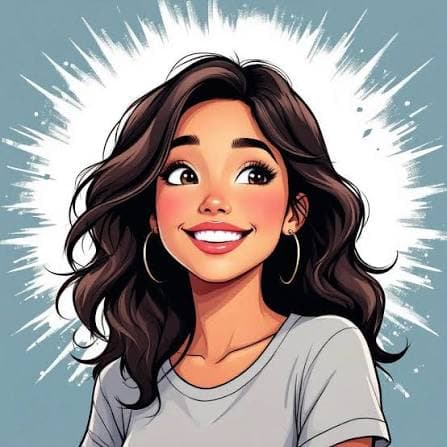
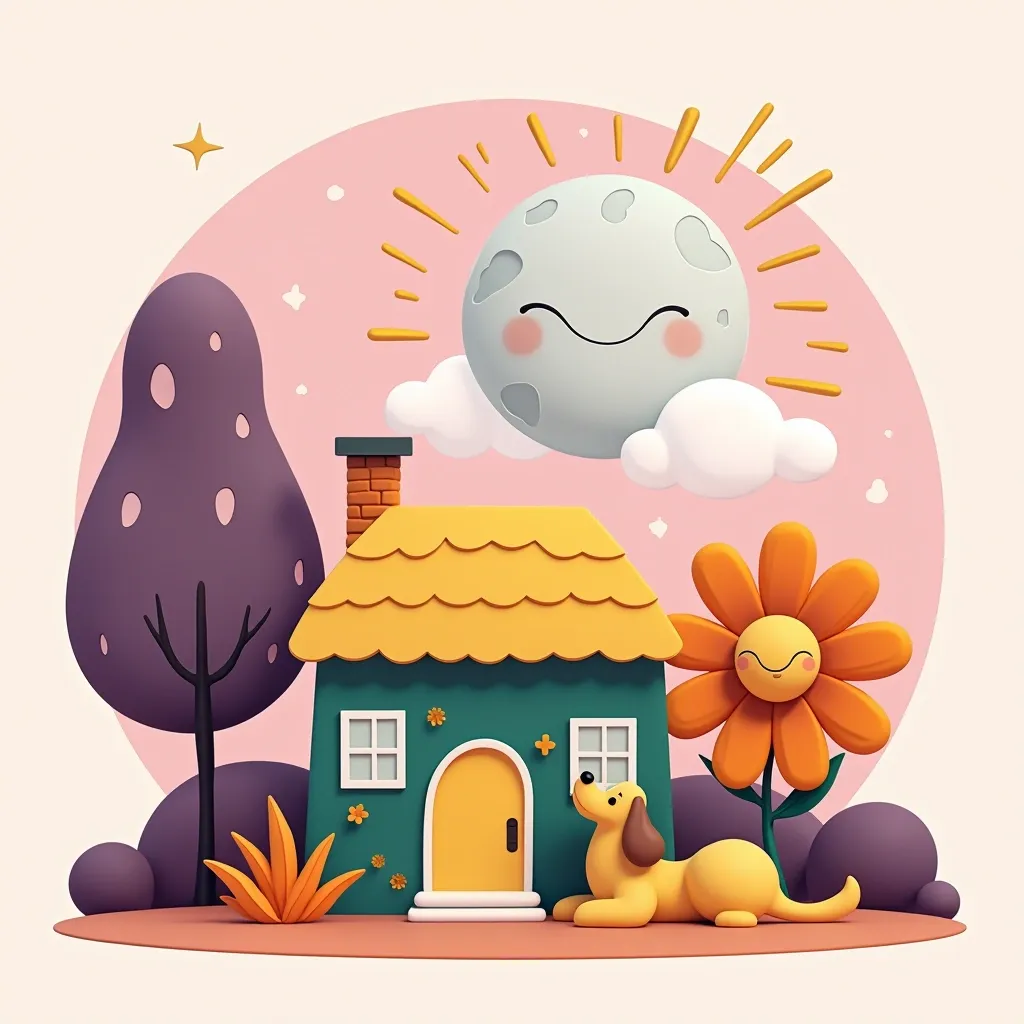
Type what you need and Pixara's AI clip art generator draws it in seconds, in any style from flat icons to hand-drawn cartoons. Make transparent clip art for slides and worksheets, or vector clip art you can scale to any size.

AI Clip Art Generator for Custom Clip Art, Icons and Stickers

Clip art made with these image models

Ideogram V3 Quality logo
Ideogram V3 Quality
Google Nano Banana Pro logo
Google Nano Banana Pro
ByteDance Seedream 4.5 logo
ByteDance Seedream 4.5
Midjourney logo
Midjourney
Google Nano Banana 2 logo
Google Nano Banana 2
Minimax AI logo
Minimax AI
Ideogram V3 Quality logo
Ideogram V3 Quality
Google Nano Banana Pro logo
Google Nano Banana Pro
ByteDance Seedream 4.5 logo
ByteDance Seedream 4.5
Midjourney logo
Midjourney
Google Nano Banana 2 logo
Google Nano Banana 2
Minimax AI logo
Minimax AI
Ideogram V3 Quality logo
Ideogram V3 Quality
Google Nano Banana Pro logo
Google Nano Banana Pro
ByteDance Seedream 4.5 logo
ByteDance Seedream 4.5
Midjourney logo
Midjourney
Google Nano Banana 2 logo
Google Nano Banana 2
Minimax AI logo
Minimax AI

Explore AI Generated Clip Art Designs With Pixara.ai

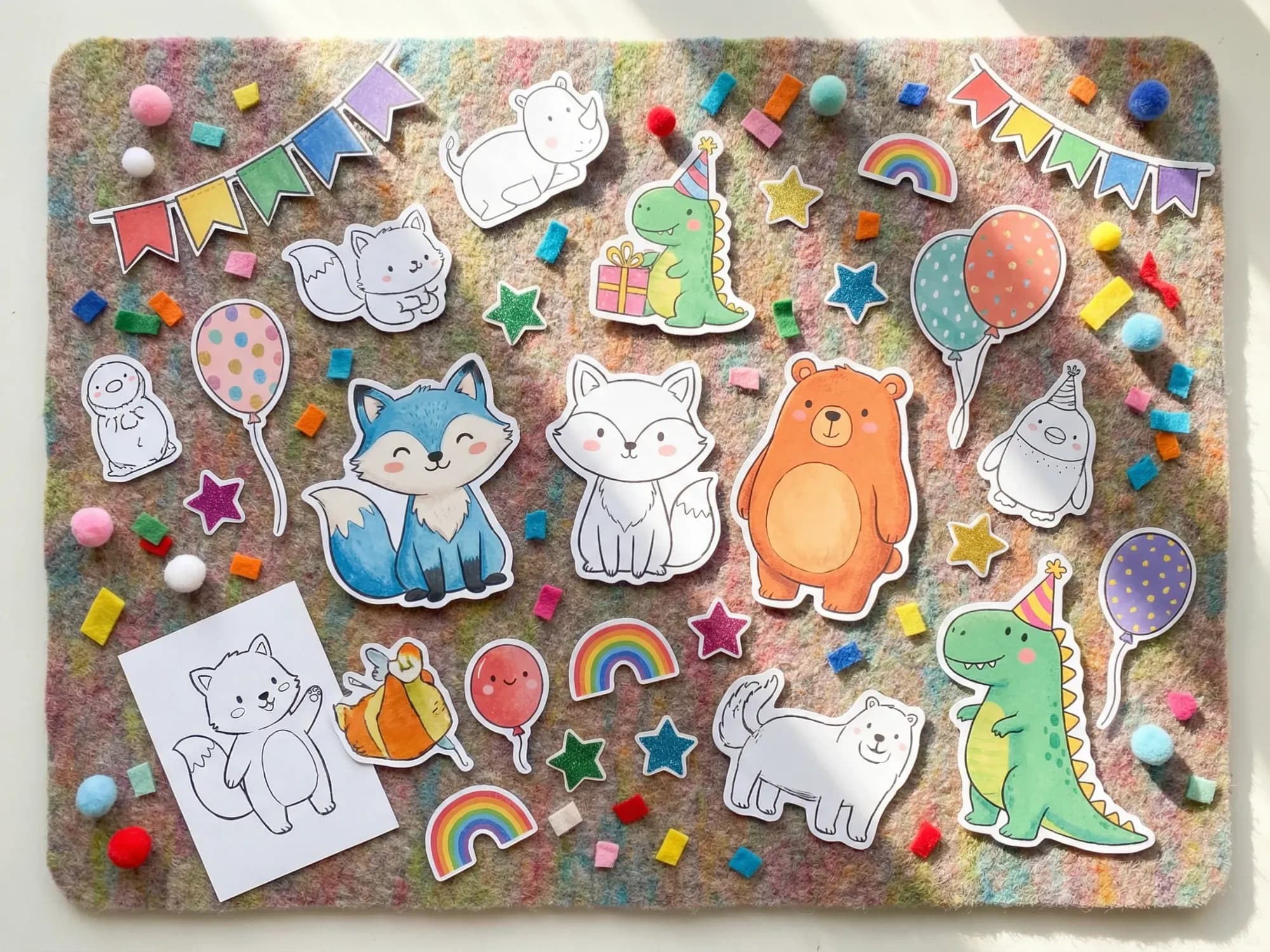
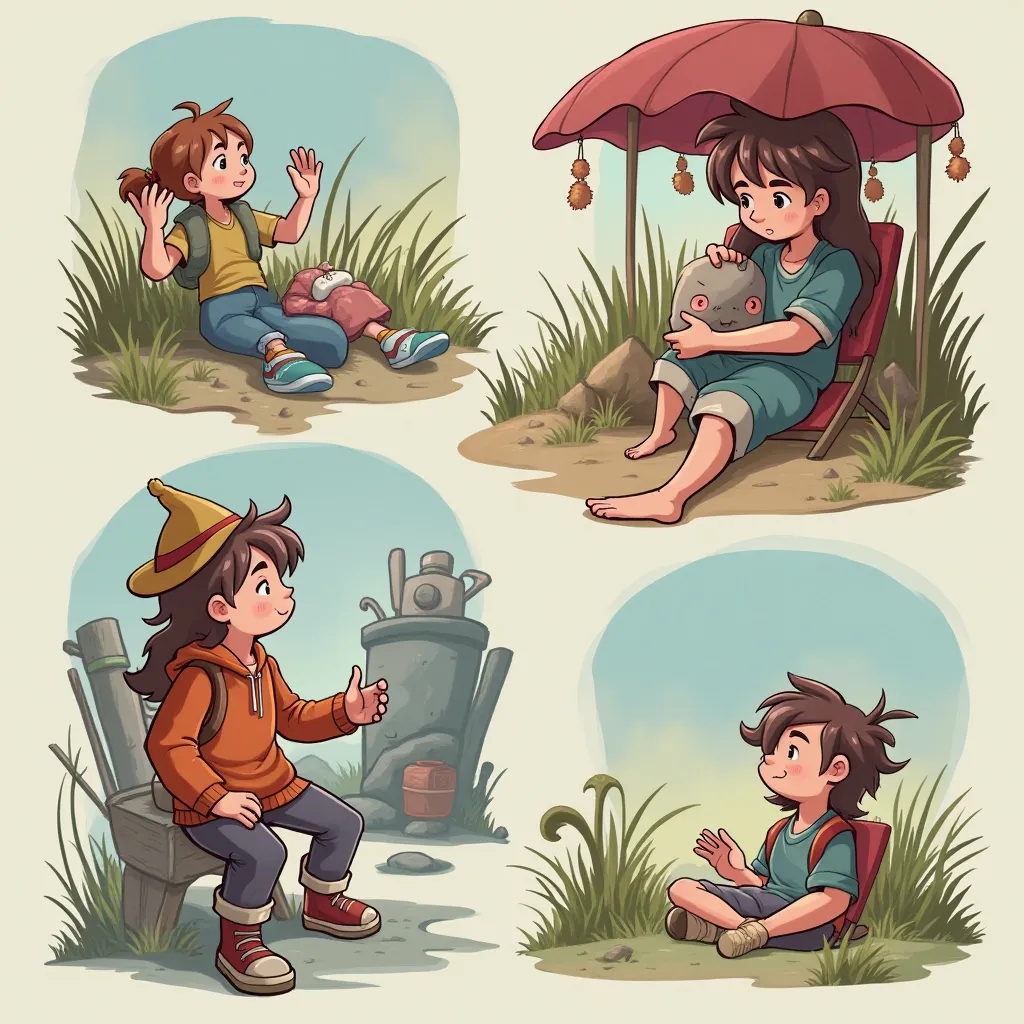
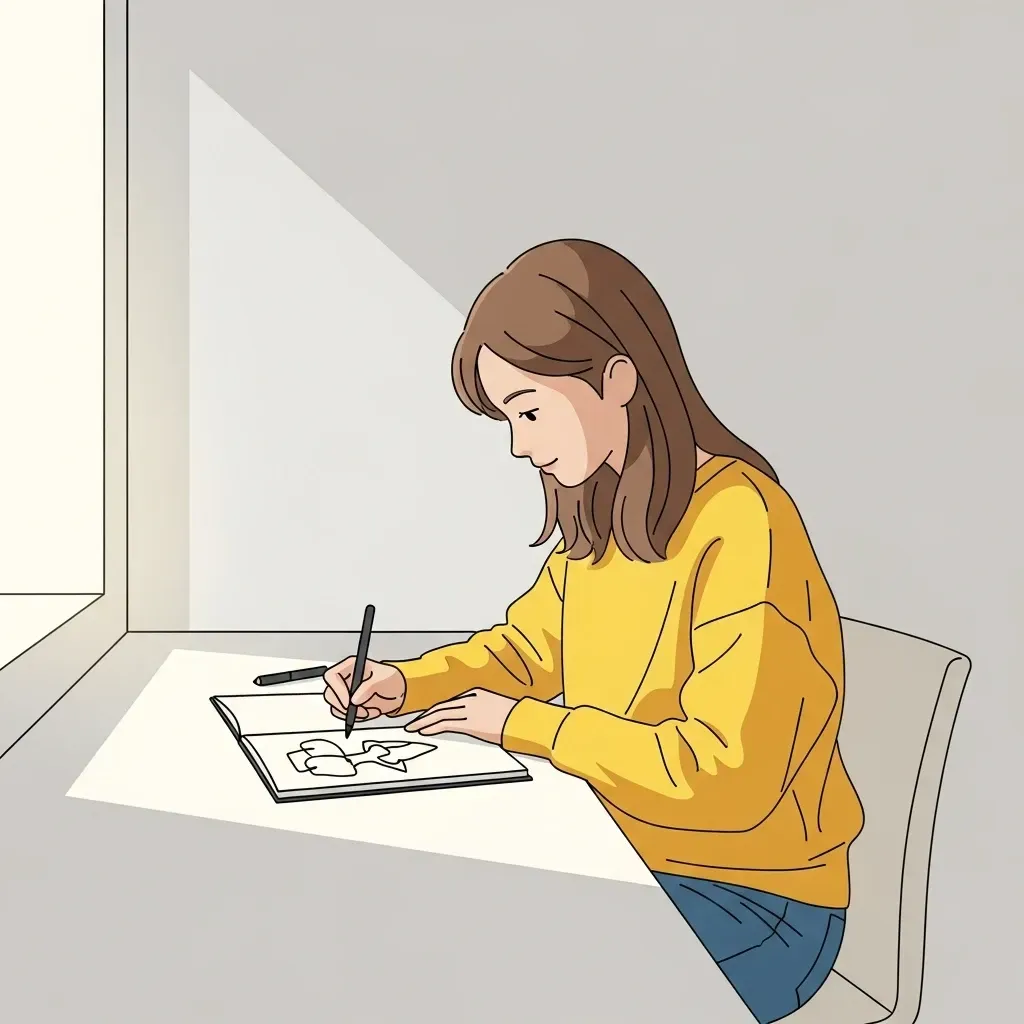
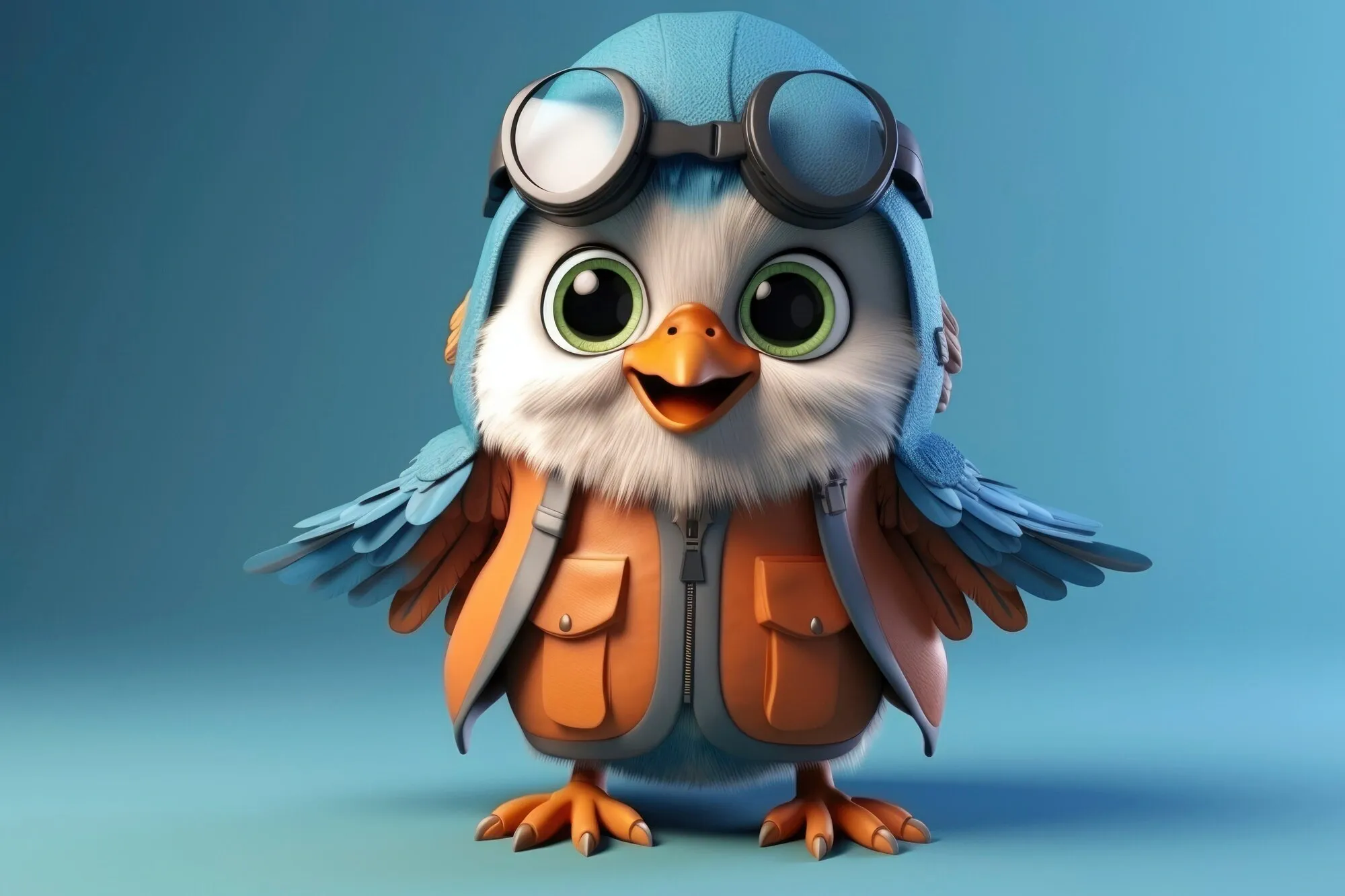
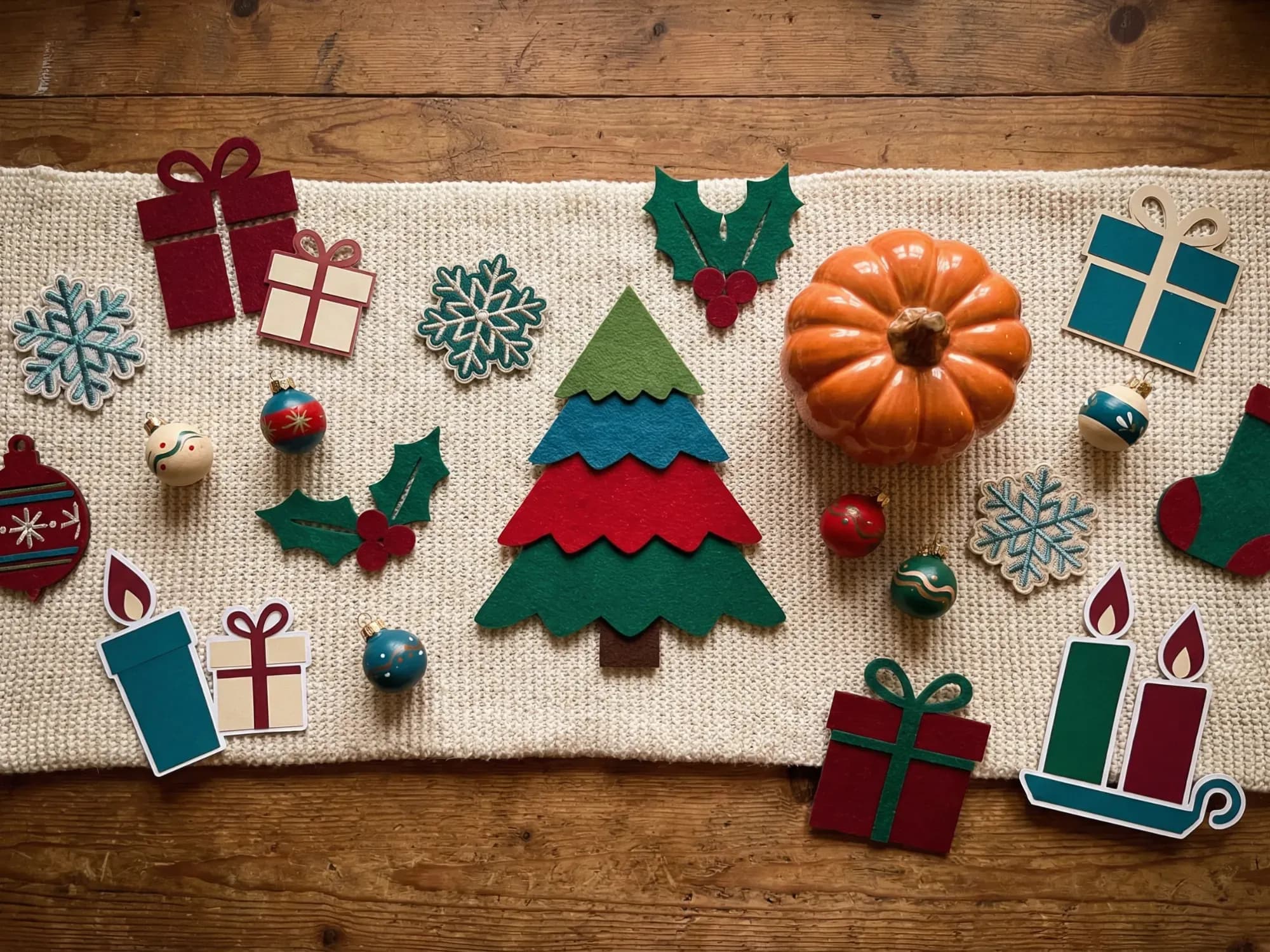
Clip art made with Pixara image models: flat classroom icons, cartoon animals, holiday stickers, line-art doodles and vector illustrations on clean backgrounds.

Gallery item
Gallery item
Gallery item
Gallery item
Gallery item
Gallery item
Gallery item
Gallery item
Gallery item
Gallery item
Gallery item
Gallery item
Gallery item
Gallery item
Gallery item
Gallery item
Gallery item
Gallery item
Gallery item
Gallery item
Gallery item
Gallery item
Gallery item
Gallery item
Gallery item
Gallery item
Gallery item
Gallery item
Gallery item
Gallery item
Text to Clip Art

Turn a Short Prompt Into Custom Clip Art

Open Create Image and name the object plus the style, for example "cartoon apple with a smiling face, flat colors, thick outline, white background". Most image models make up to four options per run, so you can pick the cleanest one. Add "simple, no shading, centered" when you need clip art that stays clear at small sizes on a page.

Turn a Short Prompt Into Custom Clip Art
Transparent PNG

Make Transparent Clip Art for Slides and Docs

GPT Image 2.5, the default model in Create Image, has a transparent background option. Turn it on and your clip art drops straight onto PowerPoint, Google Slides or Canva without a white box around it. Ask for "isolated object, no background scene" in the prompt too, so the model keeps the edges clean.

Make Transparent Clip Art for Slides and Docs
Vector Clip Art

Generate Vector Clip Art as SVG

Choose Recraft V4.1 SVG in the model list when you need vector output. SVG clip art scales to a poster or a tiny icon without going blurry, and you can recolor it in a vector editor. Keep prompts simple, like "flat vector icon of a rocket, two colors, geometric shapes", since vectors work best with clear shapes and few details.

Generate Vector Clip Art as SVG
Teachers and Worksheets

Clip Art for Worksheets, Classrooms and Kids

Make matching images for a whole lesson: keep one style line, such as "cute flat cartoon, bold outline, bright colors, white background", and change only the object. Ask for "black and white line art" to get coloring pages. Save your first image as a reference so the rest of the set looks like it came from the same artist.

Clip Art for Worksheets, Classrooms and Kids

Everything You Need to Make Clip Art With AI

Art Styles

Generate in various art styles from realistic to cartoon

Perfect Consistency

AI maintains character appearance across all generations

Iterative Creation

Refine and improve your images with progressive generation

Fine Control

Adjust composition, lighting, colors, and details with precision

Sharp Details

Maintains crisp edges and fine details perfectly

Format Support

Works with PNG, JPG, WebP and other formats

Different Scenes

Place characters in various backgrounds and settings

Detail Preservation

Maintains fine details and textures perfectly

Create Professional Videos in 3 Simple Steps

Pixara AI video generation preview

Upload a text prompt, reference image, or existing video clip. Add multiple frames to guide the story.

AI Models Showcase

Best AI Models for Clip Art and Icons

Pick the image model that fits your clip art: Ideogram for stickers and labels with readable words, Nano Banana Pro for sets that match a reference, Seedream 4.5 for crisp detailed illustrations and Midjourney for hand-drawn styles.

01
Ideogram V3 Quality logo

Ideogram V3 Quality

Hyper-realistic motion

02
Google Nano Banana Pro logo

Google Nano Banana Pro

Cinematic camera control

03
ByteDance Seedream 4.5 logo

ByteDance Seedream 4.5

Lightning-fast generation

04
Midjourney logo

Midjourney

Industry-leading quality

05
Google Nano Banana 2 logo

Google Nano Banana 2

Smooth physics simulation

06
Google Nano Banana logo

Google Nano Banana

Award-winning realism

07
Minimax AI logo

Minimax AI

Crisp 4K detail

08
Grok Imagine logo

Grok Imagine

Best-in-class consistency

Stickers and Icons

Make Sticker Clip Art and Icon Sets in One Style

For stickers, add "die-cut sticker, thick white border, 1:1" to the prompt. For an icon set, describe the shared style once, then list one subject per run: calendar, phone, map pin, heart. Ideogram models are the best choice when a sticker needs a short word like "THANK YOU" written clearly on it.

Make Sticker Clip Art and Icon Sets in One Style

Plans for every kind of creator

Start free. Scale as you grow.
Special offerLimited time

Start with $1 — get 4,000 credits

3-day Starter trial with every model, workflows, Ara and MCP. Cancel anytime.

One-time offer for new members — pick Starter monthly to claim it.

Starter

$1 TRIAL
$10$1for 3 days
+ 4,000 credits
WorkflowsAraMCP
Start for $1 →

then $10/month

Unlimited access

Daily free generations are not included. Unlock them from Hobby.

  • 1,000 AI Image Generations
  • 222 seconds of Generative AI Videos
  • 666 minutes of AI Voiceovers
  • 33 minutes of Video Rendering
  • 2 GB storage
  • 2 Concurrent Generations
  • Public generations shared with the community
Hobby

20% OFF
$25$20/month
+ 15,000 credits
WorkflowsAraMCP
Choose Hobby →

Unlimited access

365 days
  • Nano Banana
  • Nano Banana 2
  • GPT Image 2
  • Seedream 5 Lite
  • Reve 2.1
  • Midjourney
  • 3,750 AI Image Generations
  • 833 seconds of Generative AI Videos
  • 2,500 minutes of AI Voiceovers
  • 125 minutes of Video Rendering
  • 25 GB storage
  • 4 Concurrent Generations
  • Optional private & copy-protected generations

Pro

Most popular40% OFF
$60$36/month
+ 36,000 credits
WorkflowsAraMCP
Choose Pro →

Unlimited access

365 days
  • Nano Banana
  • Nano Banana 2
  • GPT Image 2
  • Seedream 5 Lite
  • Reve 2.1
  • Midjourney
  • 9,000 AI Image Generations
  • 2,000 seconds of Generative AI Videos
  • 6,000 minutes of AI Voiceovers
  • 300 minutes of Video Rendering
  • 50 GB storage
  • 8 Concurrent Generations
  • Private & copy-protected generations by default

Ultimate

Limited time40% OFF
$250$150/month
+ 150,000 credits
WorkflowsAraMCP
Choose Ultimate →

Unlimited access

365 days
  • Nano Banana
  • Nano Banana 2
  • GPT Image 2
  • Seedream 5 Lite
  • Reve 2.1
  • Midjourney
  • 37,500 AI Image Generations
  • 4,400 seconds of Generative AI Videos
  • 25,000 minutes of AI Voiceovers
  • 1,250 minutes of Video Rendering
  • 100 GB storage
  • 16 Concurrent Generations
  • Private & copy-protected generations by default

Compare plans

Every plan includes every model, workflows, Ara and MCP. Higher plans add volume, speed and privacy.

Starter$10/monthGet started
Hobby$20/monthGet started
Most popularPro$36/monthGet started
Limited timeUltimate$150/monthGet started
Credits per month4,00015,00036,000150,000
AI Image generations1,0003,7509,00037,500
Generative video222 seconds833 seconds2,000 seconds4,400 seconds
AI voiceovers666 minutes2,500 minutes6,000 minutes25,000 minutes
Video rendering33 minutes125 minutes300 minutes1,250 minutes
Storage2 GB25 GB50 GB100 GB
Concurrent generations24816
Unlimited daily models—2 modelsAll 6 modelsAll 6 models
Generation visibilityPublicOptional privatePrivate by defaultPrivate by default

Latest from Our Blog

Discover tips, tutorials, and insights about AI-powered creativity

Frequently Asked Questions

It is a tool that draws clip art from a text description. On Pixara you open Create Image, type the object and the style, such as "flat cartoon sun, bold outline, white background", choose a model and generate. You get finished images you can drop into slides, documents and worksheets.

Yes. GPT Image 2.5, the default model in Create Image, has a transparent background option. Turn it on and ask for an isolated object with no scene behind it. The result places cleanly over any color or photo in your slides or designs.

Yes. Pick Recraft V4.1 SVG in Create Image to get vector output. SVG files scale to any size without losing sharpness and can be recolored in a vector editor. Simple prompts with clear shapes and two or three colors give the cleanest vectors.

Look for one that keeps a whole set in the same style. On Pixara you can reuse one style line, save the first image as a reference and generate the rest of the lesson around it. Add "black and white line art" when you want printable coloring pages.

Yes. Download the image as PNG, JPG or WebP and insert it like any picture. Use a transparent PNG so the clip art sits on your slide background without a white box, and pick 1:1 for icons or 16:9 for a full-width banner.

Name one object, one style and one background. For example "cute cartoon owl reading a book, flat colors, thick outline, white background". Add "simple" or "minimal" for icons, and avoid busy scene descriptions, which turn clip art into a full illustration.

Yes. Put the exact words in quotes, such as a banner that reads "HAPPY BIRTHDAY". Ideogram models are the best choice for readable text in images, so pick one when the lettering matters. Keep the text to a few words for the cleanest result.

Yes. Keep the same style description for every image and change only the subject. Saving your first result as a reference image on a model like Nano Banana Pro helps the colors and line weight stay consistent across the set.

Yes. Describe the theme and style together, like "Christmas clip art, gingerbread man, flat vector style, red and green, white background". The same works for Halloween, Easter, back to school and birthdays. Keep the style line the same to build a matching seasonal set.

New accounts get free credits when they sign up, and new members can try every model, workflows and Ara for 3 days for $1. Paid plans start at $10 a month.