Now Live

Pixara MCP – generate images, video and voice from Claude, Cursor and more.

AI Brand Kit Generator for Logos, Colors and Brand Assets

Build your brand kit step by step with AI: design the logo first, then generate matching icons, social graphics and mockups from it. Pixara is not a one-click brand kit tool, but its image models, Workflows and Ara chat give you a full AI branding kit workflow in one place.

AI Brand Kit Generator for Logos, Colors and Brand Assets

Brand assets made with these image models

Ideogram V3 Quality logo
Ideogram V3 Quality
Google Nano Banana Pro logo
Google Nano Banana Pro
ByteDance Seedream 4.5 logo
ByteDance Seedream 4.5
Google Nano Banana 2 logo
Google Nano Banana 2
Kling O1 Image logo
Kling O1 Image
Midjourney logo
Midjourney
Ideogram V3 Quality logo
Ideogram V3 Quality
Google Nano Banana Pro logo
Google Nano Banana Pro
ByteDance Seedream 4.5 logo
ByteDance Seedream 4.5
Google Nano Banana 2 logo
Google Nano Banana 2
Kling O1 Image logo
Kling O1 Image
Midjourney logo
Midjourney
Ideogram V3 Quality logo
Ideogram V3 Quality
Google Nano Banana Pro logo
Google Nano Banana Pro
ByteDance Seedream 4.5 logo
ByteDance Seedream 4.5
Google Nano Banana 2 logo
Google Nano Banana 2
Kling O1 Image logo
Kling O1 Image
Midjourney logo
Midjourney

Explore AI Generated Brand Kits With Pixara

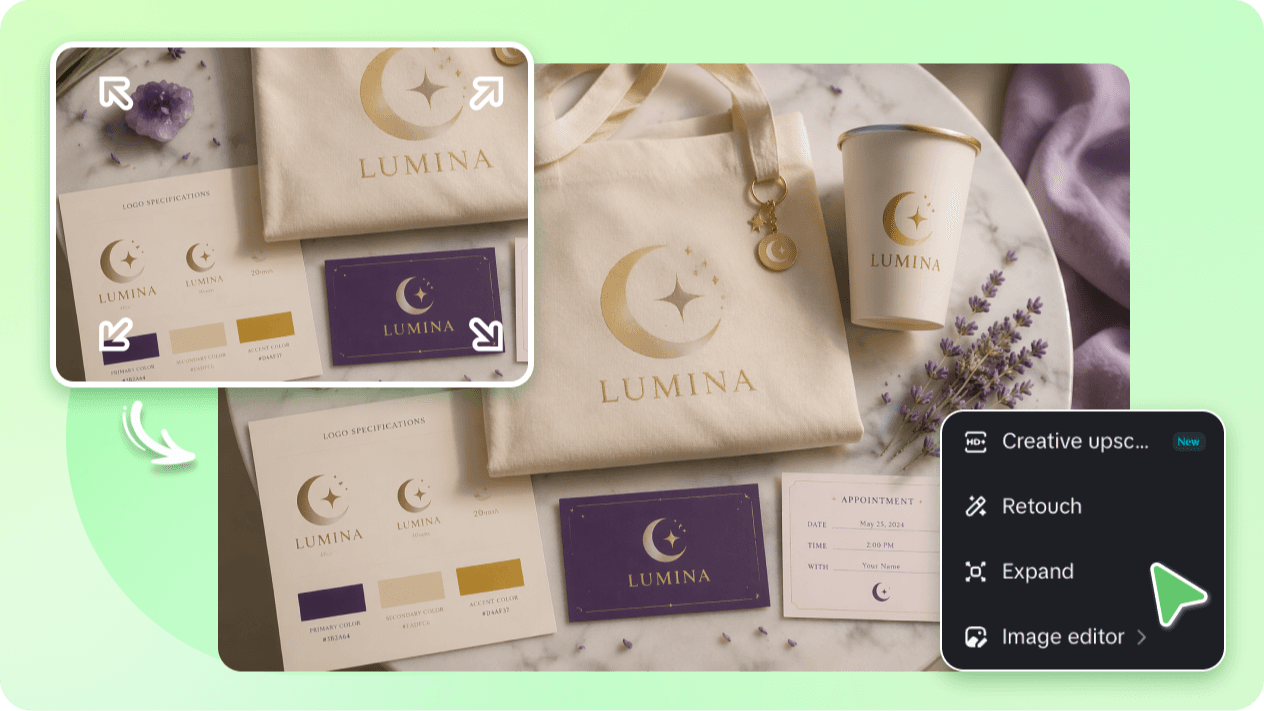
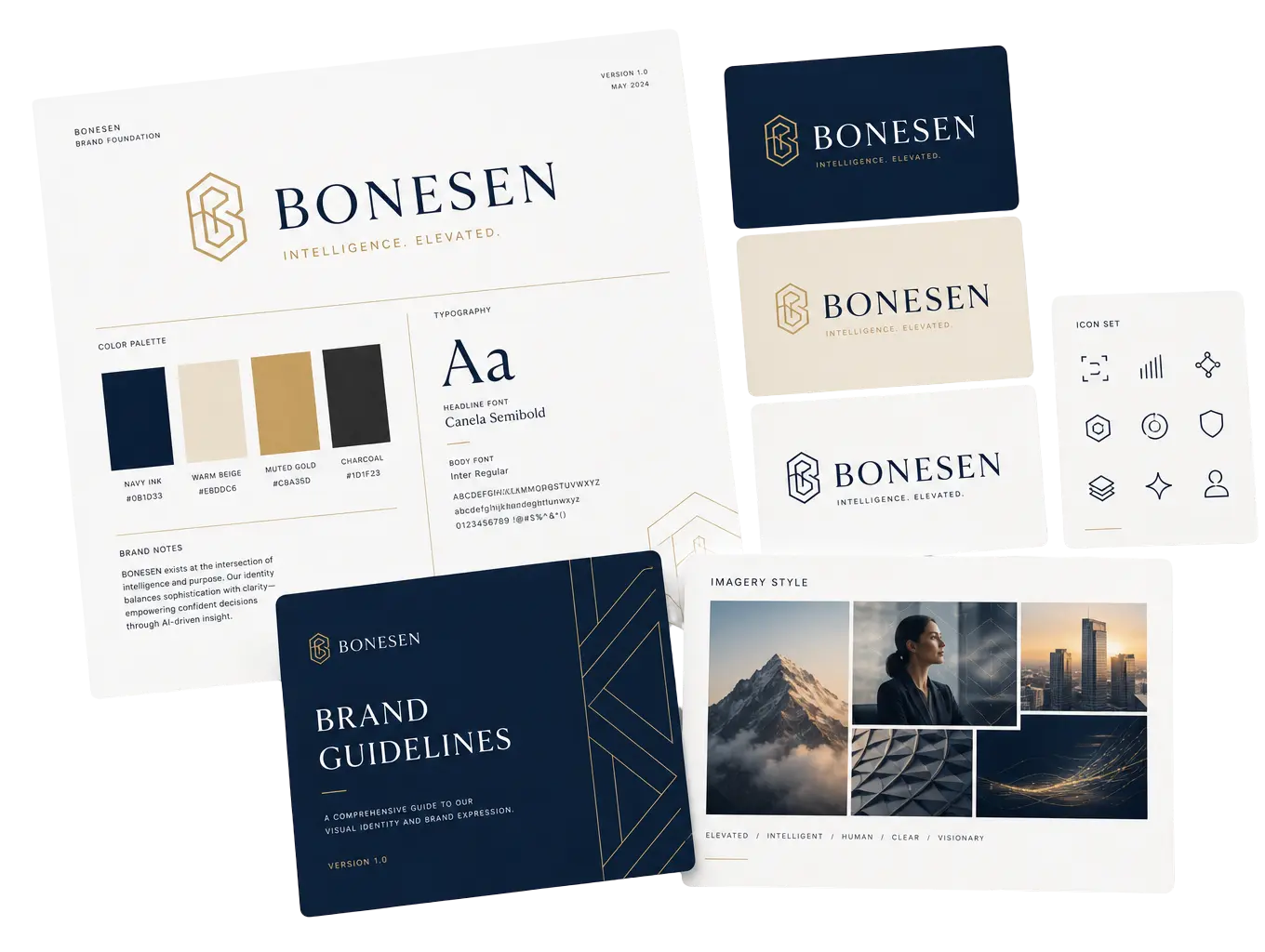
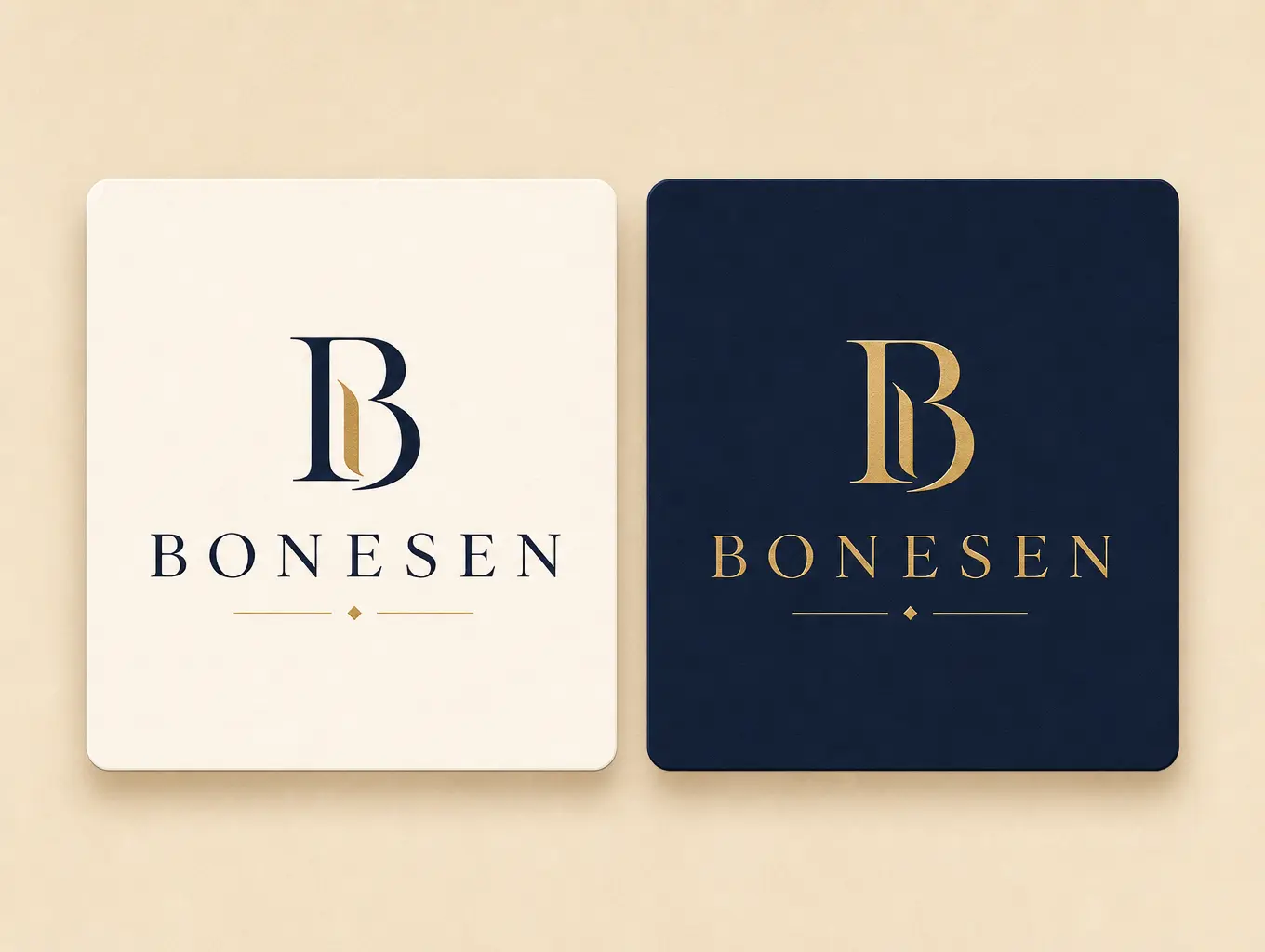
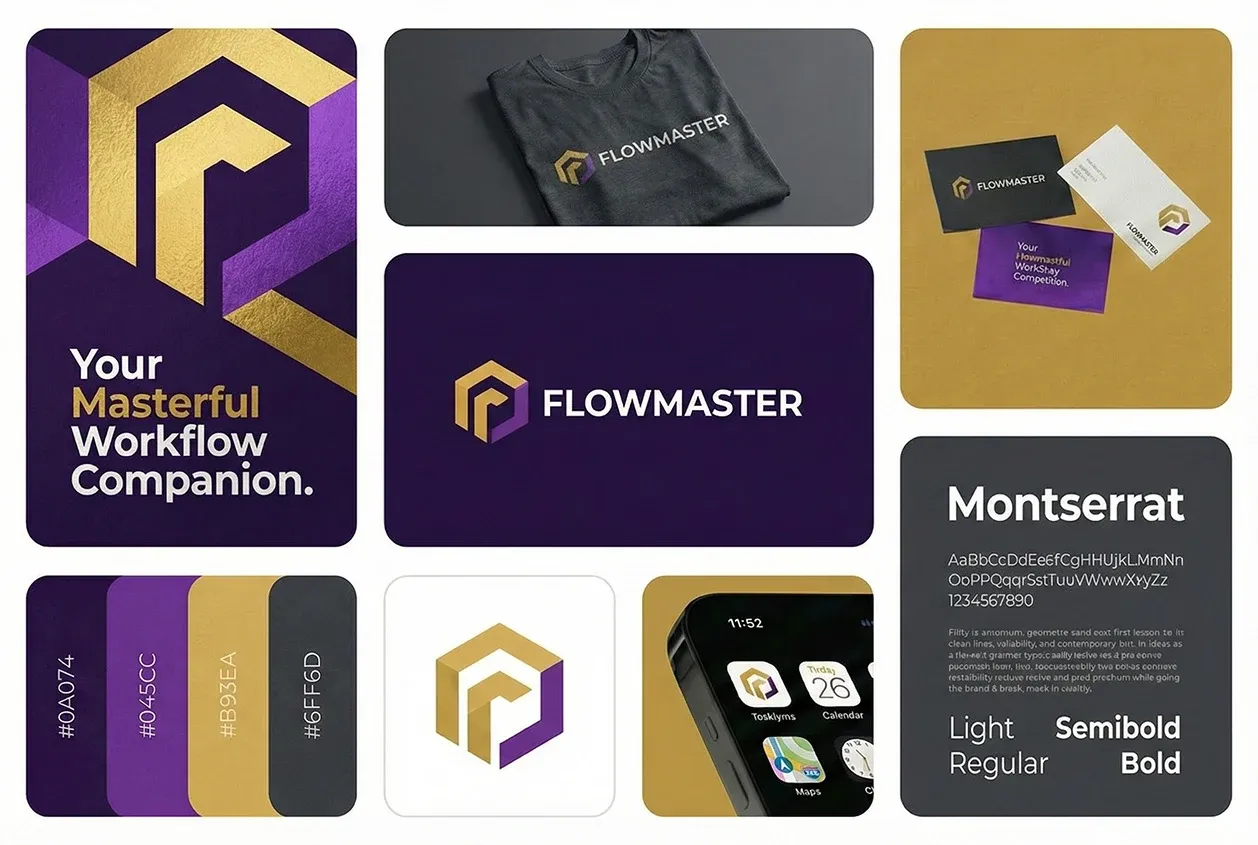
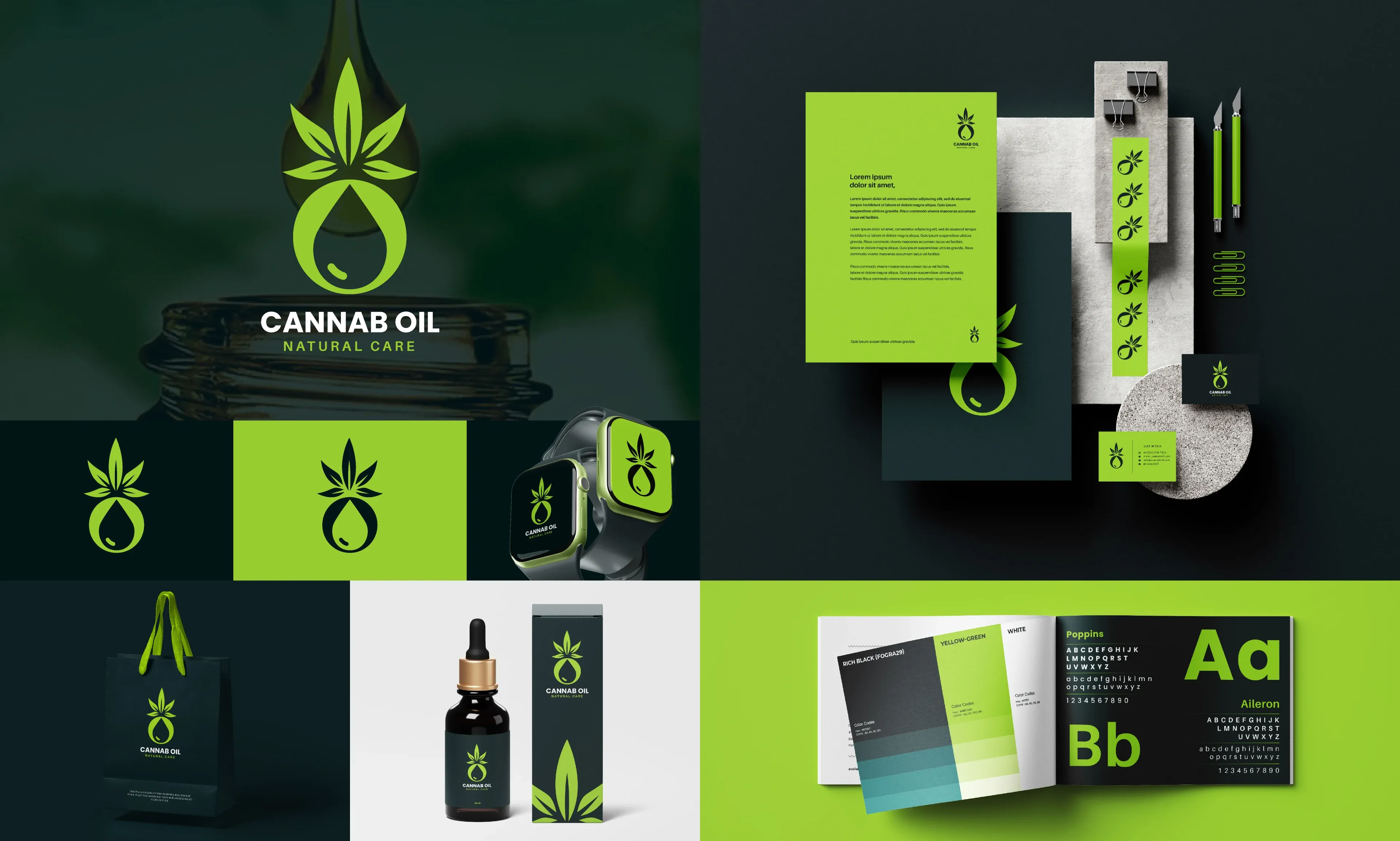
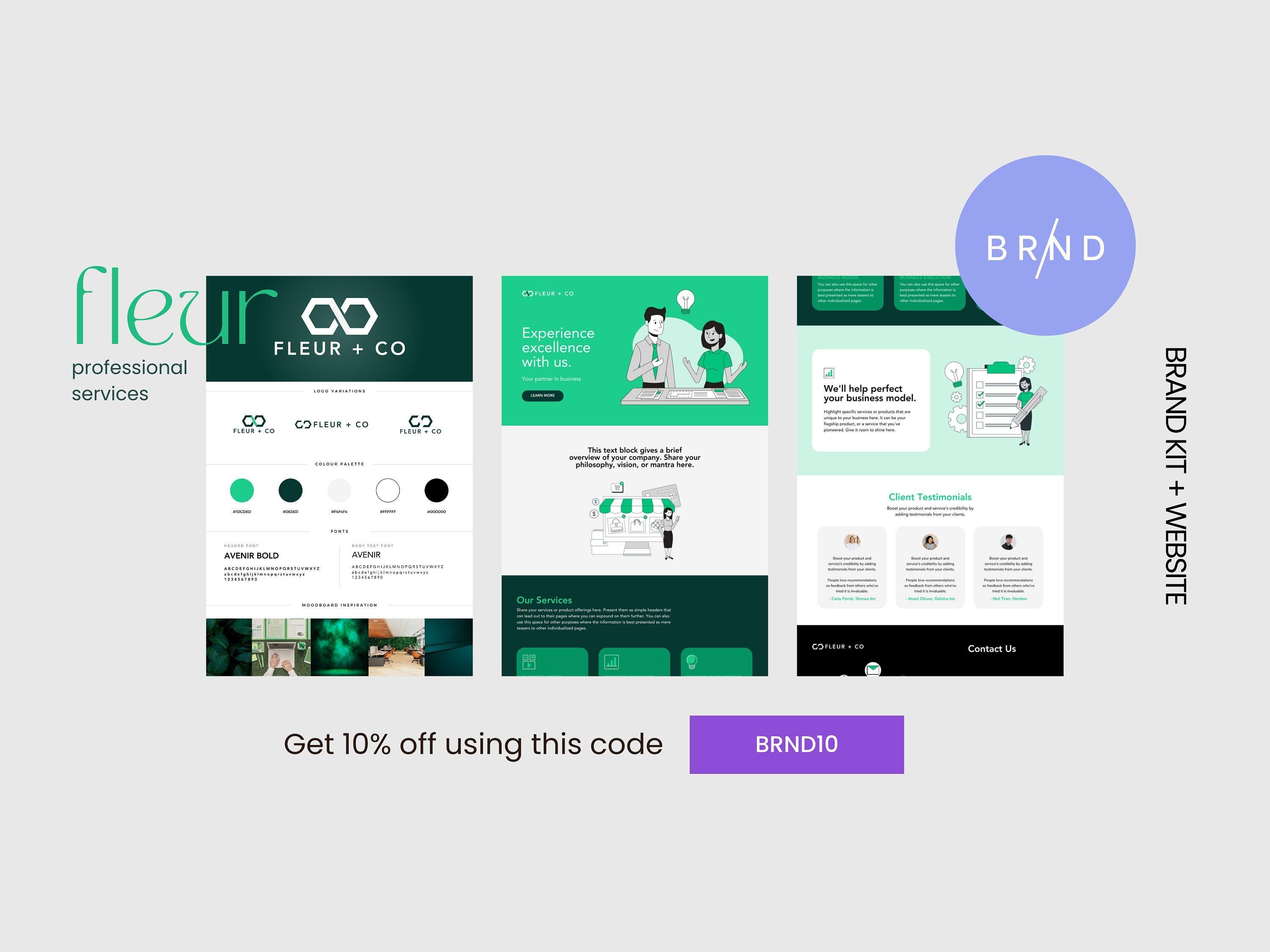
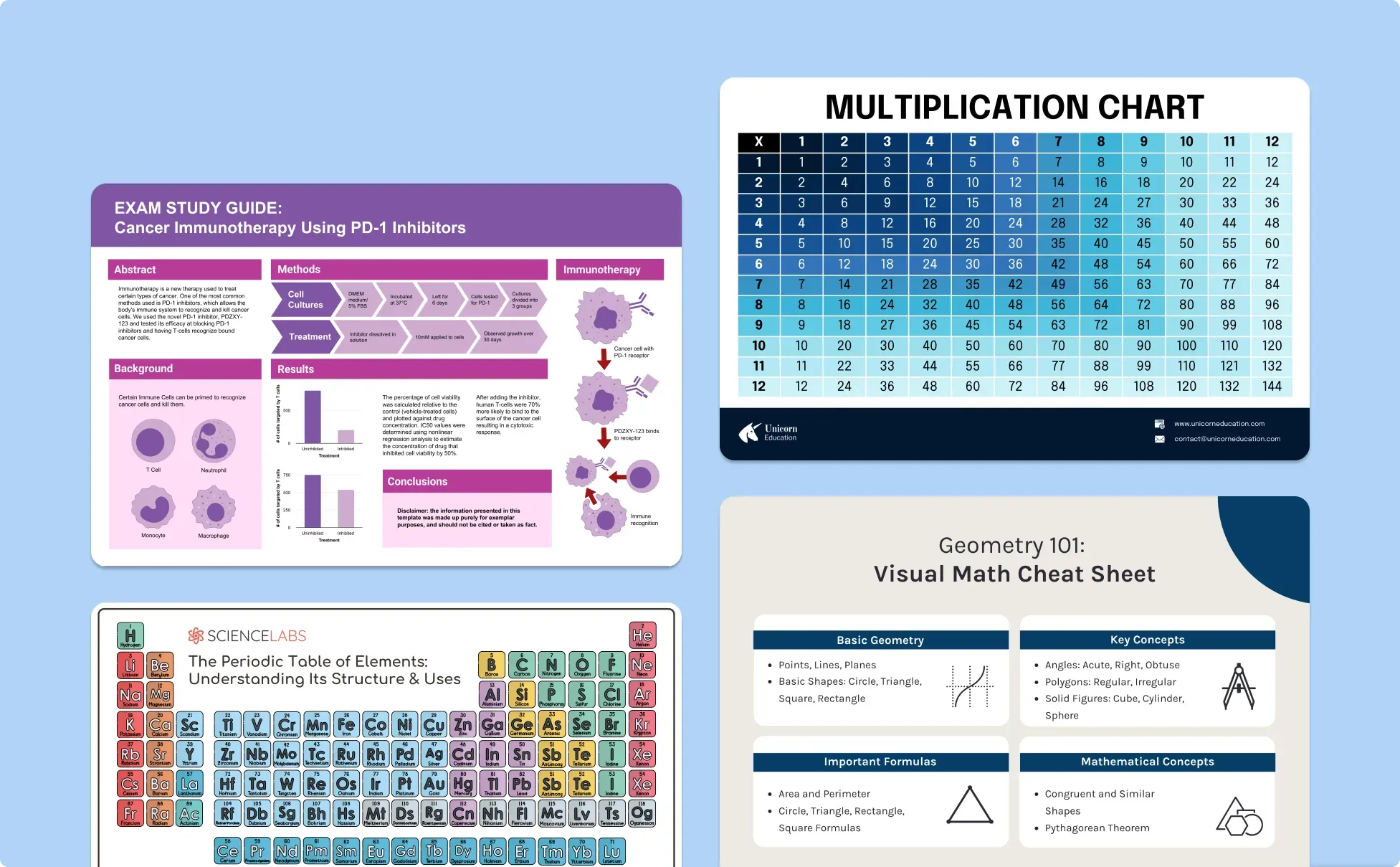
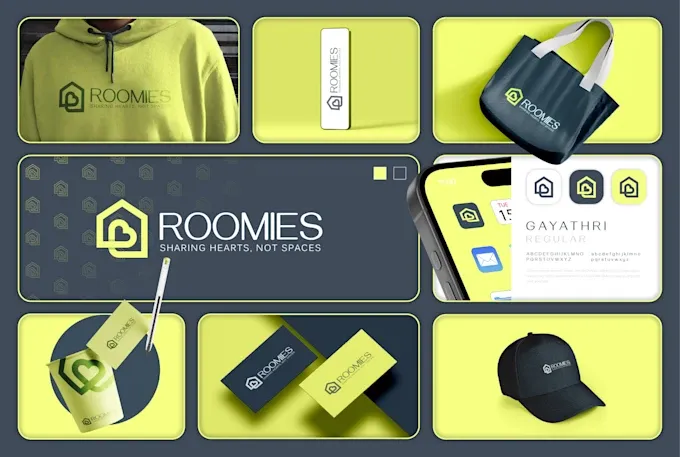
Brand assets made with Pixara image models: wordmark logos, vector icons, color palette boards, social banners and packaging mockups that share one visual style.

Gallery item
Gallery item
Gallery item
Gallery item
Gallery item
Gallery item
Gallery item
Gallery item
Gallery item
Gallery item
Gallery item
Gallery item
Gallery item
Gallery item
Gallery item
Gallery item
Gallery item
Gallery item
Gallery item
Gallery item
Gallery item
Gallery item
Gallery item
Gallery item
Gallery item
Gallery item
Gallery item
Step 1: The Logo

Start Your Brand Kit With an AI Logo

There is no separate logo tool: open Create Image and choose an Ideogram model when the brand name must be spelled correctly, or Recraft V4.1 SVG when you want a vector file. Try "minimal wordmark logo for 'Northleaf', rounded sans serif, deep green, white background". Generate several options, then keep the one that still reads well when small.

Start Your Brand Kit With an AI Logo
Step 2: Color Palette

Build a Matching Color Palette From Your Logo

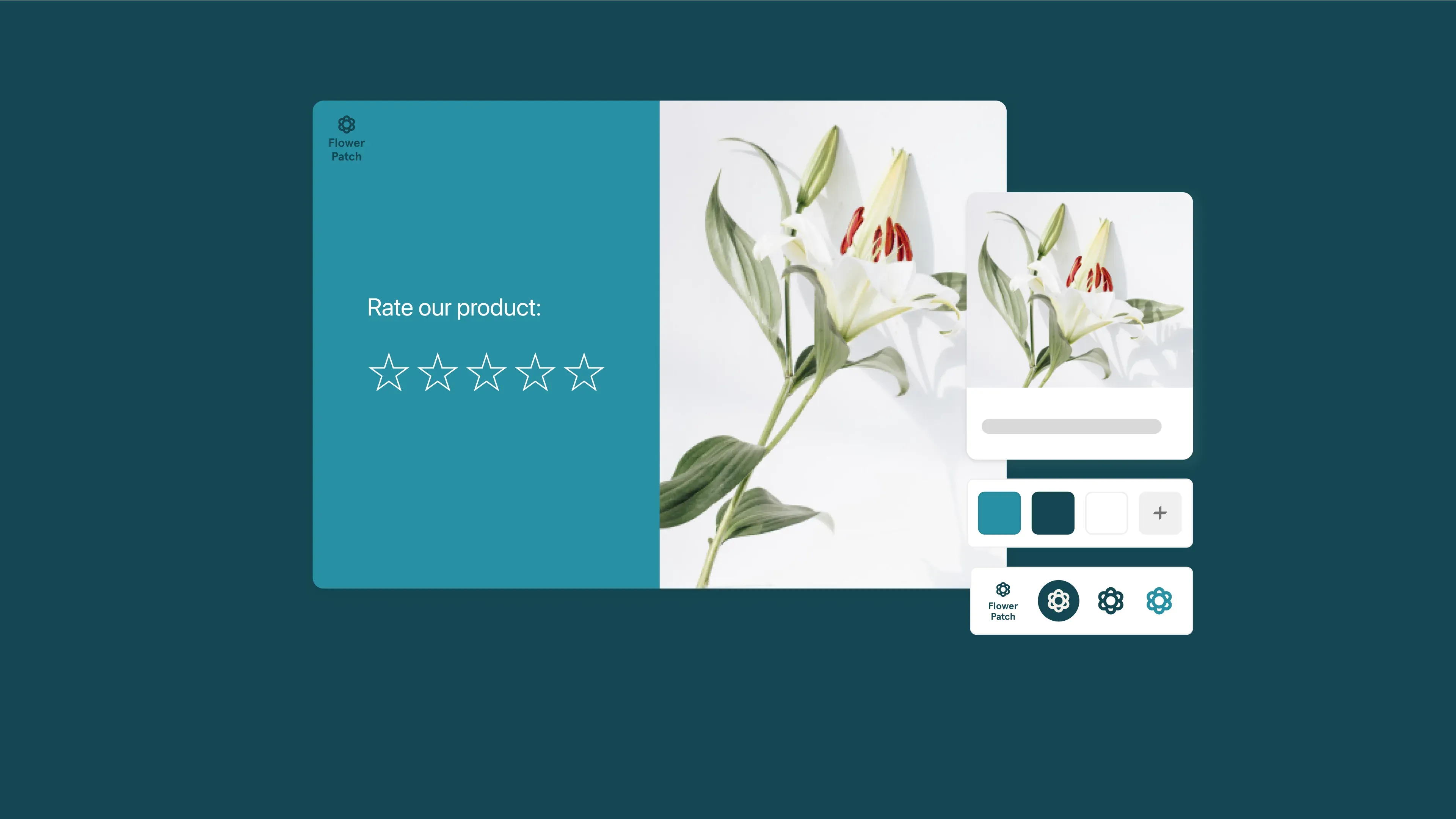
Picked a logo and need colors to go with it? Ask Ara, Pixara's chat assistant, to suggest a palette, for example "give me five brand colors with hex codes that work with this deep green logo for a tea shop". Then generate a palette board in Create Image with the logo uploaded as a reference, so you can see the colors together before you commit.

Build a Matching Color Palette From Your Logo
Step 3: Brand Assets

Generate Brand Assets That Match Your Logo

Upload your logo as a reference image on a model that accepts references, such as Nano Banana Pro or Seedream 4.5, and ask for one asset at a time: "Instagram post template using this logo and these colors", "coffee cup mockup with this logo", "website hero banner, same style". Nano Banana Pro accepts up to 15 reference images, so add your palette board too.

Generate Brand Assets That Match Your Logo
Step 4: Workflows

Chain Your Brand Asset Generator Steps With Workflows

Once you know which prompts work, open Workflows and connect them in the node editor: logo in, then a social banner, a product mockup and a short animated logo video out. Run the same chain again for a new campaign or a sub-brand, and every asset starts from the same logo and style.

Chain Your Brand Asset Generator Steps With Workflows

Everything You Need to Build an AI Branding Kit

Perfect Consistency

AI maintains character appearance across all generations

Art Styles

Generate in various art styles from realistic to cartoon

Iterative Creation

Refine and improve your images with progressive generation

Fine Control

Adjust composition, lighting, colors, and details with precision

Different Scenes

Place characters in various backgrounds and settings

Sharp Details

Maintains crisp edges and fine details perfectly

Format Support

Works with PNG, JPG, WebP and other formats

Detail Preservation

Maintains fine details and textures perfectly

Create Professional Videos in 3 Simple Steps

Pixara AI video generation preview

Upload a text prompt, reference image, or existing video clip. Add multiple frames to guide the story.

AI Models Showcase

Best AI Models for Logos and Brand Assets

Use Ideogram for logos and graphics with your brand name in readable text, Nano Banana Pro and Seedream 4.5 for assets built from your logo as a reference, and Kling O1 Image for small edits to an existing design.

01
Ideogram V3 Quality logo

Ideogram V3 Quality

Hyper-realistic motion

02
Google Nano Banana Pro logo

Google Nano Banana Pro

Cinematic camera control

03
ByteDance Seedream 4.5 logo

ByteDance Seedream 4.5

Lightning-fast generation

04
Google Nano Banana 2 logo

Google Nano Banana 2

Industry-leading quality

05
Kling O1 Image logo

Kling O1 Image

Smooth physics simulation

06
Midjourney logo

Midjourney

Award-winning realism

07
Runway Gen 4 Image logo

Runway Gen 4 Image

Crisp 4K detail

Names and Ideas

Brainstorm Brand Names and Taglines With Ara

Before any design, describe your business to Ara in plain words, like "eco cleaning products for busy parents, friendly, not corporate", and ask for names, taglines and a style direction. Ara can generate images inside the chat too, so you can see a rough logo idea for each name and then move the favourite into Create Image to refine.

Brainstorm Brand Names and Taglines With Ara

Plans for every kind of creator

Start free. Scale as you grow.
Special offerLimited time

Start with $1 — get 4,000 credits

3-day Starter trial with every model, workflows, Ara and MCP. Cancel anytime.

One-time offer for new members — pick Starter monthly to claim it.

Starter

$1 TRIAL
$10$1for 3 days
+ 4,000 credits
WorkflowsAraMCP
Start for $1 →

then $10/month

Unlimited access

Daily free generations are not included. Unlock them from Hobby.

  • 1,000 AI Image Generations
  • 222 seconds of Generative AI Videos
  • 666 minutes of AI Voiceovers
  • 33 minutes of Video Rendering
  • 2 GB storage
  • 2 Concurrent Generations
  • Public generations shared with the community
Hobby

20% OFF
$25$20/month
+ 15,000 credits
WorkflowsAraMCP
Choose Hobby →

Unlimited access

365 days
  • Nano Banana
  • Nano Banana 2
  • GPT Image 2
  • Seedream 5 Lite
  • Reve 2.1
  • Midjourney
  • 3,750 AI Image Generations
  • 833 seconds of Generative AI Videos
  • 2,500 minutes of AI Voiceovers
  • 125 minutes of Video Rendering
  • 25 GB storage
  • 4 Concurrent Generations
  • Optional private & copy-protected generations

Pro

Most popular40% OFF
$60$36/month
+ 36,000 credits
WorkflowsAraMCP
Choose Pro →

Unlimited access

365 days
  • Nano Banana
  • Nano Banana 2
  • GPT Image 2
  • Seedream 5 Lite
  • Reve 2.1
  • Midjourney
  • 9,000 AI Image Generations
  • 2,000 seconds of Generative AI Videos
  • 6,000 minutes of AI Voiceovers
  • 300 minutes of Video Rendering
  • 50 GB storage
  • 8 Concurrent Generations
  • Private & copy-protected generations by default

Ultimate

Limited time40% OFF
$250$150/month
+ 150,000 credits
WorkflowsAraMCP
Choose Ultimate →

Unlimited access

365 days
  • Nano Banana
  • Nano Banana 2
  • GPT Image 2
  • Seedream 5 Lite
  • Reve 2.1
  • Midjourney
  • 37,500 AI Image Generations
  • 4,400 seconds of Generative AI Videos
  • 25,000 minutes of AI Voiceovers
  • 1,250 minutes of Video Rendering
  • 100 GB storage
  • 16 Concurrent Generations
  • Private & copy-protected generations by default

Compare plans

Every plan includes every model, workflows, Ara and MCP. Higher plans add volume, speed and privacy.

Starter$10/monthGet started
Hobby$20/monthGet started
Most popularPro$36/monthGet started
Limited timeUltimate$150/monthGet started
Credits per month4,00015,00036,000150,000
AI Image generations1,0003,7509,00037,500
Generative video222 seconds833 seconds2,000 seconds4,400 seconds
AI voiceovers666 minutes2,500 minutes6,000 minutes25,000 minutes
Video rendering33 minutes125 minutes300 minutes1,250 minutes
Storage2 GB25 GB50 GB100 GB
Concurrent generations24816
Unlimited daily models—2 modelsAll 6 modelsAll 6 models
Generation visibilityPublicOptional privatePrivate by defaultPrivate by default

Latest from Our Blog

Discover tips, tutorials, and insights about AI-powered creativity

Frequently Asked Questions

It is a tool that helps you create the core visuals of a brand with AI: a logo, colors, icons and marketing graphics in one consistent style. On Pixara you build the kit step by step: logo in Create Image, matching assets from that logo as a reference, and Workflows to repeat the process.

No. Pixara has no one-click brand kit button. You make the logo first, then use it as a reference image to generate each matching asset. This takes a few more steps, but you choose every piece and can change any one of them without starting over.

On Pixara, ask Ara to suggest a palette with hex codes that suits your logo, then upload the logo as a reference in Create Image on Nano Banana Pro or Seedream 4.5. Ask for a palette board, social posts and mockups one at a time so each asset matches the logo.

Open Create Image and pick an Ideogram model if the logo includes your brand name, since Ideogram is best for readable text. Pick Recraft V4.1 SVG if you need a vector file. Describe the name, the font style, the colors and the background, then generate several options to compare.

Yes. Upload your logo as a reference image and describe the asset: an Instagram post, a business card, a tote bag mockup or a website banner. Models such as Nano Banana Pro and Seedream 4.5 accept several reference images, so you can include the logo and a palette board together.

Reuse the same reference images and the same style words in every prompt, for example "flat, deep green and cream, rounded shapes". Saving the chain as a Workflow means each new asset starts from the same inputs, which keeps your branding kit on style.

Yes. Describe your product, audience and tone to Ara and ask for a list of names and taglines. Ara can also generate quick images in the chat, so you can see a rough visual for the names you like before designing the real logo.

Yes. Choose Recraft V4.1 SVG in Create Image to generate vector output. Vector logos stay sharp at any size, from a favicon to a sign. Other models give PNG, JPG or WebP images, which work well for social posts and mockups.

Yes. Send the logo image to Create Video, pick a model such as Kling 3.0 and describe a simple motion, like "the logo draws itself in, then glows softly". Short logo clips work as intros for videos and social posts.

New accounts get free credits when they sign up, and new members can try every model, workflows and Ara for 3 days for $1. Paid plans start at $10 a month. Images made with free credits can appear publicly on Pixara's Explore page.