Now Live

Pixara MCP – generate images, video and voice from Claude, Cursor and more.

AI Baby Face Generator From Parents Photos

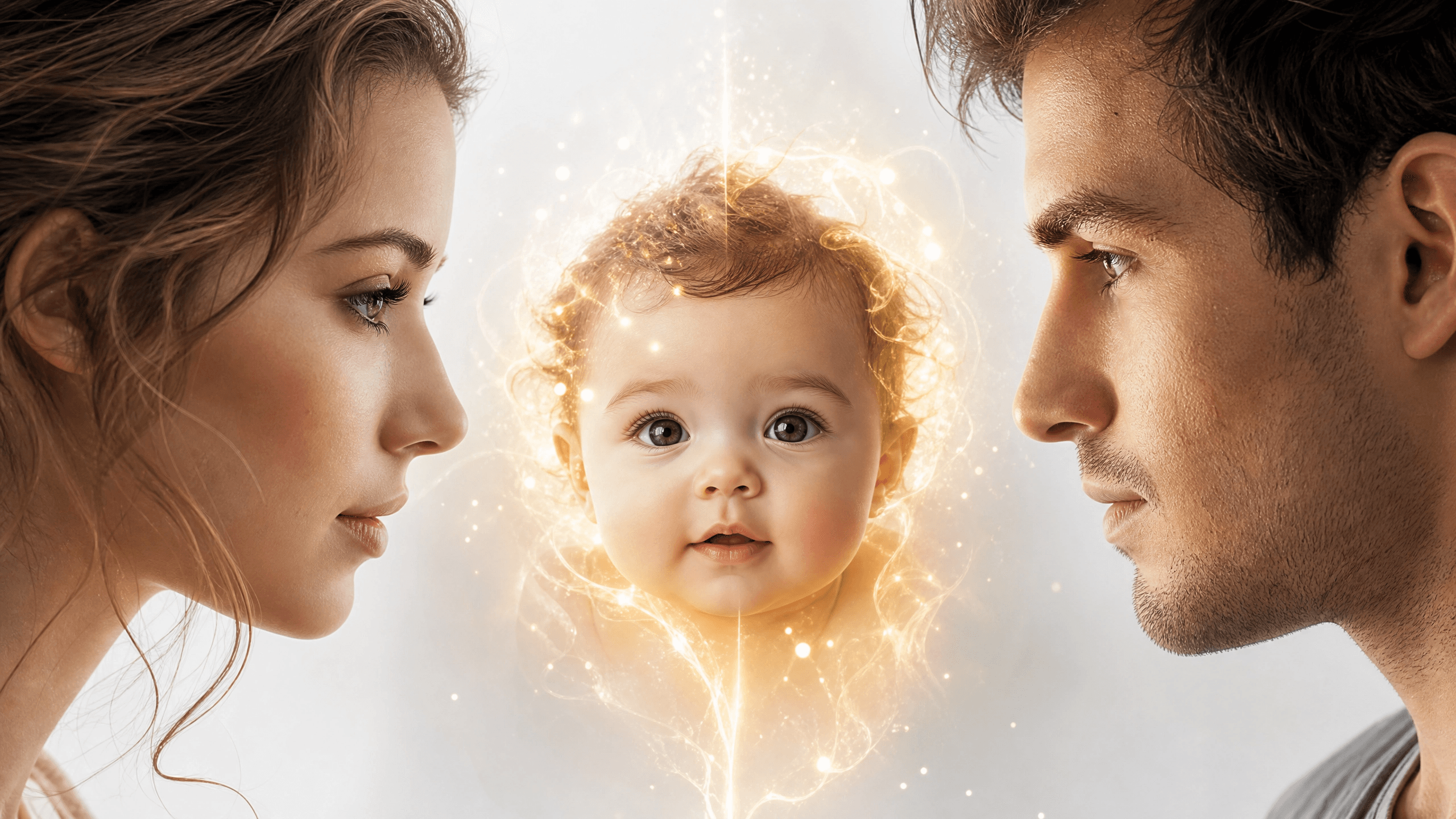
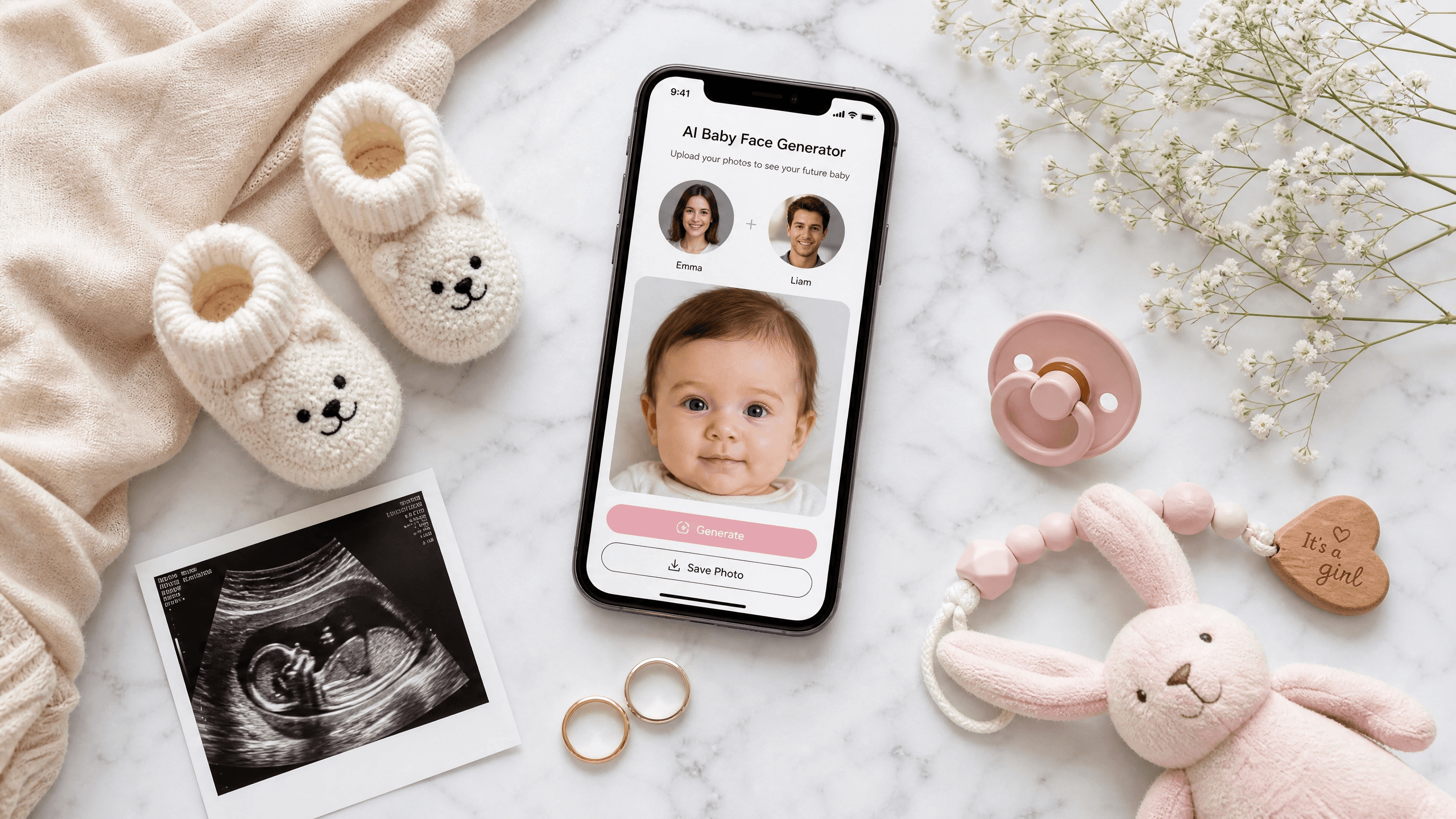
Use Pixara as an AI baby face generator from parents photos: upload a picture of each parent, describe the baby and get a playful portrait in seconds. It is a fun baby face generator for imagining what your baby might look like, not a genetic prediction.

AI Baby Face Generator From Parents Photos

Baby portraits made with these image models

Google Nano Banana Pro logo
Google Nano Banana Pro
Google Nano Banana 2 logo
Google Nano Banana 2
ByteDance Seedream 4.5 logo
ByteDance Seedream 4.5
Kling O1 Image logo
Kling O1 Image
Google Nano Banana logo
Google Nano Banana
Google Nano Banana Pro logo
Google Nano Banana Pro
Google Nano Banana 2 logo
Google Nano Banana 2
ByteDance Seedream 4.5 logo
ByteDance Seedream 4.5
Kling O1 Image logo
Kling O1 Image
Google Nano Banana logo
Google Nano Banana
Google Nano Banana Pro logo
Google Nano Banana Pro
Google Nano Banana 2 logo
Google Nano Banana 2
ByteDance Seedream 4.5 logo
ByteDance Seedream 4.5
Kling O1 Image logo
Kling O1 Image
Google Nano Banana logo
Google Nano Banana

See AI Baby Faces Created From Parents Photos

Baby portraits made from two parent photos with Pixara image models: newborn close-ups, toddler snapshots, cartoon babies and soft watercolor styles.

Gallery item
Gallery item
Gallery item
Gallery item
Gallery item
Gallery item
Gallery item
Gallery item
Gallery item
Gallery item
Gallery item
Gallery item
Gallery item
Gallery item
Gallery item
Gallery item
Gallery item
Gallery item
Gallery item
Gallery item
Gallery item
Gallery item
Gallery item
Gallery item
Two Parent Photos

Make a Baby Face From Both Parents' Photos

There is no separate baby tool: open Create Image, choose Nano Banana Pro or Nano Banana 2 and upload one clear photo of each parent as reference images. These models accept up to 15 references, so you can add a second angle of each face. Then describe the result, for example "a smiling one-year-old baby who mixes the features of both people in the photos, soft daylight".

Make a Baby Face From Both Parents' Photos
What Will My Baby Look Like

What Will My Baby Look Like? Try a Few Versions

Treat every image as one playful guess, not an answer. Run the same prompt a few times, or change one detail such as "curly dark hair", "green eyes" or "big cheeks", and compare the results side by side. Most image models give you several images per run, so you can pick a favorite and keep iterating from there.

What Will My Baby Look Like? Try a Few Versions
Baby Photo Styles

Turn the Baby Face Into Any Photo Style

Ask for a realistic newborn photo, a toddler at the beach, a cartoon baby, an anime character or a watercolor portrait. Add the setting and light to your prompt, like "baby in a knitted hat, studio portrait, warm light". Use a 1:1 ratio for a profile-style picture or 3:4 for a portrait that fills a phone screen.

Turn the Baby Face Into Any Photo Style
Better Results

Pick Parent Photos That Give a Clearer Baby Face

Use front-facing photos with even light, no sunglasses and no heavy filters. Crop each one so the face fills most of the frame. JPG, PNG and WebP files up to 10 MB work. Only upload photos of yourself and people who agreed to it, such as your partner, and skip photos of anyone who did not say yes.

Pick Parent Photos That Give a Clearer Baby Face

Everything You Need for a Fun AI Baby Portrait

Art Styles

Generate in various art styles from realistic to cartoon

Iterative Creation

Refine and improve your images with progressive generation

Fine Control

Adjust composition, lighting, colors, and details with precision

Facial Expressions

Create different emotions while keeping identity intact

Different Scenes

Place characters in various backgrounds and settings

Sharp Details

Maintains crisp edges and fine details perfectly

Format Support

Works with PNG, JPG, WebP and other formats

Detail Preservation

Maintains fine details and textures perfectly

Create Professional Videos in 3 Simple Steps

Pixara AI video generation preview

Upload a text prompt, reference image, or existing video clip. Add multiple frames to guide the story.

AI Models Showcase

Best AI Models for a Baby Face From Parents Photos

Pick a model that reads several reference photos: Nano Banana Pro and Nano Banana 2 take up to 15, Seedream 4.5 and Kling O1 Image up to 10, and Reve up to 8. Runway Gen 4 Image and Grok Imagine Image take up to 3.

01
Google Nano Banana Pro logo

Google Nano Banana Pro

Hyper-realistic motion

02
Google Nano Banana 2 logo

Google Nano Banana 2

Cinematic camera control

03
ByteDance Seedream 4.5 logo

ByteDance Seedream 4.5

Lightning-fast generation

04
Kling O1 Image logo

Kling O1 Image

Industry-leading quality

05
Google Nano Banana logo

Google Nano Banana

Smooth physics simulation

06
Runway Gen 4 Image logo

Runway Gen 4 Image

Award-winning realism

07
Grok Imagine logo

Grok Imagine

Crisp 4K detail

Just for Fun

A Baby Face Generator for Fun, Not for Predictions

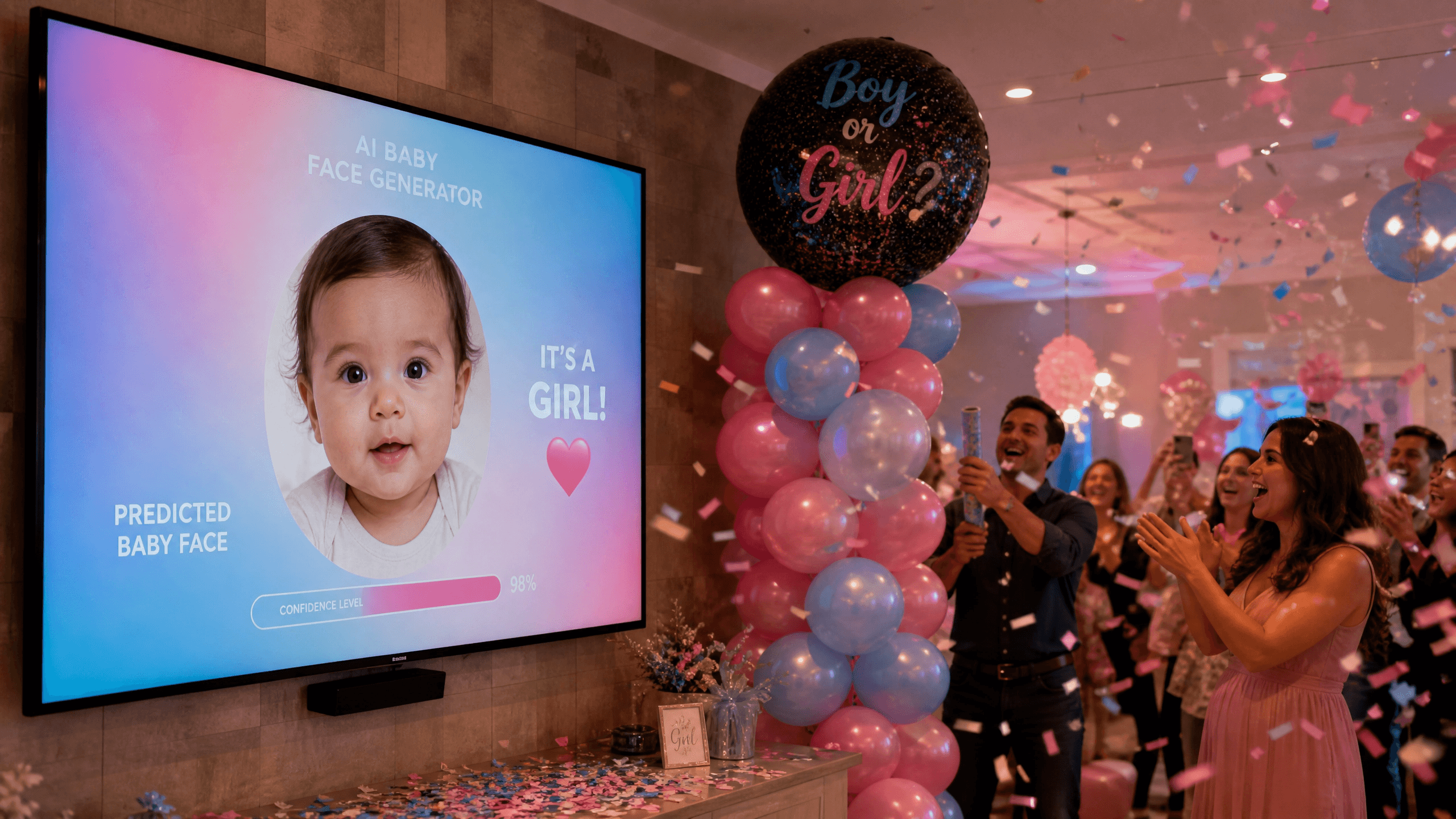
Real babies inherit features in ways no image model can know, so a result here says nothing about your future child. Use it for a laugh with your partner, a baby shower game or a gender reveal invite. Keep in mind that images made with free credits can appear publicly on Pixara's Explore page.

A Baby Face Generator for Fun, Not for Predictions
Loved by Creators

Real Results from Real Creators

See what our community is saying.

“My husband and I were curious about what a future baby might look like, so we decided to try it just for fun. The results were surprisingly detailed, and being able to generate several different versions made the whole experience even more entertaining.”

OM
Olivia M.
Lifestyle Content Creator

“I liked how simple the process was. We uploaded a photo of each parent, and within moments we had different baby face variations to explore. It feels much more creative than using a basic face filter.”

DR
Daniel R.
Digital Creator

“The different styles are what really made this fun for me. I could create a realistic baby portrait and then try something completely different, like an illustrated or cinematic version. It gave me a lot of ideas for social content.”

SK
Sophia K.
Social Media Creator

Plans for every kind of creator

Start free. Scale as you grow.
Special offerLimited time

Start with $1 — get 4,000 credits

3-day Starter trial with every model, workflows, Ara and MCP. Cancel anytime.

One-time offer for new members — pick Starter monthly to claim it.

Starter

$1 TRIAL
$10$1for 3 days
+ 4,000 credits
WorkflowsAraMCP
Start for $1 →

then $10/month

Unlimited access

Daily free generations are not included. Unlock them from Hobby.

  • 1,000 AI Image Generations
  • 222 seconds of Generative AI Videos
  • 666 minutes of AI Voiceovers
  • 33 minutes of Video Rendering
  • 2 GB storage
  • 2 Concurrent Generations
  • Public generations shared with the community
Hobby

20% OFF
$25$20/month
+ 15,000 credits
WorkflowsAraMCP
Choose Hobby →

Unlimited access

365 days
  • Nano Banana
  • Nano Banana 2
  • GPT Image 2
  • Seedream 5 Lite
  • Reve 2.1
  • Midjourney
  • 3,750 AI Image Generations
  • 833 seconds of Generative AI Videos
  • 2,500 minutes of AI Voiceovers
  • 125 minutes of Video Rendering
  • 25 GB storage
  • 4 Concurrent Generations
  • Optional private & copy-protected generations

Pro

Most popular40% OFF
$60$36/month
+ 36,000 credits
WorkflowsAraMCP
Choose Pro →

Unlimited access

365 days
  • Nano Banana
  • Nano Banana 2
  • GPT Image 2
  • Seedream 5 Lite
  • Reve 2.1
  • Midjourney
  • 9,000 AI Image Generations
  • 2,000 seconds of Generative AI Videos
  • 6,000 minutes of AI Voiceovers
  • 300 minutes of Video Rendering
  • 50 GB storage
  • 8 Concurrent Generations
  • Private & copy-protected generations by default

Ultimate

Limited time40% OFF
$250$150/month
+ 150,000 credits
WorkflowsAraMCP
Choose Ultimate →

Unlimited access

365 days
  • Nano Banana
  • Nano Banana 2
  • GPT Image 2
  • Seedream 5 Lite
  • Reve 2.1
  • Midjourney
  • 37,500 AI Image Generations
  • 4,400 seconds of Generative AI Videos
  • 25,000 minutes of AI Voiceovers
  • 1,250 minutes of Video Rendering
  • 100 GB storage
  • 16 Concurrent Generations
  • Private & copy-protected generations by default

Compare plans

Every plan includes every model, workflows, Ara and MCP. Higher plans add volume, speed and privacy.

Starter$10/monthGet started
Hobby$20/monthGet started
Most popularPro$36/monthGet started
Limited timeUltimate$150/monthGet started
Credits per month4,00015,00036,000150,000
AI Image generations1,0003,7509,00037,500
Generative video222 seconds833 seconds2,000 seconds4,400 seconds
AI voiceovers666 minutes2,500 minutes6,000 minutes25,000 minutes
Video rendering33 minutes125 minutes300 minutes1,250 minutes
Storage2 GB25 GB50 GB100 GB
Concurrent generations24816
Unlimited daily models—2 modelsAll 6 modelsAll 6 models
Generation visibilityPublicOptional privatePrivate by defaultPrivate by default

Latest from Our Blog

Discover tips, tutorials, and insights about AI-powered creativity

Frequently Asked Questions

You give an image model a photo of each parent as reference images and describe the baby you want. On Pixara you open Create Image, pick Nano Banana Pro or Nano Banana 2, upload both photos and write a prompt like "a baby who looks like a mix of these two people". The model draws a new face inspired by both.

No AI tool can tell you. Genetics are random, and siblings from the same parents often look very different. A baby face generator only makes a playful picture inspired by the photos you upload. Enjoy it as a fun guess and make a few versions instead of trusting a single result.

No. The results are for fun and are not a prediction of your real child's appearance. The model does not read DNA or calculate inherited traits. It blends visual cues like hair color, skin tone and face shape from the reference photos, so treat every image as entertainment.

Yes. Nano Banana Pro, Nano Banana 2 and Nano Banana accept up to 15 reference images, so you can add two or three photos of each parent from different angles. Clear, front-facing photos with even light usually give the model the most useful detail.

Pixara works in your browser and new accounts get free credits, which you can use in Create Image to make a baby face from two parent photos. Note that images made with free credits can appear publicly on Pixara's Explore page, so think about that before you upload.

Yes. Change the age in your prompt, for example "newborn", "one-year-old", "five-year-old" or "teenager", and keep the same reference photos. You can also upload a baby image you liked as an extra reference so the next ages stay closer to it.

Yes. Say it in the prompt, for example "baby girl with curly hair" or "baby boy in a blue onesie". You can run both versions with the same parent photos and compare them, which works well for a gender reveal card or a shower game.

Yes. Add a style to your prompt, such as "3D cartoon baby", "anime style toddler", "watercolor illustration" or "pencil sketch". Realistic results usually come from Nano Banana Pro and Seedream 4.5, while a cartoon or anime style works on most image models.

Only upload photos of yourself and of people who agreed, such as your partner. Do not use pictures of celebrities, exes, coworkers or strangers without their consent. Images made with free credits can appear publicly on Pixara's Explore page, while paid plans can keep generations private.

New accounts get free credits when they sign up, and new members can try every model, workflows and Ara for 3 days for $1. Paid plans start at $10 a month. Images made with free credits can appear publicly on Pixara's Explore page.