

Now Live

Pixara MCP – generate images, video and voice from Claude, Cursor and more.

AI Voice Studio for Voiceovers, Voice Clones and Music

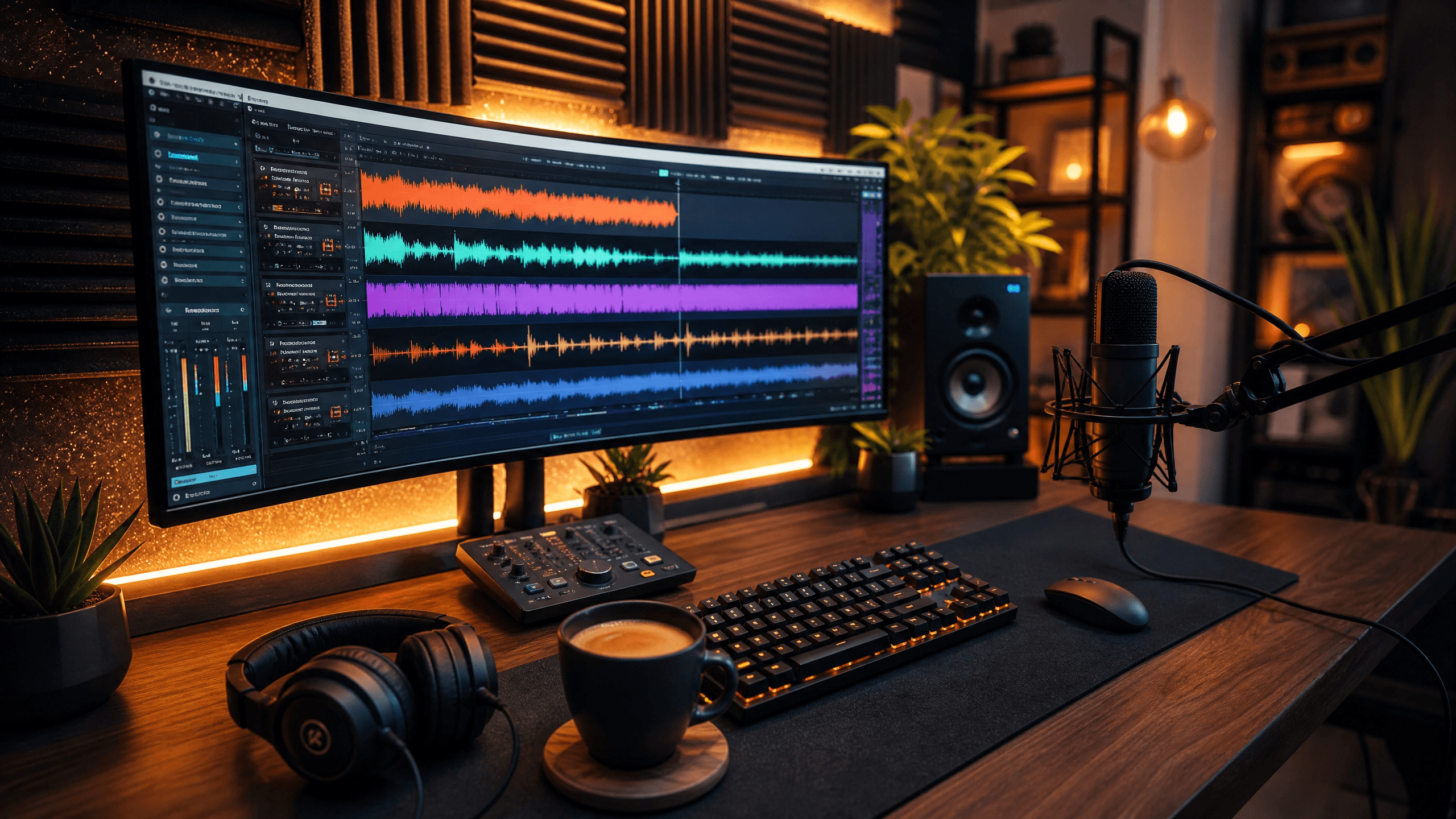
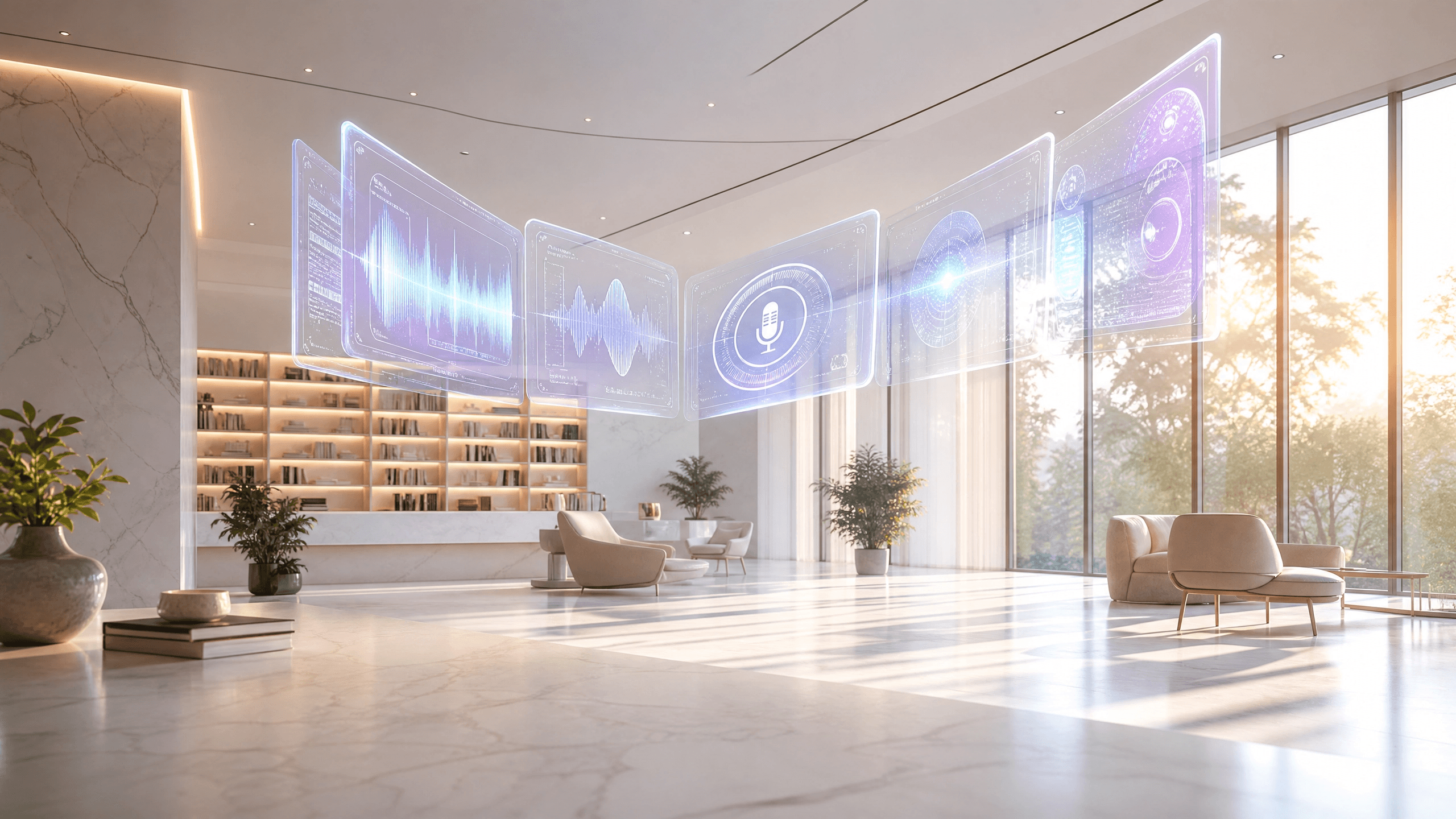
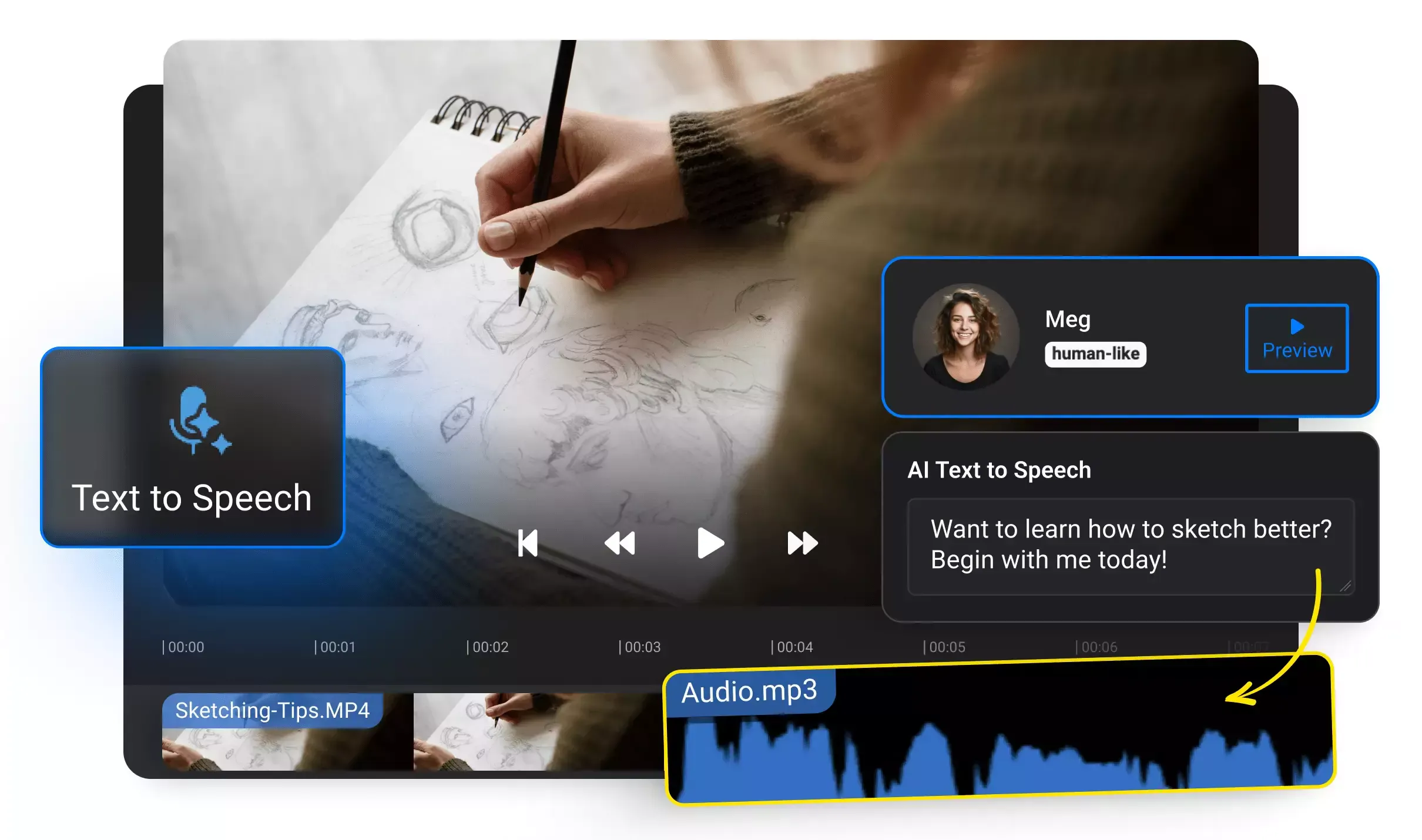
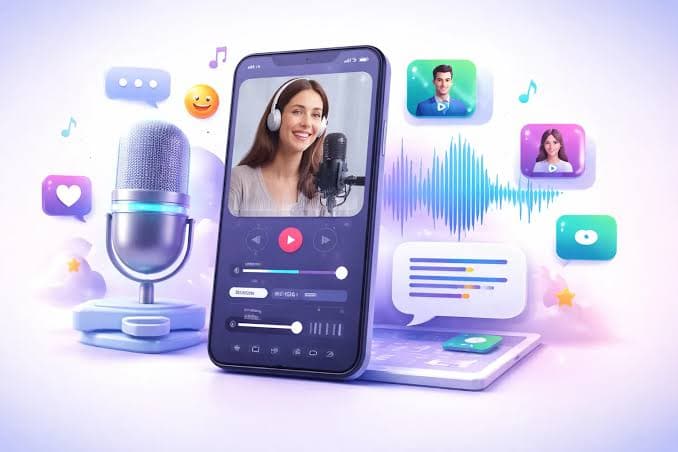
Pixara's AI voice studio puts an AI voice generator, voice cloning, music and sound effects in one account. Write a script, pick a voice and get narration for videos, podcasts and lessons, then dub or lip sync it in other languages.

AI Voice Studio for Voiceovers, Voice Clones and Music

Video models to pair with Pixara audio

Kling 3.0 logo
Kling 3.0
Google Veo 3.1 logo
Google Veo 3.1
Google Veo 3.1 Fast logo
Google Veo 3.1 Fast
ByteDance Seedance 2.0 logo
ByteDance Seedance 2.0
Grok Imagine logo
Grok Imagine
Kling 2.6 Pro logo
Kling 2.6 Pro
Kling 3.0 logo
Kling 3.0
Google Veo 3.1 logo
Google Veo 3.1
Google Veo 3.1 Fast logo
Google Veo 3.1 Fast
ByteDance Seedance 2.0 logo
ByteDance Seedance 2.0
Grok Imagine logo
Grok Imagine
Kling 2.6 Pro logo
Kling 2.6 Pro
Kling 3.0 logo
Kling 3.0
Google Veo 3.1 logo
Google Veo 3.1
Google Veo 3.1 Fast logo
Google Veo 3.1 Fast
ByteDance Seedance 2.0 logo
ByteDance Seedance 2.0
Grok Imagine logo
Grok Imagine
Kling 2.6 Pro logo
Kling 2.6 Pro

From Script to Studio

Videos with voice and sound made on Pixara: narrated explainers, dubbed clips, lip-synced characters and scenes with music and sound effects.

Gallery item
Gallery item
Gallery item
Gallery item
Gallery item
Gallery item
Gallery item
Gallery item
Gallery item
Gallery item
Gallery item
Gallery item
Gallery item
Gallery item
Gallery item
Gallery item
Gallery item
Gallery item
Gallery item
Gallery item
Gallery item
Gallery item
Gallery item
Gallery item
AI Voiceover

AI Voice Generator for Natural Voiceovers

Open AI Voiceover, paste your script and choose ElevenLabs V4, ElevenLabs V3 or Minimax Speech 2.8. Pick a voice that fits the job, such as a calm narrator for a tutorial or an upbeat host for a product demo. Short sentences and commas where you want a pause make the read sound more natural. Generate, listen and adjust the text until it flows.

AI Voice Generator for Natural Voiceovers
Voice Clone

Clone Your Voice From Short Samples

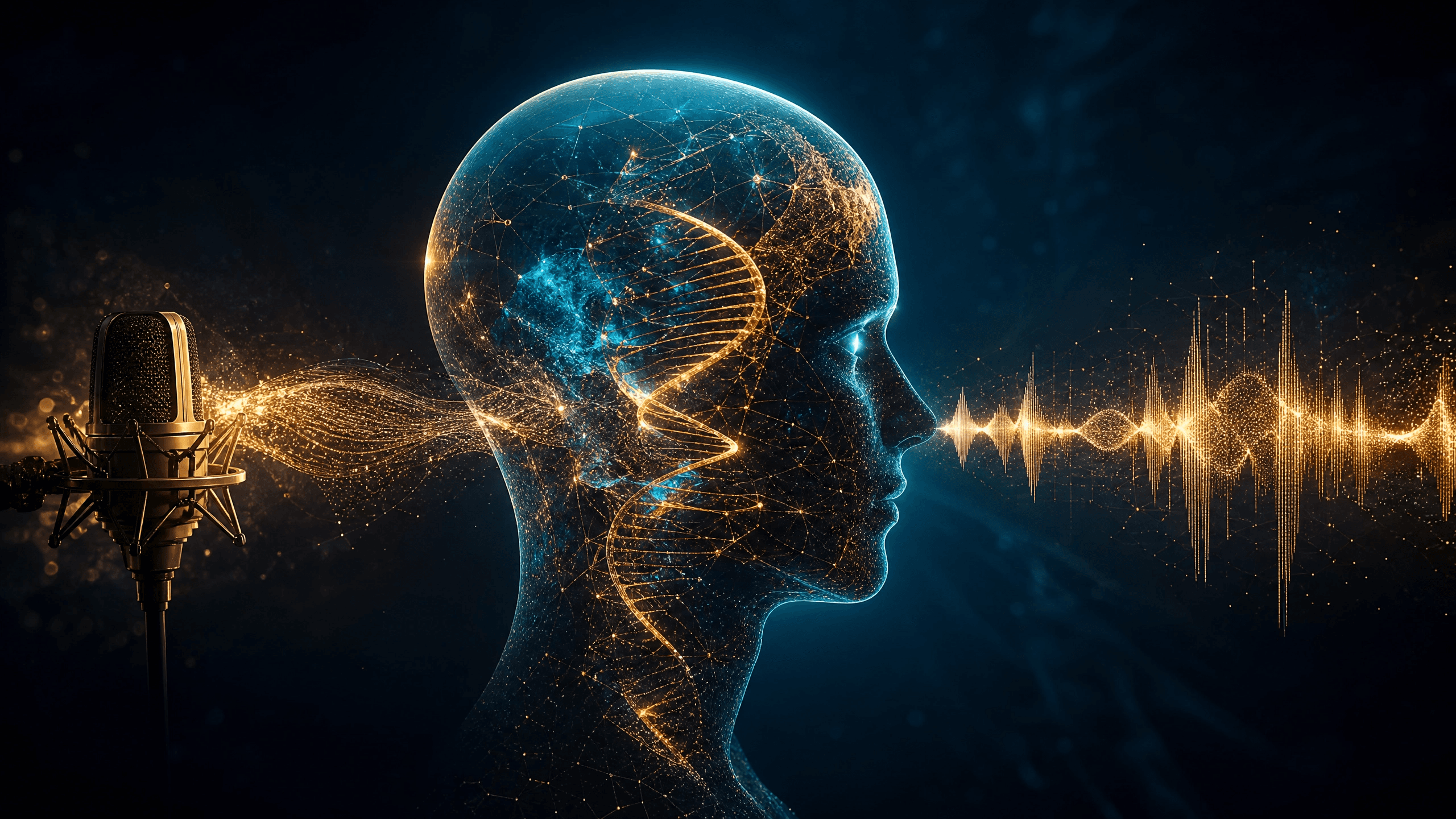
Voice Clone works from up to 3 samples of about 30 seconds each. Record in a quiet room, speak at your normal pace and avoid music in the background. Then type any script and hear it in your own voice. Seed Audio 1.0 supports multi-voice dialogue, and Qwen 3, Chatterbox and Lux TTS are also available. Only clone your own voice or one you have permission to use.

Clone Your Voice From Short Samples
Music and Sound Effects

Create Music and Sound Effects for Your Videos

Use AI Music with Google Lyria 3.5 or ElevenLabs Music 2.5 and describe the track: "slow lo-fi beat, soft piano, relaxed, for a study vlog". For effects, open Add Sound Effects and upload your video. It adds synced, scene-aware sounds such as footsteps, rain or door creaks, so you do not need to hunt for audio clips.

Create Music and Sound Effects for Your Videos
Dubbing and Lip Sync

Translate and Dub Videos With AI Lip Sync

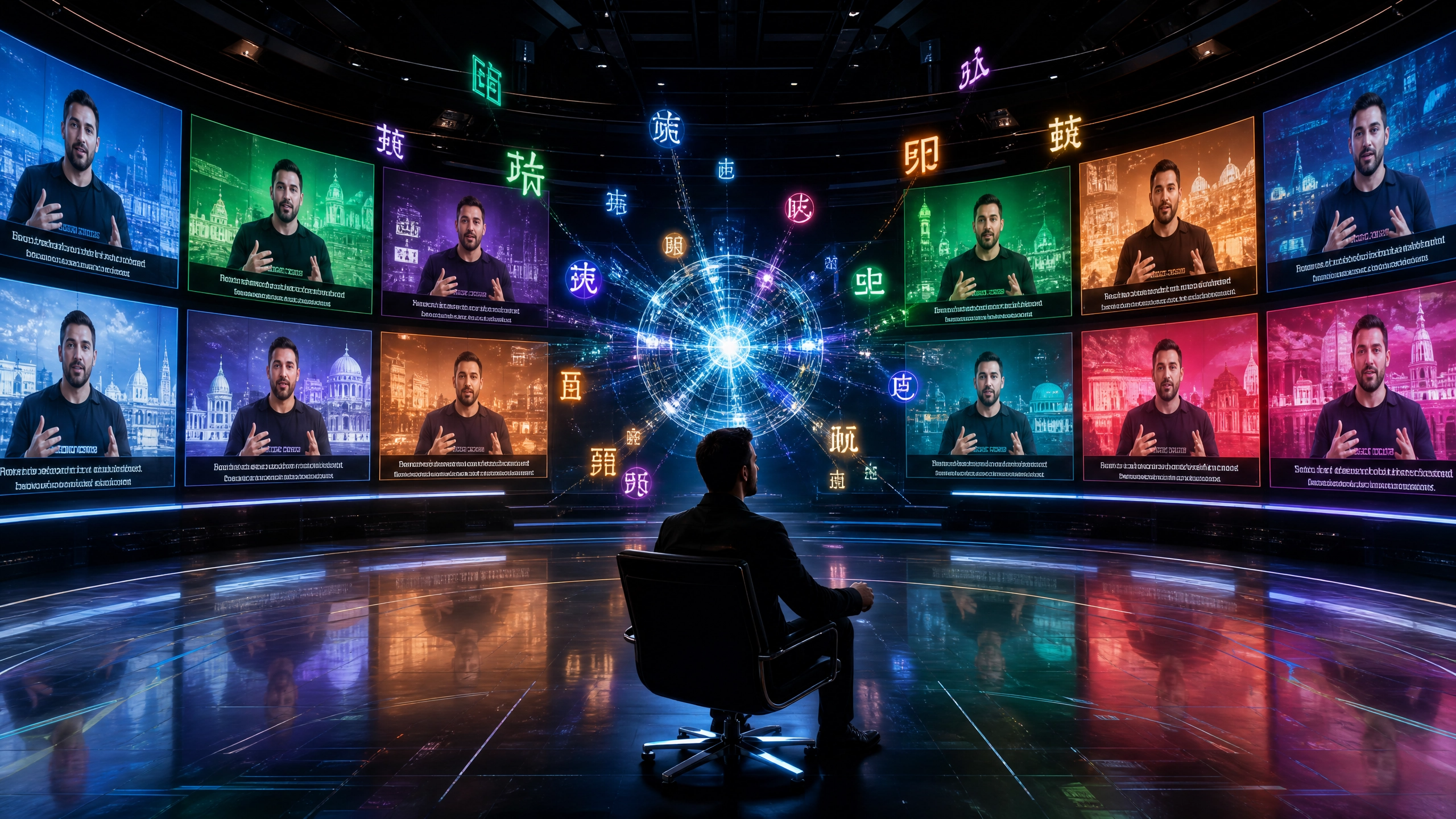
Video Translate dubs a video into more than 150 languages, so one recording can reach viewers in Spanish, Arabic or Hindi. AI Lip Sync offers 7 models that match mouth movement to a new audio track. Upload a clip of a person or character, add the voiceover and generate. Check the result with a native speaker before you publish it.

Translate and Dub Videos With AI Lip Sync

Everything You Need in an AI Voice Studio

Natural Motion

Creates realistic lip and facial movements

Emotion Control

Adjust tone, emotion, and expression for perfect delivery

Multi-Language

Works with any language for perfect dubbing

Precise Sync

Frame-accurate lip synchronization with any audio

Audio Integration

Add AI-generated music and sound effects to complement your video

Natural Language

Describe your video in plain English - our AI understands exactly what you want

Perfect Consistency

AI maintains character appearance across all generations

Easy Editing

Refine your video with simple prompts to adjust scenes, timing, or effects

Create Professional Videos in 3 Simple Steps

Pixara AI video generation preview

Upload a text prompt, reference image, or existing video clip. Add multiple frames to guide the story.

AI Models Showcase

Video Models That Generate Sound for Dubbing and Lip Sync

These video models pair with the voice studio. Kling 3.0 (with Generate Audio), Veo 3.1, Veo 3.1 Fast and Grok Imagine Video generate clips with sound, and Seedance 2 renders up to 4K. Add a voiceover, lip sync or sound effects to any clip afterwards.

01
Kling 3.0 logo

Kling 3.0

Hyper-realistic motion

02
Google Veo 3.1 logo

Google Veo 3.1

Cinematic camera control

03
Google Veo 3.1 Fast logo

Google Veo 3.1 Fast

Lightning-fast generation

04
ByteDance Seedance 2.0 logo

ByteDance Seedance 2.0

Industry-leading quality

05
Grok Imagine logo

Grok Imagine

Smooth physics simulation

06
Kling 2.6 Pro logo

Kling 2.6 Pro

Award-winning realism

07
Runway Gen 4 Turbo logo

Runway Gen 4 Turbo

Crisp 4K detail

Loved by Creators

Real Results from Real Creators

See what our community is saying.

“I’ve tried quite a few AI voice tools, but the difference here is how natural the delivery feels. I can adjust the tone and emotion without getting that obvious robotic sound. It has become my go to tool for voiceovers when I need polished audio without booking a recording session.”

MR
Maya R.
YouTube Creator & Video Producer

“I create a lot of educational content, and recording every script myself was becoming a bottleneck. Now I can use a short sample of my voice and generate new narration while keeping the same vocal identity. It means I can produce more content without spending hours behind a microphone.”

DK
Daniel K.
Online Educator & Content Creator

“I used to spend way too much time searching through music libraries trying to find something that matched the mood of a video. Now I can generate tracks specifically for the project. Whether I need something cinematic, energetic, or subtle in the background, I have much more control over the final sound.”

RP
Rachel P.
Creative Director & Social Media Producer

Plans for every kind of creator

Start free. Scale as you grow.
Special offerLimited time

Start with $1 — get 4,000 credits

3-day Starter trial with every model, workflows, Ara and MCP. Cancel anytime.

One-time offer for new members — pick Starter monthly to claim it.

Starter

$1 TRIAL
$10$1for 3 days
+ 4,000 credits
WorkflowsAraMCP
Start for $1 →

then $10/month

Unlimited access

Daily free generations are not included. Unlock them from Hobby.

  • 1,000 AI Image Generations
  • 222 seconds of Generative AI Videos
  • 666 minutes of AI Voiceovers
  • 33 minutes of Video Rendering
  • 2 GB storage
  • 2 Concurrent Generations
  • Public generations shared with the community
Hobby

20% OFF
$25$20/month
+ 15,000 credits
WorkflowsAraMCP
Choose Hobby →

Unlimited access

365 days
  • Nano Banana
  • Nano Banana 2
  • GPT Image 2
  • Seedream 5 Lite
  • Reve 2.1
  • Midjourney
  • 3,750 AI Image Generations
  • 833 seconds of Generative AI Videos
  • 2,500 minutes of AI Voiceovers
  • 125 minutes of Video Rendering
  • 25 GB storage
  • 4 Concurrent Generations
  • Optional private & copy-protected generations

Pro

Most popular40% OFF
$60$36/month
+ 36,000 credits
WorkflowsAraMCP
Choose Pro →

Unlimited access

365 days
  • Nano Banana
  • Nano Banana 2
  • GPT Image 2
  • Seedream 5 Lite
  • Reve 2.1
  • Midjourney
  • 9,000 AI Image Generations
  • 2,000 seconds of Generative AI Videos
  • 6,000 minutes of AI Voiceovers
  • 300 minutes of Video Rendering
  • 50 GB storage
  • 8 Concurrent Generations
  • Private & copy-protected generations by default

Ultimate

Limited time40% OFF
$250$150/month
+ 150,000 credits
WorkflowsAraMCP
Choose Ultimate →

Unlimited access

365 days
  • Nano Banana
  • Nano Banana 2
  • GPT Image 2
  • Seedream 5 Lite
  • Reve 2.1
  • Midjourney
  • 37,500 AI Image Generations
  • 4,400 seconds of Generative AI Videos
  • 25,000 minutes of AI Voiceovers
  • 1,250 minutes of Video Rendering
  • 100 GB storage
  • 16 Concurrent Generations
  • Private & copy-protected generations by default

Compare plans

Every plan includes every model, workflows, Ara and MCP. Higher plans add volume, speed and privacy.

Starter$10/monthGet started
Hobby$20/monthGet started
Most popularPro$36/monthGet started
Limited timeUltimate$150/monthGet started
Credits per month4,00015,00036,000150,000
AI Image generations1,0003,7509,00037,500
Generative video222 seconds833 seconds2,000 seconds4,400 seconds
AI voiceovers666 minutes2,500 minutes6,000 minutes25,000 minutes
Video rendering33 minutes125 minutes300 minutes1,250 minutes
Storage2 GB25 GB50 GB100 GB
Concurrent generations24816
Unlimited daily models—2 modelsAll 6 modelsAll 6 models
Generation visibilityPublicOptional privatePrivate by defaultPrivate by default

Latest from Our Blog

Discover tips, tutorials, and insights about AI-powered creativity

Frequently Asked Questions

An AI voice studio is a set of audio tools that create speech, music and sound from text or samples. Pixara's voice studio includes AI Voiceover, Voice Clone, AI Music, Add Sound Effects, Video Translate and AI Lip Sync, all inside one account, so you can make and use audio without switching apps.

AI Voiceover includes ElevenLabs V4, ElevenLabs V3 and Minimax Speech 2.8. Voice Clone adds Seed Audio 1.0 for multi-voice dialogue, plus Qwen 3, Chatterbox and Lux TTS. Try the same short script on two models and keep the voice that suits your project best.

Write your script, open AI Voiceover, paste the text and choose a model and voice. Generate a first take and listen to it. If a word sounds off, rewrite the sentence, add a comma for a pause or spell the word the way it should sound, then generate again.

You upload up to 3 recordings of about 30 seconds each, and the model learns the sound of that voice. You then type any text and hear it spoken in the cloned voice. Clean recordings in a quiet room give better results. Only clone your own voice or one you have permission to use.

Yes. Seed Audio 1.0 in Voice Clone supports multi-voice dialogue, which helps for podcasts, skits and story narration with several characters. Label each line with the speaker in your script so it is easy to check that every part is read by the right voice.

Yes. AI Music uses Google Lyria 3.5 and ElevenLabs Music 2.5 to make tracks from a text description of the mood, tempo and instruments. Add Sound Effects takes a video and adds synced, scene-aware sounds, such as waves, traffic or footsteps, that fit what happens on screen.

Yes. Video Translate dubs your video into more than 150 languages. Upload the clip, choose the target language and generate. For the most natural result, pair it with AI Lip Sync so the speaker's mouth matches the new audio, and have a native speaker review it.

AI lip sync changes the mouth movement in a video so it matches a new audio track. Pixara offers 7 lip sync models. Upload a video of a person or character, add the voiceover, pick a model and generate. Clear, front-facing faces give the cleanest result.

Some can. Kling 3.0 has a Generate Audio option, and Veo 3.1, Veo 3.1 Fast and Grok Imagine Video make clips with audio. For other models, add sound after with AI Voiceover, AI Music or Add Sound Effects, or chain the steps in Workflows.

New accounts get free credits when they sign up, and new members can try every model, workflows and Ara for 3 days for $1. Paid plans start at $10 a month. Videos and images made with free credits can appear publicly on Pixara's Explore page.