If you have been looking into AI generated UGC ads, Arcads has probably caught your attention. The platform promises realistic AI actors, ready made video creatives, and a faster way to produce ads for TikTok, Meta, and other paid social channels without arranging shoots with actual creators.
Sounds useful, especially if you are testing multiple hooks, trying different emotional angles, or producing fresh ad variations every week.
There is one small problem, though. Finding reliable Arcads pricing information is surprisingly difficult.
Unlike software companies that publish their subscription tiers, monthly allowances, and usage limits on a public pricing page, Arcads has kept much of its pricing information behind the account registration process. This makes it difficult to calculate your cost per creative before signing up, and it leaves prospective customers relying on pricing breakdowns published by other websites.
Based on the third party pricing information available for this analysis, the reported Starter plan begins at $110 per month before discounts. The Creator and Pro plans cost considerably more, with reported monthly prices of $220 and $550 respectively. Some sources also describe an ongoing discount that brings those figures down to $77, $154, and $385 per month.
However, these figures should be treated as reported prices rather than a confirmed quotation from Arcads. Subscription offers, credit allowances, and plan restrictions can change, so contact Arcads directly for its latest pricing and the exact terms attached to your account.
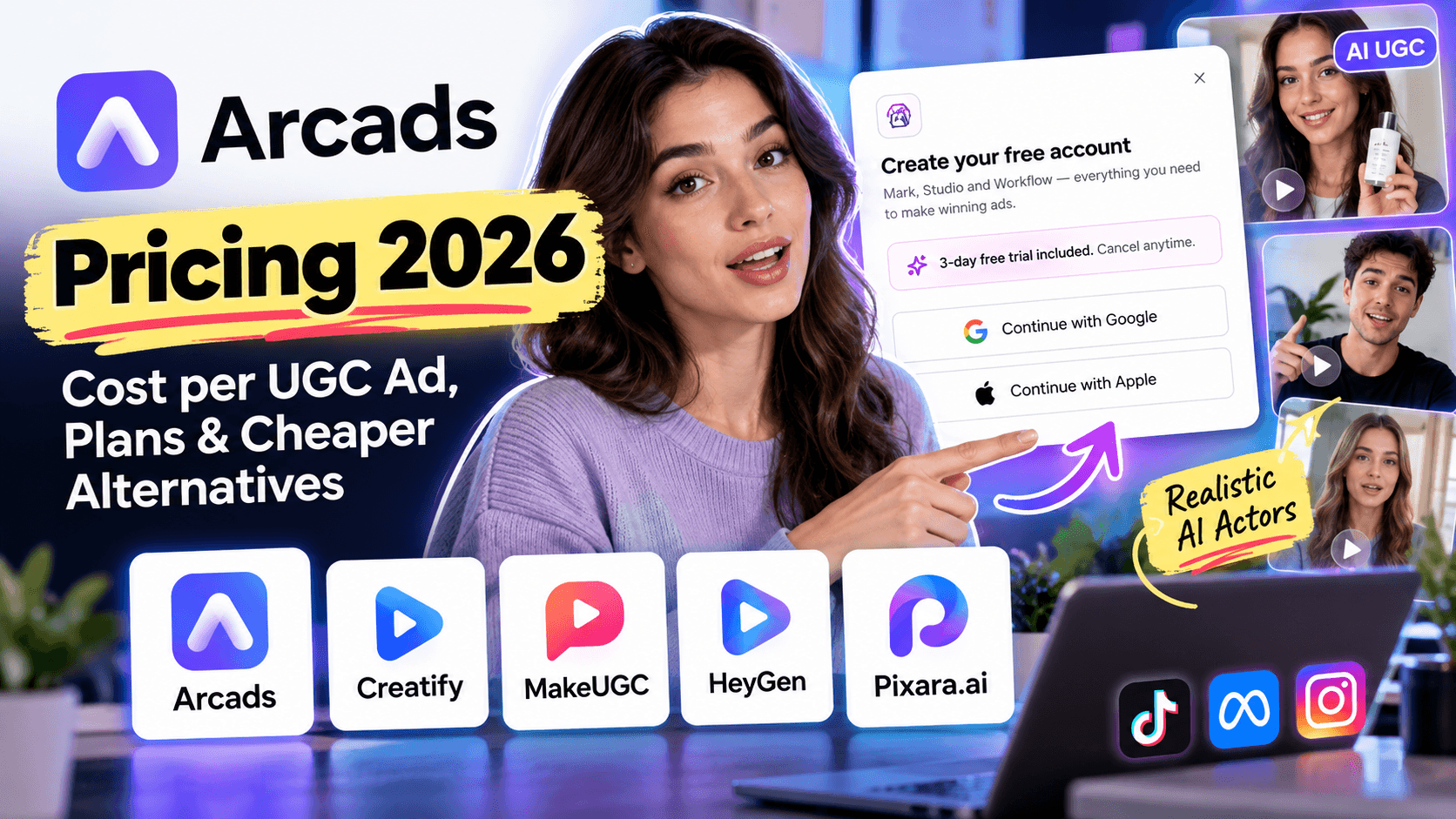
There is another detail worth knowing before you make a decision. The Arcads signup popup currently shown in the supplied screenshot advertises a three day free trial with cancellation anytime. That contradicts several third party articles claiming the platform does not offer a trial. It is a useful reminder that pricing information can become outdated, particularly when a company changes its signup offers without making every detail easy to find.
The goal here is to understand what Arcads may cost, how its credit system affects the price of a finished video, and which alternatives make more sense for different production budgets.
If you are considering Arcads for a handful of monthly ad creatives, your calculation will look very different from that of an agency producing dozens of variations for several clients. The subscription price is only one part of the equation. Credits, editing requirements, available AI actors, and the number of usable videos you can produce all influence your final cost.
Why Arcads Pricing Is Difficult to Find in 2026

Arcads, available at arcads.ai, is designed to help marketers create AI generated UGC ads featuring virtual actors. Its appeal is fairly straightforward: you can produce talking head advertisements without coordinating creator schedules, arranging a physical shoot, or recording every variation from scratch.
The pricing side is less straightforward.
At the time of writing, the pricing information supplied for this analysis indicates that Arcads does not provide a conventional public pricing page with a complete breakdown of its subscription tiers. The pricing URL has also been reported as returning a 404 error. Prospective customers may therefore encounter third party reviews and pricing summaries before finding the information they need directly from the company.
This creates three practical problems for anyone comparing AI UGC video generators.
For starters, the advertised starting price may not tell you what you will pay. A subscription can look affordable until you account for the credits required to generate an actor performance, add captions, replace a character, or make another version of an existing creative.
Moving on, discounts can make published prices difficult to compare. Some third party reports list a standard monthly price alongside a discounted rate. Others mention annual billing or promotional offers without clearly explaining how the figures relate to one another. Comparing a discounted Arcads subscription with a competitor's regular monthly price can produce a misleading result.
Another thing to keep in mind is the plan restrictions. They can affect your production costs. A cheaper subscription may exclude features your team needs for finished ads. If you have to pay for additional processing or complete more of the editing in another application, the initial savings can disappear quickly.
For this reason, the prices in this breakdown should be read as reported figures that help establish a potential budget, not as a guarantee of what Arcads will charge you today.
If you are preparing to subscribe, ask Arcads to confirm the current monthly rate, the credit allowance, the number of videos included, and any restrictions on captions, background removal, API access, or actor cloning. It is also worth confirming how unused credits are handled and what happens when you cancel.
Those details matter far more than a headline price when you are calculating the cost of producing performance driven ads at scale.
Does Arcads Offer a Free Trial?
There is an important update to the free trial information circulating online.
If you were to visit their official website, you’ll notice a ‘Start for free’ button on the top right side of your window. Click it, and it’ll show up an Arcads account creation popup with the following message:
“3 day free trial included. Cancel anytime.”
The same popup describes access to Mark, Studio, and Workflow, and provides options to register with Google, Apple, or an email address.
This is meaningful because several third party pricing articles claim Arcads does not offer a free trial. Those statements may reflect an earlier signup policy, a different offer, or an account specific promotion.
If you want to test the platform, visit the Arcads AI application and select the option to start for free. Review the terms presented during registration before entering payment details or starting the trial.
Here is what you should check before proceeding:
- Trial duration: The supplied signup screen advertises three days. Confirm the exact start and end dates shown during registration.
- Automatic billing: Check whether a paid subscription begins automatically when the trial expires, and identify the amount that will be charged.
- Cancellation requirements: The popup says you can cancel anytime. Read the applicable terms to confirm how and when cancellation must be completed to avoid a charge.
- Access and usage limits: Confirm which features, AI actors, generation models, and credits are available during the trial.
- Trial eligibility: Check whether the offer applies to new accounts only or whether other conditions apply.
Three days can be enough to assess the interface, test a few AI actors, and see how well the generated performances fit your creative requirements. It may not be enough to evaluate a full production workflow, particularly if your team needs multiple versions, different hooks, or extensive revisions.
My recommendation is to prepare a small test before activating the trial. Write two or three scripts, identify the actors you want to test, and decide what a usable finished ad looks like for your business. That way, you can evaluate the platform against a defined task rather than spending most of your trial experimenting without a clear objective.
One final caution: a free trial does not necessarily mean unlimited generation or free access to every feature. Check the specific allowance and billing conditions displayed during signup.
Arcads Pricing Plans Compared: Starter, Creator, and Pro

Based on the third party pricing reports provided for this breakdown, Arcads has three main subscription tiers: Starter, Creator, and Pro. The plans differ in their reported credit allowances, AI actor libraries, and access to production features.
The prices below are useful for budgeting, but they are not an official quotation. Arcads does not clearly publish a complete pricing schedule on its public website, and the signup offer shown in the supplied screenshot may differ from the offers described by third party reviewers. Contact Arcads to confirm the current price, available discounts, and exact plan benefits before subscribing.
1. Arcads Monthly and Annual Pricing
Starter Plan
- Reported monthly list price: $110
- Monthly price with reported 30% discount: $77
- Annual equivalent at reported 20% discount: $88 per month
- Monthly credits: 8,000
- Reported video allowance: Up to 50
- AI actors: 300
Creator Plan
- Reported monthly list price: $220
- Monthly price with reported 30% discount: $154
- Annual equivalent at reported 20% discount: $176 per month
- Monthly credits: 16,000
- Reported video allowance: Up to 100
- AI actors: 1,000
Pro Plan
- Reported monthly list price: $550
- Monthly price with reported 30% discount: $385
- Annual equivalent at reported 20% discount: $440 per month
- Monthly credits: 40,000
- Reported video allowance: High volume
- AI actors: 1,500
Source note: These figures are based on third party pricing information supplied for the article. Discounts, annual billing terms, and allowances have not been independently confirmed as current official offers. Video allowances represent reported maximums, not guaranteed quantities of finished ads.
Figures are based on third party pricing information supplied for this article. The discounts, annual billing terms, and included allowances have not been independently confirmed as current official offers. The video figures are advertised maximums in the supplied information, not guaranteed quantities of finished ads.
At first glance, the Starter plan looks reasonably accessible for a business experimenting with AI generated UGC ads. The reported $77 discounted monthly rate is considerably lower than hiring creators for every new concept. But the number of videos you can produce depends on what you generate, how long each video runs, and which additional features your workflow requires.
The Creator plan doubles the reported monthly credits and raises the actor library from 300 to 1,000. For brands that need to test different audiences, product categories, and delivery styles, this larger selection can be useful. Pro is aimed more at teams that need greater production capacity, actor cloning, or API access.
There is an important qualification here: the phrase up to 50 videos does not necessarily mean you will receive 50 fully edited, publication ready advertisements. The final output depends on credit consumption, video duration, revisions, and feature restrictions. You should confirm exactly what Arcads counts as a finished video before comparing its plans with competing tools.
Arcads Starter Plan: $110 per Month Before Discounts
The Starter plan is the reported entry point for businesses that want to try AI actor based advertising without committing to a higher tier.
At the reported list price of $110 per month, the plan includes 8,000 credits and access to 300 AI actors. Third party pricing summaries suggest that the monthly promotional rate can reduce the subscription to $77.
For a small ecommerce brand, this could be sufficient for testing a few products, trying different scripts, and producing several ad variations for paid social campaigns. You can experiment with different hooks, delivery styles, and virtual presenters without coordinating a separate shoot for every creative.
The catch is the feature restrictions. The supplied pricing information indicates that Starter does not include captions or background removal. Those limitations matter because a talking head clip is rarely the complete advertisement a marketer needs to publish.
Captions help communicate the message when viewers watch without sound. Background removal can make it easier to place an AI actor in a product focused scene or a branded environment. If your subscription excludes these capabilities, you may need another editing tool or additional processing to finish your creative.
This is where the initial subscription price can be misleading. A $77 monthly plan may look inexpensive, but the cost of producing a usable advertisement also includes editing time, external software, and any extra credits required for revisions.
Who should consider Starter?
It may suit a solo marketer or small business that wants to experiment with AI actors, has relatively simple editing requirements, and can work within the included credit allowance. If captions, extensive customization, or production automation are essential to your workflow, check the higher tiers before signing up.
Arcads Creator Plan: $220 per Month Before Discounts

The Creator plan is reported to cost $220 per month at list price, with a discounted monthly figure of $154. Its stated allowance is 16,000 credits, up to 100 AI videos, and access to 1,000 AI actors.
For marketers running ongoing Meta ads or TikTok campaigns, the larger allowance and actor library could make this tier more practical than Starter.
Imagine that you sell skincare products. One campaign might target customers interested in simple routines, another might focus on ingredient education, and a third might use a testimonial style script to address common purchase objections. You could test different AI actors, hooks, and emotional delivery styles to find combinations that fit each audience.
The larger actor library gives you more options for varying the presentation. It can help reduce the repetitive look that develops when every campaign features the same virtual spokesperson.
According to the third party plan descriptions provided, Creator also unlocks captions and background removal. If those features are included under the current offer, they could save time when preparing ads for publication.
However, more credits do not automatically translate into twice as many successful campaigns. You still need to account for the cost of regenerating performances, adjusting scripts, and producing alternative versions. A large allowance is useful only when it aligns with your monthly output requirements.
Who should consider Creator?
This tier may suit established ecommerce brands, in house growth teams, and marketers who produce AI actor based ads regularly. It is worth evaluating if you need a larger talent library and built in editing capabilities, but compare the current credit rules with your expected monthly production before making a commitment.
Arcads Pro Plan: $550 per Month Before Discounts
The Pro plan is the reported top tier, with a list price of $550 per month and a discounted monthly figure of $385. The supplied pricing information lists 40,000 credits, 1,500 AI actors, high volume generation, API access, and actor cloning.
The main reason to consider Pro is not simply the additional credit allowance. It is the reported access to capabilities that can support a more advanced production workflow.
API access may be valuable to teams that want to connect generation tasks to their own systems or automate parts of their creative production process. Actor cloning may also be relevant to brands that want a more recognizable spokesperson across campaigns, subject to the platform's requirements and the necessary permissions.
For an agency managing several clients, these capabilities could reduce repetitive manual work. A team producing multiple campaigns every week may benefit from a more standardized workflow, particularly when it needs to generate and organize creative variations at scale.
However, the economics deserve careful consideration. At the reported discounted rate of $385 per month, Pro represents a meaningful recurring expense. You would need enough production volume, sufficient client demand, or valuable automation savings to justify the additional cost.
Before choosing this tier, ask Arcads to demonstrate its API capabilities, clarify any usage limits, and explain the actor cloning requirements. Confirm whether the advertised high volume allowance is subject to fair use rules or other restrictions.
Who should consider Pro?
Agencies, larger creative teams, and businesses with repeatable production workflows are the most likely candidates. For an individual creator who only needs a few ads every month, the additional subscription expense may be difficult to justify.
How Arcads Credits Work and What Each UGC Ad Really Costs
Subscription pricing tells only part of the story. With Arcads, the credit system determines how much of your monthly allowance goes toward generating videos and refining them into usable advertising assets.
The third party information supplied for this breakdown lists different credit rates for AI actor videos, model generations, captions, actor replacement, and upscaling.
These rates should be treated as reported figures until Arcads confirms its current credit schedule.
AI Talking Actor Video
- Reported credit cost: 800 credits per minute per actor.
Veo 3.1 Generation
- Reported credit cost: 800 credits per generation.
Kling 3.0 Generation
- Reported credit cost: 176 to 560 credits, depending on settings.
Seedance 2.0 Generation
- Reported credit cost: 96 to 1,620 credits, depending on resolution.
Captions
- Reported credit cost: 80 credits per video.
Actor Replacement
- Reported credit cost: 800 credits.
Upscaling
- Reported credit cost: 80 credits per 10 seconds.
Note: These are reported credit costs from the supplied source material. Confirm the current rates with Arcads before calculating your production budget.
These figures show why two advertisements of similar length can consume different amounts of credits. A video generated through one model may have a different credit cost from a video created through another. Resolution, duration, actor usage, and editing actions can also affect the final total.
The pricing system makes it important to understand what each generation includes before estimating how many finished creatives a subscription can support.
Calculating the Cost per Finished Video
Let's take the reported discounted Starter subscription at $77 per month as an example.
If you spread that subscription cost across 50 finished videos, the result is $1.54 per video. At the undiscounted price of $110, the equivalent calculation is $2.20 per video.
Those numbers are simple subscription averages, not verified production costs. They assume that you can produce the full advertised allowance and that every output counts as a finished video without additional charges or external editing expenses.
The credit figures supplied for Arcads also indicate that an AI talking actor video consumes 800 credits per minute per actor. A 30 second performance would therefore consume 400 credits under that rate, while a 60 second performance would consume 800 credits, before any additional actions.
For example, an allowance of 8,000 credits could theoretically cover twenty 30 second actor performances or ten 60 second performances at that rate. These are mathematical examples based on the reported credit schedule, not a promise that every generation will follow precisely the same rules.
The gap between a theoretical allowance and your finished output matters. You may need multiple takes before finding a performance that communicates the intended emotion naturally. A script might need rewriting because the opening hook feels weak. You may also want to test different actors or create multiple versions for different audiences.
Every additional generation can change your final cost per usable creative.
For a practical budget, use this formula:
Cost per usable ad = Total monthly production cost ÷ Number of finished ads you can publish
Your total production cost should include the subscription, any additional credits, external editing software, and the labor required to prepare the final creative. Count only the ads that meet your quality requirements and are ready to publish.
This gives you a more useful comparison than dividing a subscription price by the maximum number of videos advertised on a pricing page.
A Note on Arcads' Current Credit Rules
There is a useful update to the credit information above. Arcads' own Help Center now provides a breakdown of its plans and generation costs. It lists 48,000 monthly credits for Pro, rather than the 40,000 credits reported in some third party pricing summaries. The Help Center also confirms that Starter and Creator credits reset each billing cycle, while Pro and higher plans support credit rollover under the stated conditions.
The official documentation lists a three day trial with 1,000 credits and access to the platform's features. A payment card is required, and the Starter subscription begins automatically after 72 hours unless you cancel beforehand. If the trial credits run out early and you select a paid plan, billing can begin before the trial period ends.
These details reinforce why the in app price and current Help Center should take priority over older third party figures. Check the credit allowance and billing terms displayed in your own account before making a purchase.
Is Arcads Annual Billing Worth It?
Annual subscriptions can be useful when you know you will need a particular tool throughout the year. You pay upfront, secure your access, and avoid making a monthly purchasing decision.
With the reported Arcads discounts, however, the maths deserves a closer look.
The pricing information supplied for this analysis lists a 30% discount on monthly subscriptions and a 20% discount for annual billing. If both offers are available on the terms described, the monthly subscription can work out cheaper than paying annually.
Here is what the reported figures would mean over twelve months.
Starter Plan
- Monthly payment at the reported discounted rate: $77
- Total for twelve monthly payments: $924
- Reported annual equivalent: $88 per month
- Annual upfront payment: $1,056
- Potential savings with monthly billing: $132 per year
Creator Plan
- Monthly payment at the reported discounted rate: $154
- Total for twelve monthly payments: $1,848
- Reported annual equivalent: $176 per month
- Annual upfront payment: $2,112
- Potential savings with monthly billing: $264 per year
Pro Plan
- Monthly payment at the reported discounted rate: $385
- Total for twelve monthly payments: $4,620
- Reported annual equivalent: $440 per month
- Annual upfront payment: $5,280
- Potential savings with monthly billing: $660 per year
Note: These calculations assume the reported discounts remain available for the entire year. They are illustrative calculations, not confirmation of current Arcads offers.
Under these assumptions, monthly billing costs less over twelve months and gives you more flexibility to stop paying if your requirements change. Annual billing would make financial sense only if the actual offer available to you provides other benefits that outweigh the additional expense.
There is another consideration for agencies and businesses with seasonal advertising budgets. Your creative requirements may be high during a product launch and much lower during quieter months. A recurring subscription continues to incur costs even when your production workload declines, although the precise consequences for unused credits depend on your plan.
Before paying annually, ask Arcads to confirm the current monthly and yearly totals in writing. Compare the complete amounts, including taxes and any applicable fees, and check the cancellation and refund terms.
My recommendation: start with monthly billing if you are still evaluating the platform. Once you have measured your production volume, credit consumption, and cost per usable creative over several billing cycles, you will have a much clearer basis for deciding if an annual commitment makes sense.
What You Get at Each Arcads Pricing Tier
The subscription price is only one part of the decision. The available features determine how much of your production process you can complete inside Arcads and how much additional work your team must handle elsewhere.
The official Help Center currently describes Creator and higher plans as including Workflows, background removal, and AI captions. Pro and higher plans include the public API, team seats, custom actors, additional voice capabilities, and other features.
Here is how those features can affect your day to day workflow.
Captions and Background Removal
Captions help viewers follow an advertisement when they watch without sound. They can also emphasize a hook, highlight a product benefit, or make a call to action easier to follow.
Background removal gives marketers more flexibility when presenting a virtual spokesperson. It can help place an actor in a product focused layout or a branded composition without requiring the original background to remain visible.
These capabilities can save editing time, but their value depends on the kind of ads you produce. If your workflow already includes a dedicated editor, the extra convenience may be less important than the subscription price. If you want to prepare creatives quickly inside one application, having these features available can be more useful.
Workflows and Creative Testing
Arcads' Workflows feature lets users connect production steps and create multiple versions of an ad. Its Help Center gives the example of running one script across ten actors in two languages to produce twenty clips in a single run.
For performance marketers, this can make creative testing easier to organize. You can compare different presenters, test variations of a hook, and prepare localized versions without treating every output as an entirely separate project.
However, generating more variations is only useful if you have a plan for evaluating them. Track which creatives generate meaningful engagement, qualified traffic, and conversions. A large batch of similar ads can consume credits without providing much useful information if the variations do not test a clear hypothesis.
API Access, Custom Actors, and Voice Features
The Pro tier is relevant to teams that want to connect AI video production with other systems or develop a more repeatable workflow.
API access can support automated production tasks, while custom actors can help businesses maintain a recognizable on screen identity. Voice cloning and related features may also be useful for brands that want greater control over how their spokesperson sounds.
These features are most valuable when they solve an existing operational problem. A small business producing a few ads each month may have little need for API automation. An agency managing campaigns for multiple clients, on the other hand, may value the ability to reduce repetitive production work.
The key is to pay for capabilities your team will use, not simply to select the highest tier because it includes more features.
Arcads Pricing vs Cheaper Alternatives
Arcads is not the only option for marketers who want AI generated UGC ads. Depending on your budget and production requirements, you may find a more affordable tool that offers enough functionality for your campaigns.
The important thing is to compare the workflow each platform supports. Some tools specialize in AI actors delivering scripts to camera. Others focus on product advertisements, customizable AI video generation, or a broader creative production process.
The following table combines the reported competitor prices supplied for this analysis with Pixara's different model based workflow. Competitor prices and billing conditions should be checked directly before purchasing.
Arcads
- Reported starting price: $77 per month with the reported discount.
- What you get: AI actors, UGC ads, and credit based video generation.
- Best suited for: Brands producing frequent actor led advertisements.
Creatify
- Reported starting price: $39 per month with annual billing.
- What you get: Product focused video ads and credit based generation.
- Best suited for: Ecommerce teams looking for an entry level advertising tool.
MakeUGC
- Reported starting price: $49 per month.
- What you get: AI generated UGC style videos.
- Best suited for: Creators testing AI spokesperson content.
HeyGen
- Reported starting price: $29 per month.
- What you get: AI avatars, talking head videos, and multilingual content.
- Best suited for: Marketing and business videos beyond paid social advertisements.
Pixara.ai
- Pricing: Subscription plans with model dependent credit usage.
- What you get: AI image and video generation, multiple models, voiceovers, editing tools, and customizable workflows.
- Best suited for: Creators and agencies that need flexible creative production.
Note: Competitor prices are indicative figures from the supplied reference material, not independently verified current offers. Check each provider's current pricing and plan conditions before purchasing.
The prices in this table are indicative figures drawn from the supplied reference material, not independently verified current offers. Pixara's costs depend on the selected subscription, model access, and generation requirements, so compare the current plan details with your expected output.
Creatify: An Entry Point for Product Focused Ads
Creatify is worth considering if your primary goal is to turn product information and product imagery into advertising creatives. Its focus makes it relevant to ecommerce businesses that need to produce multiple video concepts without arranging a traditional shoot for every campaign.
The reported annual starting price of $39 per month places it below Arcads' reported discounted Starter rate. However, the difference in monthly price does not tell you how many usable creatives each platform can deliver for your specific workflow.
Compare the credit allowance, video duration limits, available editing features, and cost of generating additional versions. Those details will help you determine which subscription offers better value for your advertising requirements.
MakeUGC: For Testing AI Spokesperson Content
MakeUGC is another option to investigate if you want to experiment with UGC style videos at a lower reported entry price.
For a small brand, the initial objective might be simple: produce a few spokesperson videos, test different messages, and see how the format performs with your audience. You may not need the larger actor library or automation capabilities available in more expensive plans.
Before subscribing, confirm the number of videos included, the available customization options, and the terms of any trial offer. A lower monthly payment is useful only if the included output meets your production needs.
HeyGen: For Broader Avatar Video Production
HeyGen is worth a look if your requirements extend beyond advertising. Its AI avatar capabilities can support presentations, educational content, product explainers, and multilingual business videos.
This broader scope can be useful if your team needs one platform for several types of talking head content. However, a general avatar video tool and an advertising focused AI UGC video generator do not necessarily serve identical needs.
If your main objective is producing paid social creatives, compare how well each platform supports product demonstrations, emotional delivery, hooks, and the editing workflow required for publication.
Pixara.ai: A Flexible Alternative for AI Video Ads Without Relying on One Format

Arcads makes sense for marketers who want a dedicated environment for creating AI actor advertisements. But what if you need more than talking head videos? What if a campaign requires a product close up, a cinematic opening shot, a voiceover, and several different visual concepts before you even decide which spokesperson to use?
That is where Pixara.ai becomes an interesting alternative.
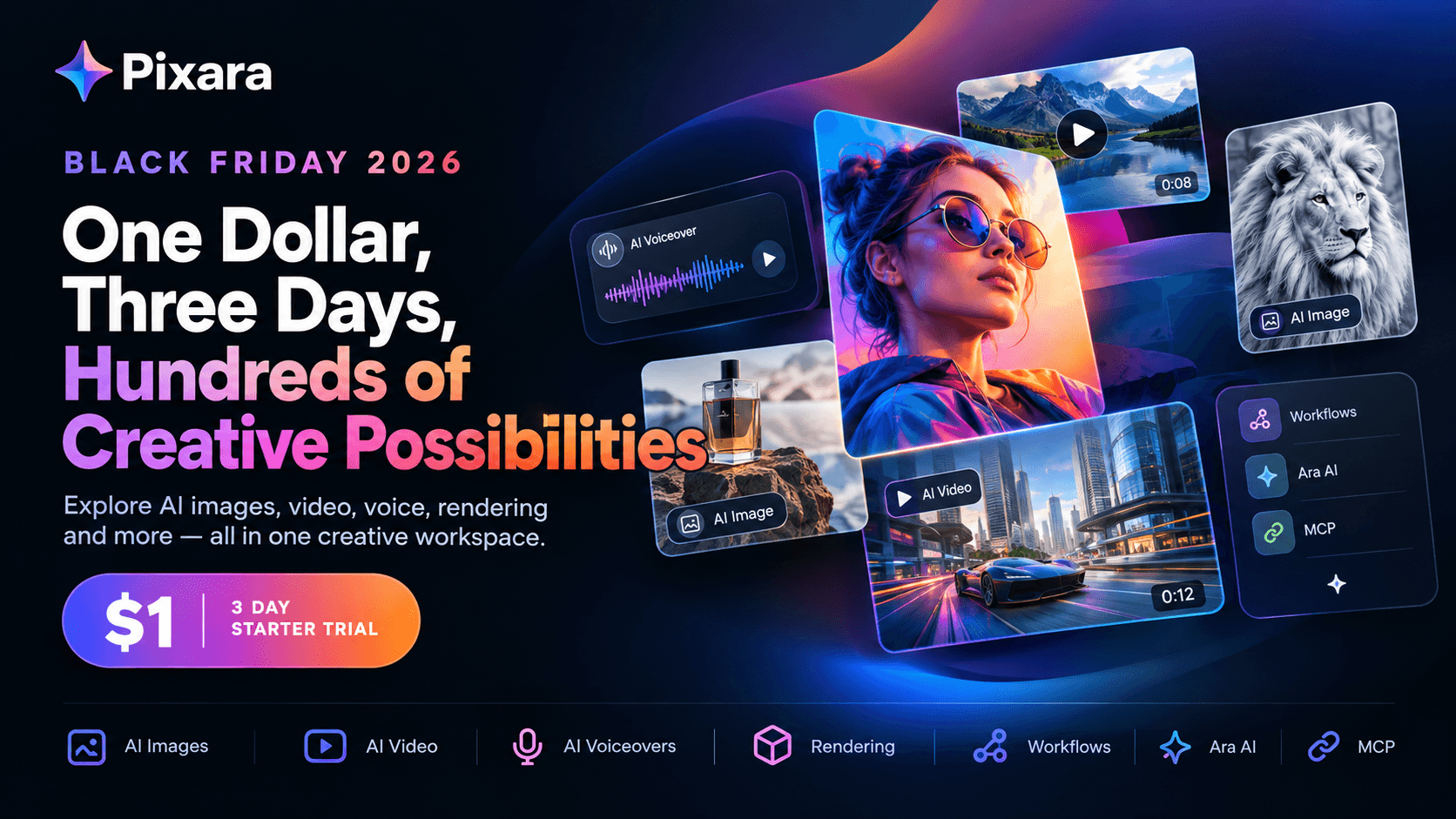
Rather than limiting your creative process to one type of advertising output, the platform brings multiple AI image, video, and audio capabilities into a broader production environment. You can create assets through its main website or work with a more customizable, node based canvas through Pixara Workflows.
The benefit is flexibility. You can build a creative around the specific requirements of a campaign, choose the models suited to the job, and develop a production process that does not depend entirely on a single AI actor format.
Generate Different Types of Advertising Creatives
A paid social campaign rarely succeeds because every advertisement looks identical. Different audiences respond to different messages, visual styles, and product presentations.
One creative might work best with a person explaining a product benefit. Another could rely on cinematic product footage, while a third might use a voiceover and a sequence of close ups to demonstrate how something works.
The platform's multi model environment gives creators more options for producing these assets. Its capabilities include AI image generation, video generation, AI voiceovers, and a built in video editor.
For an ecommerce brand, this means you can develop product focused visuals alongside more conventional spokesperson content. For a creative agency, it means you can prepare different visual directions for a client without having to build every concept around the same format.
The advantage is not that every model will produce a better result than Arcads. Output quality depends on the selected model, the prompt, the reference material, and the production requirements. The value lies in having more options available when a particular creative direction calls for something different.
Use Multiple Video Models for Different Creative Goals
Different AI video models have different strengths. A model that works well for cinematic movement may not be the best choice for a short product demonstration or a tightly controlled advertising shot.
A multi model workspace lets you choose a suitable generator for the task rather than treating one model as the answer to every production problem.
For example, you might use one model to create a cinematic opening shot, another to produce a product demonstration, and an image generation model to develop supporting visual assets. You can then bring the outputs together into a larger creative project.
This is useful when creative testing requires more than changing the person delivering a script. You might want to test different visual hooks, opening scenes, product presentations, or overall creative styles.
Model availability, generation costs, and access limits depend on the selected plan and model. Check the current platform details before estimating your monthly budget.
Build Custom Production Pipelines With Pixara Workflows
The Pixara Workflows canvas is particularly relevant to creators who want more control over how their assets are produced.
A node based canvas lets you connect individual operations into a broader sequence. Rather than treating every generation as an isolated task, you can design a workflow that links image creation, video generation, and other supported operations.
Consider an agency preparing advertisements for a new skincare product. The team might start with product imagery, generate several visual concepts, create short video sequences, and prepare supporting assets for different placements. A custom workflow can help organize these steps into a repeatable process.
This kind of setup can be useful when campaigns involve multiple creative variations or recurring production requirements. It also gives experienced creators more room to experiment with different combinations of models.
There is a learning curve to consider. A node based canvas provides more control than a simple one click generator, but it also requires you to understand the sequence of operations and the requirements of each model. Users who want the fastest possible path to a finished talking head ad may prefer a more specialized interface.
You can access the workflow canvas directly at app.pixara.ai/dashboard/workflows.
Manage Creative Costs Around the Work You Need to Produce
The cost of an AI generated advertisement depends on more than the platform subscription. Model selection, generation settings, the number of attempts, and the amount of editing required all influence the final cost per creative.
A workflow based system can help you organize those decisions around the campaign you are producing. You can select the models and operations that fit your requirements, then estimate the generation expense before producing a larger batch of assets.
This can be useful for freelancers and agencies whose workloads change from month to month. A campaign may require a large number of creatives during a product launch, followed by a quieter period with fewer production requirements.
The platform offers subscription plans alongside model dependent credit usage, so it is important to check the current plan and generation terms. Do not assume every model is unlimited or that every workflow will cost the same amount.
The practical goal is to understand what you are paying for each usable asset and avoid spending credits on unnecessary generations.
Who Should Choose Pixara Over Arcads?
The answer depends on how you create advertisements.
If you mainly need realistic AI actors delivering direct to camera scripts, Arcads is a focused option worth evaluating. Its actor library and advertising oriented workflow are designed around that use case.
If you need to produce a wider variety of creative assets, the broader model selection and customizable workflow environment may make Pixara a better fit.
It is particularly worth considering for:
- Solo creators and freelancers who need image generation, video creation, voiceovers, and editing capabilities within one creative environment.
- Ecommerce marketers who produce product demonstrations, visual advertisements, and multiple creative concepts for paid campaigns.
- Marketing agencies that need to develop different creative directions for clients rather than relying on a single spokesperson format.
- Experienced AI creators who want greater control over the models and operations used in their production pipeline.
For anyone comparing an Arcads alternative, the key question is how much flexibility your workflow requires. If every campaign revolves around an AI actor delivering a script, a dedicated UGC tool may be sufficient. If your work spans product visuals, cinematic footage, voiceovers, and multiple types of advertising assets, a broader creative workspace can be more practical.
The best way to compare the two is to produce the same small campaign in each environment, record the generation costs, count the usable outputs, and measure the editing time required to prepare each ad for publication.